
Total CAD Converter
Converts CAD files into basically any other format
Operating system: Windows
Publisher: CoolUtils
Release: Total CAD Converter 3.2
Antivirus check: VirusTotal report


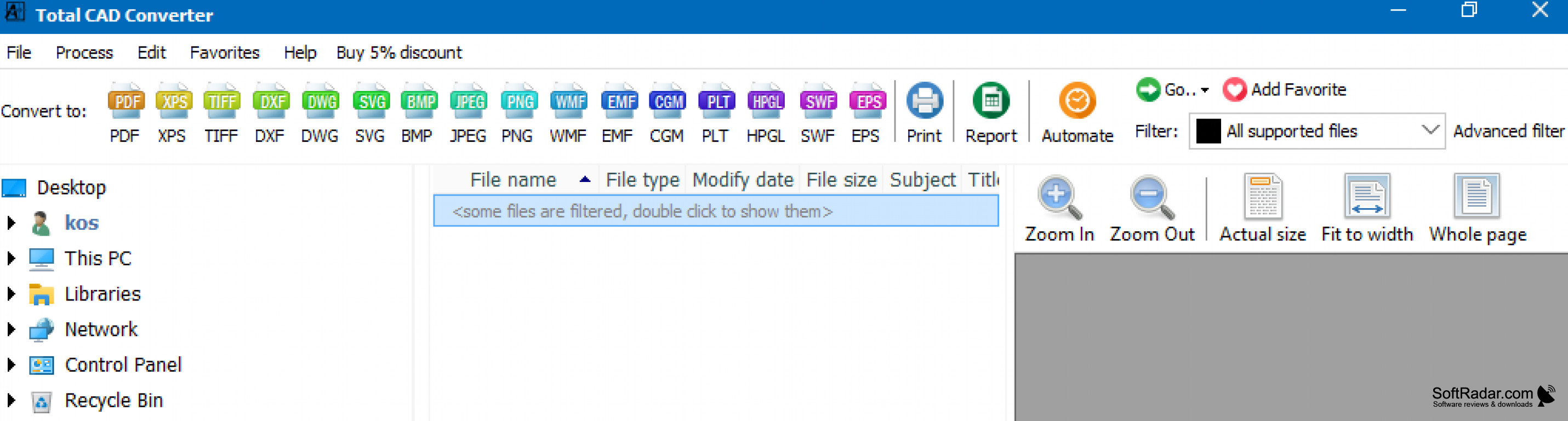
Total Cad converter is an excellent choice for anyone who manages CAD software. I am an engineer, so this software has really made a difference in my daily activities. I use software such as AutoCAD and Civilcad a lot as well as Watercad and Sewercad for my job, and it can be tricky to convert some of the files into a compatible format.
The main advantage of this converter is that it implements all formats into one tool and tits really easy to use. I am currently using the free trial that is valid for 30 days, but I am thinking about buying the license once the free trial expires. If you work managing CAD projects, then this tool is definitely one of the best choices in the market. It will save you a ton of time and resources and will make your life a lot easier to take it from someone who has struggled with this before.
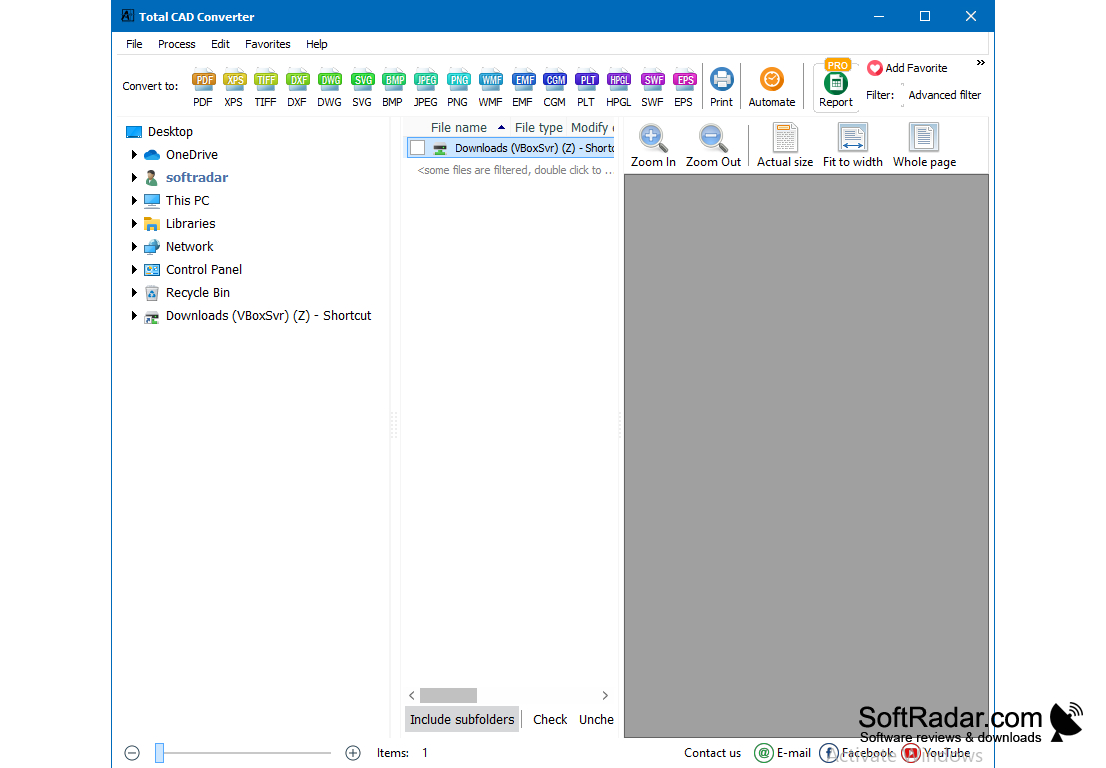
I like the interface of the software; it's clear and easy to use. You can view all of the CAD files in a folder and then select them or unselect them according to your needs. The tags of the formats available are also pretty clear, and this is good because it keeps you organized.
This software is great when they want to convert multiple files and then combine them into a single file. This feature is really useful, and I have to say it's my favorite feature of the software it allows me to merge all files into one pdf file, and this is great for presentations, looks really professional. Being able to merge the files with this tool is a plus because most CAD converters just convert the file into PDF, SVG, but sometimes you have to merge several files into one and then is when this software comes in handy.
Turning CAD files into images has never been easier than now with this software. I give this software a rating of 4.5 out of 5 stars because there is always room for improvement. Try it out. You won't regret it.
Total CAD Converter provides convenient conversion of multiple CAD files into accessible formats with a simple, user-friendly interface.
Features:
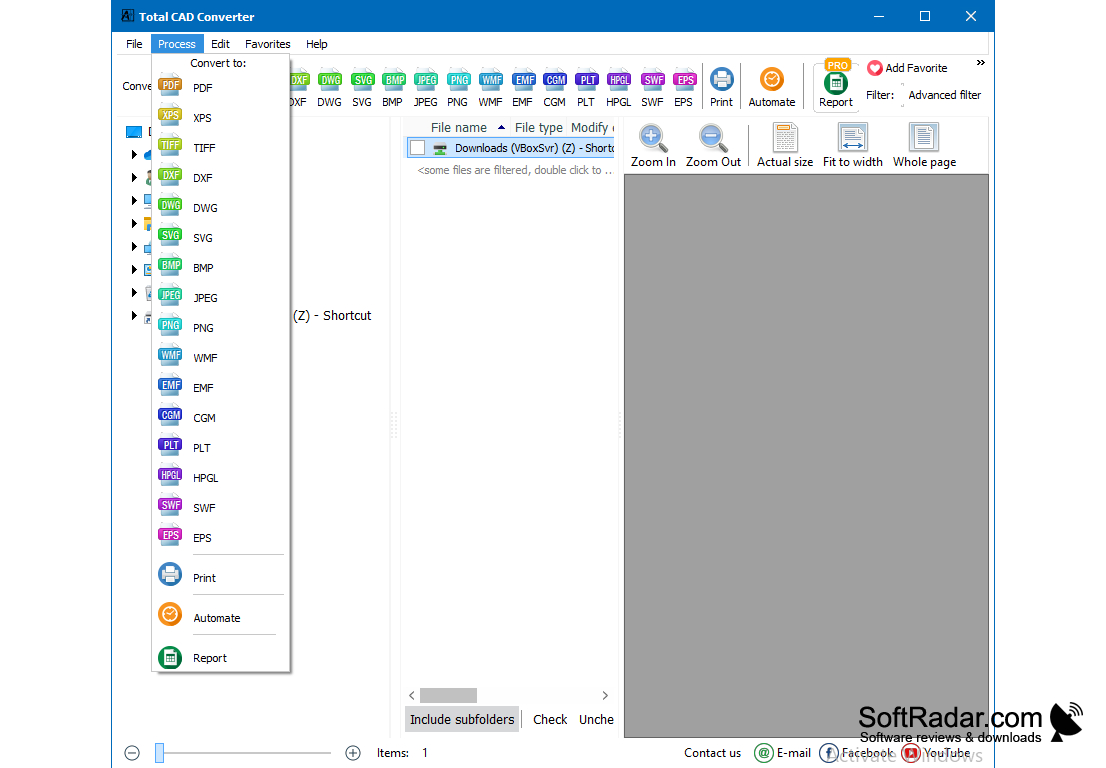
- Converts CAD files into PDFS, JPEGS, DXF, BMP, CGM, HPGL, SVG, PS, and SWF.
- Various source formats dxf, dwg, dwf, dwfx, plt, hg, hgl, hpg, plo, hp, hpl, hpgl, hp1, hp2, hpgl2, gl2, spl, svg, cgm.
- Easy to use
- Turns CAD drawings into black and white
- You can increase the line weight scale
- Offers support with command line
2. Software compatibility: AutoCAD, Civilcad, Watercad, Sewercad.
3. Hardware: Adequate processor and RAM for CAD software.
PROS
Supports a wide range of formats.
User-friendly interface with batch conversion functionality.
CONS
Interface might be confusing for beginners.
Lacks advanced editing features.


