
u-center
A simple to use application that allows you to configure, test and evaluate u-blox GNSS receivers on Windows.
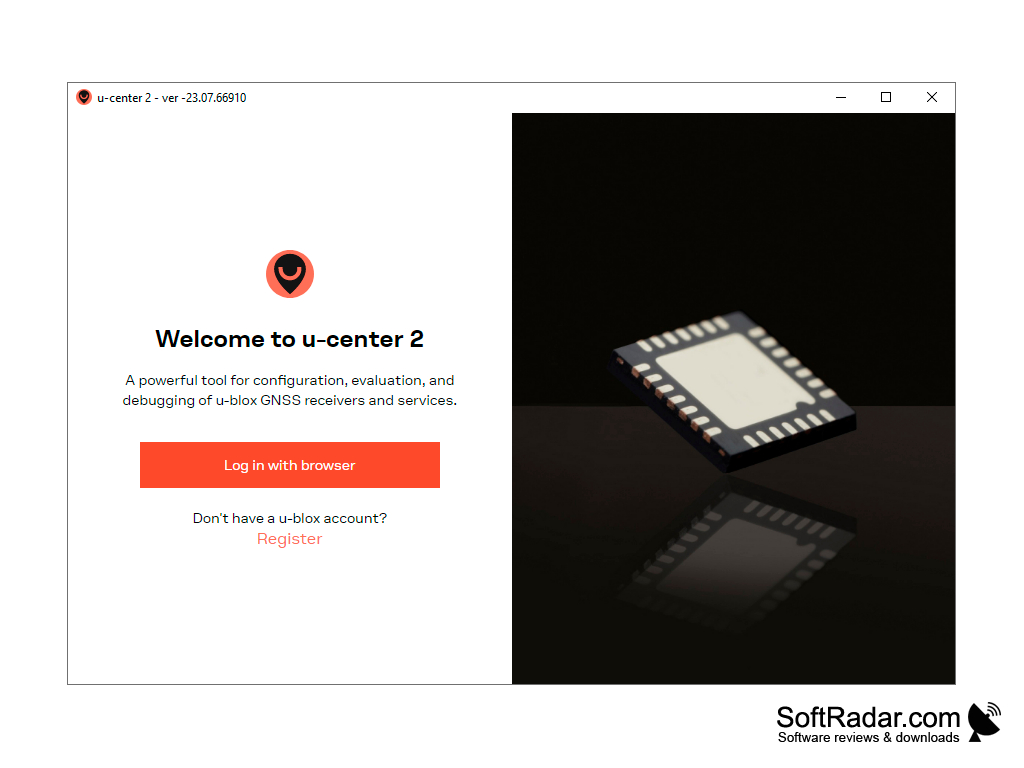
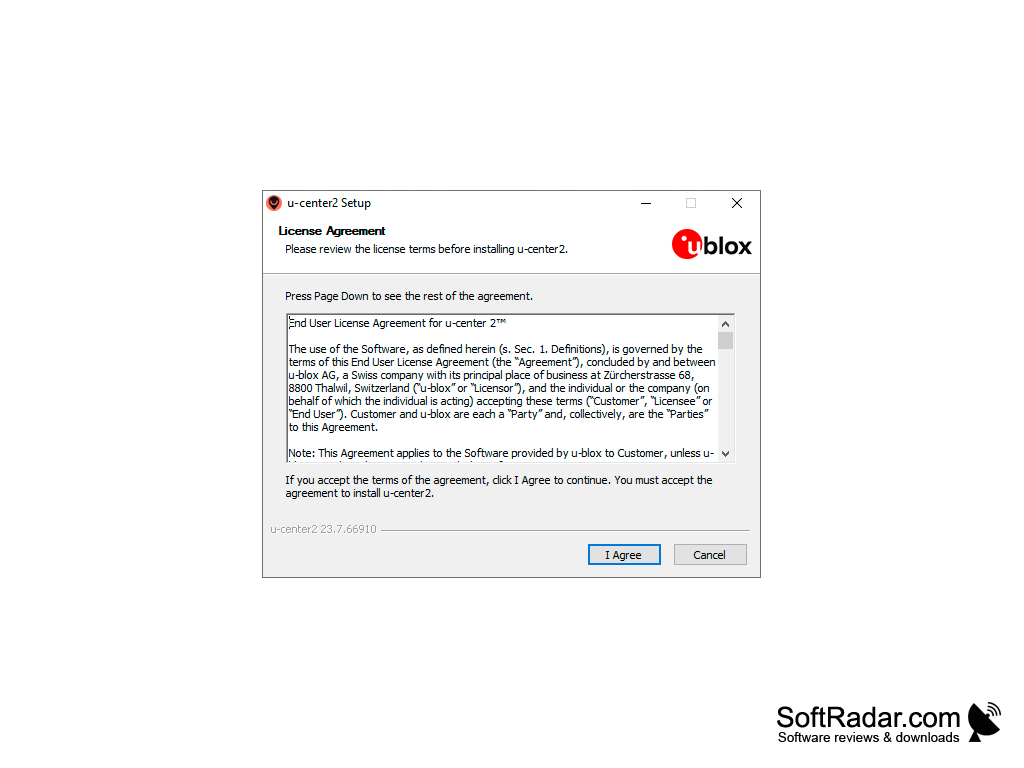
u-center is the official evaluation software for GNSS receivers from u-blox. It allows you to set up the receiver, as well as to test the positioning accuracy and make general diagnostics. The program can process data coming from RS232/USB interfaces and display them in real time. It provides information on coordinates and satellites of different systems (GPS, GLONASS, Galileo, BeiDou), signal quality and the performance of the receiver. For clarity, the information collected can be visualized on maps and exported to Google Earth. Also u-center can generate two-dimensional diagrams, histograms and build charts. More advanced users have the ability to change the configuration of the receiver to increase the speed and accuracy of its operation. The created configuration, as well as the original one, can be saved to a file and loaded again later.
u-center can be used to work with several receivers connected via COM ports. The toolbar even has a special key on it to change the active port. The classic u-center supports u-blox M8, M9, F9 and older receivers, while u-center 2, the next generation, is designed for u-blox M10, F10 and X20 products and offers personalized workspaces, a log player, quick configuration for typical use cases and automatic updates. The program supports NTRIP servers/clients, allows you to configure hotkeys for frequently used operations and offers users detailed documentation. Documentation, as well as the program itself, is available only in English.
You won't have to pay for the use of the u-center. The program is free; u-center 2 asks you to sign in with a u-blox account on the first start.
u-center provides real-time data processing and display from GNSS receivers, enhancing accuracy and speed of operations in navigation and mapping.
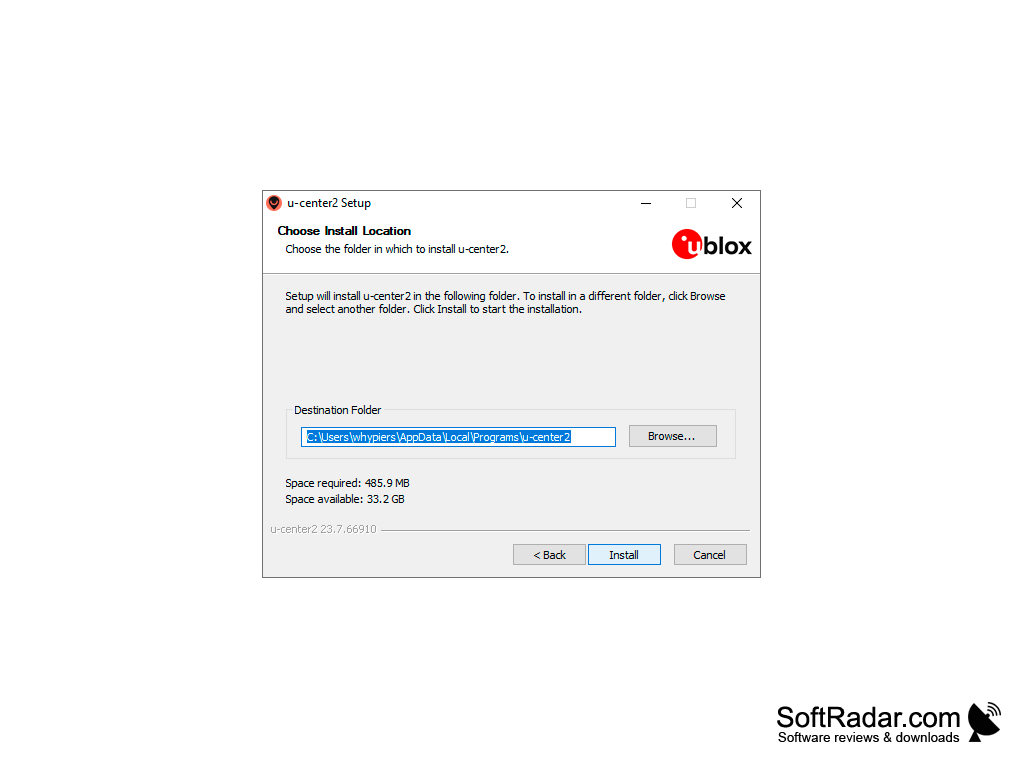
u-blox GNSS receiver on a USB or serial port
PROS
User-friendly, intuitive interface for easy navigation.
Supports a wide range of u-blox GNSS receivers.
CONS
U-center 2 requires signing in with a u-blox account.
Two separate versions for older and newer receivers.


