
Ultimate Dictionary
A Dictionary that can be used with your Windows
Operating system: Windows
Publisher: Creative Side
Release: Ultimate Dictionary 1.0
Antivirus check: VirusTotal report
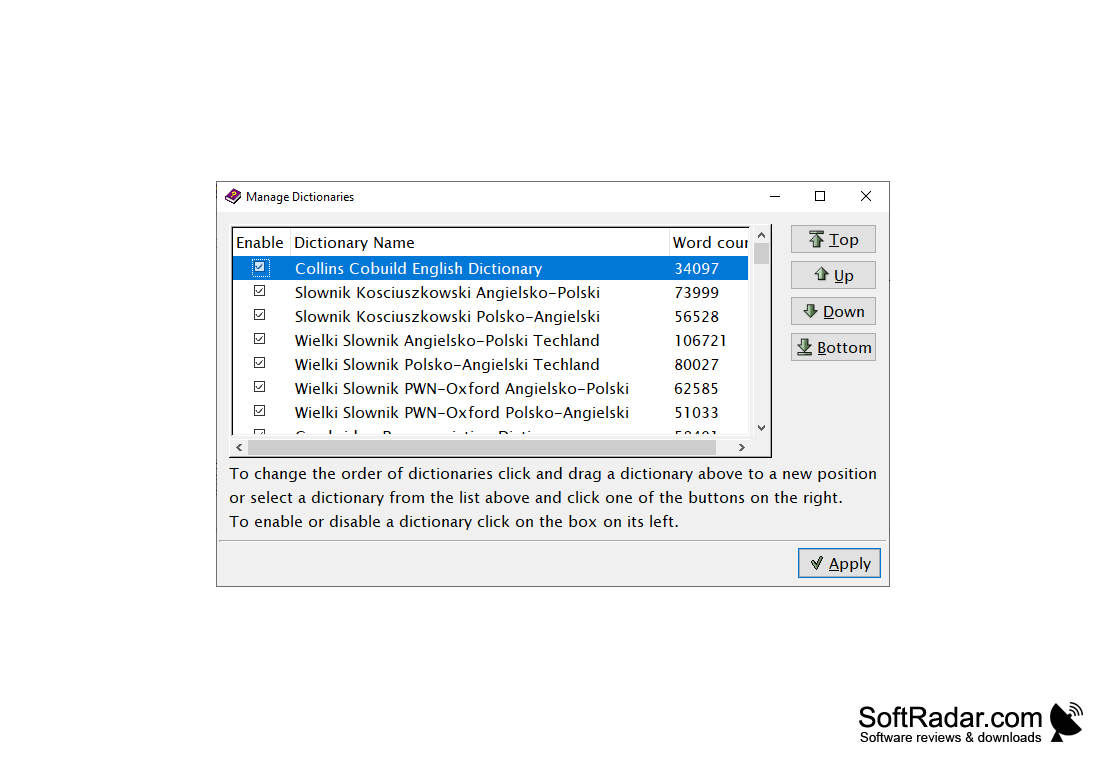
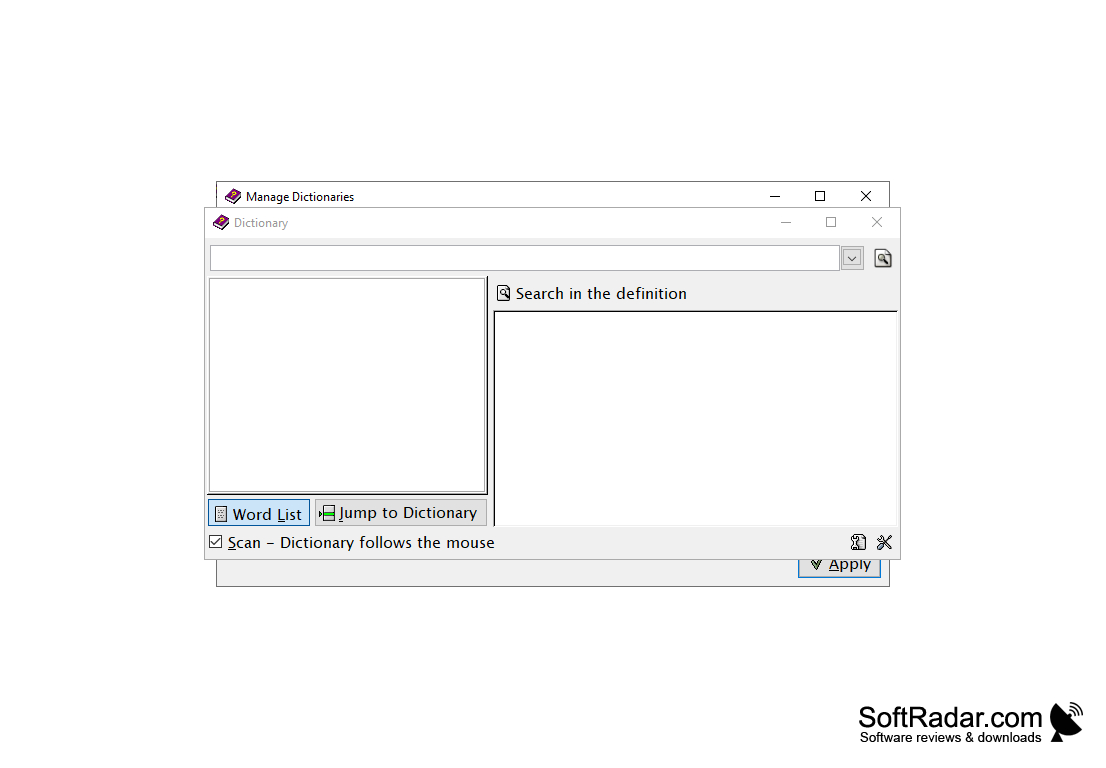
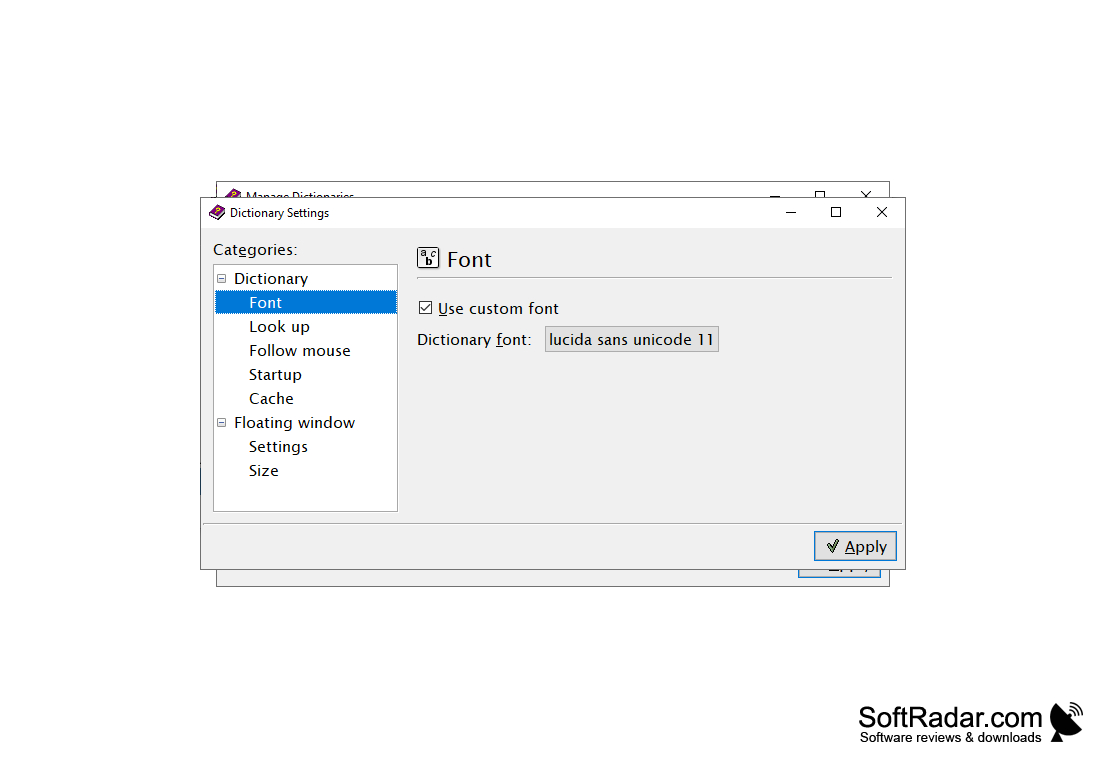
Ultimate Dictionary for Windows is perfect for someone that does a lot of writing or studies often. This program allows a user to have multiple dictionaries on their computer. It works with Windows quickly and efficiently.
The application is very easy to use, and most novices can easily catch up to speed on the program. The multiple dictionaries in this program help the user look up the words quickly and helps compare the words, just to make sure the definition is correct. It also allows users to look up words in different languages because the dictionaries aren't just in English. The simplicity that comes with the program also is a plus. The diversity in the different types of dictionaries is perfect for someone that needs to need to look up words constantly.
While there are a lot of positives with this program, one of the main downfalls of this tool is that the user can not add new dictionaries to it. The dictionaries that come with the program are the only ones that are allowed to be used with the program. The program also can't be minimized into the system tray, and this makes it lose some of its functionality.
Yet, even with these issues, the Ultimate Dictionary for Windows still does a fine job of looking up information. The quickness in the searches and the multiple languages that are part of the program, really help make up for some of the issues that it has. Ultimately, the program is perfect for someone that is looking for multiple dictionaries, and that is in constant need of looking up better words; with this program, it becomes much simpler.
Multiple dictionaries that is easily accessible.
Features:
- Multiple Dictionaries under one program
- Multiple Dictionaries in different languages
- The simple interface makes it perfect for the novice or casual users to get used to
- Searches are quick and efficient.
- It allows the user to use a dictionary from Windows directly.
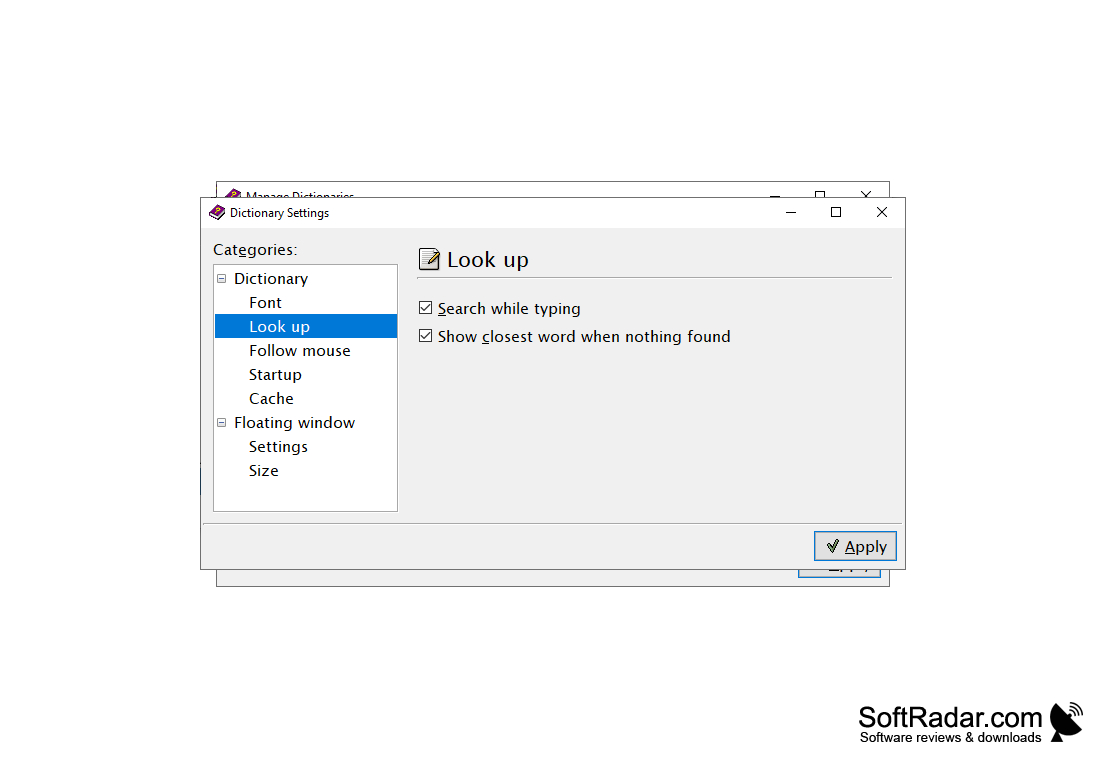
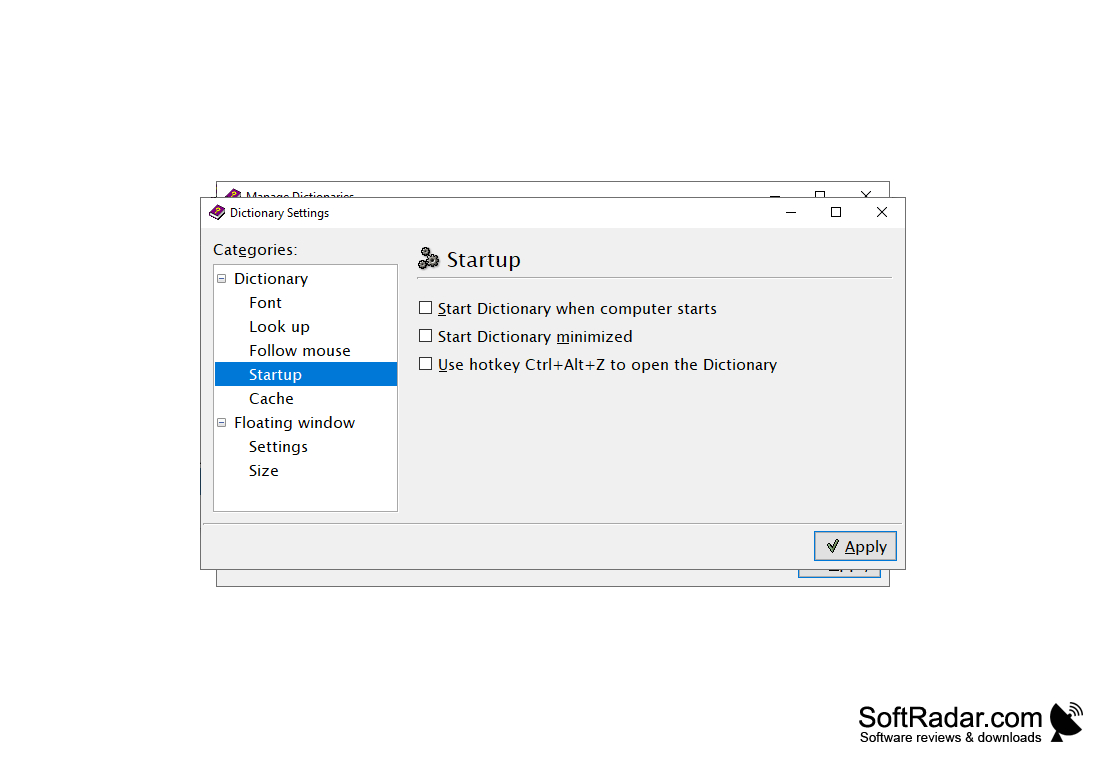
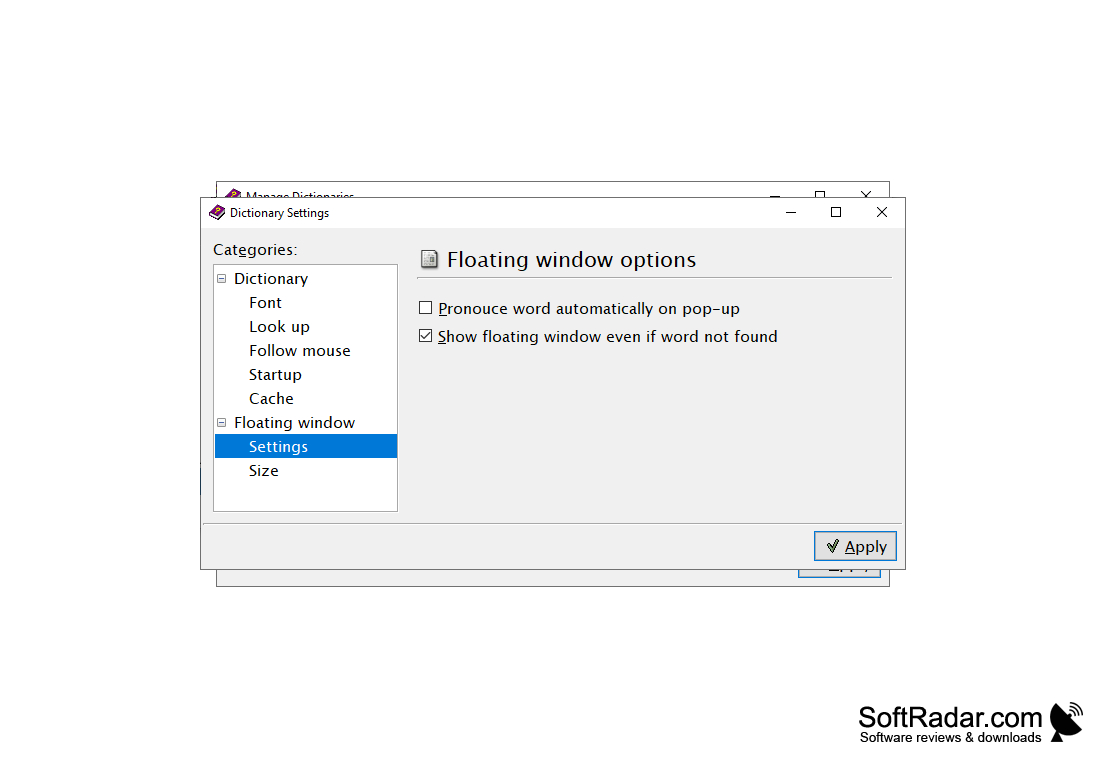
Able to handle multiple dictionaries concurrently
Suitable for quick and efficient searches
Support for multiple languages
PROS
Provides definitions, synonyms, antonyms quickly and accurately.
Supports offline access, thus no internet connection is required.
CONS
No audio pronunciation feature.
Outdated user interface.


