
Unigram
Unigram is a free, open source Telegram client for Windows 10 and 11, offered in the Microsoft Store as Telegram for Windows (Unigram).
Unigram - Telegram for Windows
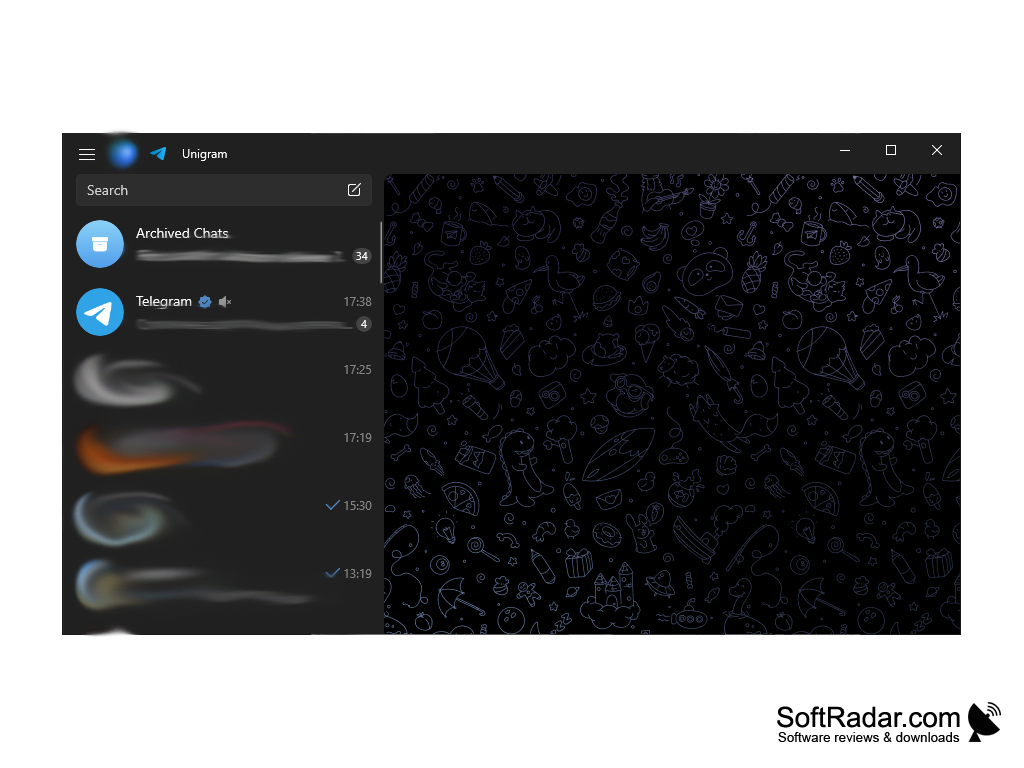
Unigram is a free, open source Telegram client for Windows 10 and Windows 11, listed in the Microsoft Store as Telegram for Windows (Unigram). It is built on TDLib, the Telegram Database Library, and follows the look of modern Windows apps with Fluent Design. Telegram lists Unigram among its unofficial apps, and the project is developed by the UnigramDev team and released under the GNU GPL v3 licence. You sign in with your existing Telegram account, and your chats, groups and channels are synced with the Telegram cloud, so they stay available on your phone and your other devices.
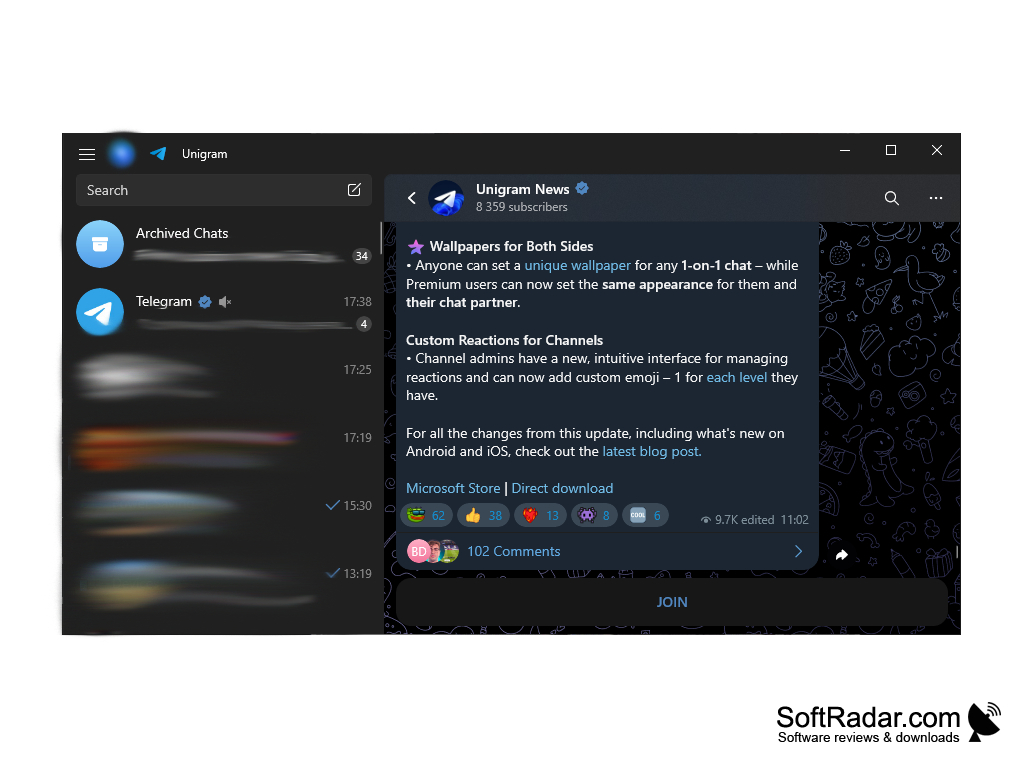
Unigram lets you use your Telegram chats, channels and calls in a native Windows app that follows the Fluent Design style.
Features
• Messaging: Unigram supports private chats, groups and channels. You can send text, voice messages, photos, videos, documents and other files, and Telegram accepts files of up to 2 GB each.
• Secret Chats: For maximum privacy, Unigram supports Telegram's secret chats. They use end-to-end encryption, and their messages can be set to self-destruct automatically on both devices.
• Calls: Unigram supports Telegram voice and video calls, so you can talk to your contacts directly from your Windows PC.
• Multiple Accounts: You can add several Telegram accounts to the app and switch between them without signing out.
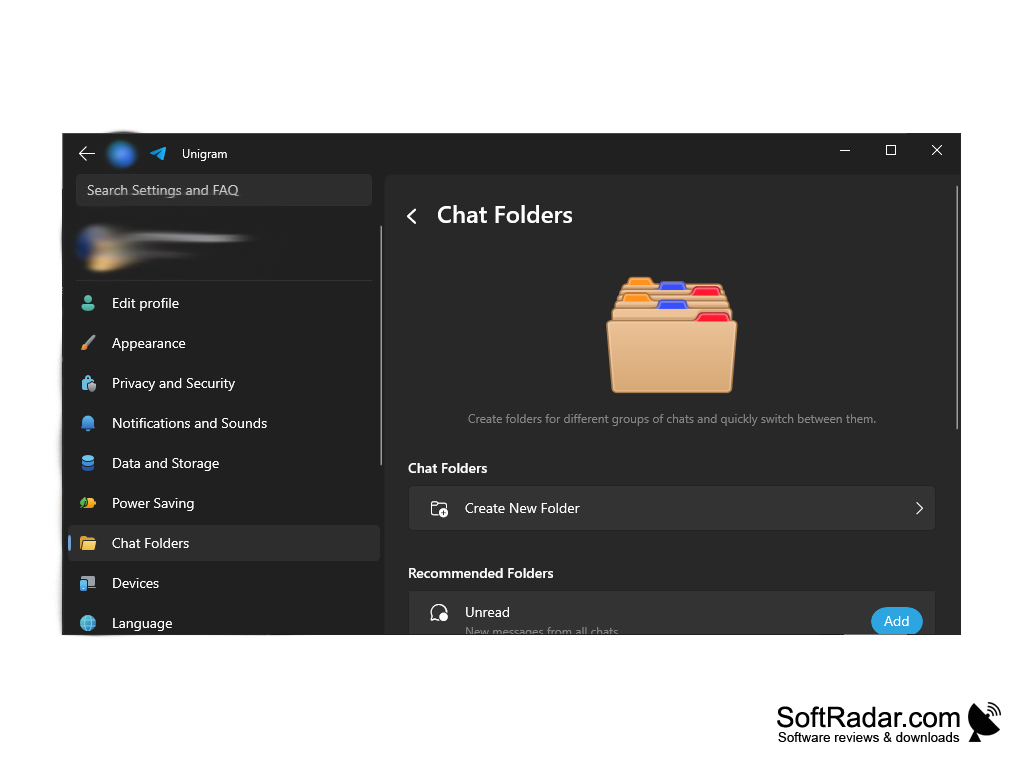
• Chat Folders: Unigram lets you create folders for different groups of chats and quickly switch between them. Recommended folders, such as Unread, can be added with one click.
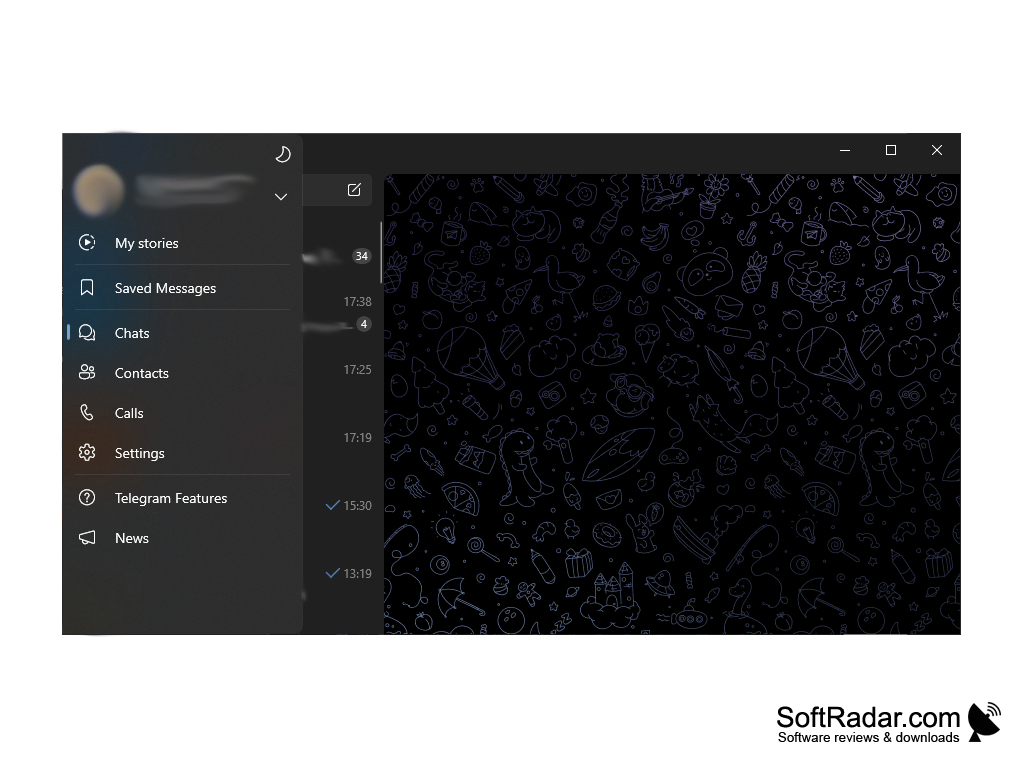
• Side Menu: The side menu gives quick access to your stories, Saved Messages, chats, contacts, calls, settings and the Telegram Features overview.
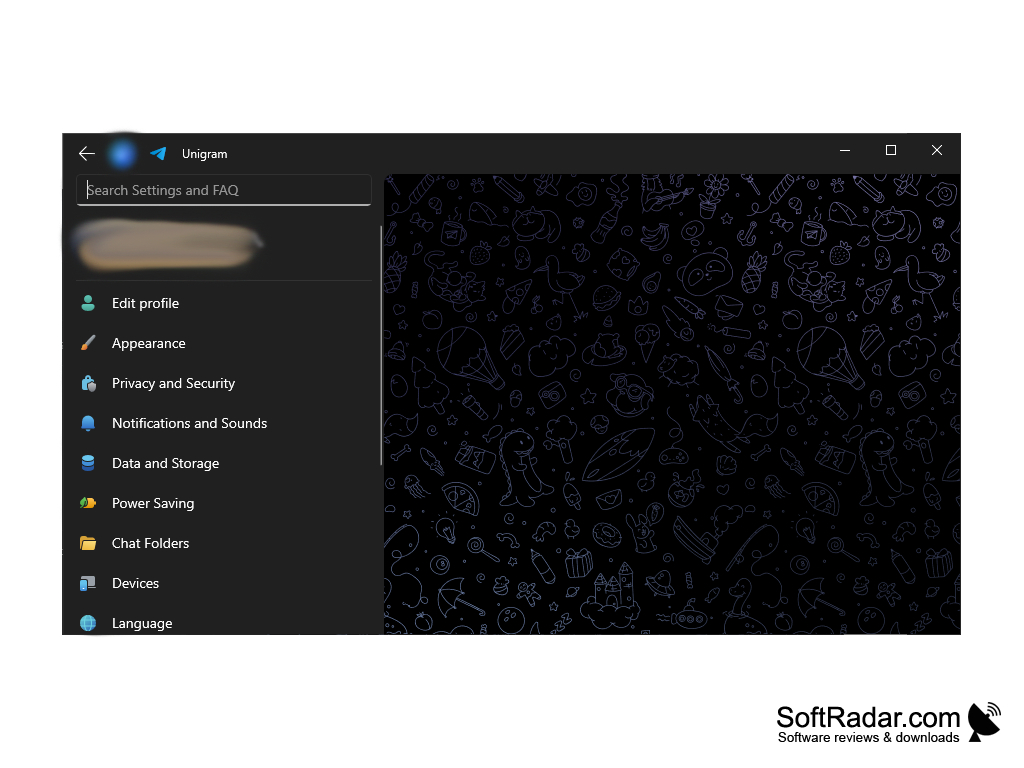
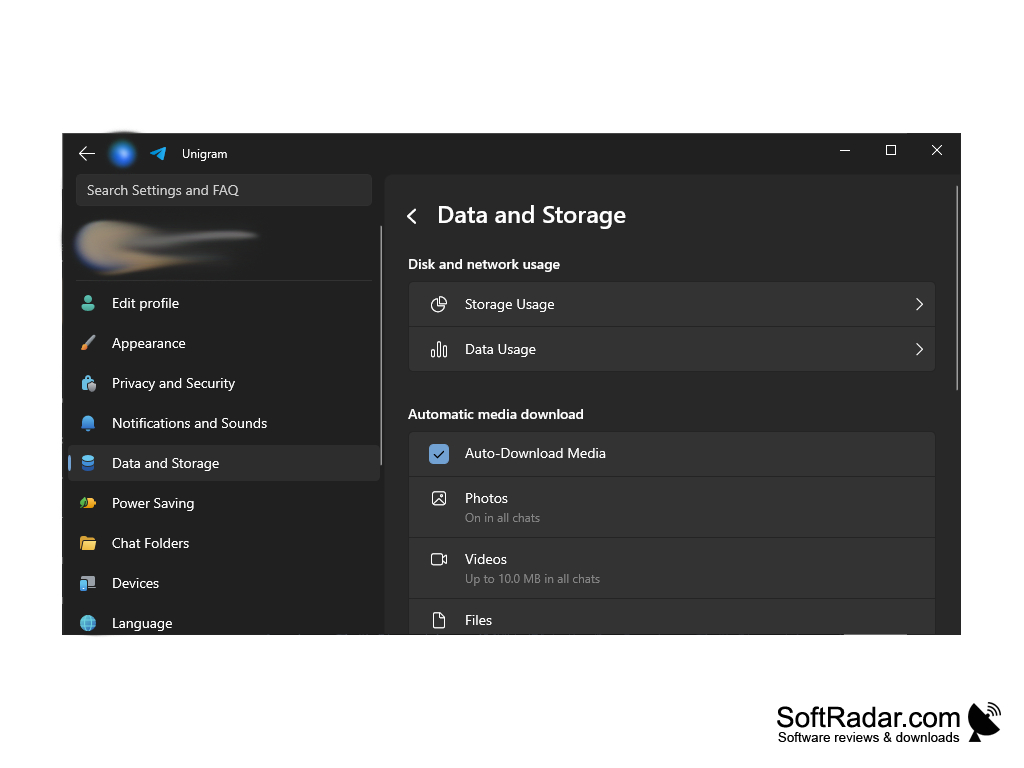
• Data and Storage: The settings show storage usage and data usage, and you can decide which photos, videos and files are downloaded automatically. Power Saving options reduce animations and other resource-heavy effects.
• Stickers, Emoji and Themes: Unigram supports animated stickers and emoji, GIFs and customizable themes, and it includes photo and video editing tools for the media you send.
• Privacy and Security: Privacy and Security settings control who can see your data and contact you. Unigram itself doesn't collect any data; the Telegram privacy policy applies.
• Languages and Shortcuts: Unigram has 28 built-in languages and can use more language packs from the Telegram translations platform. A list of keyboard shortcuts makes it quick to use without a mouse.
Conclusion
Unigram provides a fast, native way to use Telegram on a Windows PC. With its wide variety of features, it covers private chats, groups, channels, secret chats, calls and multiple accounts, and it fits the look of Windows 10 and Windows 11. Unigram is available free of charge from the Microsoft Store, where it is updated regularly, and as a direct download from the project's website. It requires Windows 10 version 1903 (build 18362) or later on an x64 or ARM64 PC; on Windows 10 N editions, the Media Feature Pack must be installed first.
Windows 11
x64 or ARM64 processor
Media Feature Pack on Windows 10 N editions
PROS
Supports calls, secret chats and multiple accounts.
Free and open source under the GPL licence.
CONS
Requires a Telegram account and phone number to sign in.
Windows N editions need the Media Feature Pack first.


