Video Download Capture

by Apowersoft

Download any type of video as a file to your computer
Operating system: Windows

Publisher: Apowersoft

Release : Video Download Capture 6.3.0

Antivirus check: passed

Report a Problem

Video Download Capture is such a great tool that I use nearly every day now. It has an abundance of handy tools and features that are so helpful in my daily video editing tasks. Before using this program, I would have to download the videos I wanted online from sketchy and weird sites. Thanks to Video Download Capture, I no longer have to worry about getting viruses or pop-ups anymore. I can now download virtually any video I want from any website I choose. It's saved me a lot of time when working on videos and trying to create movies. The main feature of this program, downloading, is very easy to use. It's quick and doesn't take a lot of time to download. I get decent download speeds, but yours may vary due to your internet provider. The quality of each video I download looks great. 

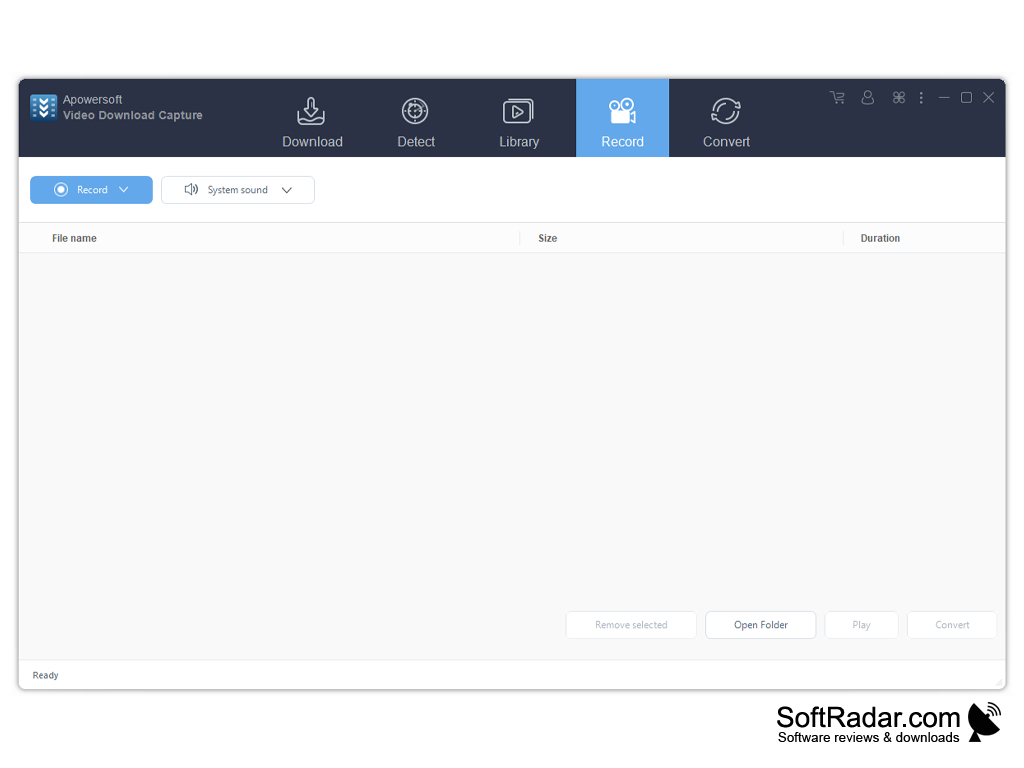
The extra features for this software are amazing. Video Download Capture has its video editing tools, so I don't even have to boot up a separate program to complete my projects. Everything about it is very convenient. It also has support for 4K, which is super helpful when I record with my expensive camera. It also has a handy interface that shows me a list of all the videos that I have downloaded so I can keep track of everything that I've wanted to use in my movie. Ony of my favorite features is the screen recording tool. It allows you to record both the screen of your computer as well as audio. This allows me to not only download and edit videos but also create my own and mix them in. All of the content you create can be edited and adjusted within the video editor. This program reminds me of a swiss army knife. It's very versatile and useful. 

I really enjoy using Video Download Capture and would suggest you try and check it out too. It is such a joy to use and has given me a fresh breath of air in the realm of video downloading and editing. You don't need to be great with computers or special software programs in order to use Video Download Capture. From someone who doesn't know a lot about computers, I'm able to use it with ease. 

Helps you download various videos from different websites
Features:

  • Multiple format conversions supported 
  • Playlist download options 
  • Internal detection 
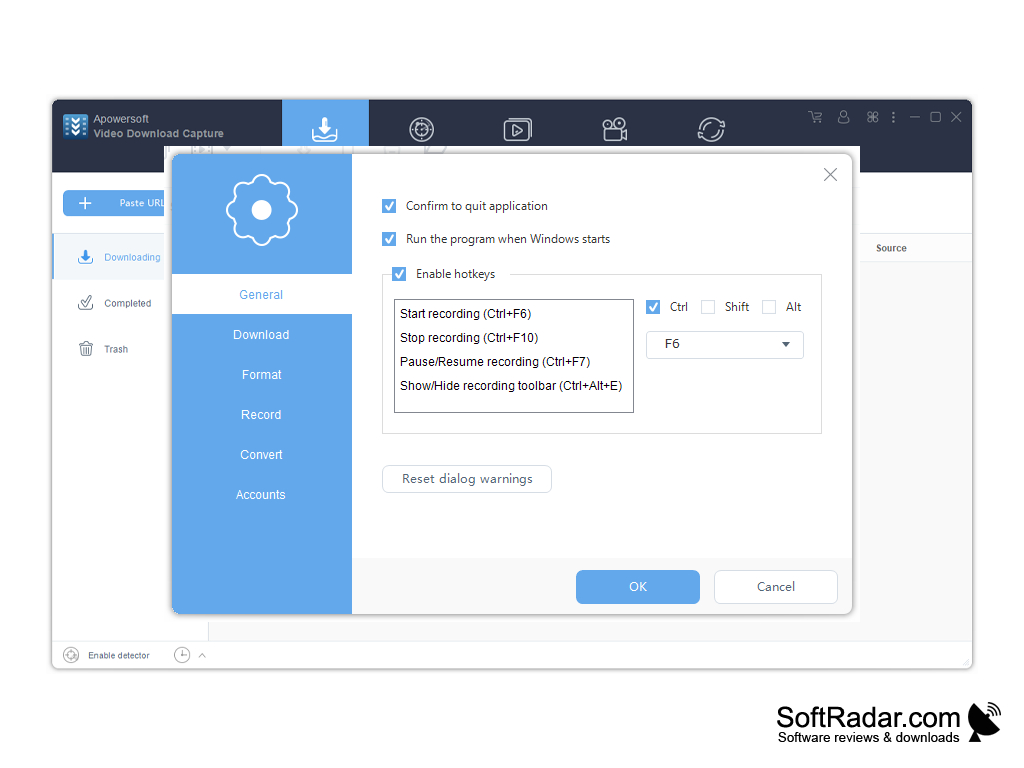
  • Screen recorder 
  • Audio/Video editor included 

A compatible computer and client is required in order to use this software 


PROS
Supports various video formats and resolutions.
Includes editing and conversion tools.
Enables batch downloading and scheduling.

CONS
Requires high-speed internet for efficient video download.
Limited formats for video conversion.
Lack of advanced editing features.
image/svg+xmlBotttsPablo Stanleyhttps://bottts.com/Florian Körner Dylan
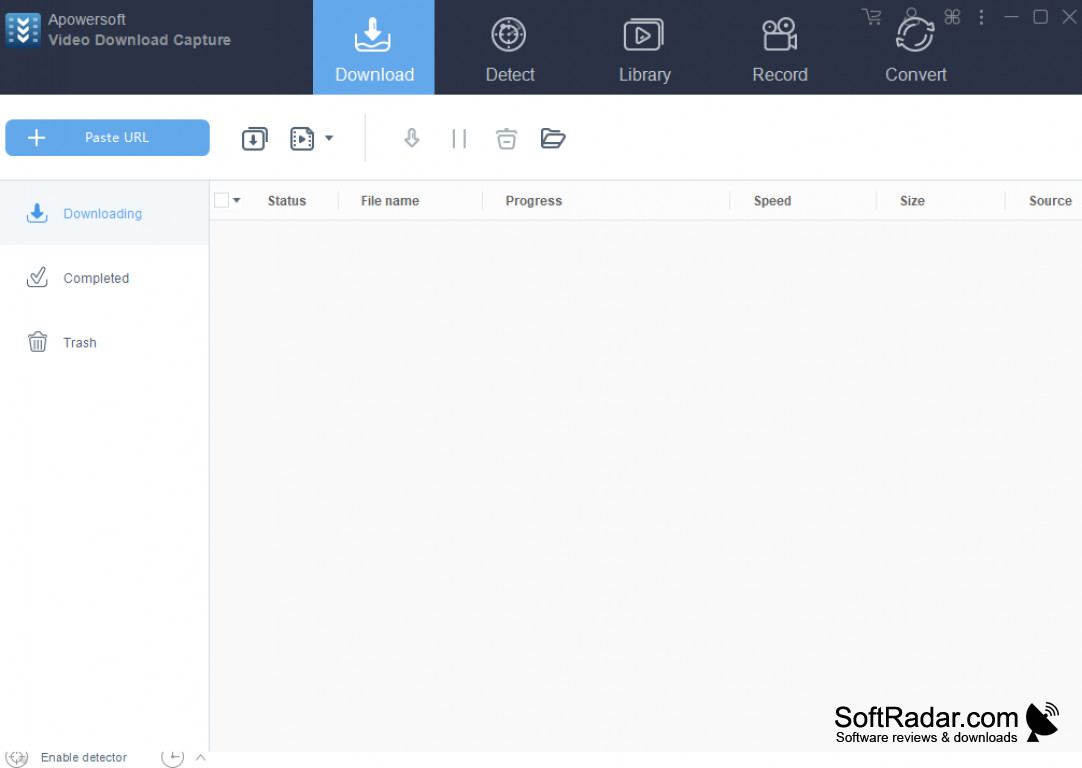
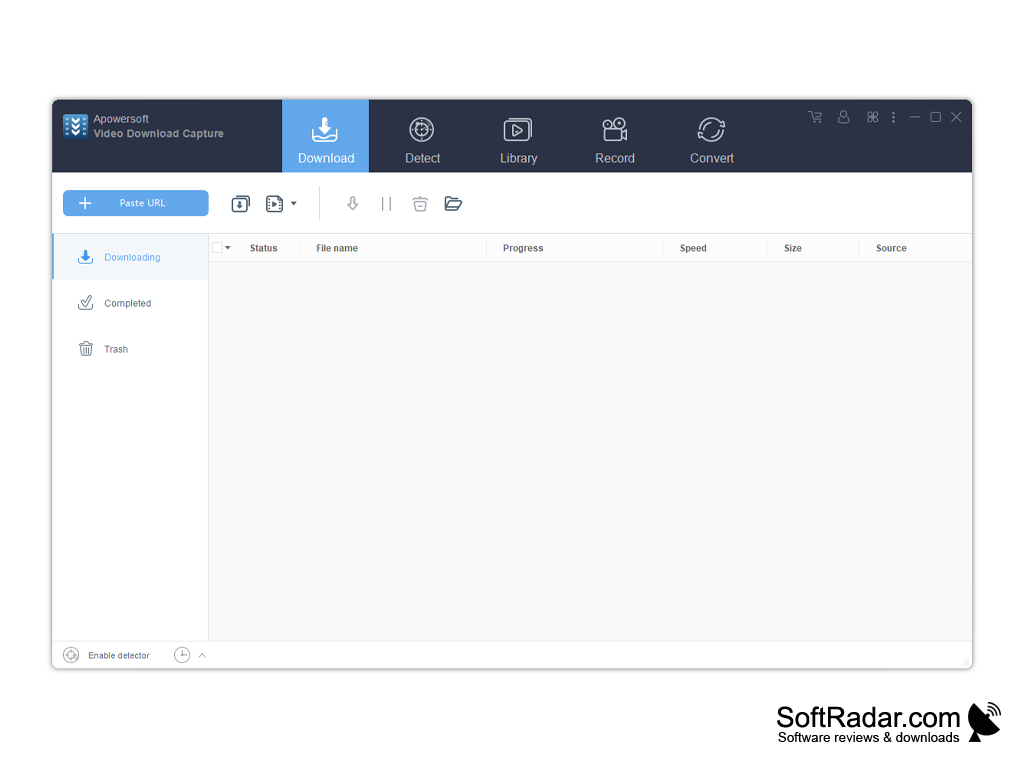
Video Download Capture is a great tool to use if you find yourself needing to download videos that you've sourced online so you can save them down to your personal computer. The tool works really quickly and efficiently and even lets you enter the URL that you have for the video to kick off the downloading process. You can even use Video Download Capture's built-in video detector to snag a video.
image/svg+xmlBotttsPablo Stanleyhttps://bottts.com/Florian Körner Luke I*******c
Video Download Capture is a powerful video downloader and converter that allows users to download videos from YouTube, DailyMotion, Vimeo and other online video sites, and then convert them to different formats for offline playback. It also includes a built-in media player so users can watch their downloaded videos, and a recording tool that allows users to capture streaming videos from any website. Video Download Capture is compatible with both Windows and Mac systems.
image/svg+xmlBotttsPablo Stanleyhttps://bottts.com/Florian Körner Connor Klingeman
I recently used the Video Download Capture software and I must say it was a great experience. The interface was straightforward and I had no difficulty downloading videos from my favorite websites. The quality of the downloaded videos was excellent and I was really impressed with the speed of the download. The software also had a great feature which allows you to convert the downloaded video into different formats. The video converter was really fast and I was able to get the converted video in a few seconds. The customer support was also great and I was able to get all my queries answered in a timely manner. Overall, I was quite satisfied with the software.
image/svg+xmlBotttsPablo Stanleyhttps://bottts.com/Florian Körner William U********d
Video Download Capture is an easy-to-use video downloader that allows you to quickly download online video content. I found it to be quite reliable and intuitive to use. The interface is clean and uncluttered, making it easy to figure out how to use the program. It is able to download videos from a wide range of websites including YouTube. The download speed is quite fast. The program also includes built-in editing tools that allow you to edit your videos before you save them. I also like the fact that you can convert videos to different formats. Overall, Video Download Capture is a great program for downloading and editing videos.
Gom Cam
A high performance video screen recorder with in-built video/image editor
Driver Turbo
Computer device driver management utility
Audio Record Wizard
Sound recording app that allows sound capture from the PC or your voice
Soft4Boost Screen Recorder
A screen recorder program for users to easily record their full screen without hassle