
WinDFT (HGST Drive Fitness Test)
HGST Drive Fitness Test is a utility used to diagnose, monitor, and perform maintenance on HGST internal and external hard drives.
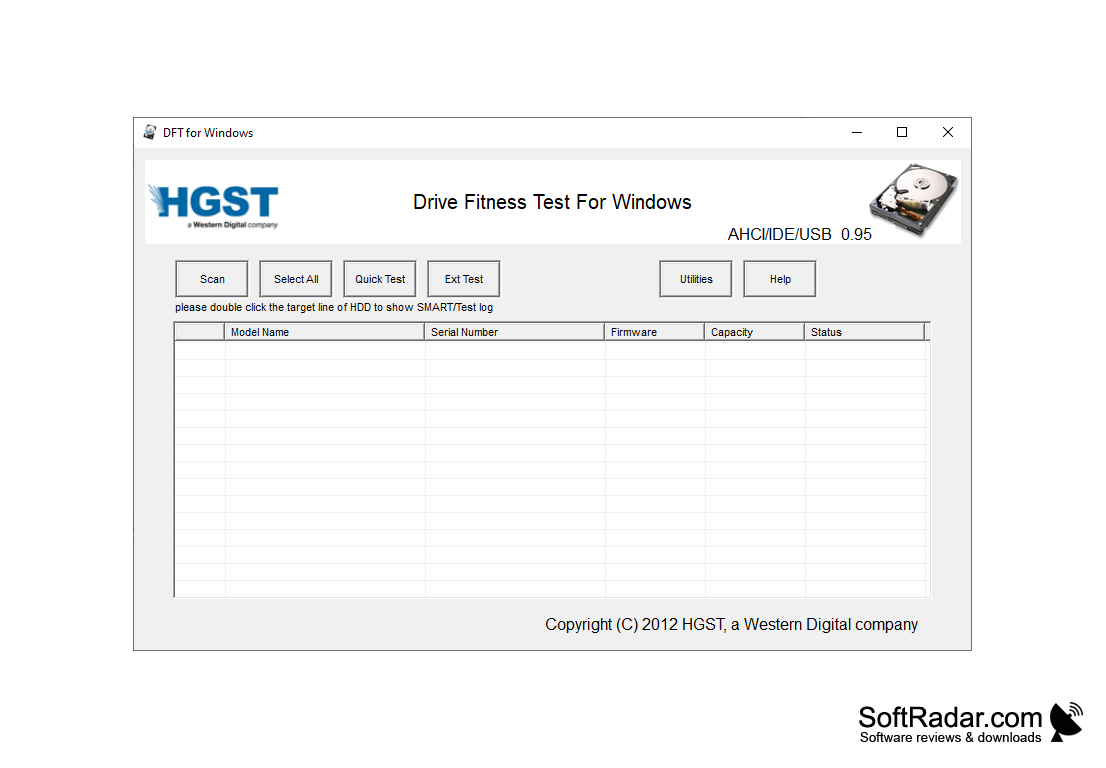
HGST Drive Fitness Test (WinDFT) is a free hard drive diagnostic and testing tool from HGST, a Western Digital company, that can be used to quickly diagnose and test HGST internal and external hard drives as well as single-drive G-Technology products. This software is designed to provide users with the ability to quickly and accurately diagnose potential issues with their HDD and take corrective action if necessary. WinDFT is no longer developed: version 0.95 is the last release, and HGST drives are now sold under the Western Digital brand.
Features:
• Quick and Extended Tests: WinDFT can run a quick test and a longer extended test to diagnose potential hard drive problems. The tests read the drive and do not overwrite user data. This ensures that potential issues are identified quickly and safely.
• SMART Status and Logs: WinDFT can show the SMART status and test log of a drive when you double-click it in the drive list, including values such as spin-up time, read error rate and temperature. This allows users to quickly review the health of their drives and take corrective action if necessary.
• Easy to Use Interface: WinDFT has a simple interface with Scan, Select All, Quick Test and Ext Test buttons that makes it easy for users to find drives, run tests and review results. A Help button opens the documentation of the program.
• Support for Multiple Interfaces: WinDFT works with HGST drives connected via AHCI/SATA, IDE and USB. Drives from other manufacturers are not supported, and the program displays a warning message for unsupported devices.
• Utilities: The Utilities menu includes tools that erase the Master Boot Record or wipe the entire disk. These operations destroy all data on the drive, so they should only be used on drives whose data has been backed up.
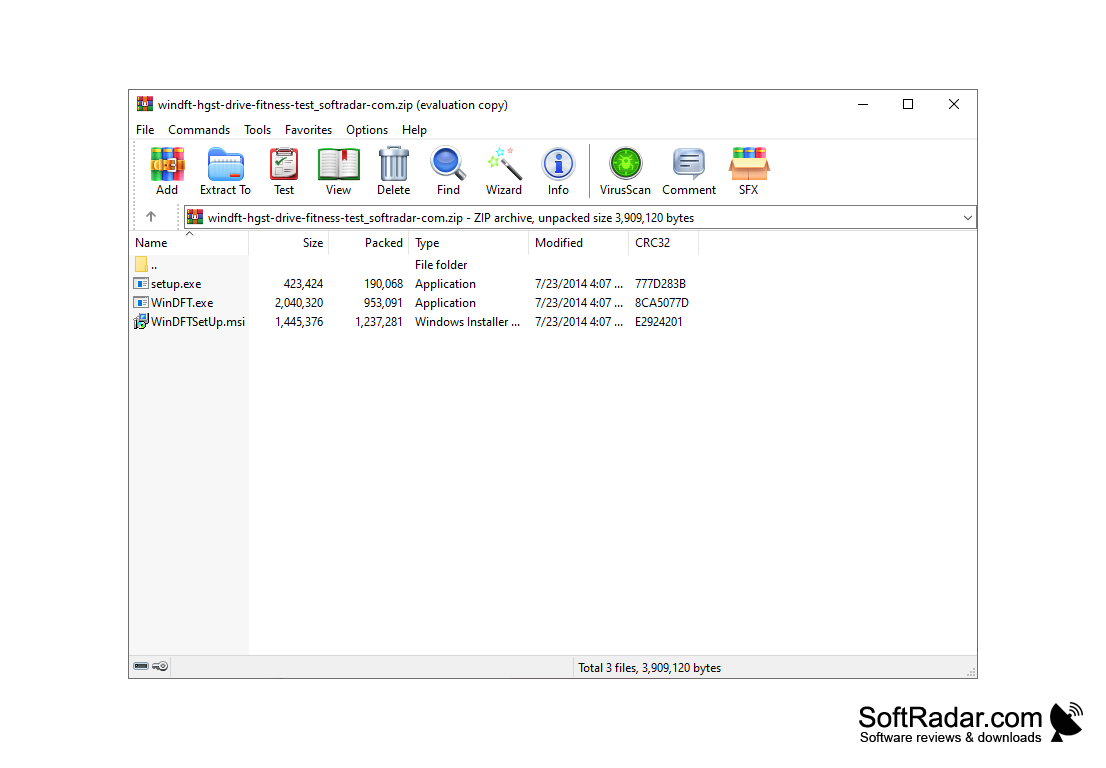
• Easy to Install: WinDFT is installed with a small setup package and requires the Microsoft .NET Framework 4.0. HGST recommends not installing the program on the primary operating system drive.
• Documentation: WinDFT comes with a help file, and an installation and user guide explains how to run the tests and read their results.
WinDFT (HGST Drive Fitness Test) provides an easy-to-use tool to quickly analyze and diagnose the health of HGST hard drives.
Microsoft .NET Framework 4.0
HGST or single-drive G-Technology hard drive
PROS
Offers quick and extended testing options for thorough analysis.
Shows SMART status and test logs for each drive.
CONS
Not user-friendly for non-technical users.
Doesn't offer real-time drive monitoring.


