
Windows 7 Codec Pack
Supports every compression and file type for windows
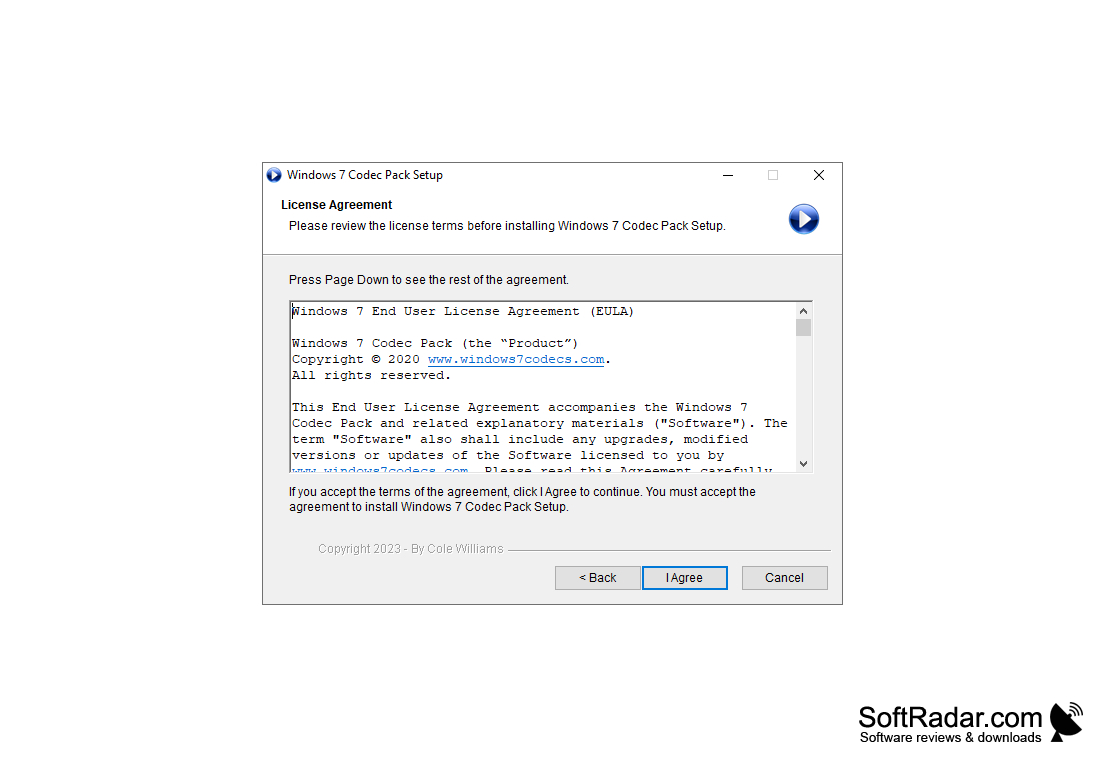
Windows 7 Codec Pack is a set of codecs for the same name operating system, installing which you can view and listen to more or less common formats of video and audio files. This is one of the best alternatives to the popular K-Lite Codec Pack, which is not overloaded with extra modules and does not include a multimedia player.
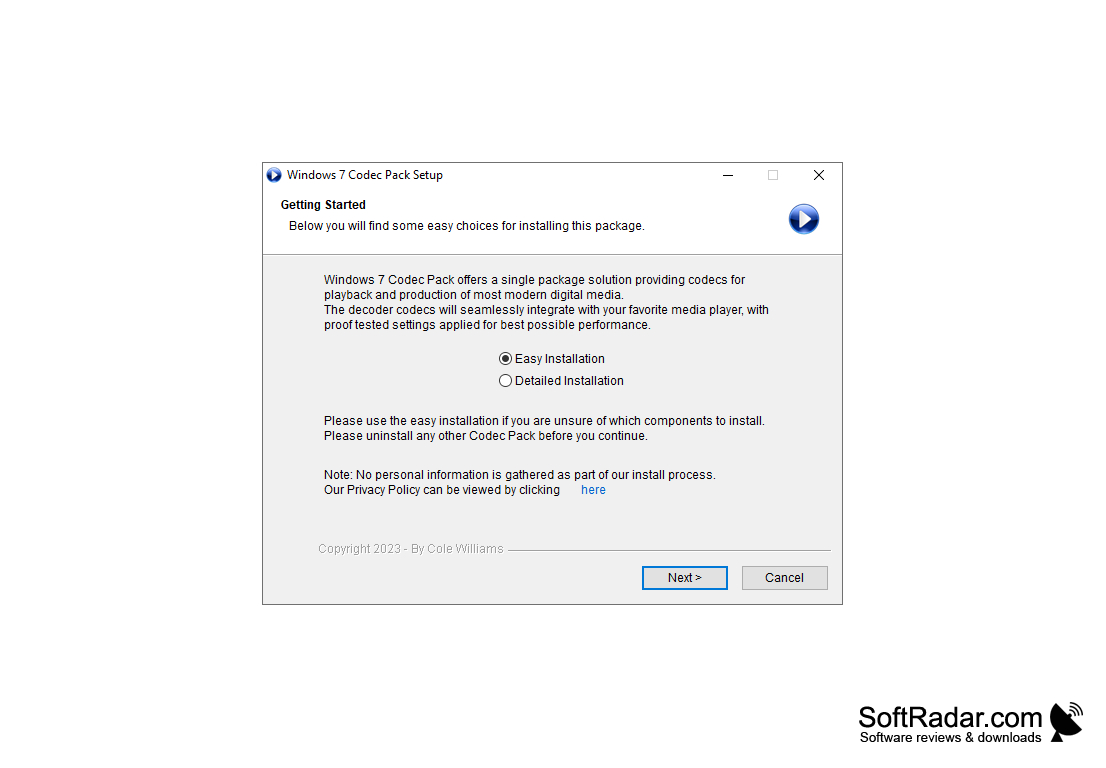
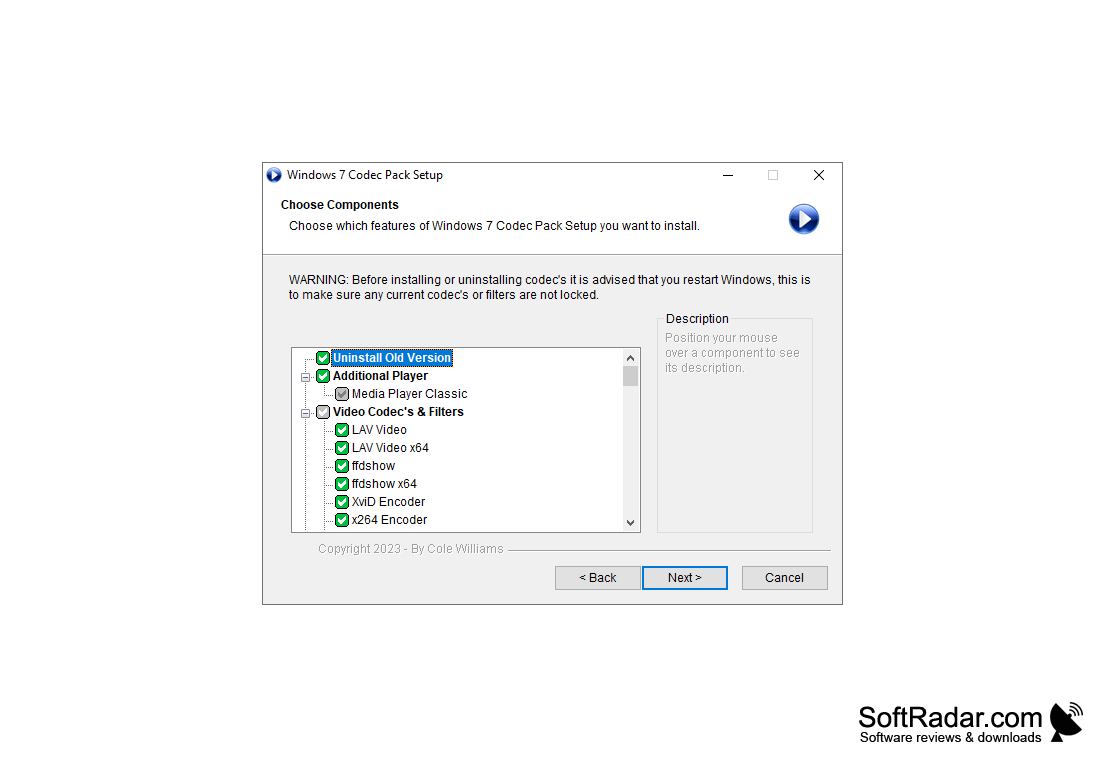
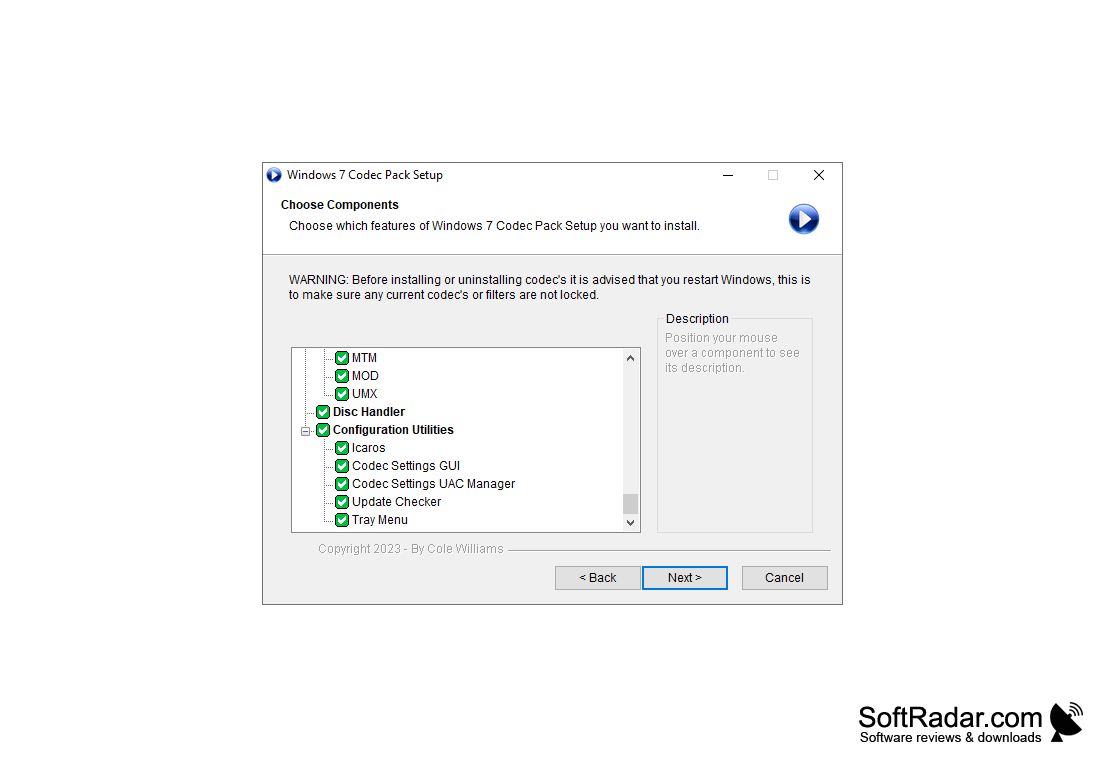
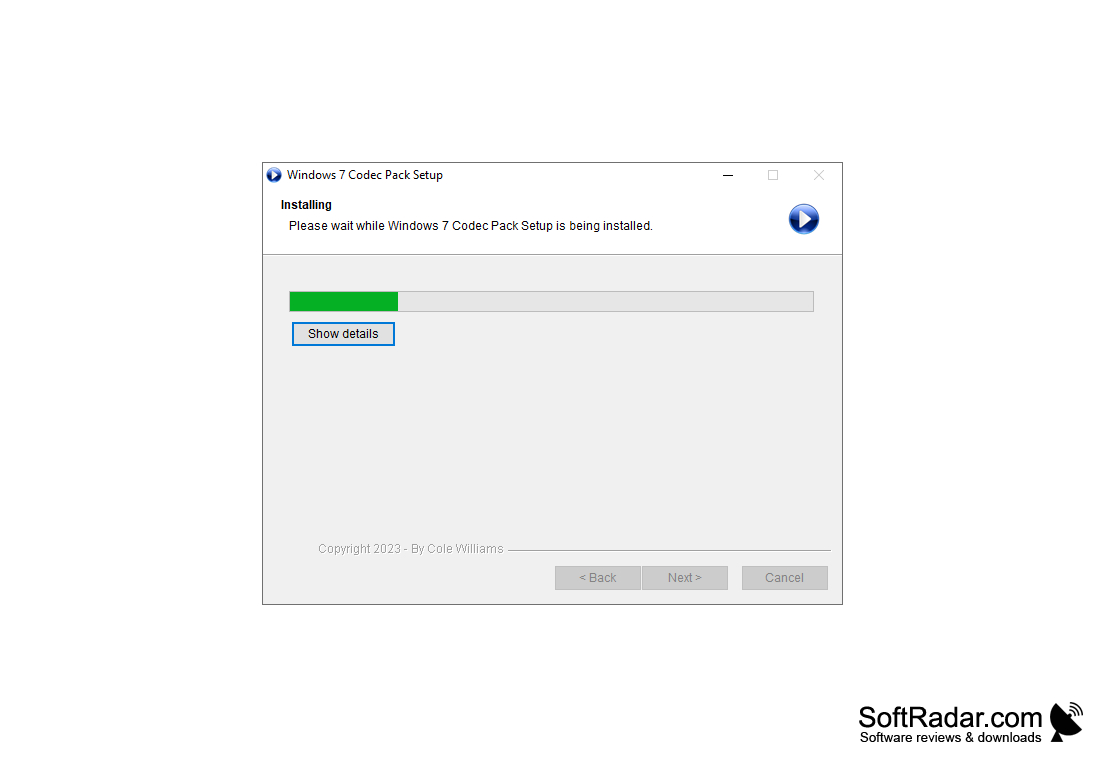
Installation of codecs on the computer can be done in simple and advanced modes. Simple mode minimizes the number of steps and questions asked during installation. You can manually specify the codecs you want to install and the formats you want to associate with them. Windows 7 Codec Pack also offers a good selection of audio and video filters. In general, we recommend that you leave all settings to the installer. Simply press the "Next" key several times and wait for the installation to complete. Once the installation is complete, you will have a system at your disposal that is ready to play most multimedia formats.
Users who have chosen advanced installation mode will be offered much more options, such as CPU/GPU hardware acceleration mode for different encoding formats (HEVC, H.264, VC-1) and audio system parameters. Windows 7 Codec Pack can be optimized for 5.1, 6.1, and 7.1 surround sound playback, but the most interesting thing is waiting for you on one of the final steps of working with the installer. There you can preliminarily estimate the quality of video and audio that the selected settings can achieve (administrator rights required).
The main benefit of using Windows 7 Codec Pack is that it enables you to play most multimedia formats on your Windows 7 system.
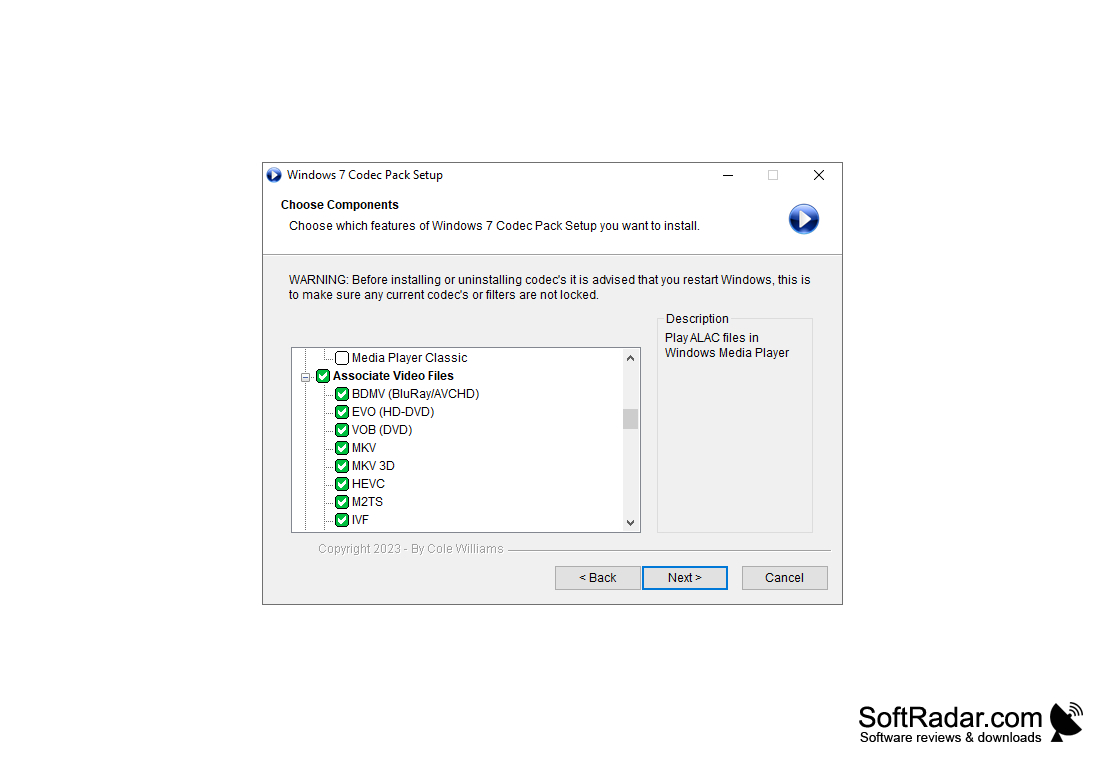
- availability of a large number of codecs and filters, which will be enough to play almost all popular multimedia formats;
- compatibility of codecs with 64-bit systems;
- support for simple and advanced installation modes;
- the ability to set up hardware acceleration for specific coding methods;
- audio preview and video preview at one of the final stages of installation.
PROS
Offers user-friendly and intuitive interface.
Provides high-quality playback experience.
CONS
May conflict with pre-installed codecs on system.
Lacks frequent software updates.


