
Xlive.dll
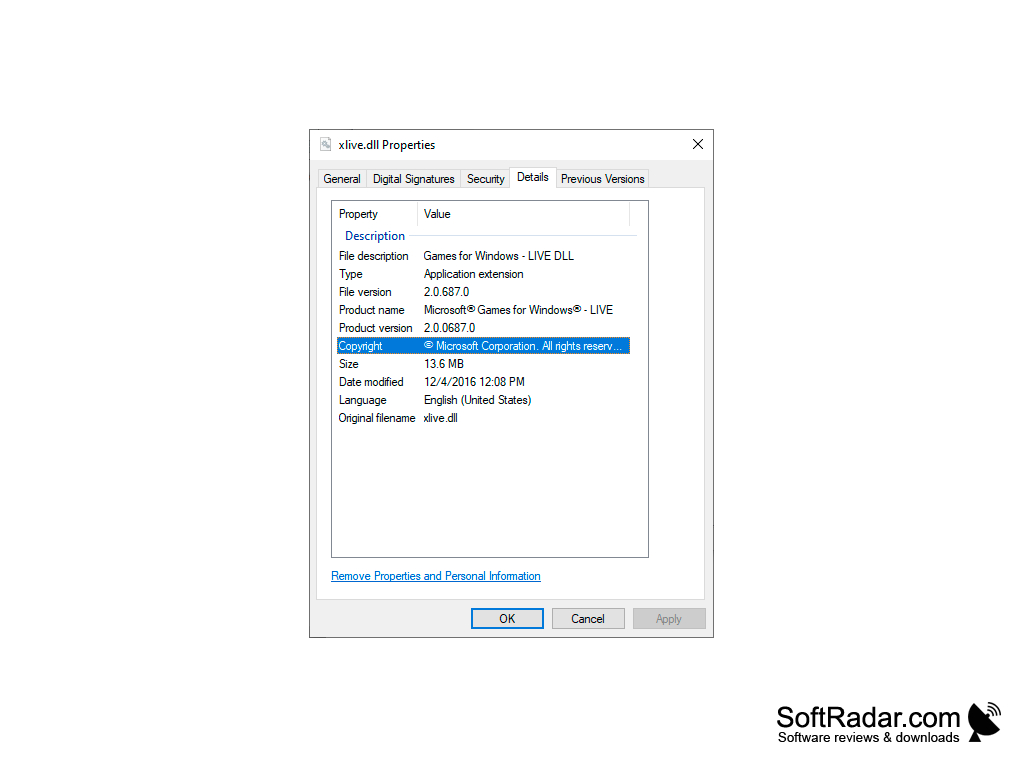
Xlive.dll is a part of "Games for Windows - Live", from Microsoft, needed by PC games that use this service.

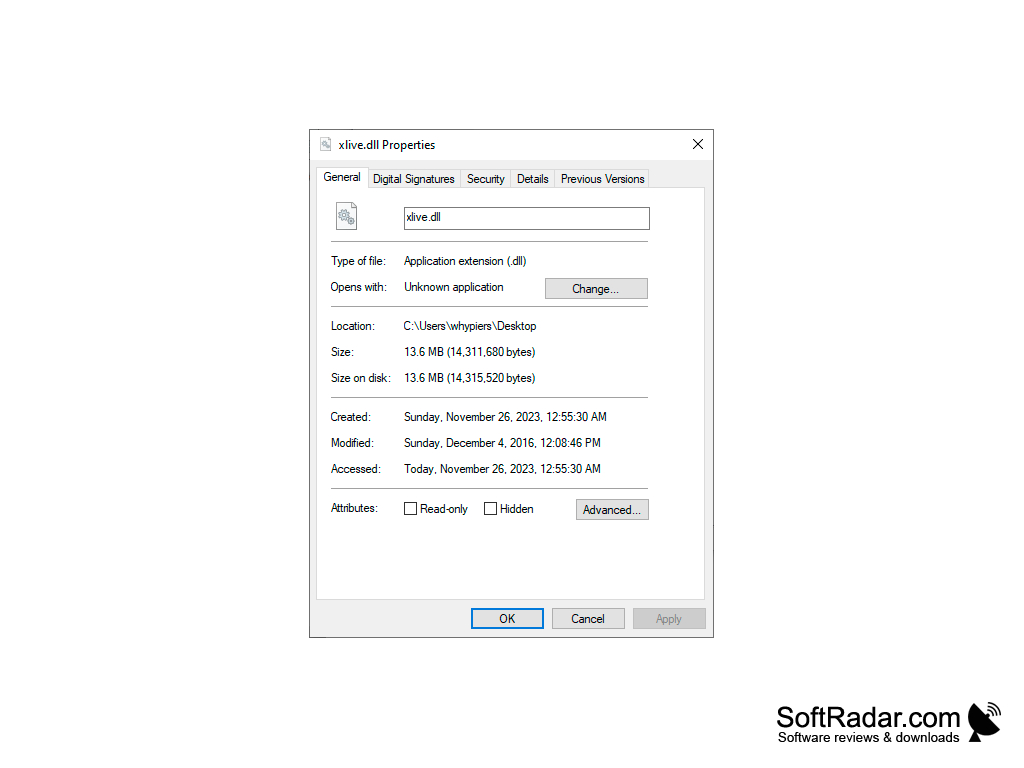
Xlive.dll is a system file necessary for some games to work in a Windows environment. This file is part of the Games for Windows - Live program, which is necessary for connecting games with the online gaming service from Microsoft. Games that use it include Fallout 3, Grand Theft Auto IV, Dark Souls and Fable III. Accordingly, if this file is not in the system, and it is necessary for some game (without it the game does not start), the most correct solution is to reinstall or install this program.
Microsoft no longer offers the Games for Windows - Live installer: its marketplace closed in August 2013, and the client was last updated in February 2014. If a game came with the Games for Windows - Live redistributable, running it again should restore the file. Usually, you do not need to uninstall the program beforehand to restore or update the program files. However, if the file has not been restored, you can try to uninstall the program with Revo Uninstaller and then install it "from scratch".
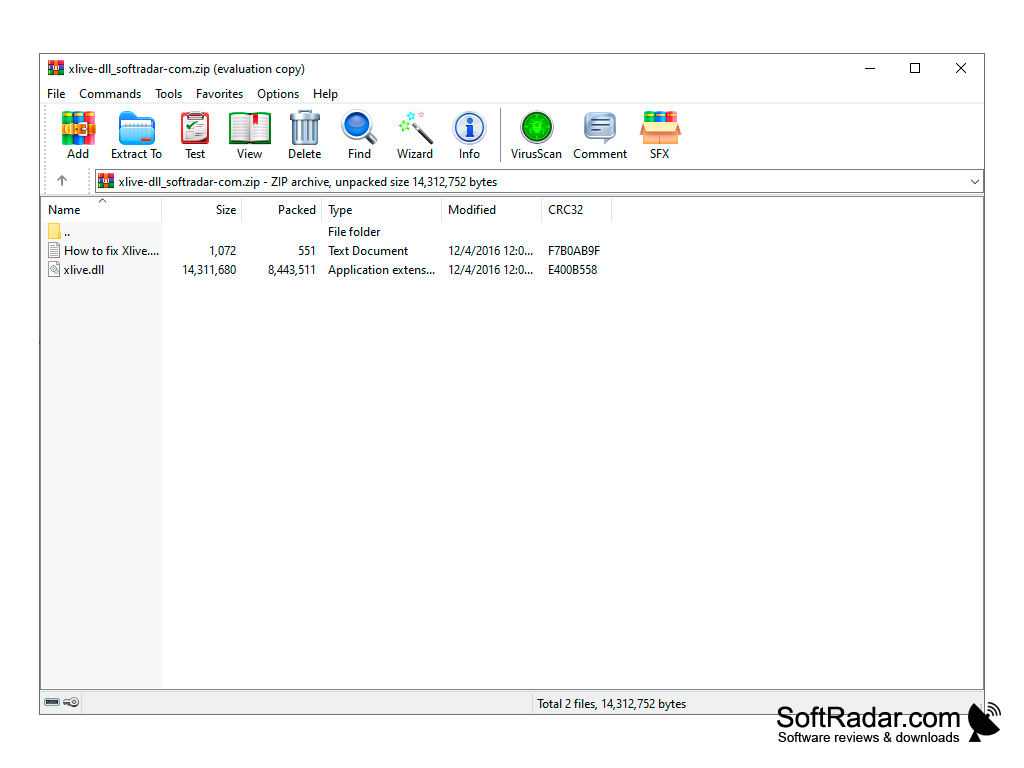
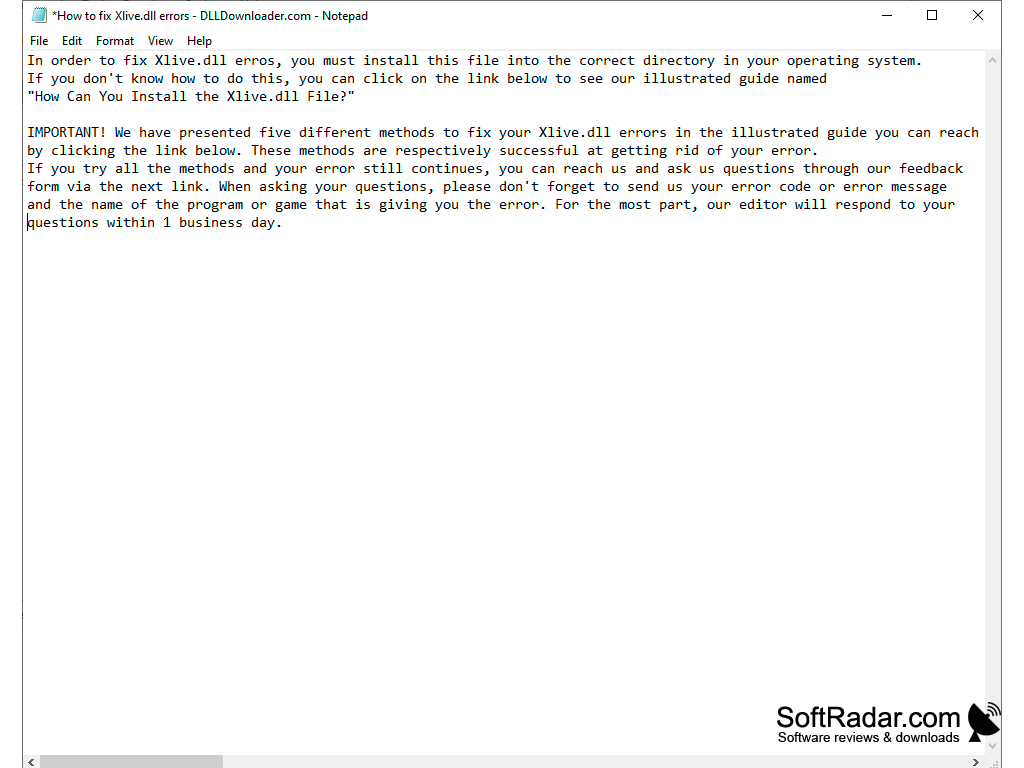
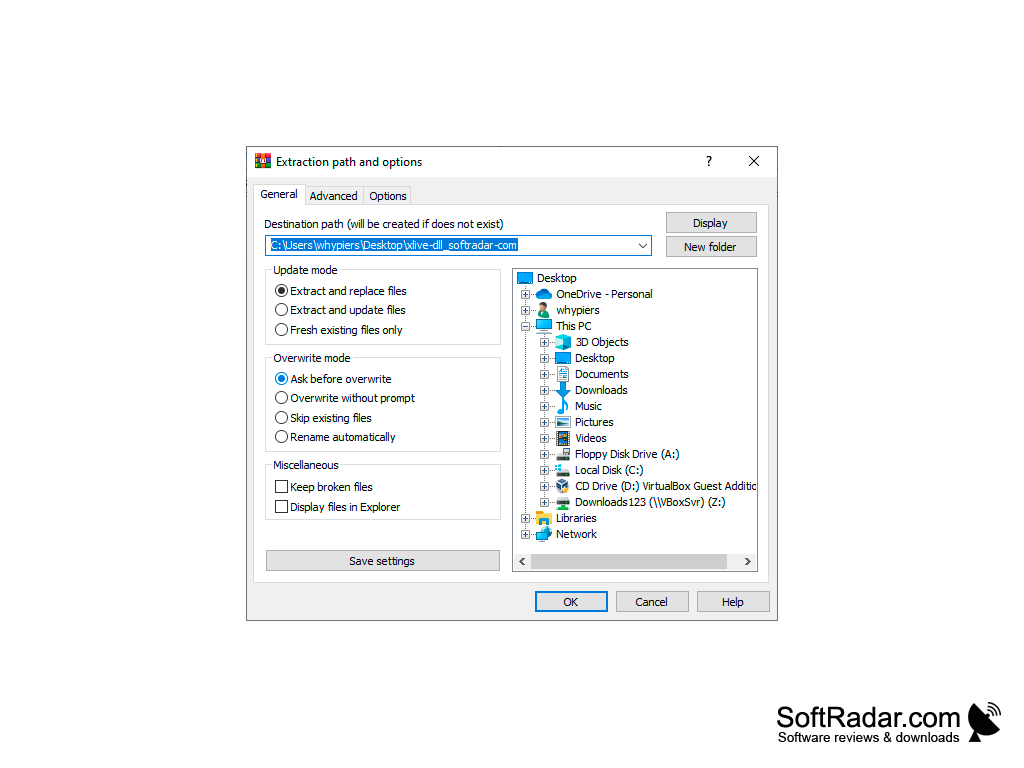
Xlive.dll is located in the folder c:\Windows\System32\ (on 64-bit Windows the 32-bit copy is in c:\Windows\SysWOW64\) and you can try to restore it manually. Download the file archive: it contains xlive.dll version 2.0.687.0 and a text file with detailed installation instructions (you may need to copy the file to several folders and register it).
The main benefit of Xlive.dll is that it lets games built on Games for Windows - Live start and connect to Microsoft's online gaming service.
For reference: The DLL library has the same structure as the program, but never runs autonomously. The program code from the DLL file is always called by a third-party program. Thus, different programs can access the same DLL file and use the functions it contains. In this case, the program developer does not have to equip the program with the code available in standard libraries and can make the program file more compact.
A game that uses Games for Windows - Live
PROS
Fixes the missing xlive.dll error at game start.
Free and easy to download and install.
CONS
Not beginner-friendly, requires knowledge in DLL files.
Potential risk of downloading fake or harmful versions.


