
adbFire
Load files and apps onto your Fire TV from your Windows PC.
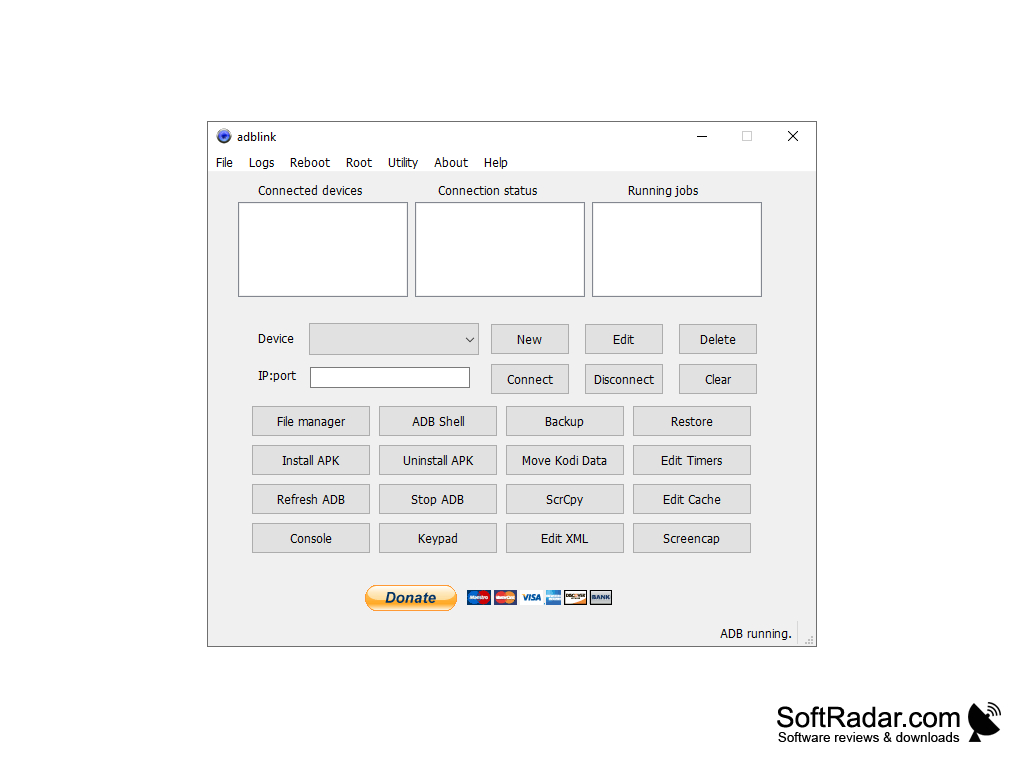
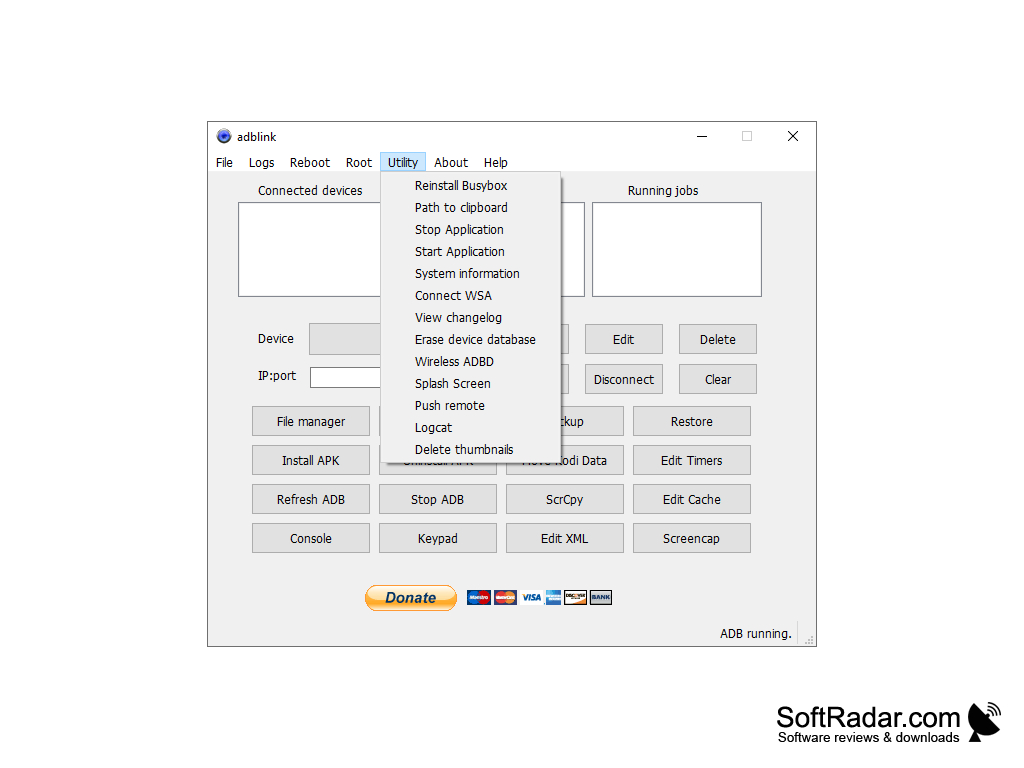
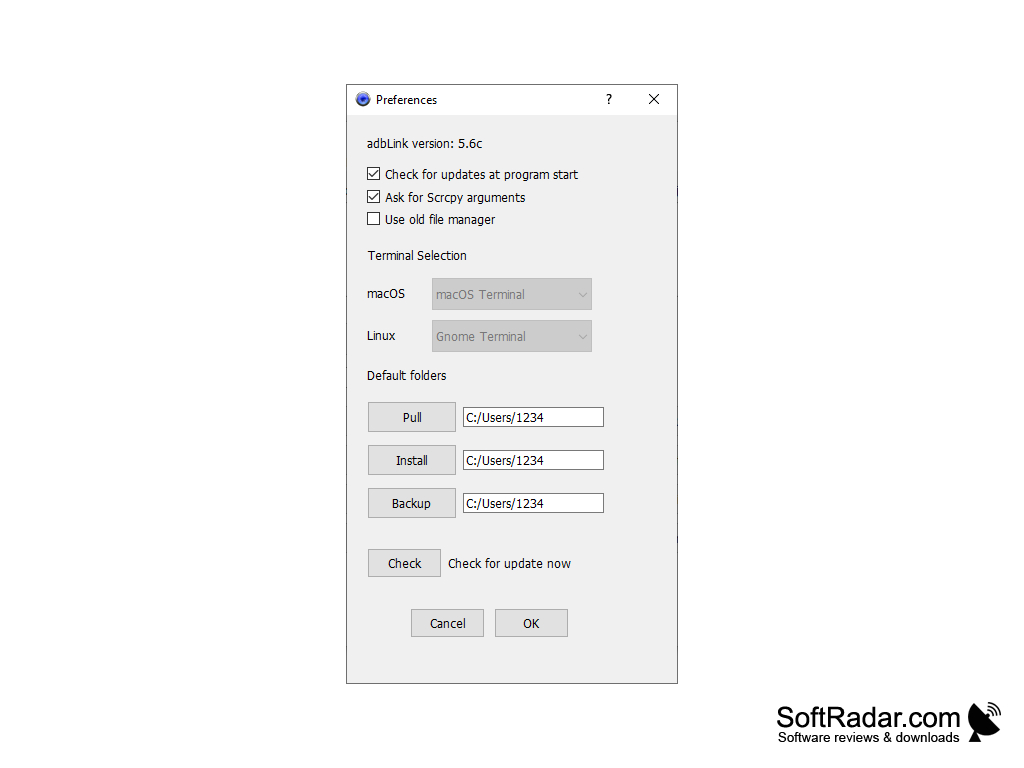
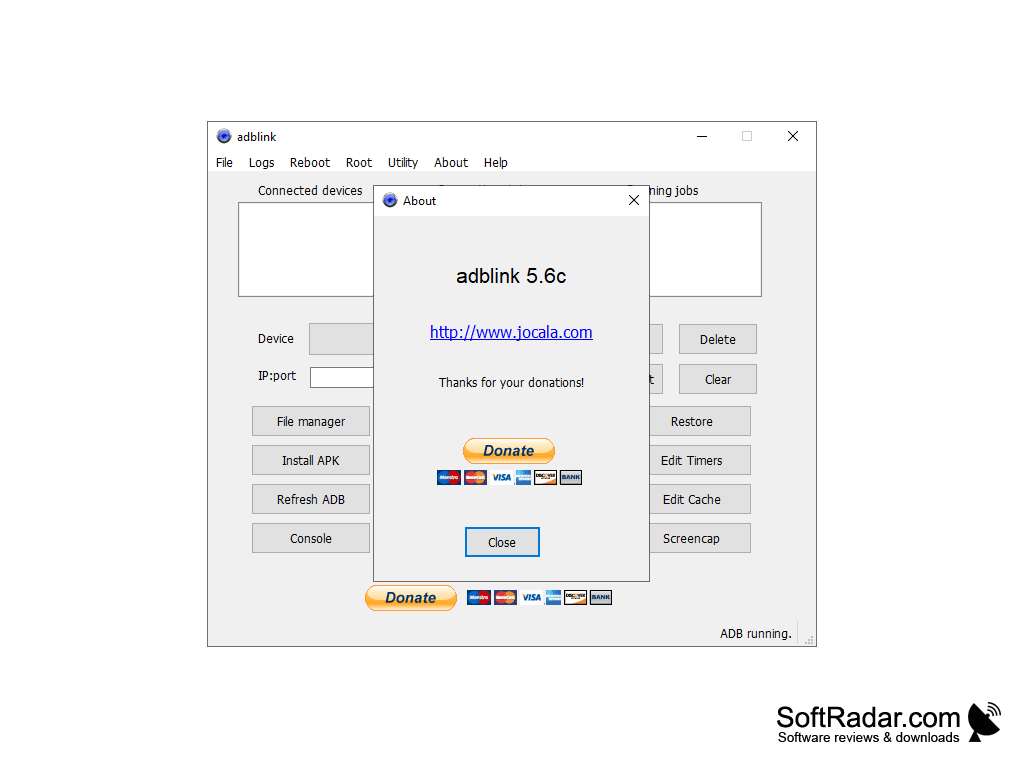
With adbFire, you no longer have to use text commands from the Windows command line of your PC just to send files or apps to your Fire TV. Modifying your Fire TV keyboard, splash screen, or uploading a custom app is just a button push away.
Features:
- Easy to use, no more command line text needed
- Sideload Fire TV apps from an APK files
- Uninstall XBMC apps
- Add modification files to the Fire TV user data directory
- Customize the Fire TV keyboard
- Change your Fire TV’s default splash screen
- Move Kodi data to external drives
- Backup/Restore Kodi setups
- Clone Kodi setups to new devices
- Root-aware File Manager for Android devices
- ADB/Fastboot and Busybox capable
With a simple push of a button, send files and apps to your Fire TV.
If you like customizing your Fire TV, then your life will be a little easier with adbFire. With adbFire, you will no longer have to use your Windows command line to send files to your Android Kodi (XBMC) enabled Fire TV: adbFire allows you to communicate with your Fire TV using an intuitive graphical user interface. Buttons and popup menus will replace long strings of texts typed into command lines.
With a push of a button, you can choose files from your PC to be loaded onto your Fire TV, allowing you to modify how your Fire TV looks and functions. With adbFire, you can easily change your splash screen, reformat your keyboard, or install user apps. You can also move Kodi data to external drives, manage devices over USB or through IP addresses, manage multiple Kodi devices, backup/restore Kodi files.adbFire works on your PC without Android SDK installed. It also has a built-in WiFi/USB remote and identifies and works with rooted Android devices. Other helpful features round out its functionality: ad hoc connections, clone Kodi setups to new devices, edit XML and other files, Hyperlinked HTML help.
Java Runtime Environment (JRE) installed
USB or WiFi connection
Fire TV or Fire TV Stick
PROS
Offers file explorer for easier navigation and file management.
Has in-built USB and network debugging for improved functionality.
CONS
Sporadic connectivity issues can interrupt file transfers.
Limited functionality compared to similar software.


