
Lenovo SHAREit
File transfer software enabling users to transfer data between PC and mobile devices
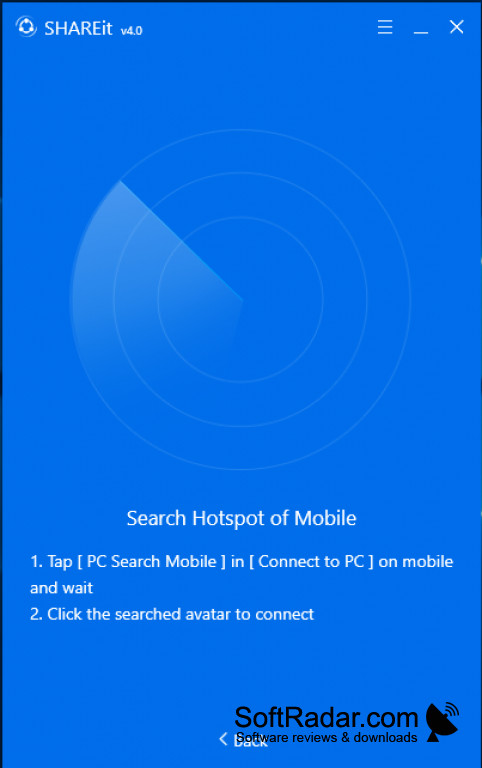
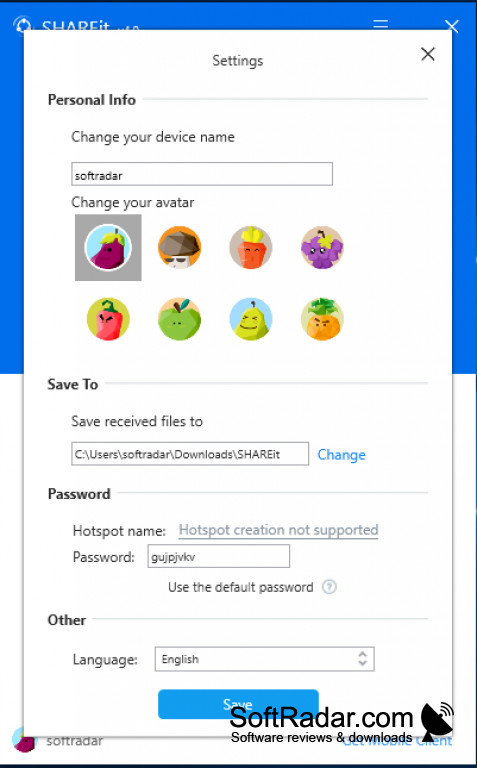
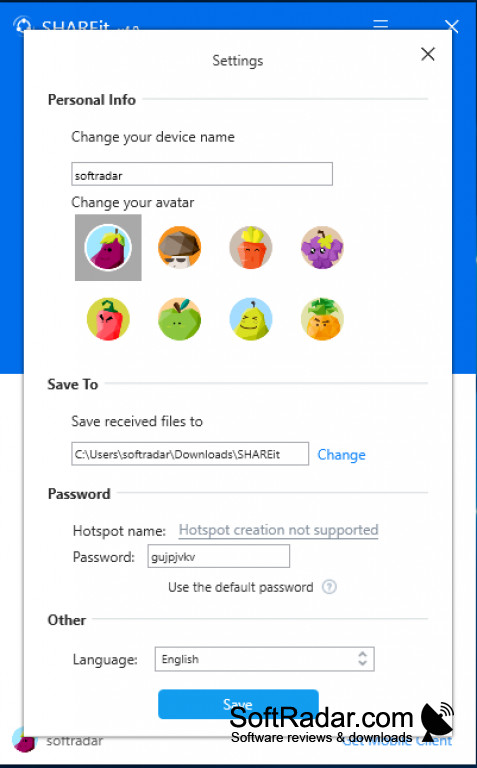
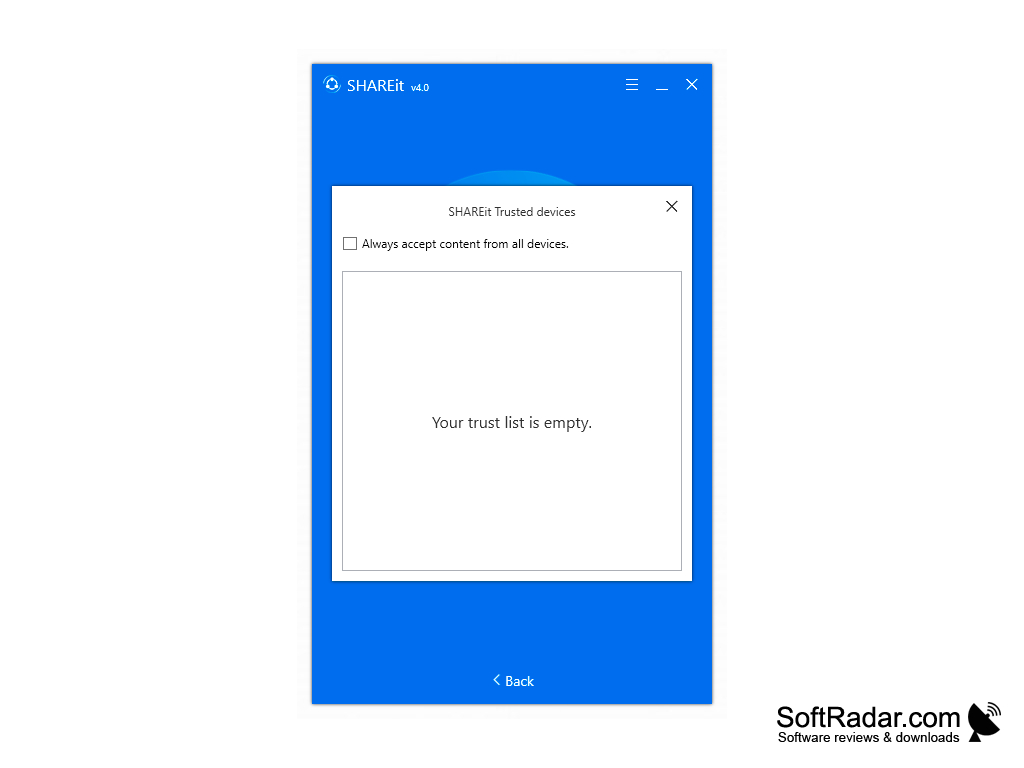
SHAREit is a file transfer software produced by Lenovo. It allows users to share files or data quickly, as well as clone a particular device and transfer that information directly to the receiving device. The user interface is easy to use and pleasant to the eyes. Lenovo does provide step-by-step tutorials to new users to guide them through the file transfer or device cloning process. SHAREit does utilize a wireless connection to make its transfers, which makes it a great asset in this technological age. Most devices utilize a wireless connection to connect to the internet or even directly to each other, so this software can transfer files very quickly without the use of Bluetooth connectivity. It is not confined to just one file format, as it is compatible with the most popular picture, movie and document formats of this age. It is important to note that this software comes in over 30 languages, thereby making its use universal, as well as being listed in the top 10 mobile downloads. This truly is one of the most popular downloaded applications for file and data transfer.
Features:
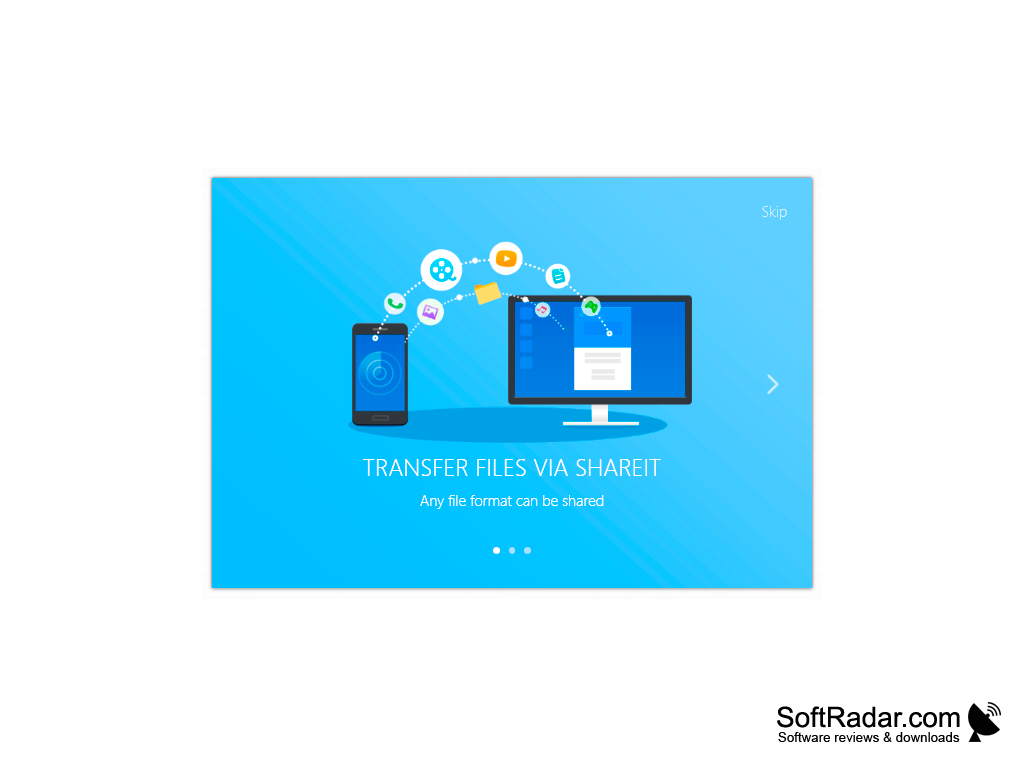
- Share files such as videos, pictures, music, documents or contacts with other devices
- Devices can find each other when in range
- Devices wirelessly connect directly, thereby requiring no cables or Bluetooth connectivity
- Transfer massive files or videos within a matter of seconds
Can clone a device file system by sending device data to another device
Overall, SHAREit is easy to use and much better than other file transfer applications. The transfer speeds alone allow this product to stand out amongst all others in this category. There have been occasional complaints that transfer taken a long time to complete, as well as the occasional glitch in the interface itself. Generally, this software is highly recommended for those who need to transfer files or data quickly from one device to another.
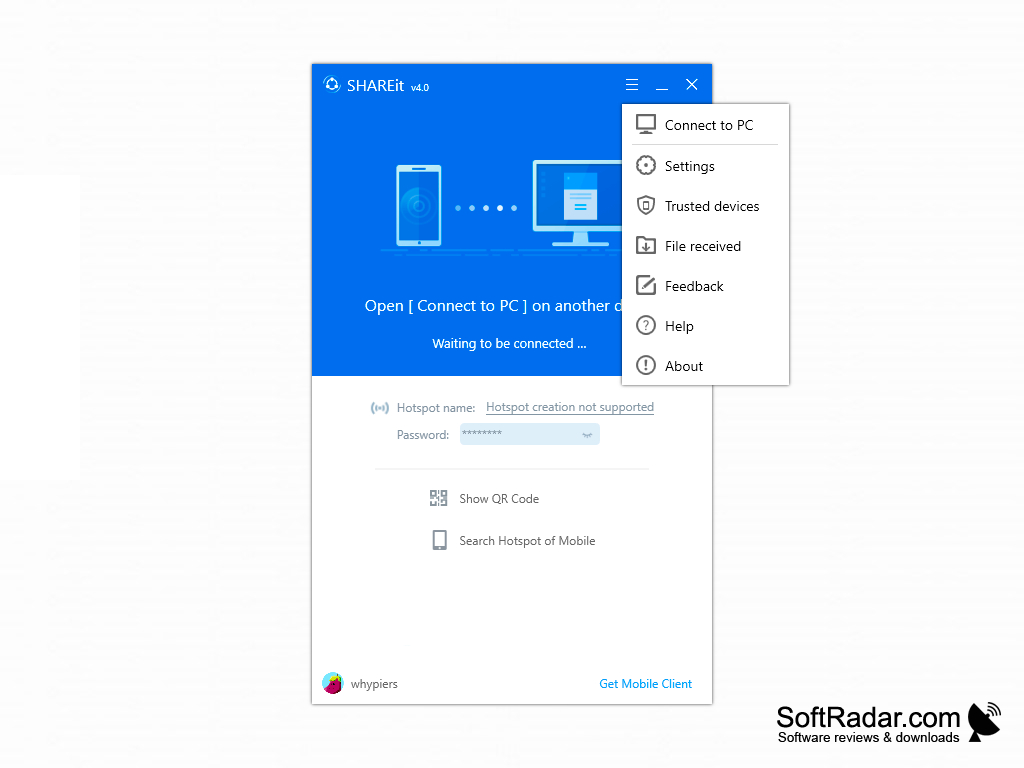
This software has the capability to work with Mac, iOS, Android, and Windows. It has compatibility with Windows 10, 8.1, 8, 7, Vista and XP in either a 32-bit or 64-bit format. This is program is classified as freeware.
PROS
Supports different file formats including videos, music, and documents.
No size limit on the files being transferred.
CONS
Requires both devices to have the software installed for sharing files.
Occasional connection problems when connecting to different devices.


