
AirPort Utility
Manage Airport Express with your Windows PC
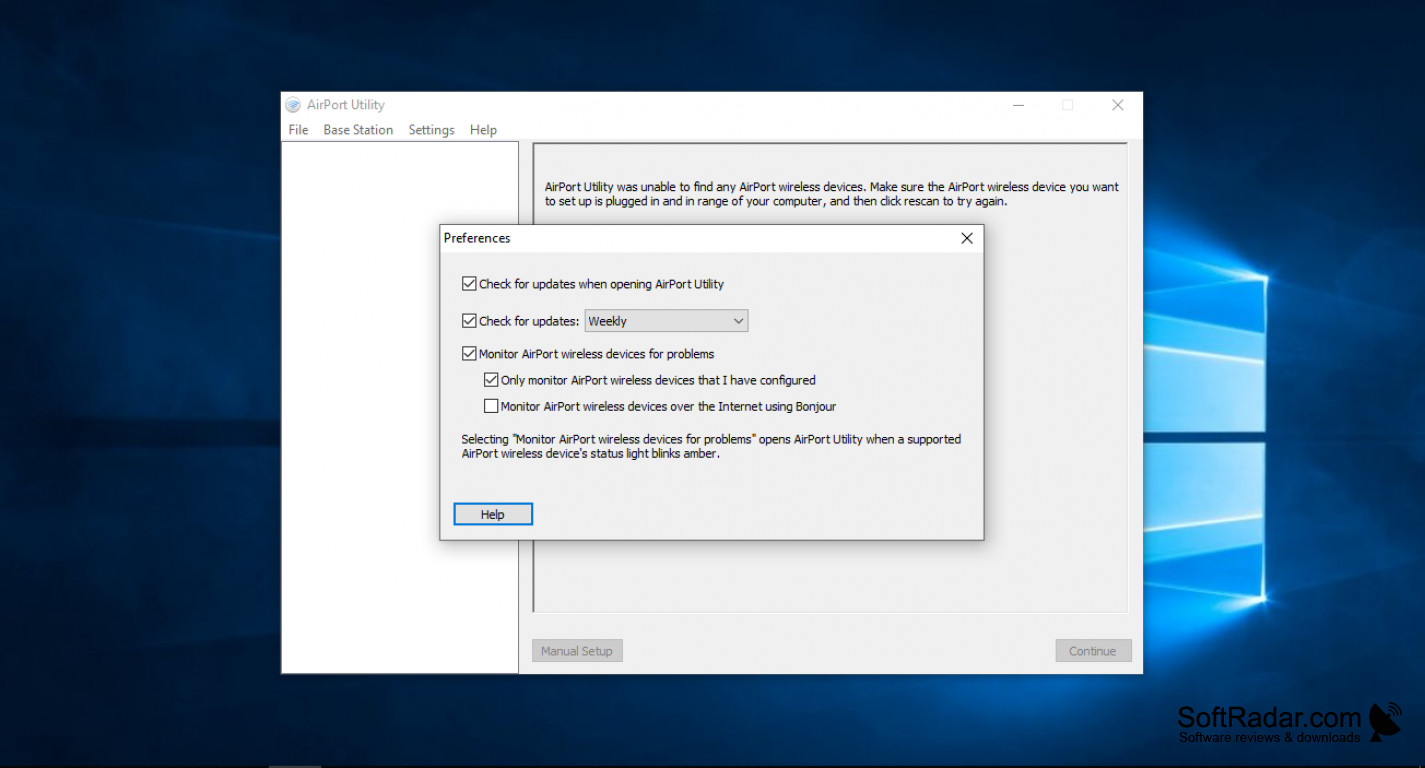

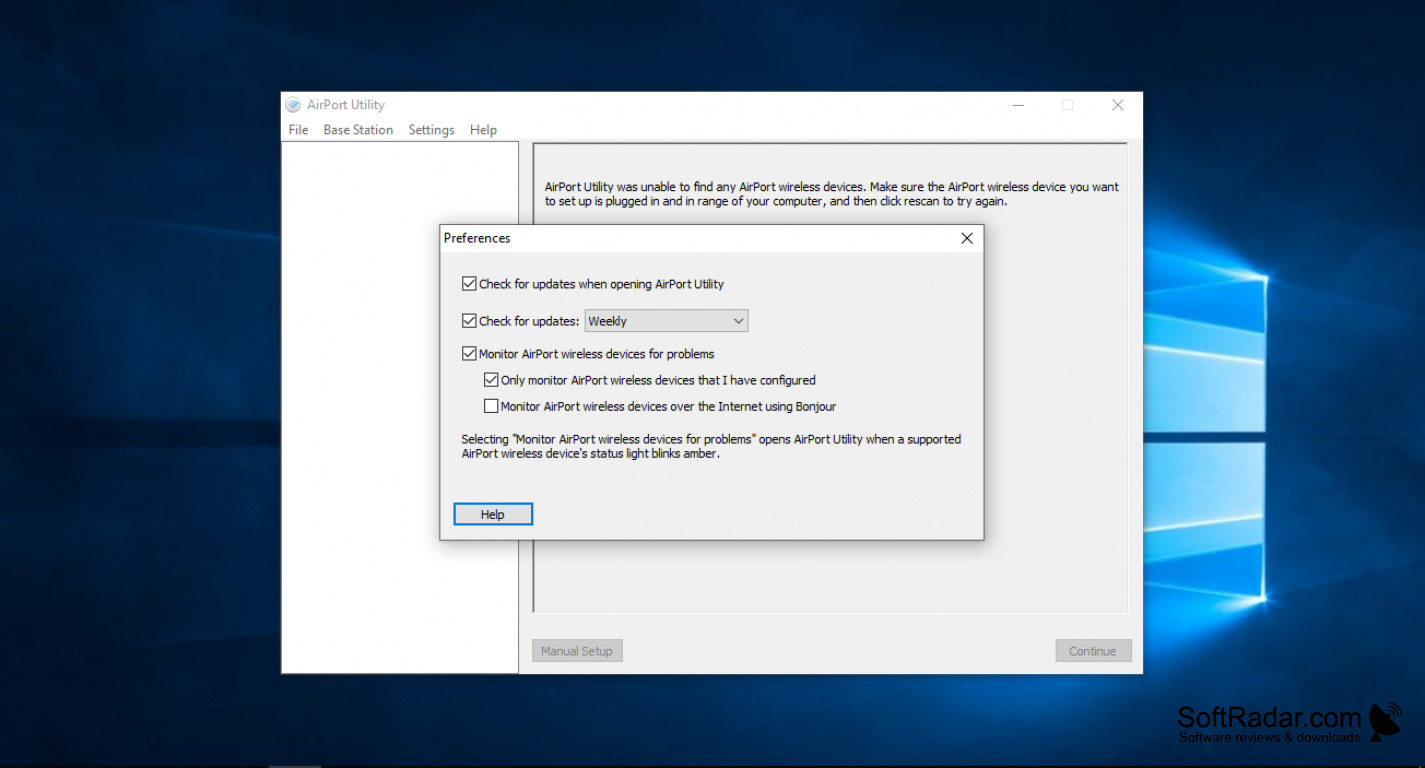
One thing that this product does very well is that it will allow you to configure and manage your Airport Express using dual bands that are all under the 802.11n software. One thing that most people wouldn't know or realize is that the supported languages are diverse as Dutch, English, Spanish and a various amount of other languages are supported for people. An update was recently pushed out that fixed issues for the Utility randomly quitting. But the biggest point and selling feature of this product is definitely its ability to allow users to have a Wi-Fi base station that can create a Wireless Network and manage your USB devices such an external hard drive or a printer that is attached to the Airport device. You can always connect more devices to the network but you will have minor challenges with it but nothing that isn't that hard to work around. This software is freeware for PC or laptop's that are running the Windows 32 or 64 version of Windows. It runs on Windows 10, Windows 8, Windows 7 along with Windows Vista and XP and it's completely free to download. The biggest advantage of this tool and software is that it brings the much needed automated features that include a connection, so you don't have to involve or bring a network administrator to set up diverse protocols to have an internet connection be set up, so it makes the setup process that much easier for people to use and set up a Wi-Fi or Bluetooth connection for their devices. You can also have an option for adding customization of your profile along with the option for encryption.
In conclusion, this product is simple but very ideal for users whether you're not that knowledgeable about this software or if you're an expert in this. Functions are limited but very useful.
It's better due to the fact you can operate it with a Windows Operating System.
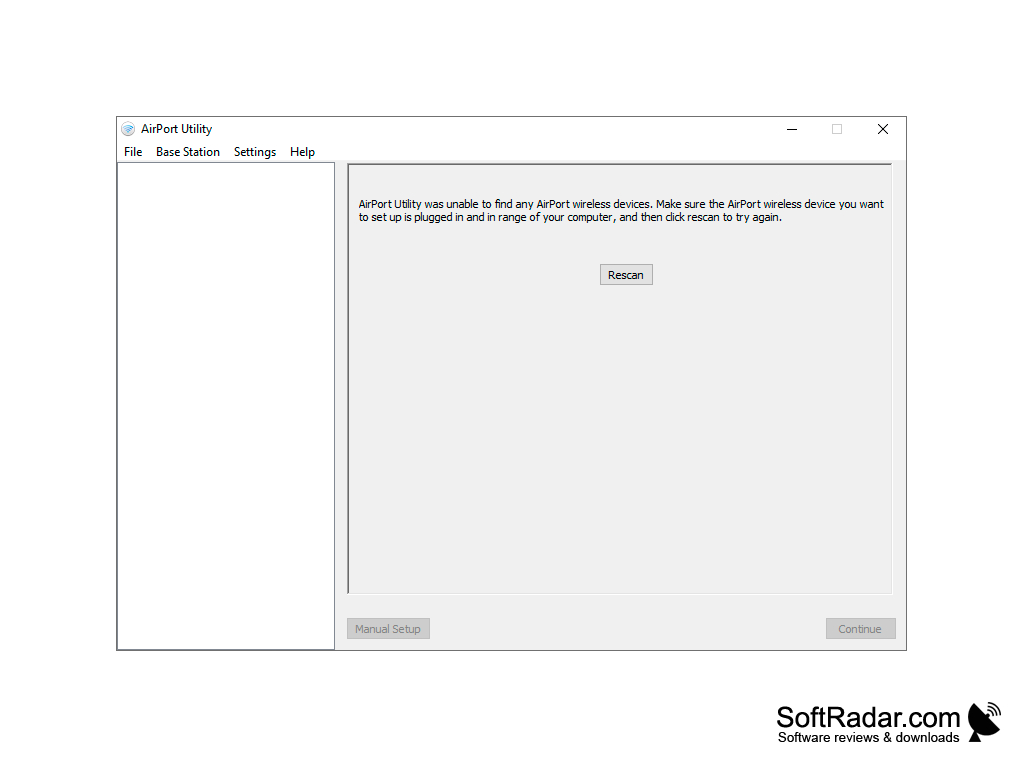
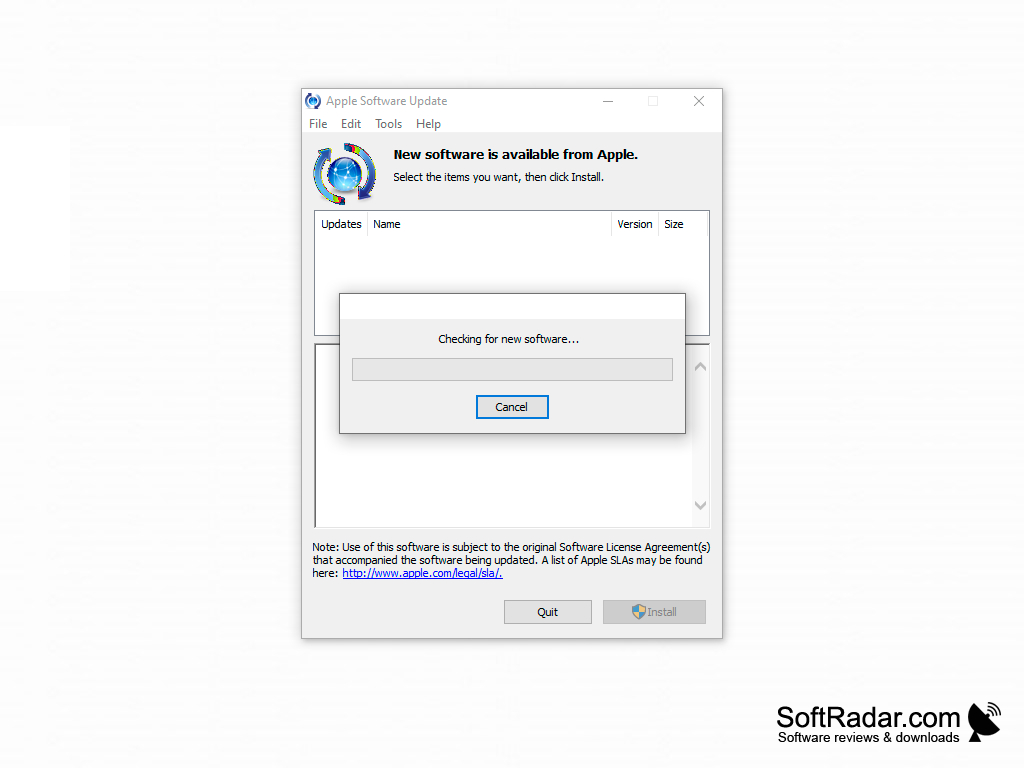
Supports Windows 10, Windows 8, Windows 7, Vista and XP
Ability to configure and manage AirPort Express using dual band 802.11n software
PROS
Supports printer and hard drive sharing.
Straightforward user interface with minimal complexity.
CONS
Lacks advanced features for network troubleshooting.
Occasional bugs make the interface less user-friendly.