
AMIDuOS PRO
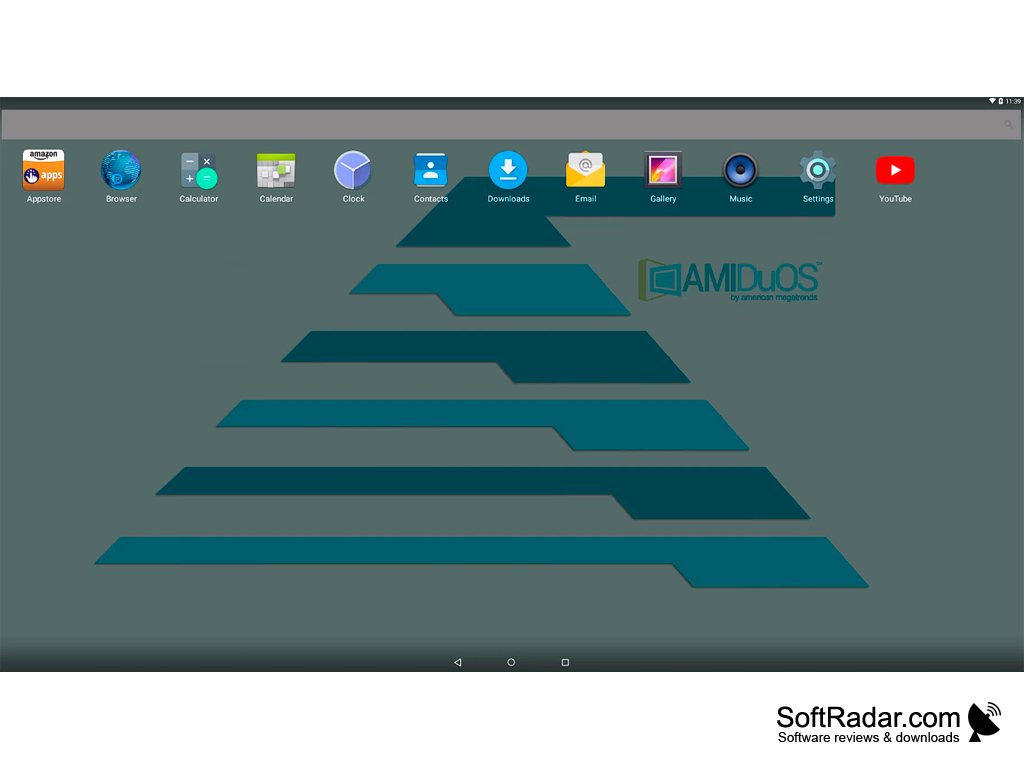
Allows Android software to run on a PC platform, specifically Windows.
Operating system: Windows
Publisher: AMIDuOS
Release : AMIDuOS PRO 2.0
Antivirus check: VirusTotal report
The biggest benefit in my opinion is that the software is being deployed free of charge.Features:
- This software is the most popular on Google right now and has a good user rating. The reviews show that the software is a reliable and stable means for running the Android OS applications on a Windows based PC, tablet, or phone. It offers the ability to pinch and zoom and allows for multi-point touch capability for tablets which also differentiates it from other similar software options.
- The software runs in a native environment which allows it to accurately emulate all aspects of the Android OS.
- The product is different because it supports nearly all devices and configurations. It is fast and has a small footprint which also makes it run quicker than other similar software. The software allows for gaming controls and resolutions to emulate the Android O.S. The software simulates Wi-Fi capability to allow Android application access to the internet as well as support for Ethernet and router-based internet connectivity.
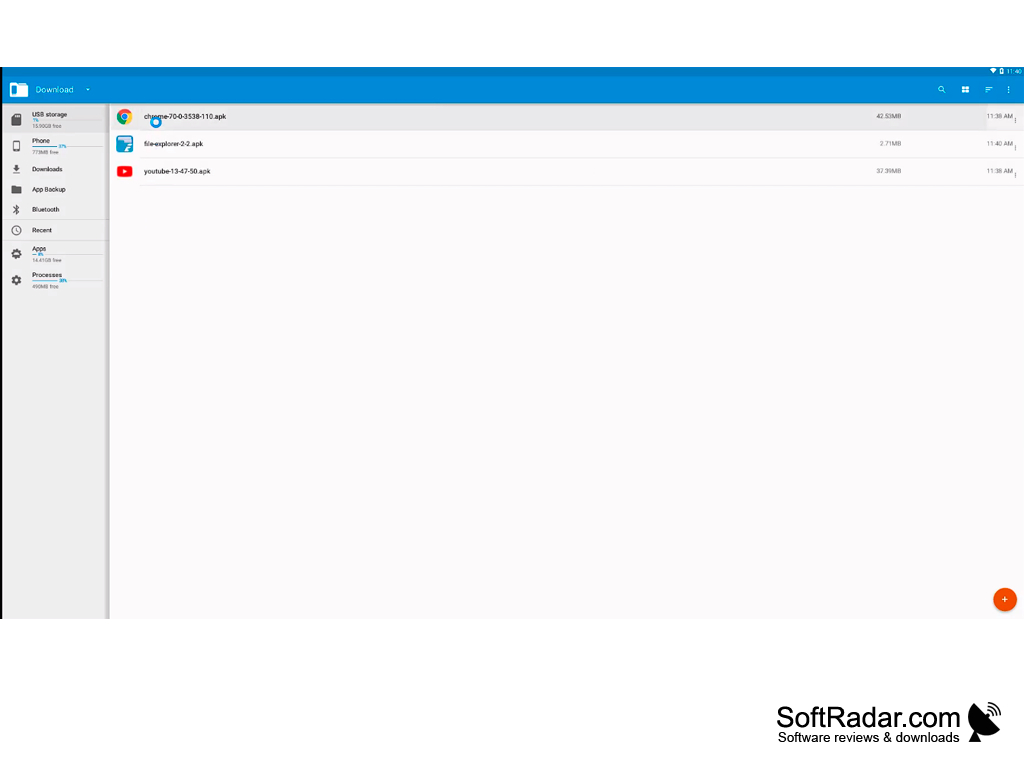
- This software allows for database sharing as well as the configuration of SD card storage. It provides for file sharing also. It allows for quick switching between Android and Windows environments quickly and offers the stability that other similar software generally does not offer.
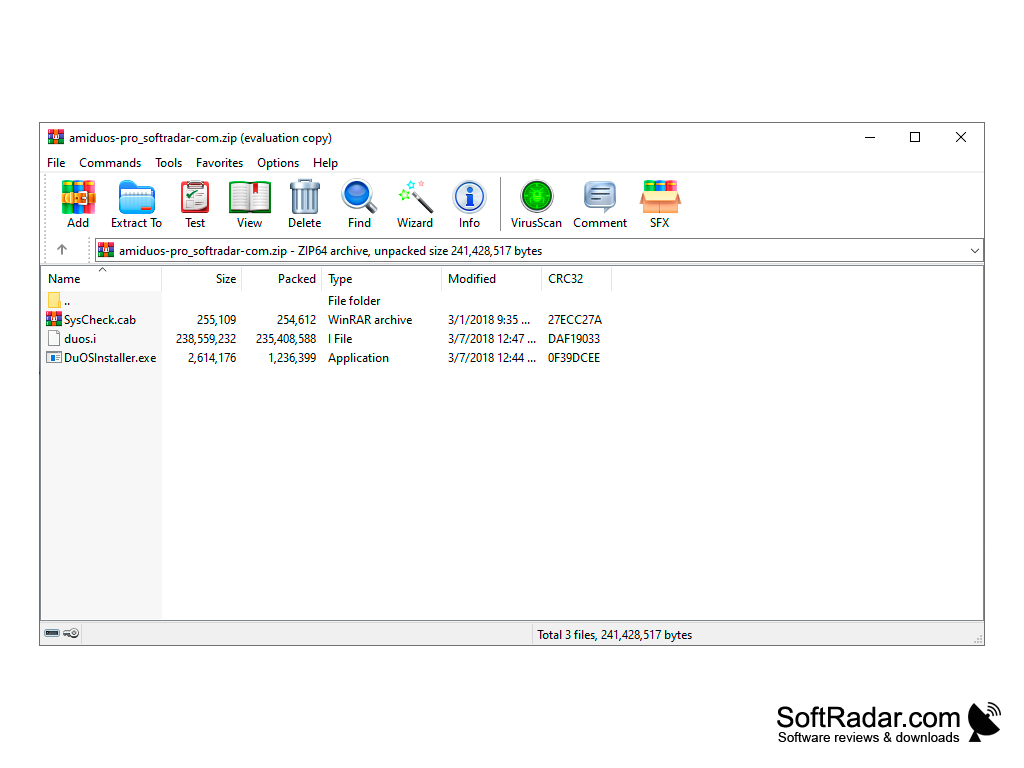
AMIDuOS PRO for Windows is a new concept and a better way of porting your Android software and O.S. to your Windows-based devices. Support for nearly all aspects of Android operation makes it far above and beyond other presently available offerings. The fact that the software is free adds to its value and makes it available for anyone who wants to give it a try. It offers stability and compatibility on a level that is unmatched among its peers. The simplicity and intuitiveness of the software make it easy to install and use.
Minimum 2GB of system RAM
OpenGL 3.0 and above
Minimum 2GB of hard disk free space
PROS
Provides full Android experience with 3D acceleration.
Simple installation and easy-to-understand interface.
CONS
Inability to run on older computer systems.
May experience occasional lagging and freezing.


