
Any Video Converter Ultimate
An application that converts DVDs, CDs, and BluRays into MP4 and burnable files
Operating system: Windows
Publisher: ANVSOFT INC.
Release: Any Video Converter Ultimate 5.9.1
Antivirus check: VirusTotal report
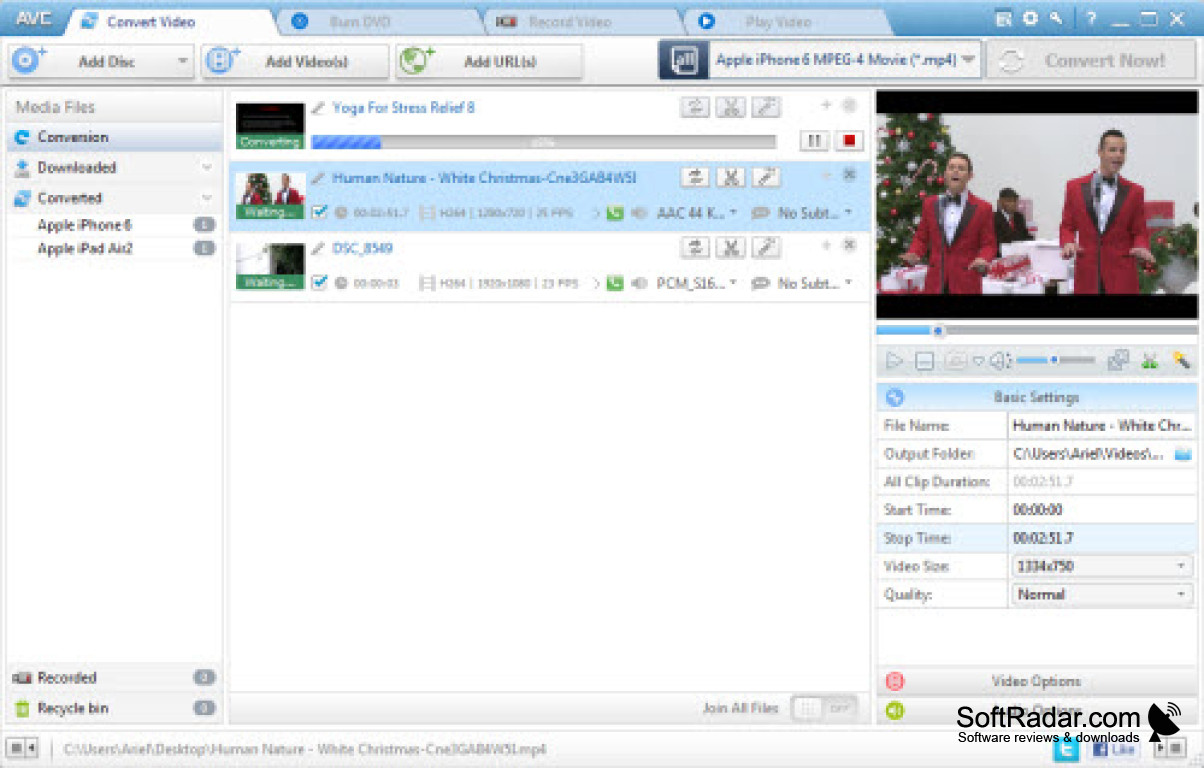
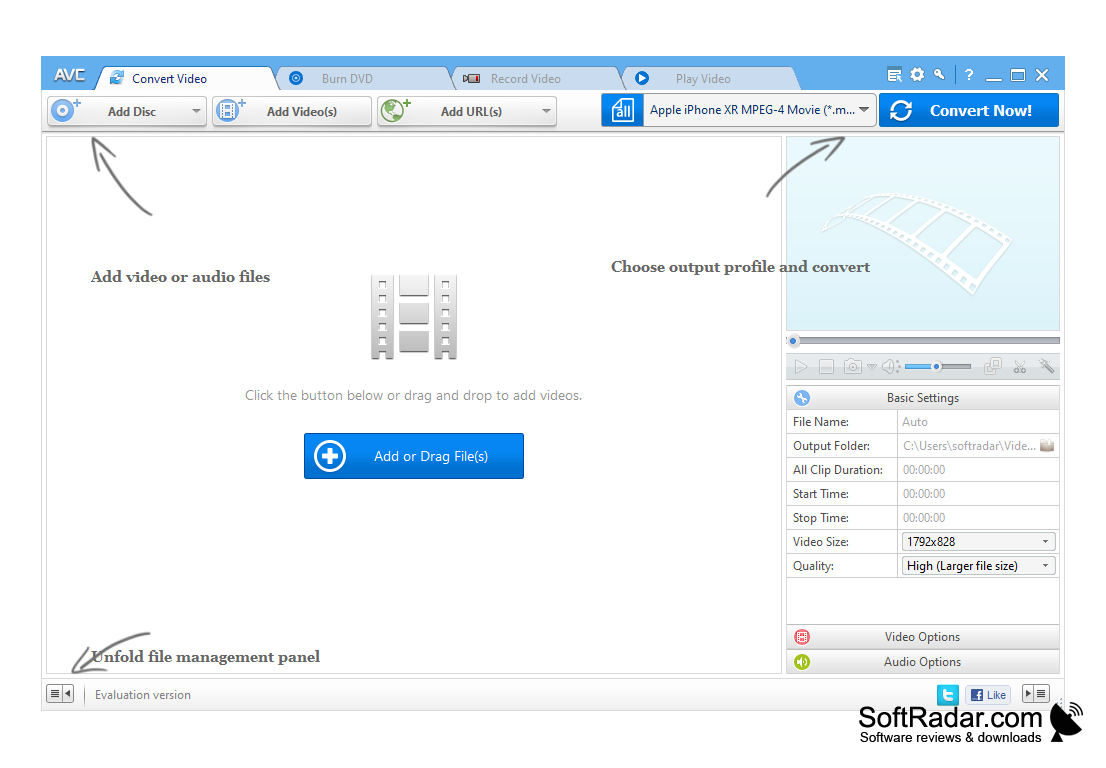
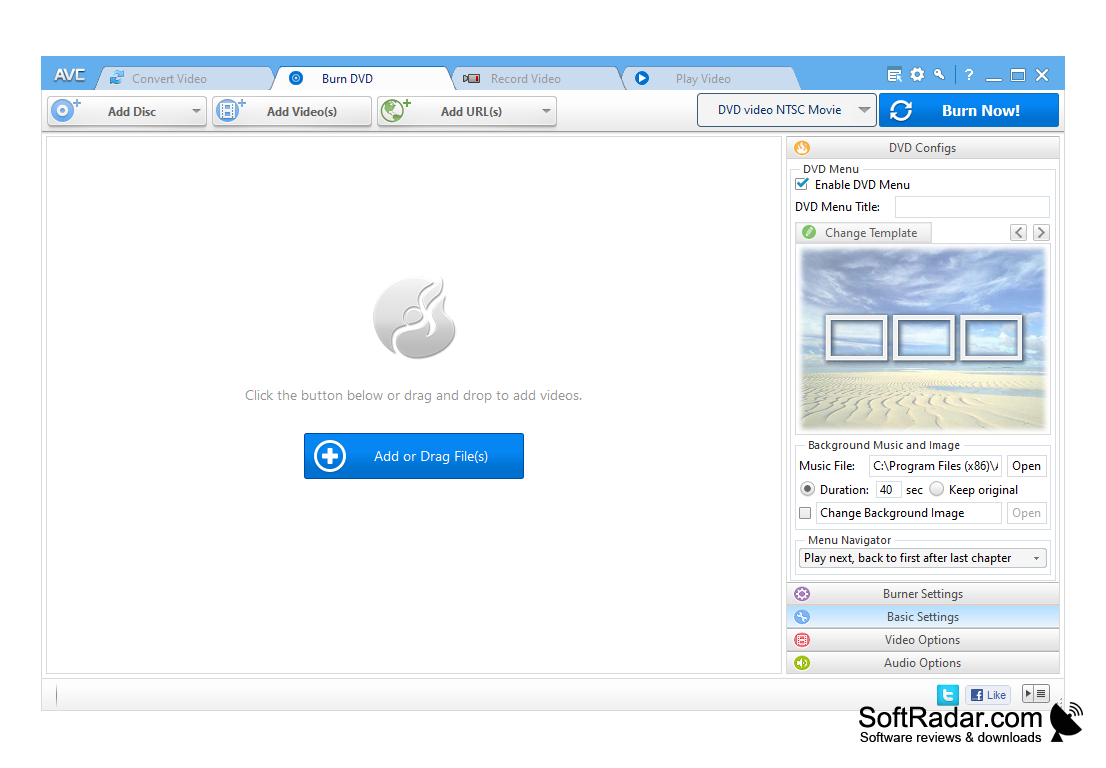
There are many video formats available today. This is not very convenient because not all extensions can read smartphones, DVD players or tablets. To solve this problem, converter programs are used to help change video file formats. One of the best video conversion programs is Any Video Converter Pro.
This program is universal, because it allows you to convert any video file to any desired format. Supported formats are XviD, DivX, rm, MOV, rmvb, VOB, MPEG, DVD, AVI, WMV and many others. There is a special function to convert to MP4 format, which is compatible with iPad, PSP, iPhone and other devices that require special file parameters. Once you've selected the desired clip, you'll be able to select the video quality after the process is complete. The size of the future file depends on the selected parameters. This feature is useful if you have little space left, because by sacrificing a little bit of quality, you can noticeably reduce the size of the video. The conversion window has a preview player that lets you see in advance what you will get in the end. In the same place, you can trim the roller, thus converting only the desired segment. You just need to specify the beginning and end of the part of the video you want to convert.
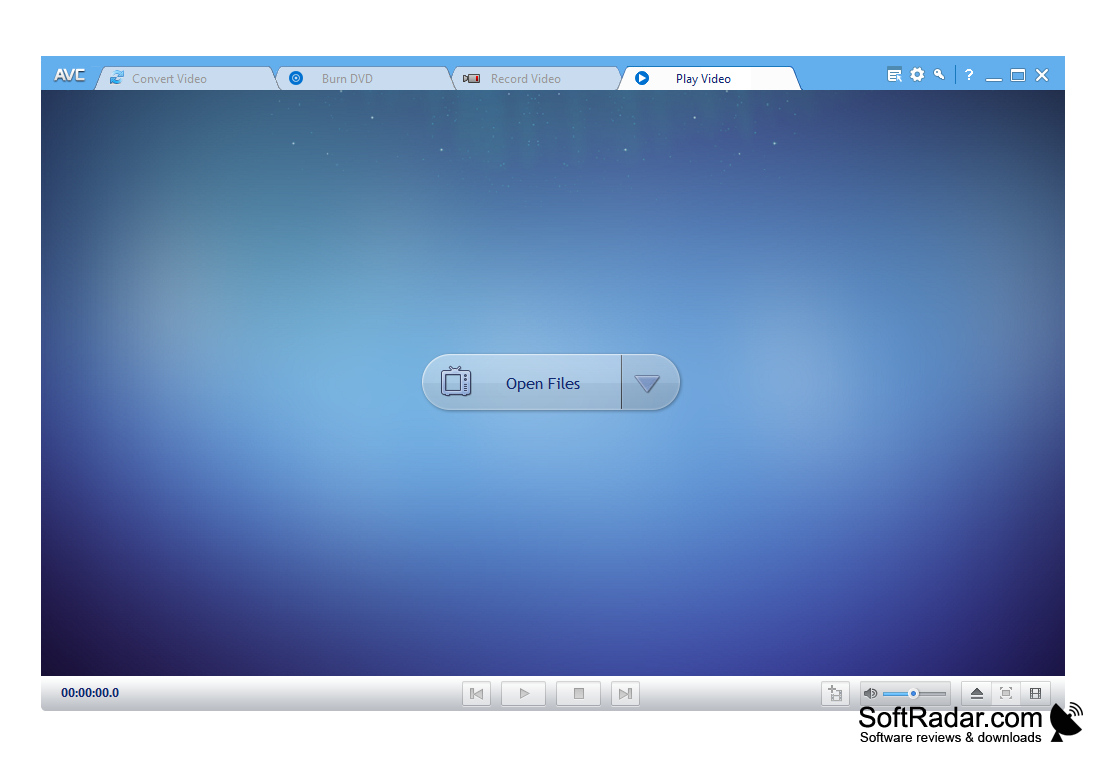
One of the features of Any Video Converter Pro is its performance. Using hardware acceleration, the process of format change in video is very fast. The application is easy to use, and the look and feel of it makes a pleasant impression.
Any Video Converter Ultimate allows quick and easy conversion of any video format to desired one.
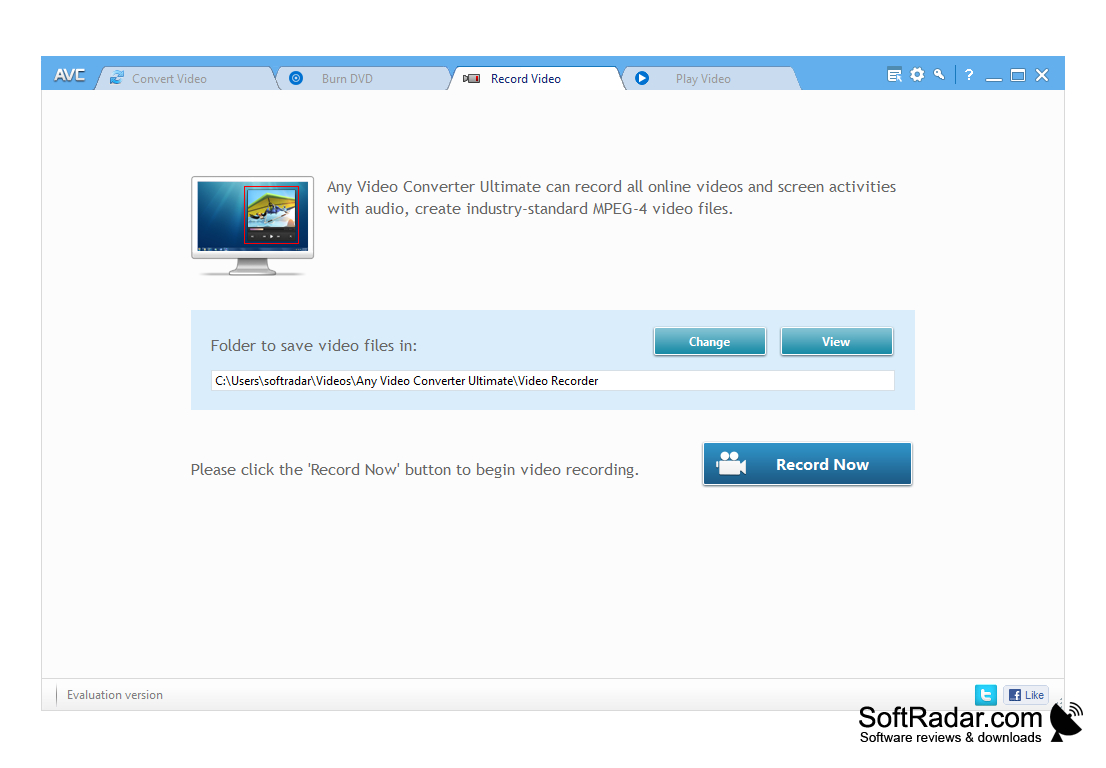
- support for a large number of formats;
- the original video and audio quality is retained (you can select the parameters if desired);
- conversion of a certain part of the video;
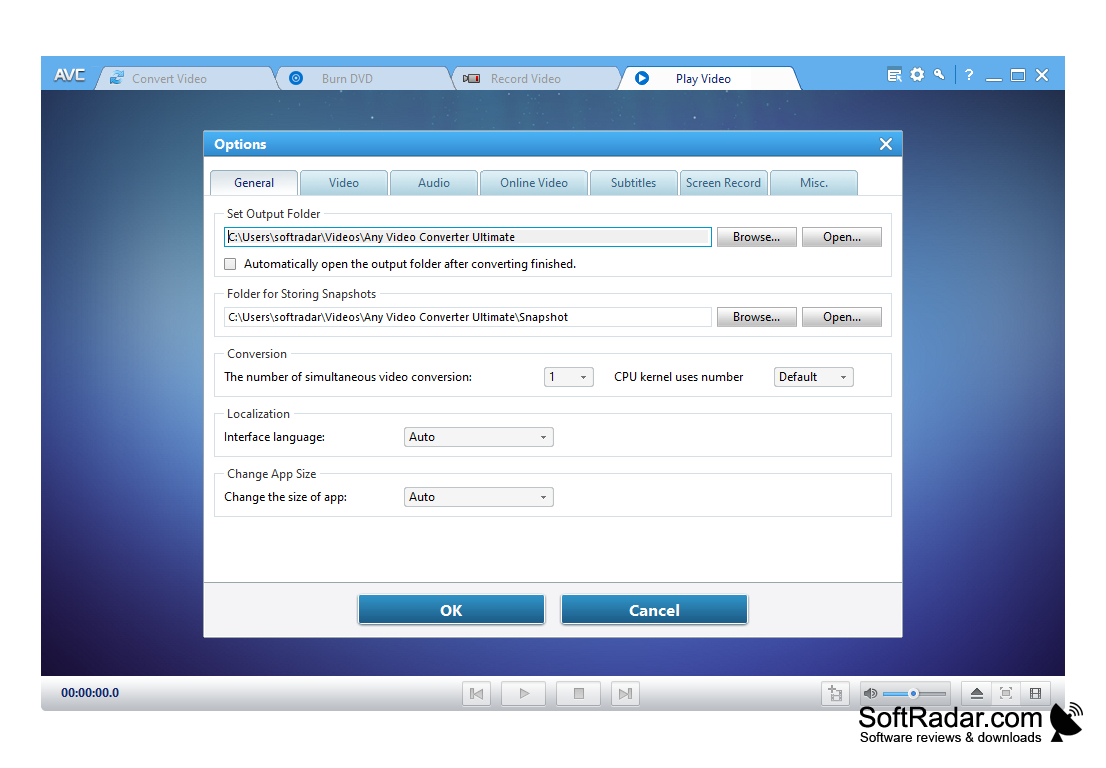
- friendly interface;
- high speed of operation.
PROS
Includes video editing tools and DVD burning feature.
Supports downloading and converting online videos.
CONS
Slower conversion speed than competitors.
User interface may be confusing for beginners.


