
AnyUnlock
AnyUnlock by iMobie is a Windows and Mac program for unlocking iPhones and iPads with a forgotten passcode, Apple ID or Activation Lock.
Operating system: Windows
Publisher: iMobie Inc.
Release: AnyUnlock 2.2.3
Antivirus check: VirusTotal report
AnyUnlock Software
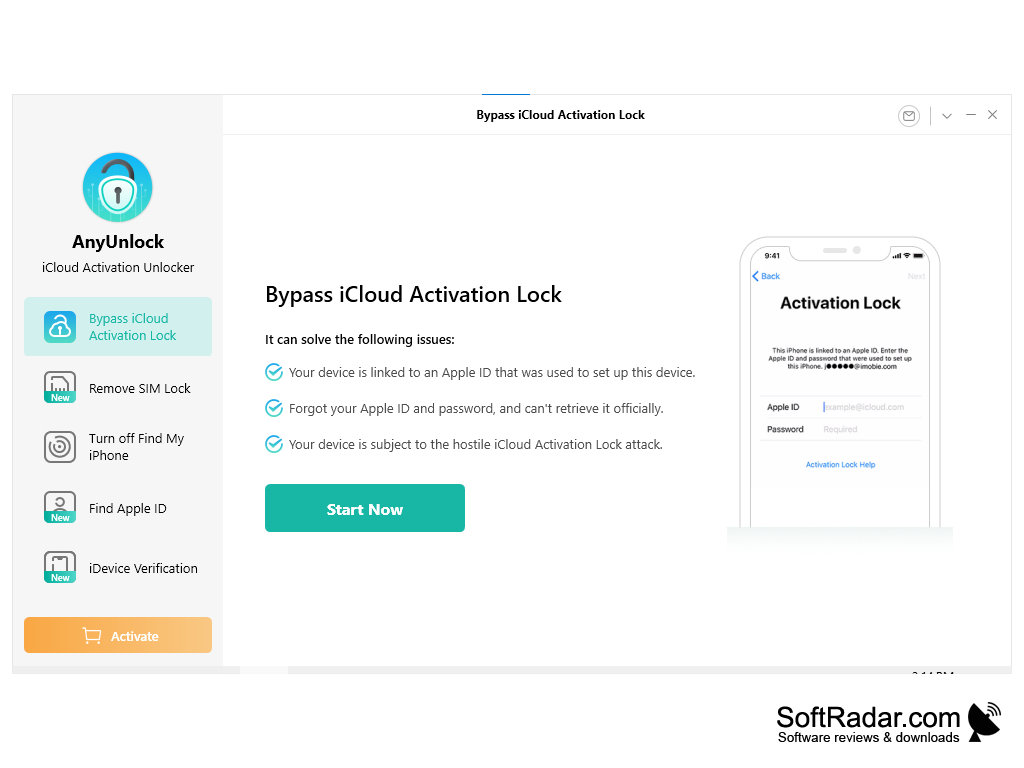
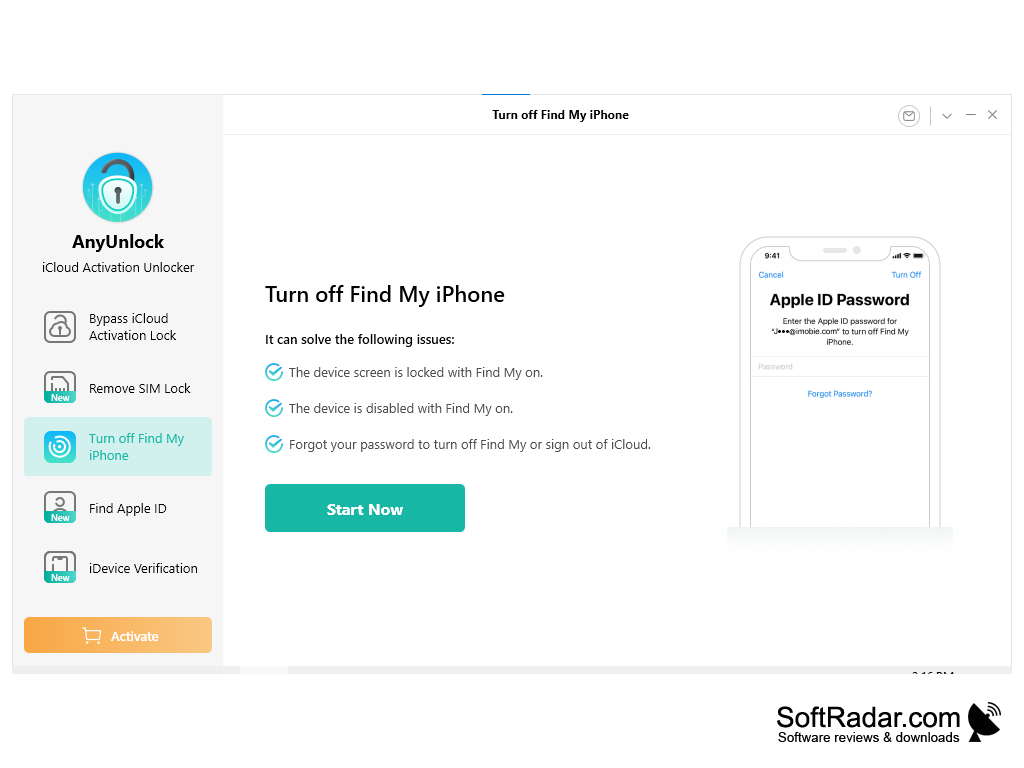
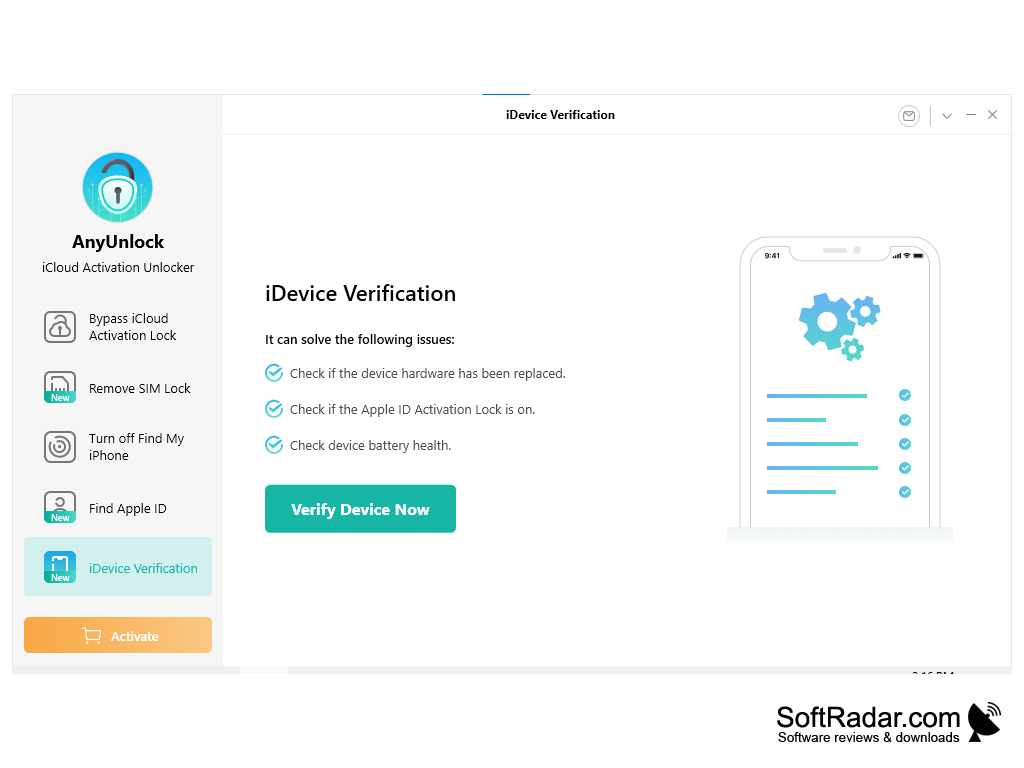
AnyUnlock by iMobie is an iPhone and iPad unlocking tool for Windows and Mac. It helps you regain access to an iOS device when you have forgotten the screen passcode, Apple ID password or Screen Time passcode, or when the device is blocked by iCloud Activation Lock, MDM restrictions or a carrier SIM lock. You connect the device to the computer with a USB cable, choose the unlock mode in the left panel and follow the on-screen steps. For every mode the program first lists the problems it can solve, for example a device linked to an Apple ID you can no longer access, and then starts the process with the Start Now button.
AnyUnlock provides a fast, secure and reliable way to unlock Apple devices.
Features
• Unlock Apple ID - remove the Apple ID from an iPhone or iPad and sign in with a different one.
• Unlock Screen Passcode - remove a forgotten numeric or custom passcode, Touch ID or Face ID.
• Bypass iCloud Activation Lock - regain access to a device linked to an Apple ID whose password you cannot recover.
• Bypass MDM Lock - remove Mobile Device Management restrictions from an iPhone or iPad.
• Remove SIM Lock - remove a carrier lock so the iPhone can be used with other carriers.
• Unlock Screen Time Passcode - remove Screen Time restrictions without losing data.
• Unlock iTunes Backup Encryption - recover or remove the password of an encrypted iTunes backup.
• Turn off Find My iPhone - disable Find My when you have forgotten the password needed to turn it off.
• Find Apple ID - look up the Apple ID that is used on the device.
• iDevice Verification - check whether device hardware has been replaced, whether Activation Lock is on and the battery health.
• iOS password manager - view and export the passwords saved on your iPhone or iPad.
• Disable camera sound - turn off the shutter sound of the iPhone camera.
• Wide compatibility - according to iMobie, AnyUnlock works with iPhone and iPad models running iOS and iPadOS versions from iOS 5 up to the latest releases.
AnyUnlock is paid software: the program can be downloaded for free, but the unlock functions require a license. iMobie offers a 60-day money-back guarantee and a refund if an unlock fails. Keep in mind that some modes, such as removing the screen passcode, erase the data on the device, so it is best to have a backup, and that the program is intended for devices you own. A stable USB connection is needed during the whole process, and the device should not be disconnected until AnyUnlock reports that the unlock is complete.
1 GHz CPU or faster
256 MB RAM or more
iPhone or iPad with a USB cable
PROS
Also removes MDM and Screen Time restrictions.
Includes a tool to find a forgotten Apple ID.
CONS
Pricing is relatively high.
Success depends on the device model and iOS version.


