
ApkTool
A tool for decoding and rebuilding app resources for use, customization, and analysis
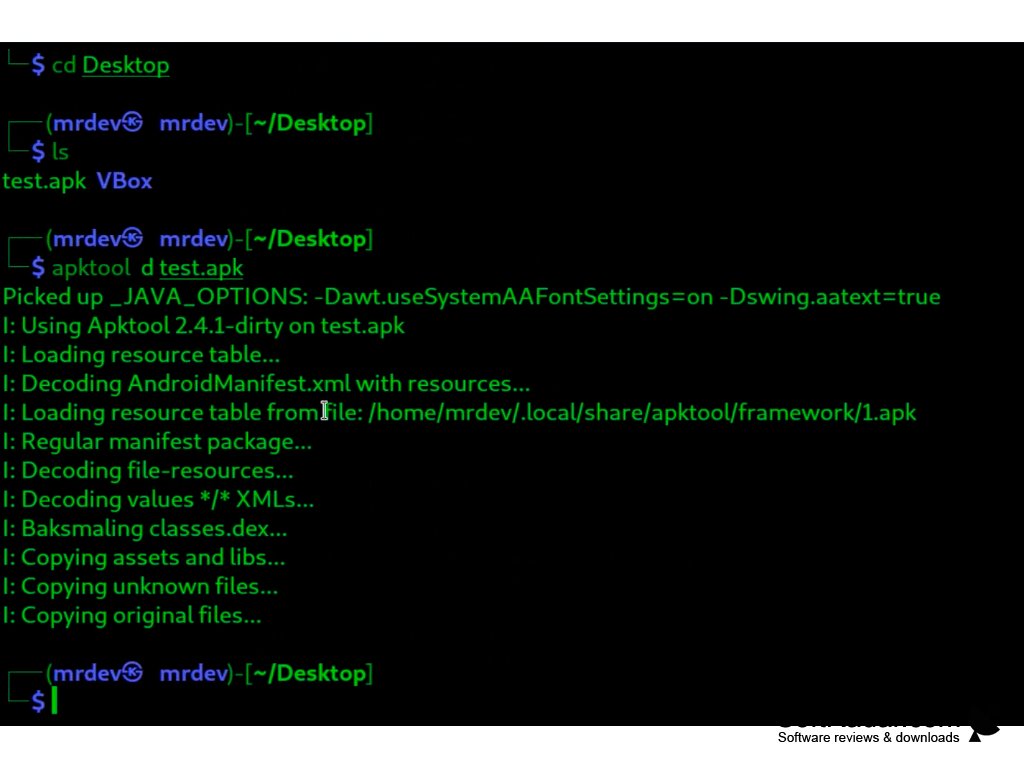
ApkTool is a command line application that can be used to change the composition of APK files. It is intended for Android programmers of the "old school", who are used to using the console, not the graphic shell. To work with the application you need at least basic knowledge of SDK, PATH, aapt and smali. Even running an application is unlikely to be possible for a normal user.
So, using this tool you can modify Android-applications, change scripts, add new functionality and localization. The ApkTool developers kindly provide detailed documentation on the application's operation (in English) and strongly recommend using it only for "legal" modification. However, changing the composition of the APK downloaded from Play Market and its further distribution, in fact, already violates the license of Google. So use the program only at your own risk.
ApkTool simplifies the modification of APK files by allowing detailed changes to scripts, functionalities, and localization within Android applications.
The application allows you to extract any resources from the APK, and can also optimize some of the repetitive tasks associated with editing the contents of the package. Unfortunately, the possibility of "opening" the framework-res.apk application is not provided for. This is about special protection from Google. In the future, developers are going to "beat" this protection, so keep an eye on the release of new versions.
Note that ApkTool will not work without Java SE Runtime Environment installed. By the way, being a Java-application, it will run on all popular desktop operating systems. Naturally, the applications are completely free and have open source code.
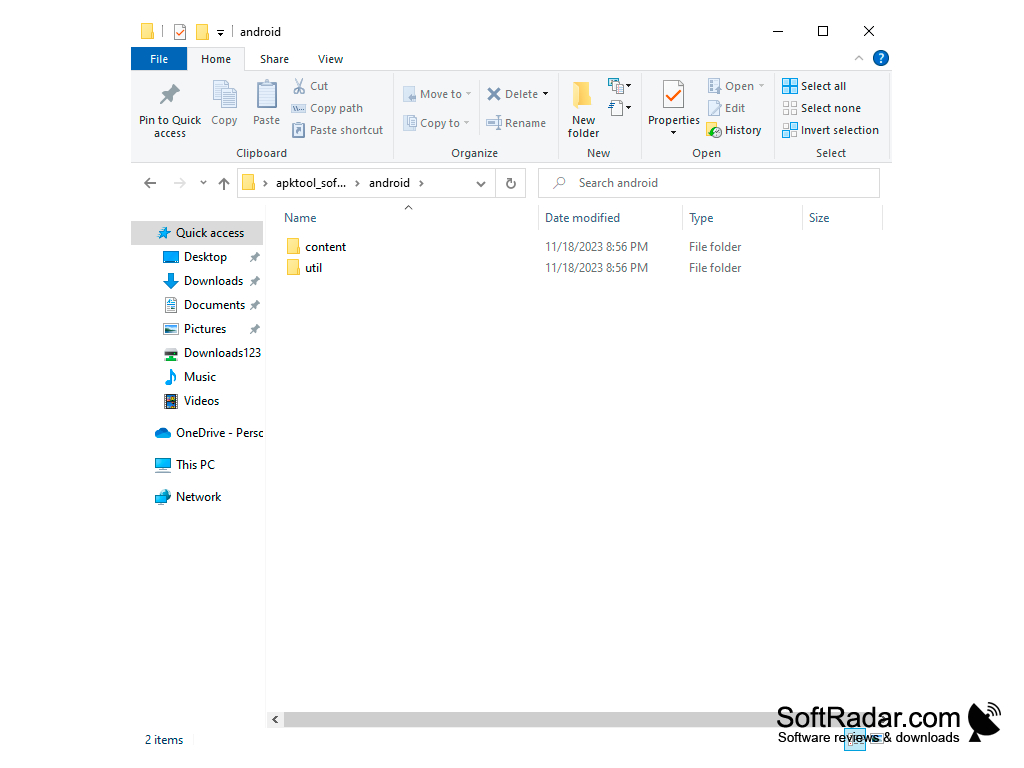
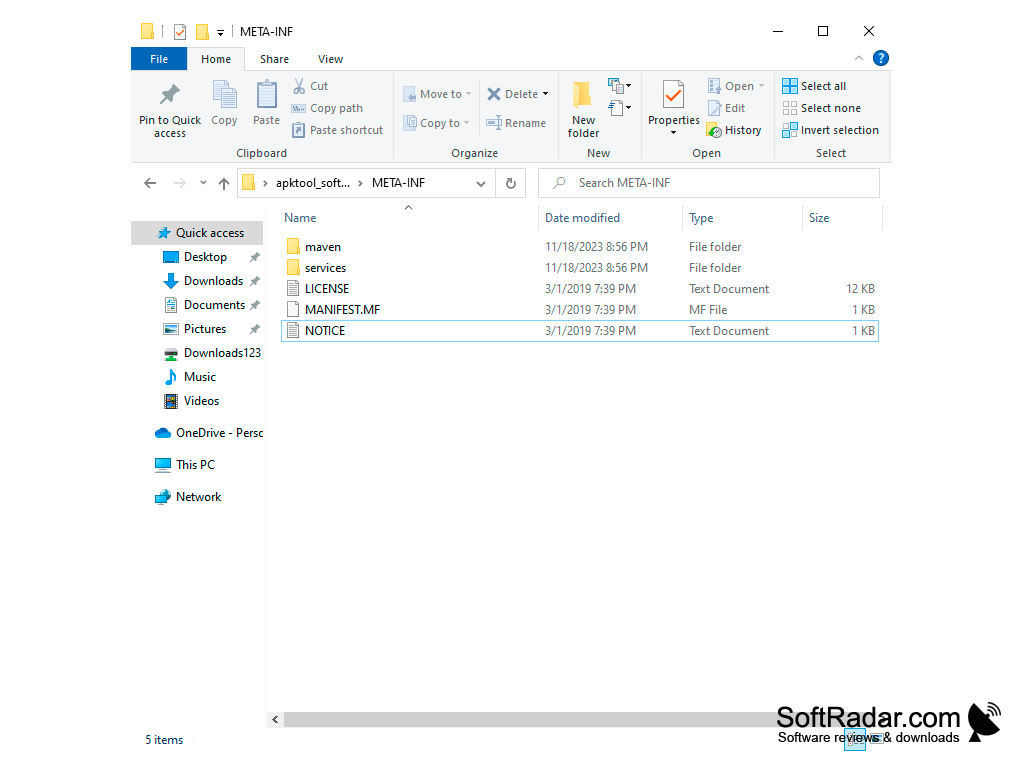
- the lack of a graphic shell;
- extraction of resources and modification of APK contents;
- Smali dumping;
- possibility of changing scripts, adding new locations and functions;
- launch on all popular desktop operating systems (Java-application);
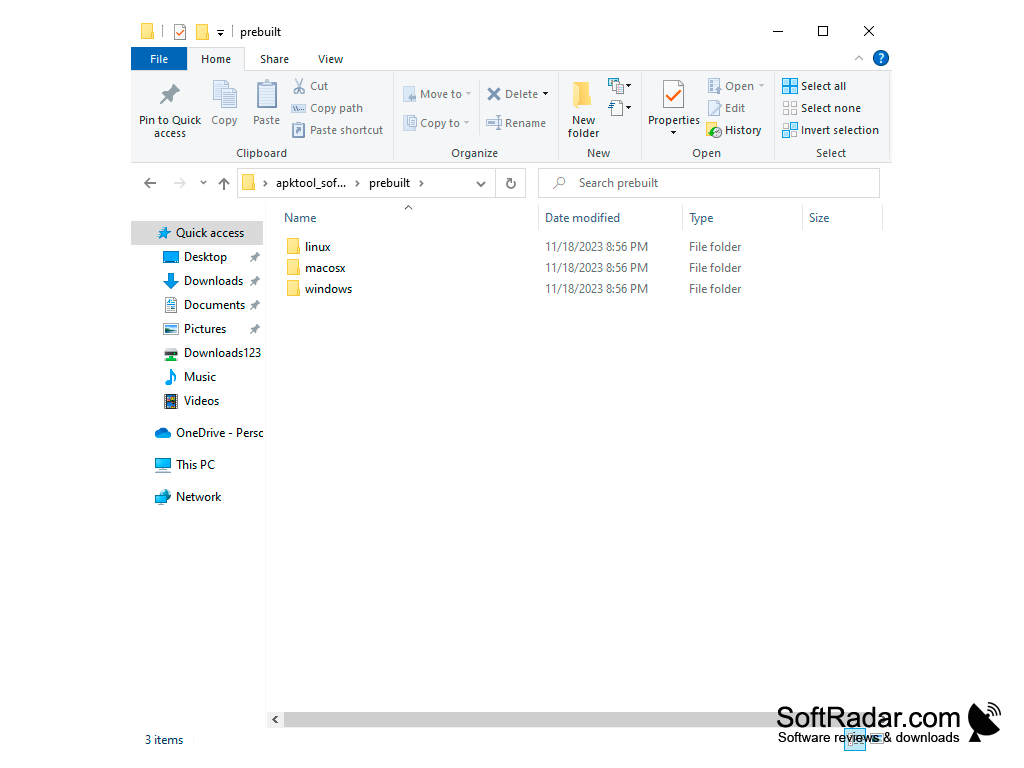
- availability of a BAT-file for convenient launch on Windows;
- decoding resources close to the original (including resources.arsc, XMLs and 9.png files).
PROS
Supports extensive customizations with an easy-to-use interface.
Completely free and open-source, promoting transparency and trust.
CONS
Limited customer support and documentation.
Occasional bugs and instability issues.