ASUS ProArt Calibration
ASUS ProArt Calibration adjusts color and screen uniformity on compatible ProArt monitors for photographers, designers and video editors using Windows.
Operating system: Windows
Publisher: Asus
Release: ASUS ProArt Calibration 4.3.1.3
Antivirus check: VirusTotal report
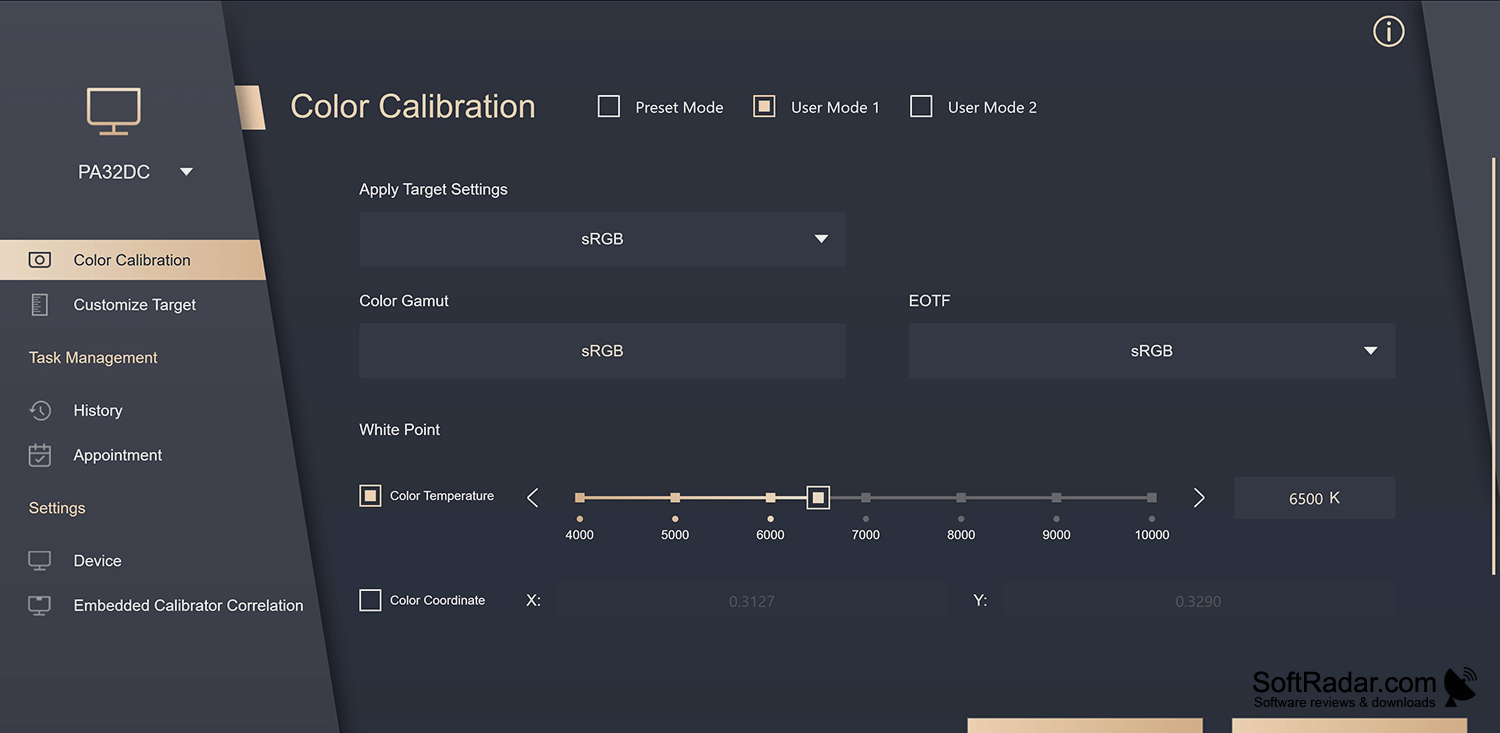
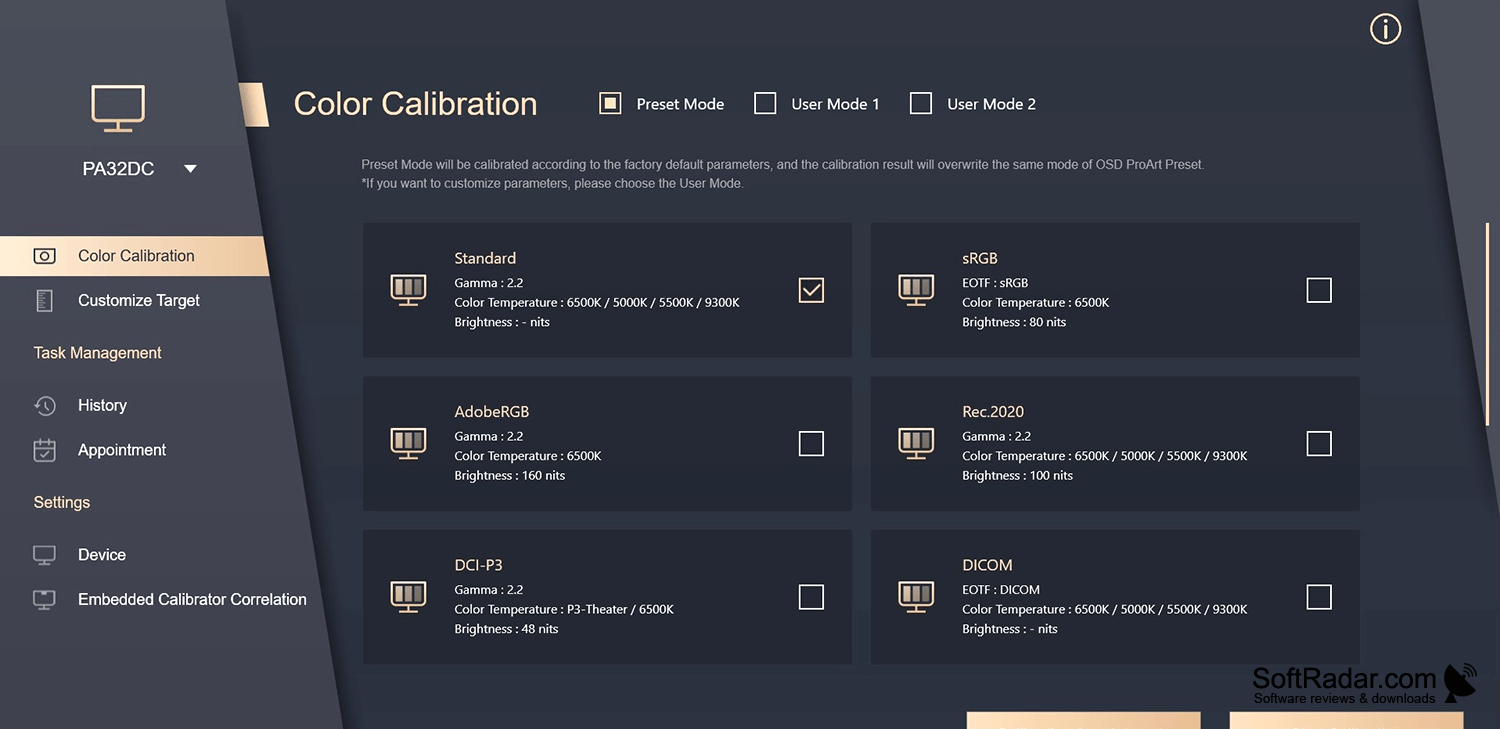
ASUS ProArt Calibration is a Windows desktop tool for setting up color on compatible ProArt monitors. Photographers, designers and video editors can use it to prepare a display for work that depends on consistent color. It provides controls for luminance, contrast, white point and gamma, along with options for correcting uneven brightness across the panel.
Profiles stored in the monitor can preserve calibrated settings when you connect the display to another device.
The program can create custom display profiles and configure color spaces such as sRGB, Adobe RGB and DCI-P3. On supported monitors, it writes calibration data to the display rather than keeping it only on the computer. Saved settings can then be used with another connected device. The tool also supports periodic calibration and selected external calibration devices.
Features:
- Adjust luminance, contrast, white point and gamma
- Create and save custom display profiles
- Choose sRGB, Adobe RGB or DCI-P3 color spaces
- Correct uneven brightness across the screen
- Store calibration data on supported monitors
- Schedule recurring display calibrations
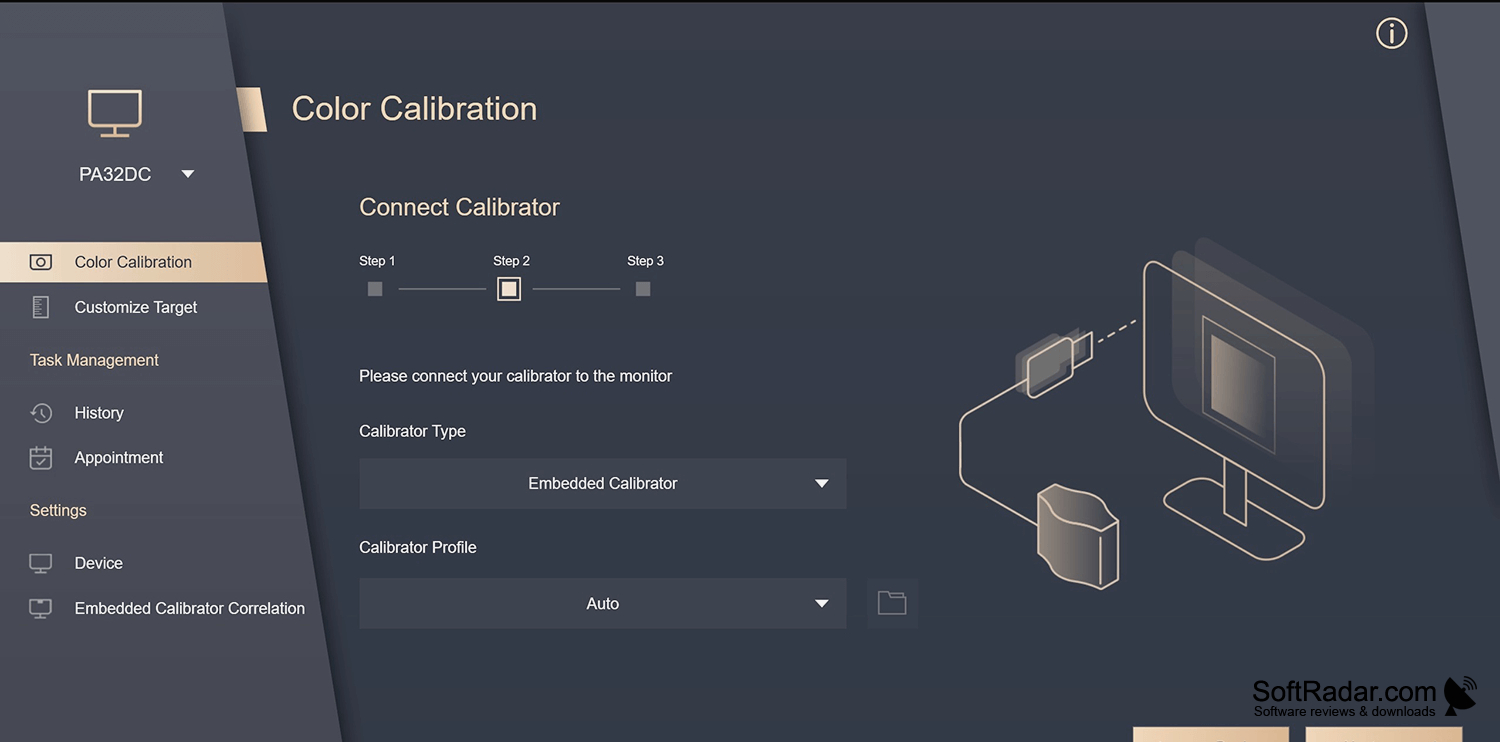
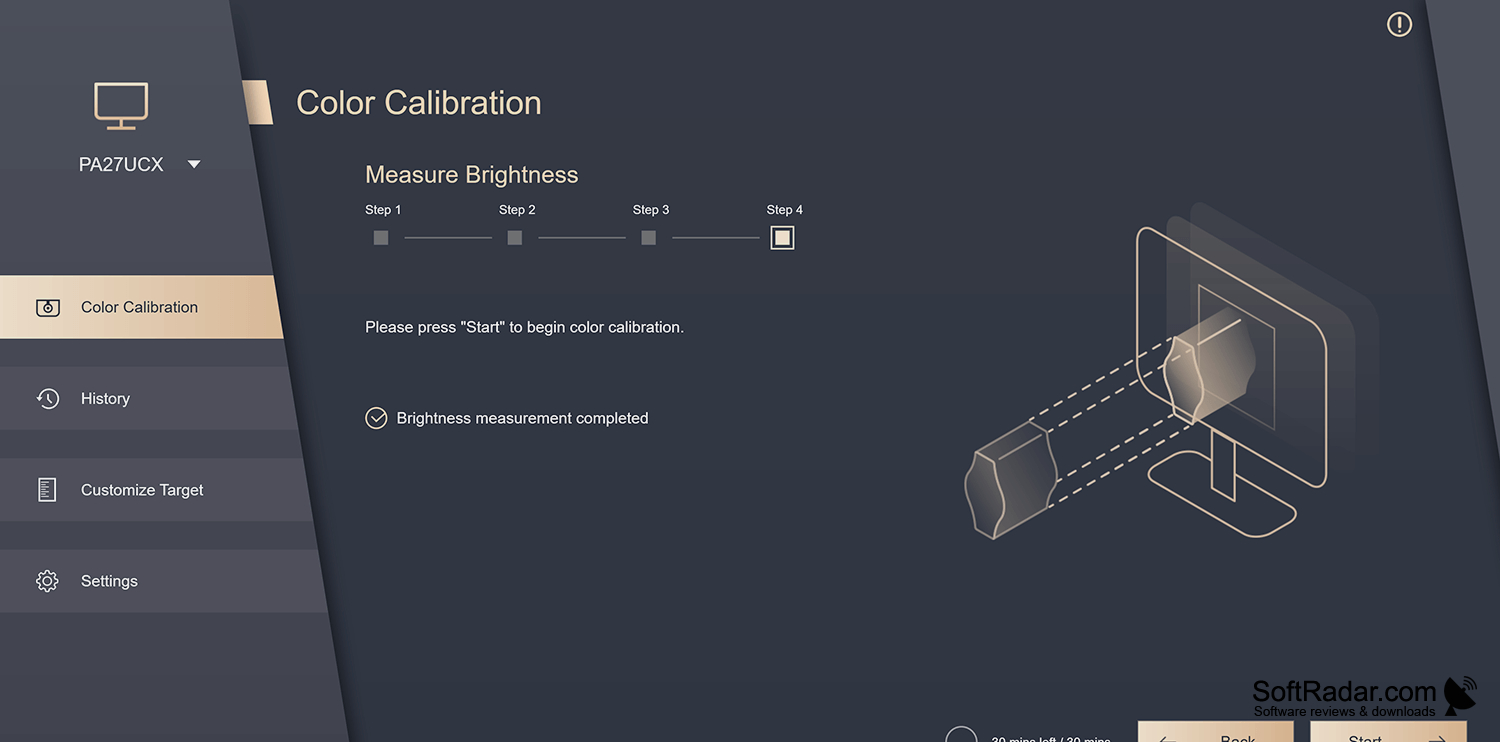
Supported colorimeter or built-in sensor
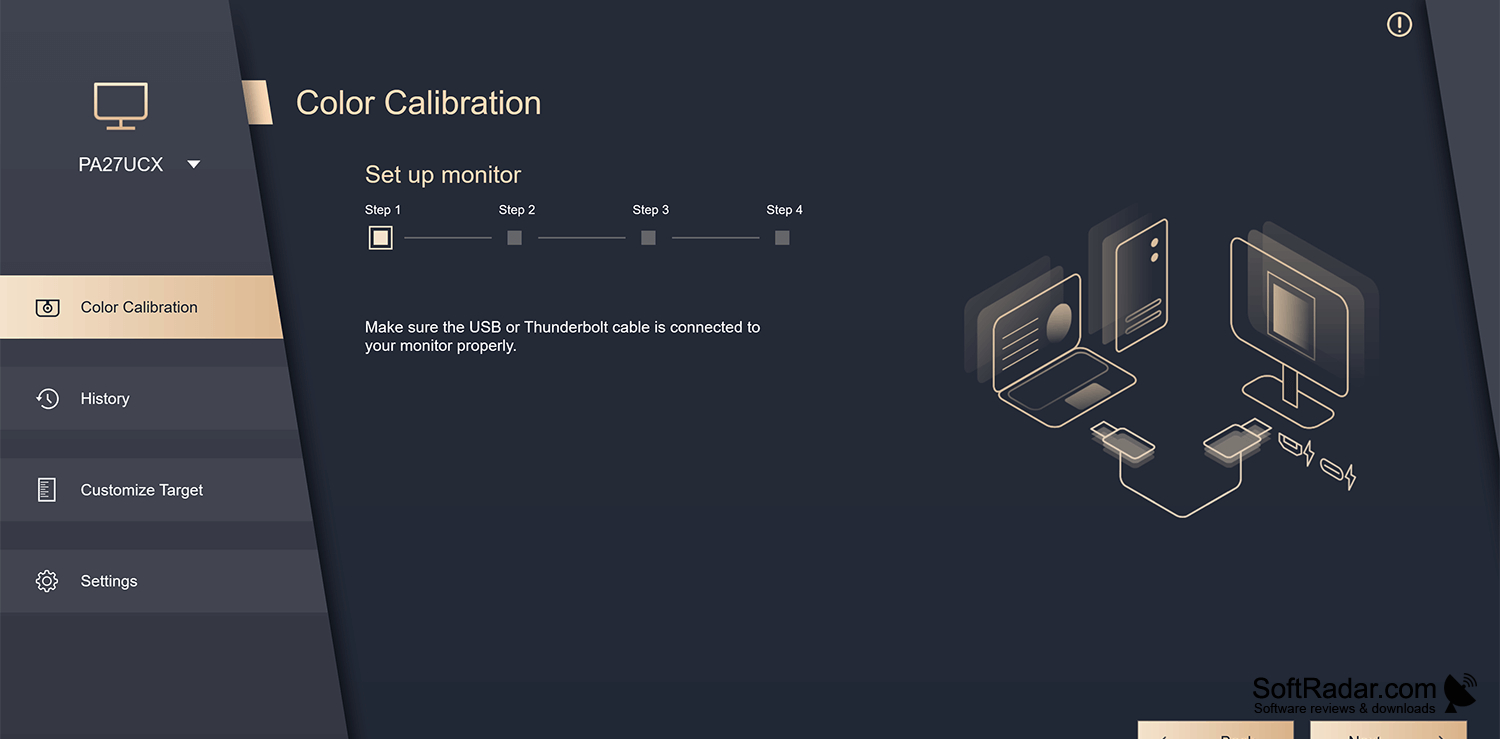
USB connection to the monitor
PROS
Offers uniformity compensation across the display.
Supports custom calibration targets for different color spaces.
CONS
Models without built-in sensors need a supported colorimeter.


