
Audio Amplifier Free
Amplifier enabled for windows processor
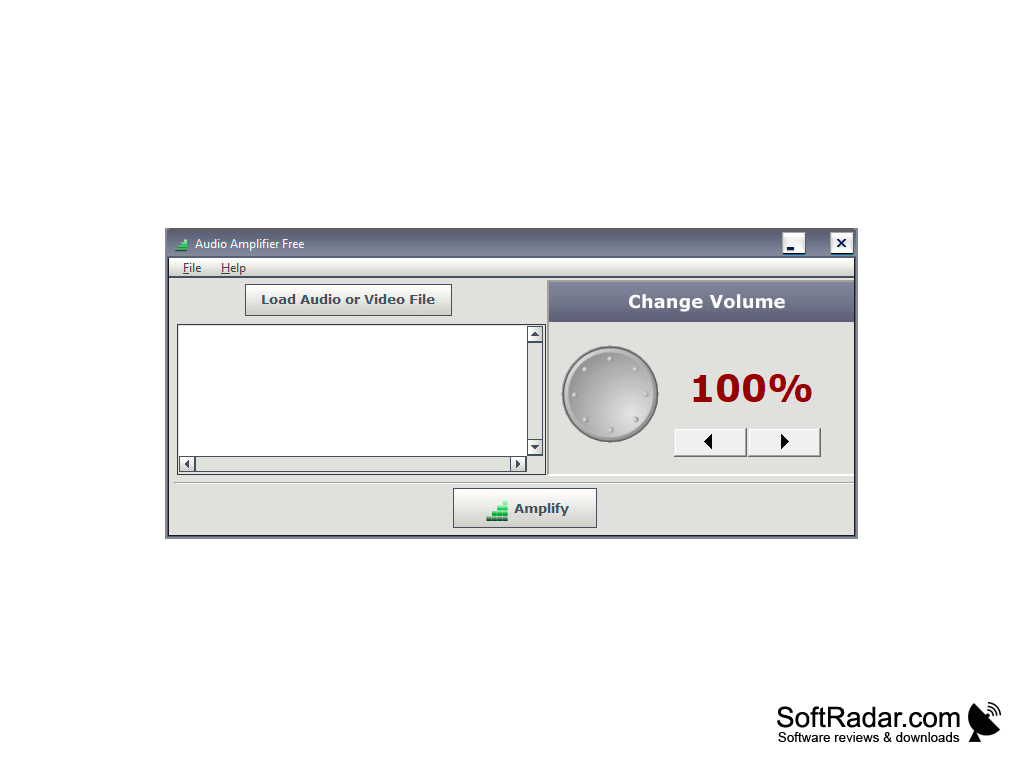
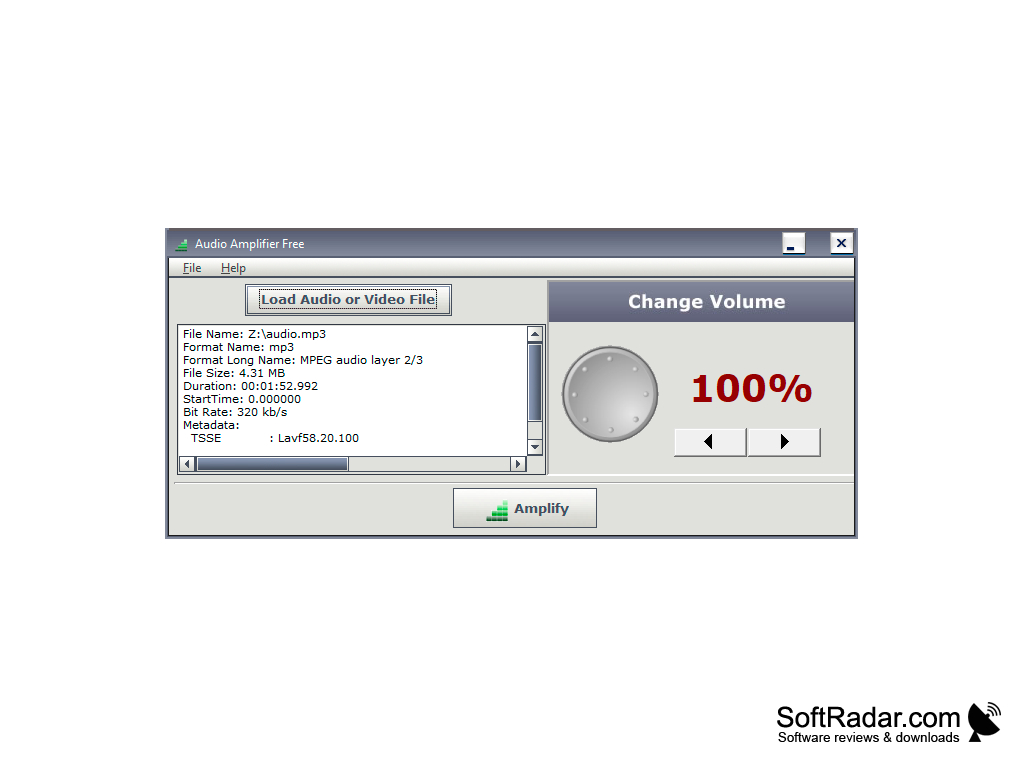
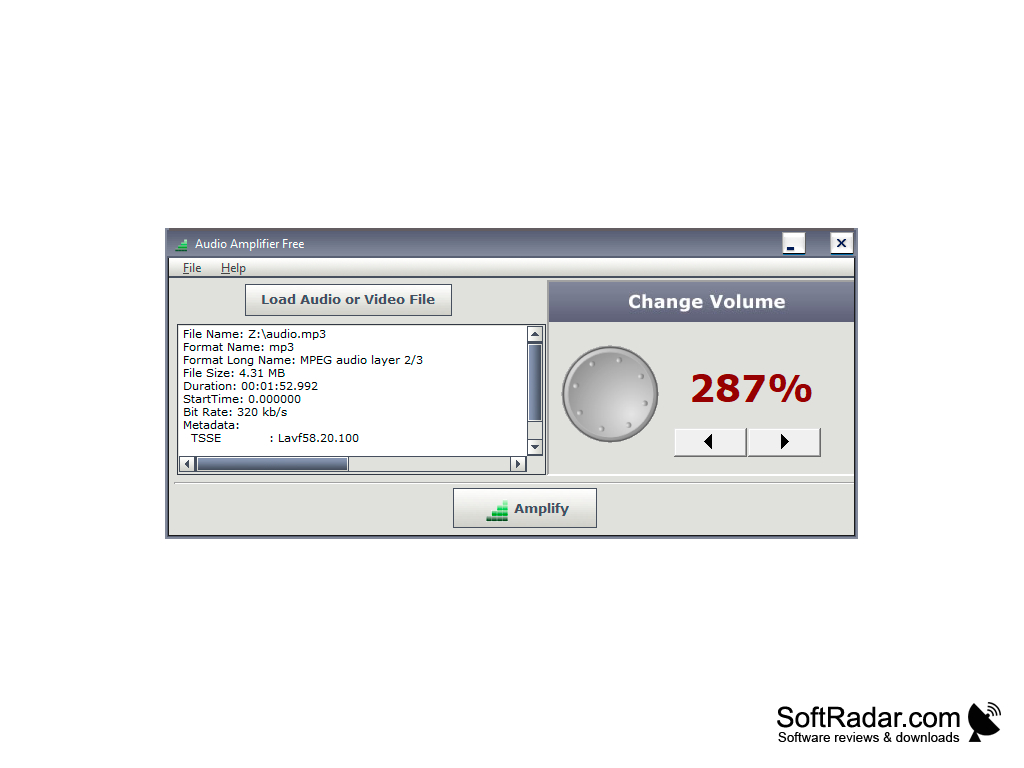
Audio Amplifier Free is a utility that allows you to change the sound in the selected media file. If you have movies or music on your computer that sound very quiet, this application will help you to increase their volume without changing the quality of the original files. The maximum gain limit is 1000 %. You can also lower the sound level if you are not satisfied with the current one.
The program interface looks very ascetic and unassuming so that the user can quickly understand the basic functionality without being distracted by unnecessary things. If you want to test the utility in action, it is enough to choose an audio or video file on our hard disk (Load Audio or Video File option), scroll the amplifier (located on the right side of the screen) to the desired value and press the Amplify button. After that we will need to save the modified sound file under a new name.
Keep in mind that background noise and rattling can occur when the sound is increased. Unfortunately, the program does not allow you to listen to the final result before conversion. Therefore, do not unscrew the amplifier to the maximum if you do not want to spoil your speakers. You should only exhibit 500 percent or more if the film or song sounds very quiet. After amplification, background noise can be removed using the Audacity audio editor.
The main benefit of using Audio Amplifier Free is its ability to increase or decrease the volume of audio and video files without altering their original quality.
This version of the program is no longer updated by developers. The authors support only the paid version of Pro (costs 49.9 $). That's why Free may contain some old bugs. Because of this, not all media files can be reduced or increased in volume - the program will display a message about the inability to save the file with the modified sound.
- changes in the sound level of movies and songs without loss of quality;
- the simplest interface will not create any inconvenience in terms of use, although the program is not translated into Russian.
PROS
Supports a variety of audio formats.
Offers a comprehensive set of audio enhancement tools.
CONS
Requires technical knowledge to fully utilize.
May not support all audio formats.


