
Baidu PC Faster
Baidu PC Faster is a free system cleaning and optimization tool for Windows with junk cleaner, startup manager and virus scan.

Baidu PC Faster is a free maintenance utility for Windows that was developed by the Chinese internet company Baidu.
It was released for international users as an all-in-one tool that cleans, speeds up and checks a PC from a single window.
Over time the more we use our computer, the more junk files, startup programs and browser plugins pile up and slow it down. This generally happens for a variety of reasons that Baidu PC Faster tries to resolve quickly.
Regardless of the version of the application, mainly Baidu PC Faster is based on 3 particular aspects that are meant to help you improve the functioning of your PC. Cleanliness, Speed and Safety are the essential elements, which through the use of Baidu PC Faster should make your computer run more smoothly.
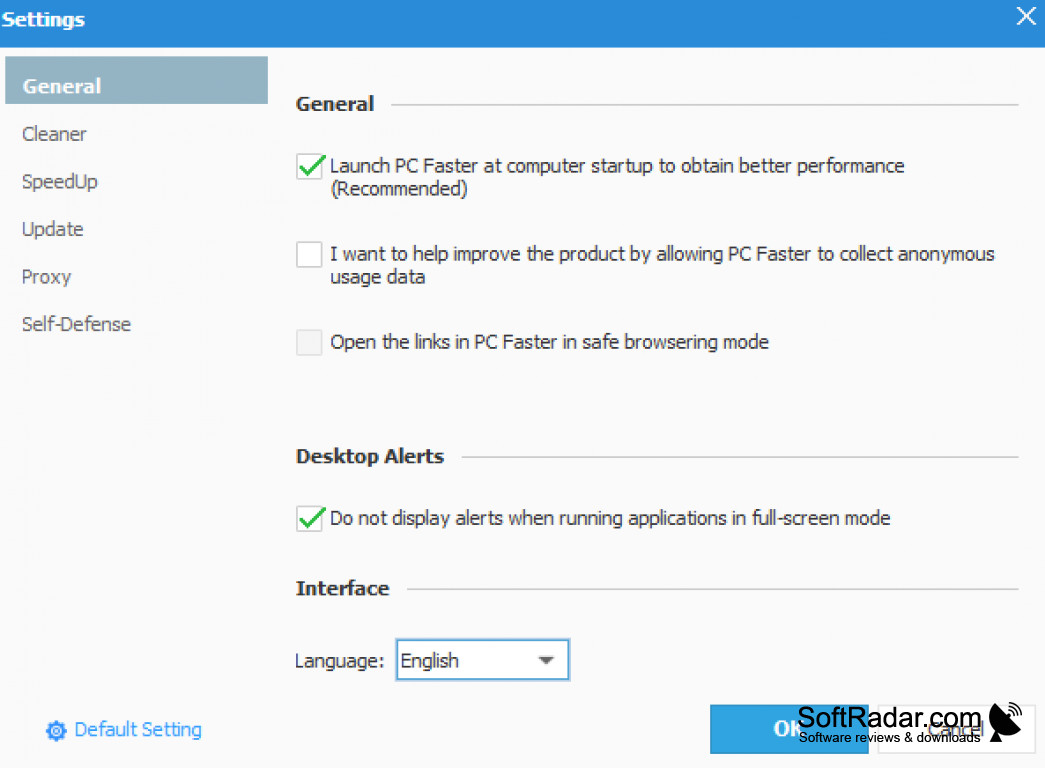
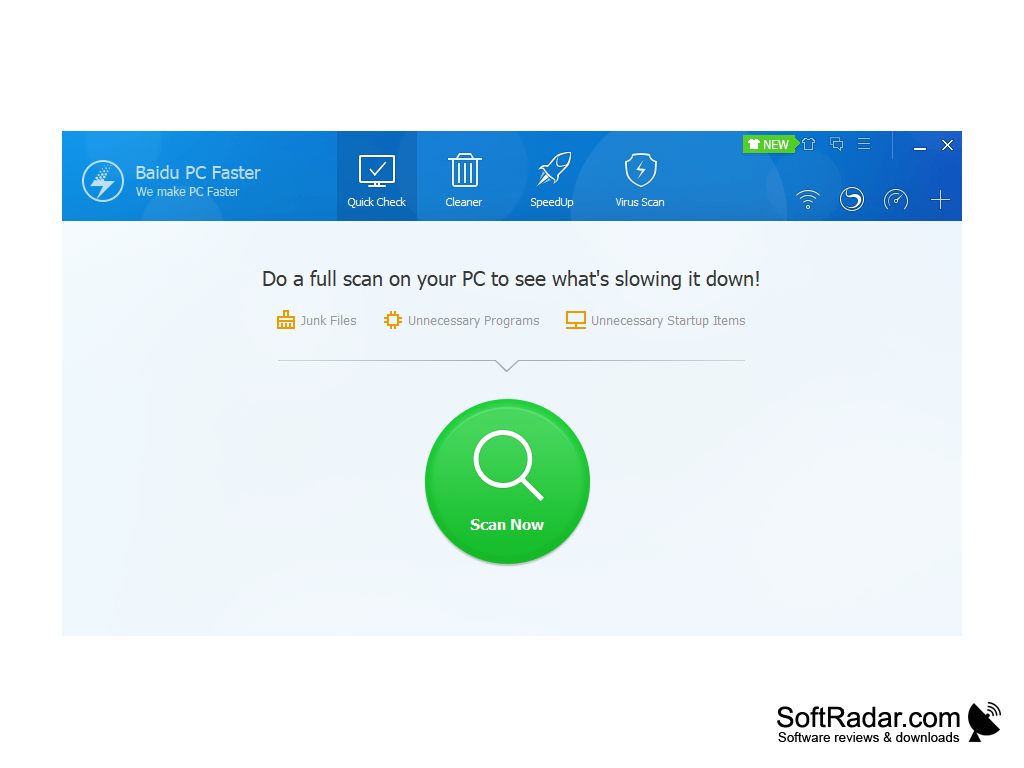
The Quick Check scan looks for junk files, unnecessary programs and unnecessary startup items at once, and the problems it finds can be fixed with one click. In the Settings window you can choose the interface language and configure the Cleaner, SpeedUp, Update, Proxy and Self-Defense options.
The program is no longer developed: the last version is 5.1, and the official website pcfaster.com no longer works. Some installers of the program were flagged as potentially unwanted software, so watch the setup options.
Now we will go down a little in the details, so once our software has been downloaded and installed, Baidu PC Faster will provide us with a series of modules, and our task will only be to choose the module that will satisfy our main purposes.
- A Virus Scan module which checks files for trojans and other malware
- A SpeedUp module that checks the boot time and identifies unnecessary startup items.
- A Quick Check that scans the whole PC for problems and fixes them with a 1-click button
- Win Update identifies missing Windows patches and security vulnerabilities and helps you install them.
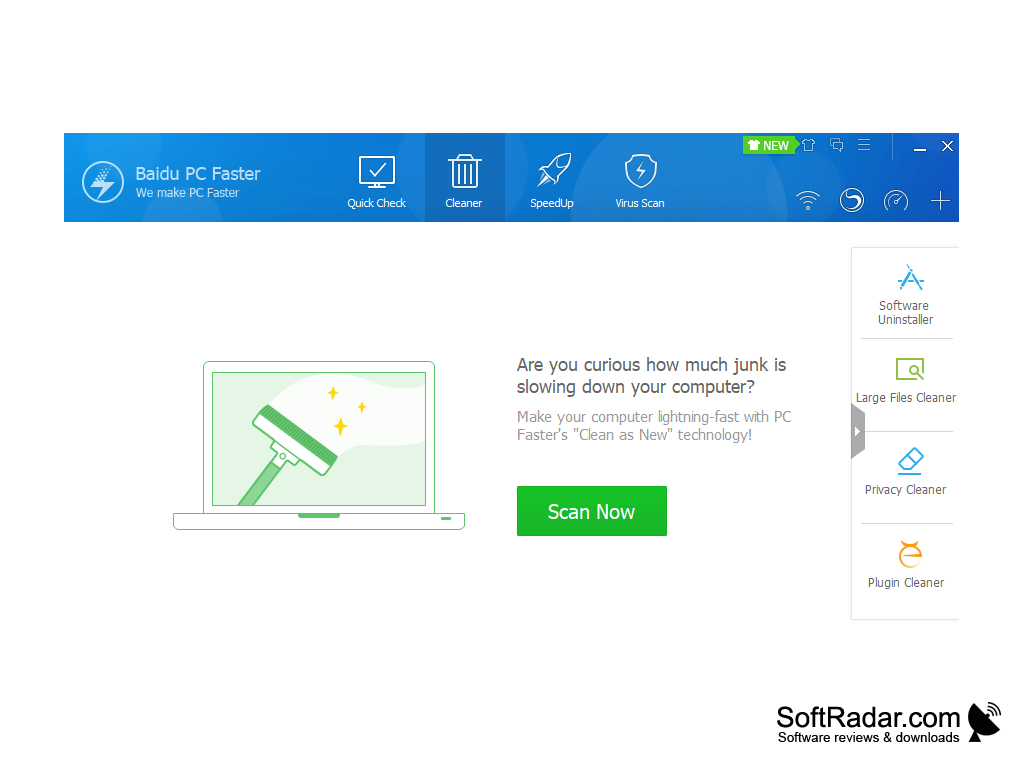
- A Toolbox with Software Uninstaller, Large Files Cleaner, Privacy Cleaner and Plugin Cleaner.
- A Cleaner to clean up PC junk files, privacy data, and invalid traces and registry entries
Baidu PC Faster combines junk cleaning, startup optimization and a virus scan in one free program with a one-click Quick Check.
Features:
- Different modules
- Cleaning mode
- Self-defense protection
- Startup items manager
- Privacy protection
PROS
Several cleaning tools gathered in one window.
User-friendly interface with easy-to-follow instructions.
CONS
No longer developed or updated by Baidu.
Difficult to fully uninstall and delete from PC.


