BetterJoy
BetterJoy is a free Windows utility that lets you use Nintendo Switch Pro Controllers, Joy-Cons and the SNES controller with PC games and emulators.
BetterJoy for Windows
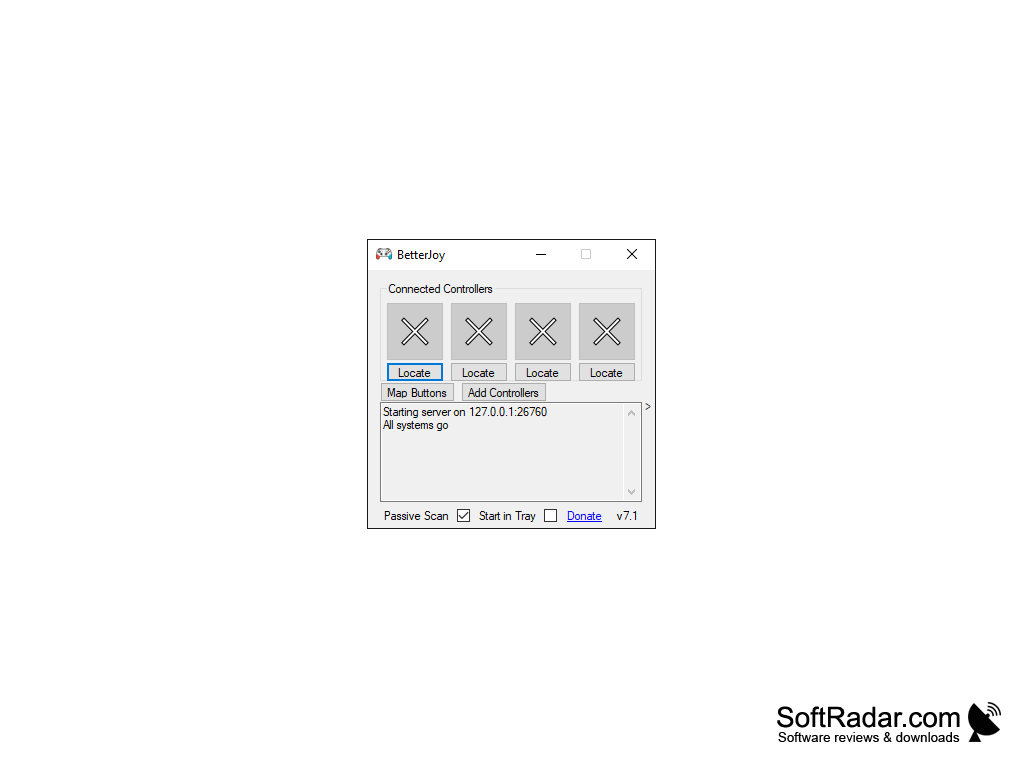
BetterJoy is a free Windows utility that lets you use Nintendo Switch controllers on a PC. It supports the Switch Pro Controller, the left and right Joy-Cons and the Switch SNES controller, connected over Bluetooth or USB. The program is developed by Davidobot, its source code is published on GitHub, and the official releases there have been downloaded nearly 590,000 times. After installing the included driver and starting BetterJoyForCemu.exe, connected controllers appear in the main window, and a log shows the state of the program. The latest release, version 7.1, was published in November 2021.
Using BetterJoy allows you to use your Nintendo Switch Joy-Con and Pro controllers in PC games and emulators.
Features
• Emulator Support: BetterJoy was originally made for the Cemu emulator, where it works through Cemuhook and passes motion (gyro) data from the controllers. It also works with the Citra, Dolphin and Yuzu emulators.
• Xbox Controller Emulation: using the ViGEmBus driver, which is included in the download, the program exposes the connected controllers as generic XInput (Xbox) gamepads, so they can be used system-wide, for example in Steam games.
• DualShock 4 Emulation: an option in the settings presents the controllers as PlayStation DS4 controllers instead of Xbox ones.
• Joy-Con Handling: two Joy-Cons can be used as separate controllers or joined into one, and the Locate button next to each controller helps you identify which physical controller it is.
• Gyro Features: the gyroscope can move the mouse pointer or tilt the analog triggers, and buttons can be assigned to re-centre or activate the gyro.
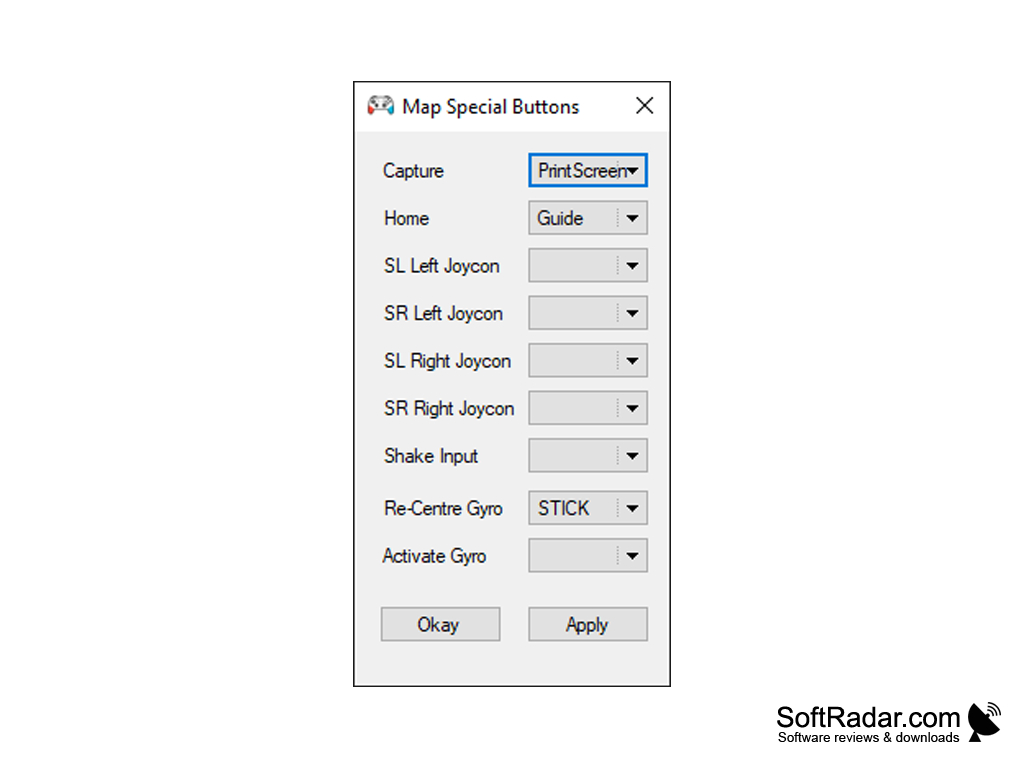
• Button Remapping: the special buttons (Capture, Home, SL and SR) and shake input can be mapped to keyboard keys, mouse buttons or other functions in the Map Special Buttons dialog.
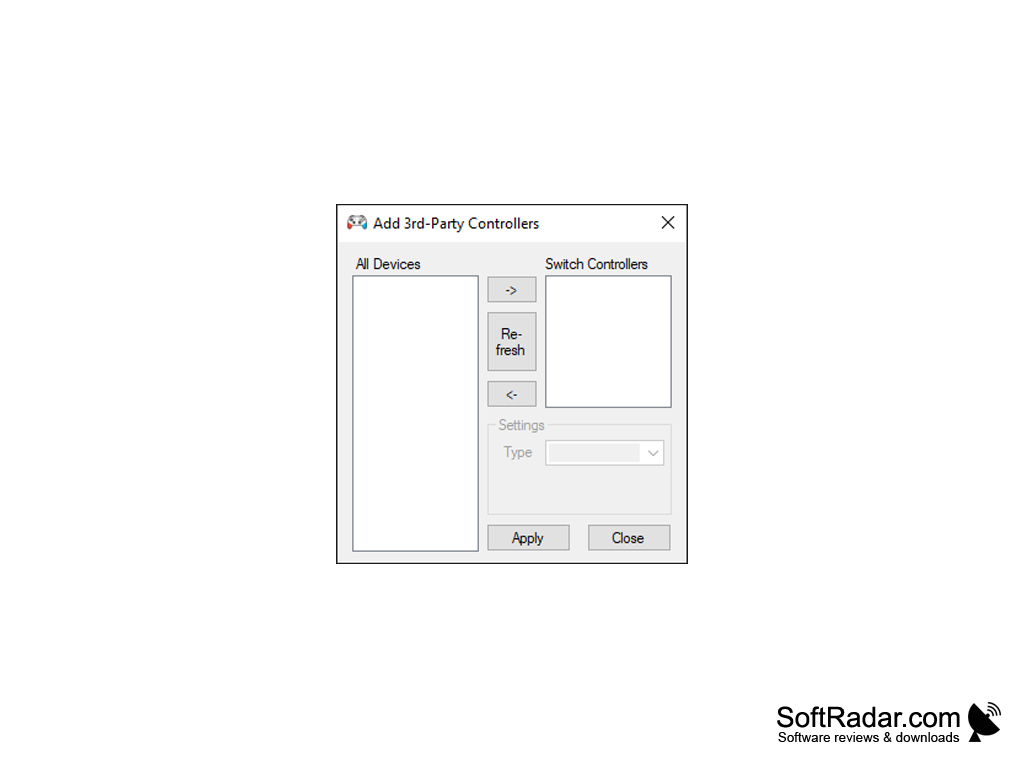
• Third-Party Controllers: since version 7, the Add Controllers dialog lets you add compatible third-party Switch controllers, with an option to calibrate their gyroscope.
• Other Settings: rumble with adjustable frequencies, swapping of the A/B and X/Y buttons to match the Xbox layout, keeping the Home button LED on, powering off controllers on exit, and HidGuardian support to hide the original controllers from programs such as Steam.
• Connection: a controller is paired in the Windows Bluetooth settings after holding its sync button for about five seconds, or simply plugged in over USB; holding the Home or Capture button for two seconds disconnects it.
ViGEmBus driver (installer included)
Bluetooth adapter or USB cable
Switch Pro Controller, Joy-Con or SNES controller
PROS
Supports gyro controls in Cemu and other emulators.
Free, with source code available on GitHub.
CONS
Difficult setup process for beginners.
Requires installing the ViGEmBus driver first.


