
Breevy
A text expander that gives you the ability to type with higher speed and accuracy.
Operating system: Windows
Publisher: 16 Software
Release: Breevy 3.37
Antivirus check: VirusTotal report

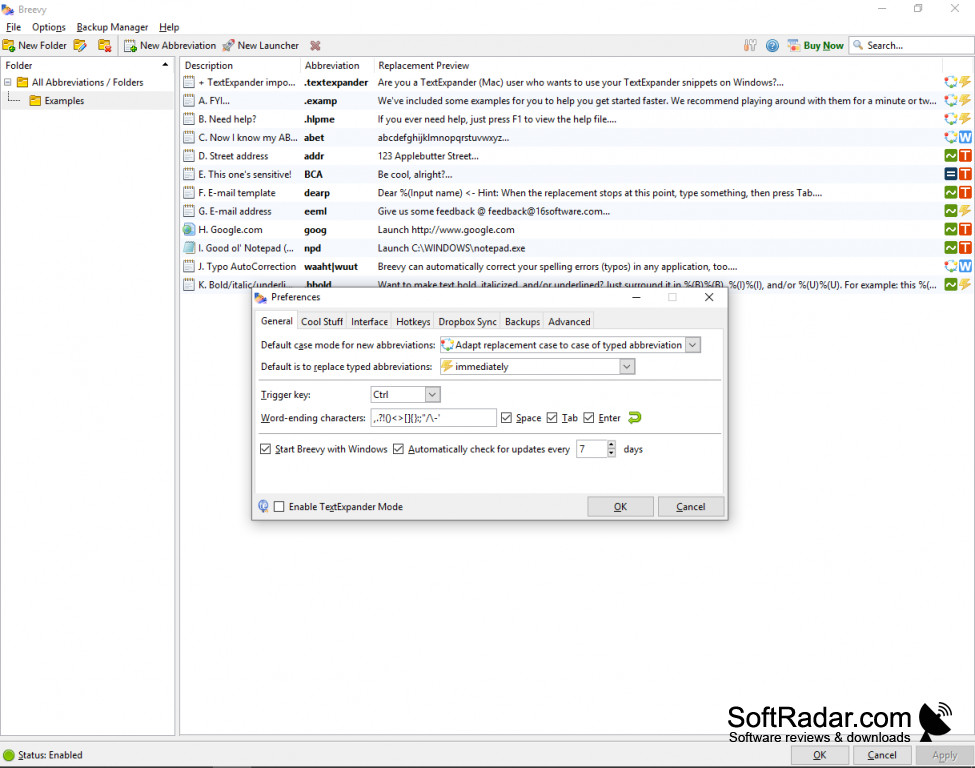
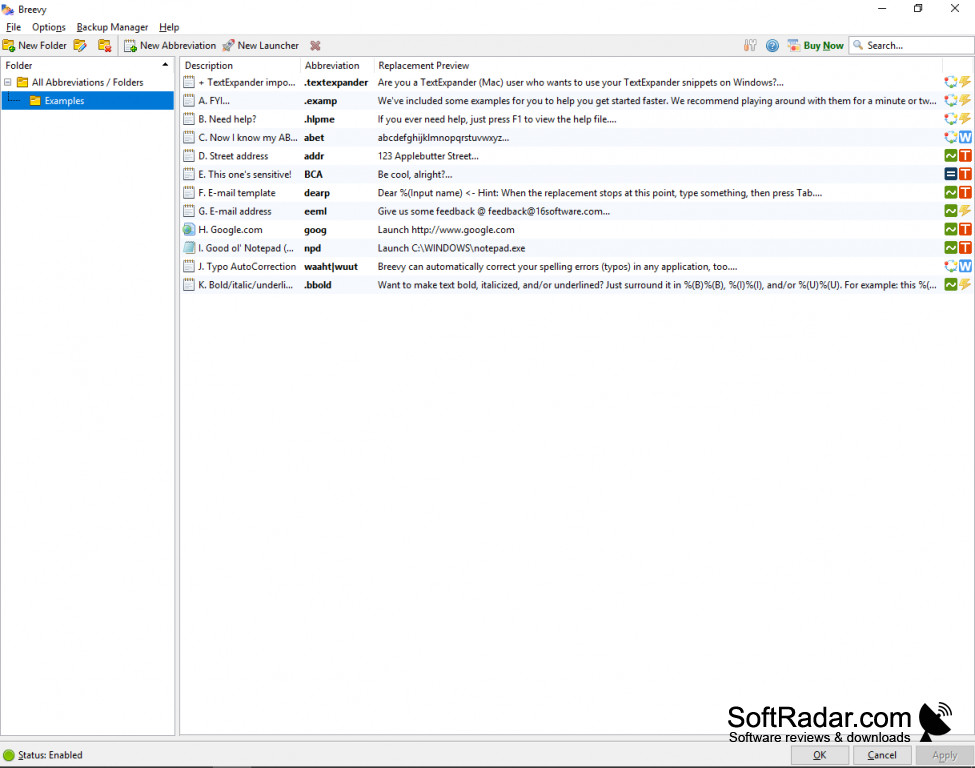
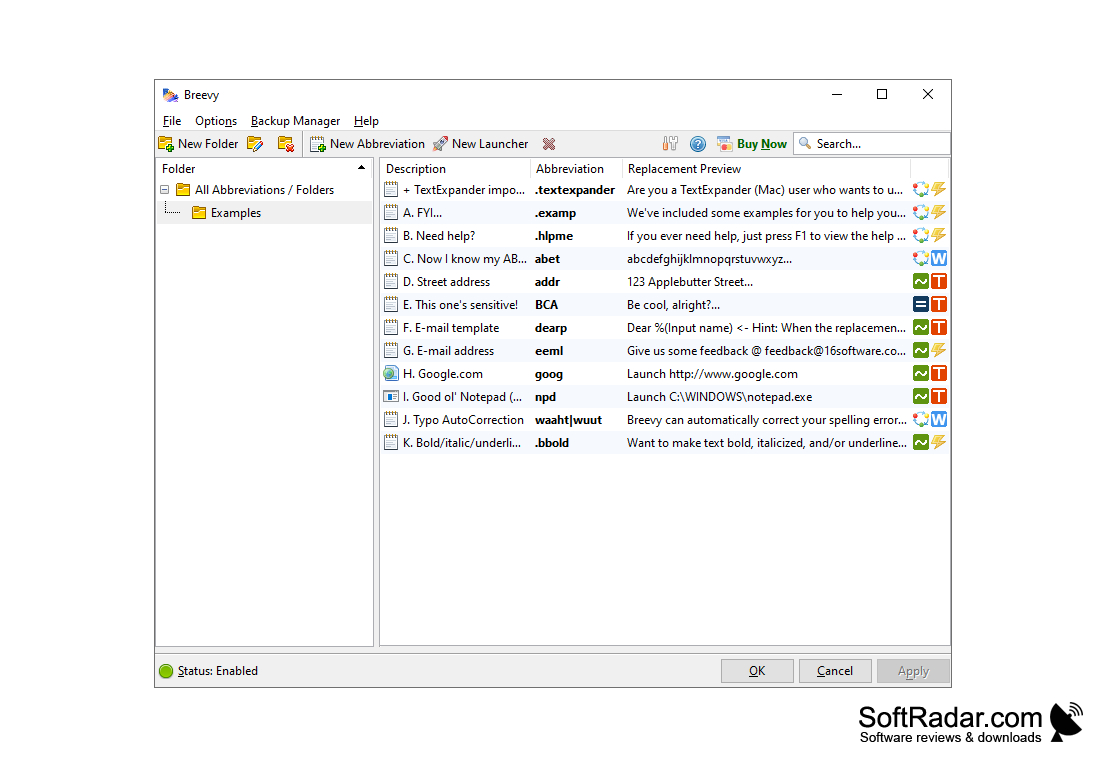
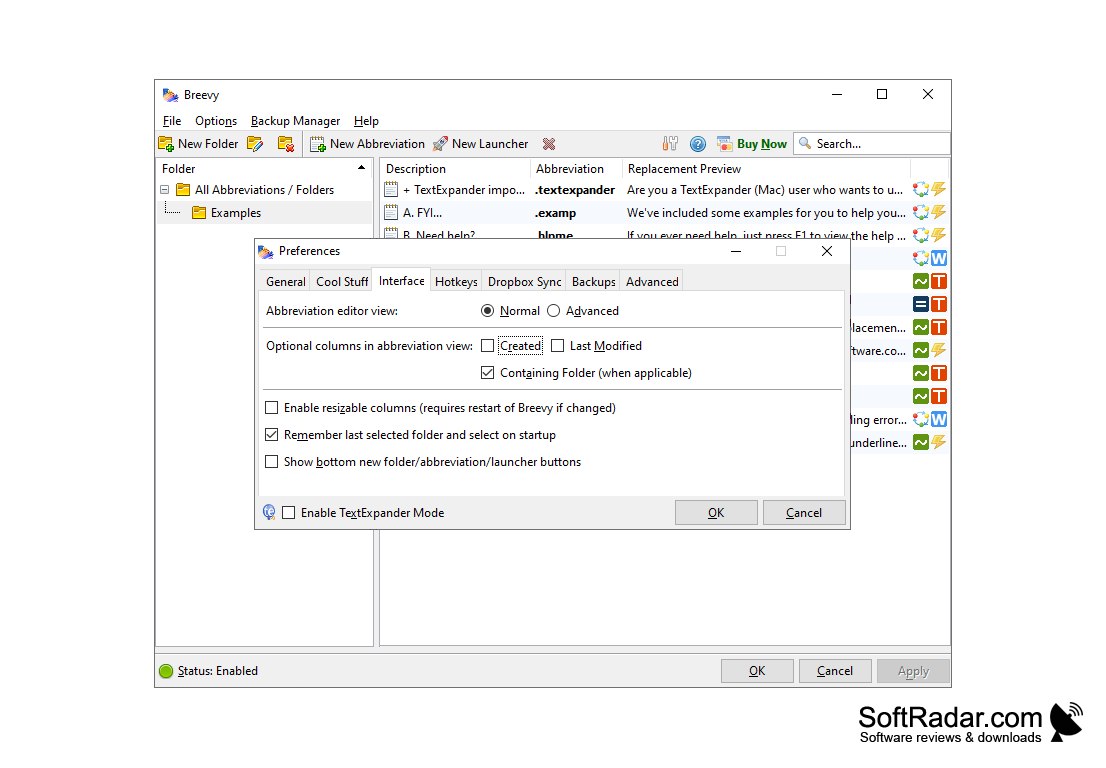
Breevy is a unique program for Windows that will maximize your time and efficiency if you spend a lot of time typing. It’s straightforward to use for both beginners and experts. All you have to do is create an abbreviation for a long string of text, and then whenever you use that abbreviation, it will produce the associated definition you created. Breevy will be utilized across all applications, so whether you are using your email, a piece of software, or a web browser, Breevy will recognize your abbreviations and utilize them instantly. It’s like creating your own personalized shorthand system that is customized to your unique needs.
Features:
- Ability to create and define your own abbreviations
- Highly customized to your own unique needs
- Fast and easy to use for all levels of experience
- Ability to instantly launch applications
- Can import your TextExpander snippets if needed
- Over 6500 Autocorrect definitions to help you
- Use Dropbox to sync Breevy across all your computers
Breevy can save you both time and money by allowing you to create customized abbreviations that increase your typing speed!
Breezy will simplify your life and free up time that you would spend typing. It’s very easy to set up and customize to your own needs. All you do is define your abbreviations and then put them into use! For example, if you are constantly typing your email address, you can create an abbreviation of “eml” and then every time you type that it will insert your email address into the text.
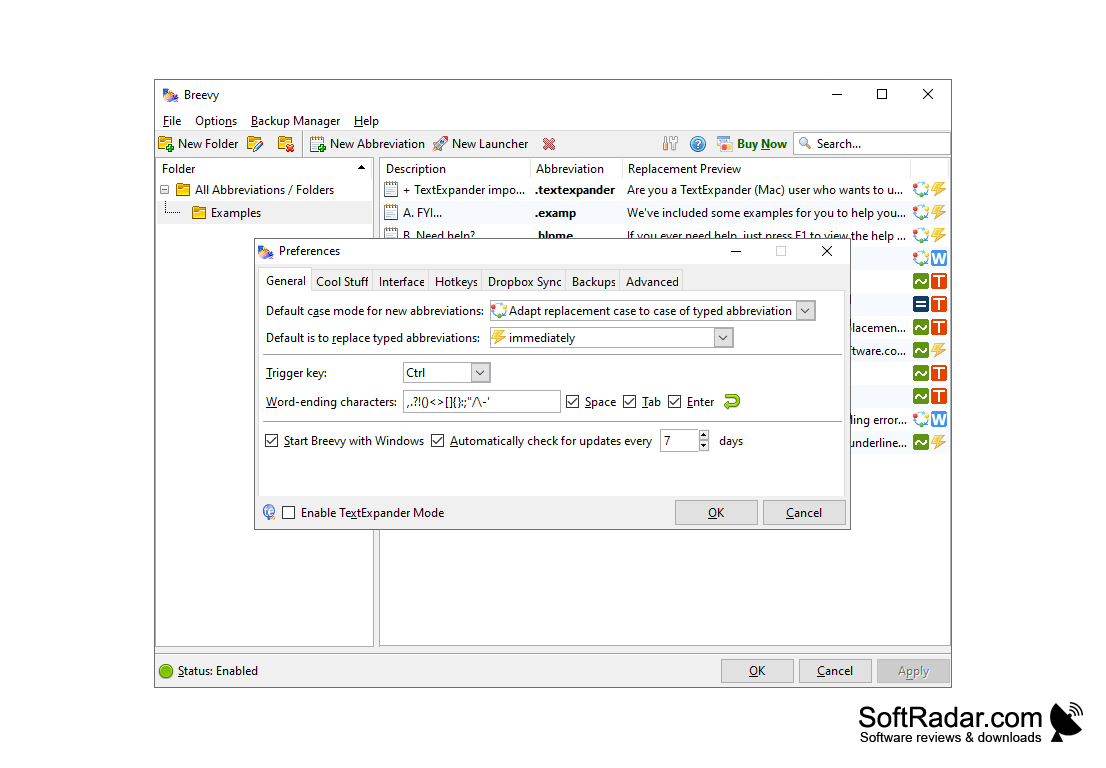
Breezy comes pre-loaded with over 6500 Autocorrect options, so you don’t have to worry about typos and errors in your spelling as you type. It also includes over 13,500 abbreviations commonly used by medical transcriptionists, saving you hours of time that would be spent entering and defining these abbreviations. Breevy can automatically be run across all your applications and programs, so there’s no need to configure it for different programs that you use. It can also be used across your different computers, so if you have a personal computer and a work computer that you want to use it on, you can sync it between both using Dropbox.
Breevy is a miracle tool for anyone who uses their computer to type often. If you are an author, a blogger, a transcriptionist, or just an avid computer user, Breevy will simplify your life and free up time that you would spend at the keyboard.
Minimum 512MB RAM
5MB of hard disk space
Compatible with Dropbox for syncing
PROS
Supports Dropbox syncing for portability.
Allows for abbreviation customization, boosting productivity.
CONS
The interface can be challenging for non-tech savvy users.
No mobile app available for on-the-go usage.


