
Clover
A versatile and simple mobile payment software
Operating system: Windows
Publisher: EJIE Technology
Release : Clover 1.5.1
Antivirus check: VirusTotal report

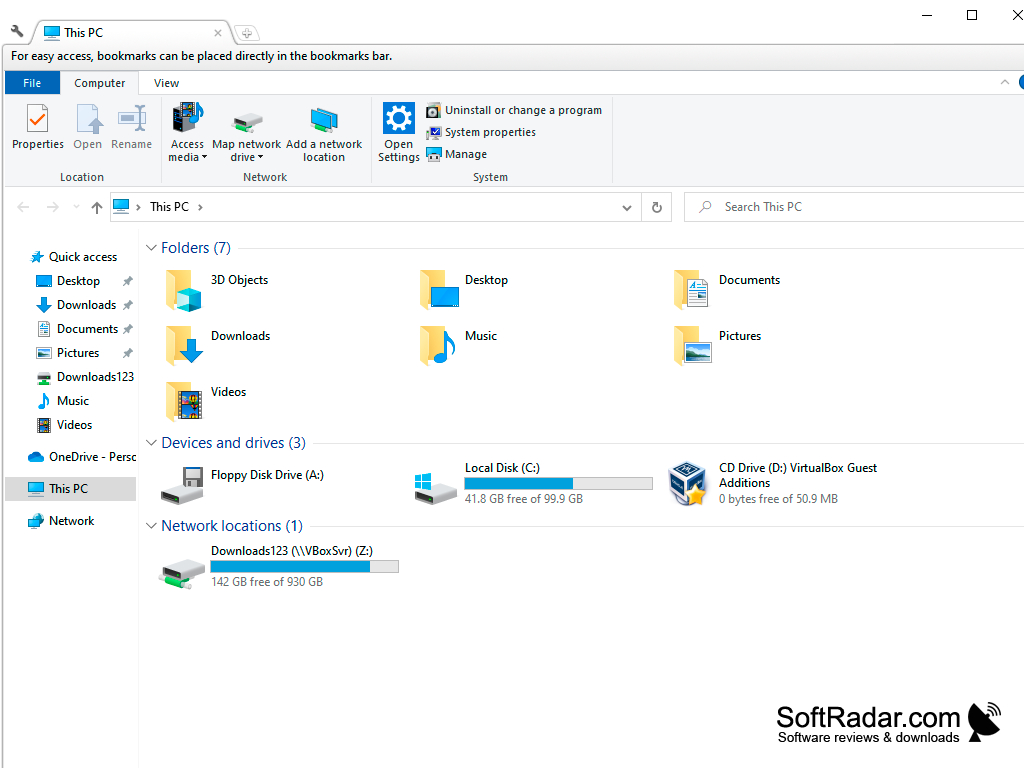
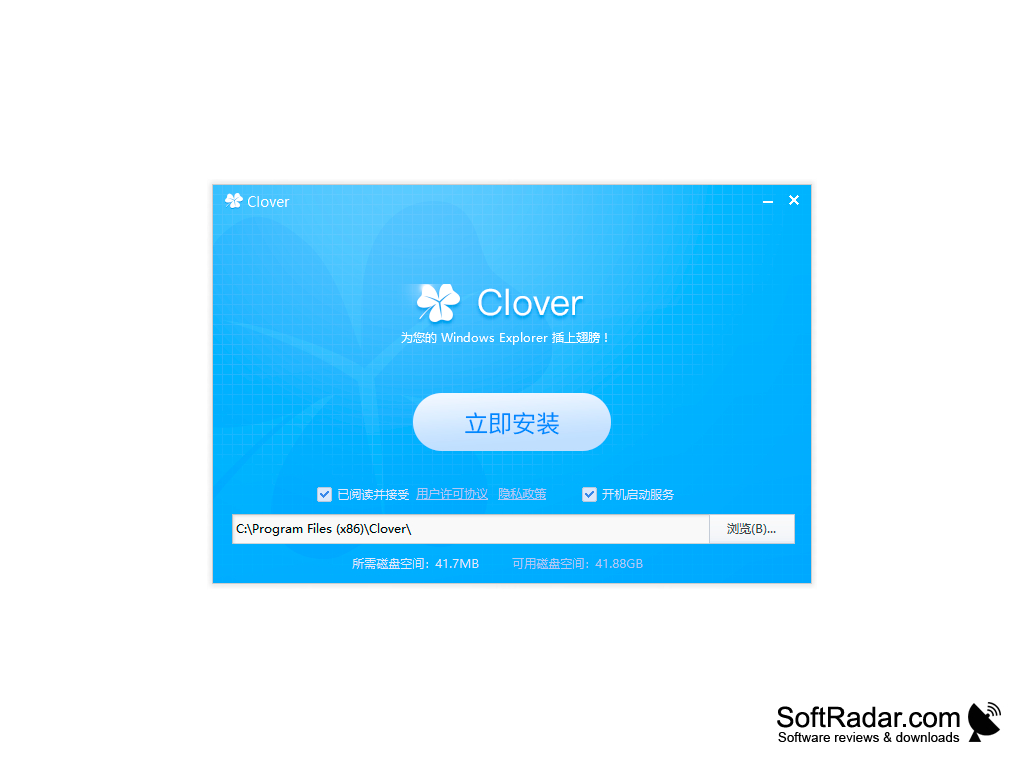
Clover is a small but useful program that allows you to add tab support to Windows Explorer functions. This feature will make the conductor jacket more comfortable and allow you to quickly switch between windows. The style of the Clover shell is similar to that of the Google Chrome browser tabs. It will allow to be quickly guided and, most likely, it will be pleasant to the majority of users. Clover's principle of operation is based on intercepting calls to the conductor and running it in a modified form. The use of the application does not affect the overall performance of the system.
The logic of working with folders and their contents remains the same, but instead of opening a new window a tab opens. It is also possible to move files and folders between tabs using the Drag-n-Drop function. You can also open a folder in a new tab by dragging it to the tab bar or via the context menu. Tabs can be easily swapped, new ones can be created and even moved out of the work window. Another undoubted advantage of Clover is the support of the bookmark panel, which in practice greatly simplifies the work with files.
Clover enhances productivity by adding tab support to Windows Explorer, enabling users to quickly switch between windows and effectively manage files.
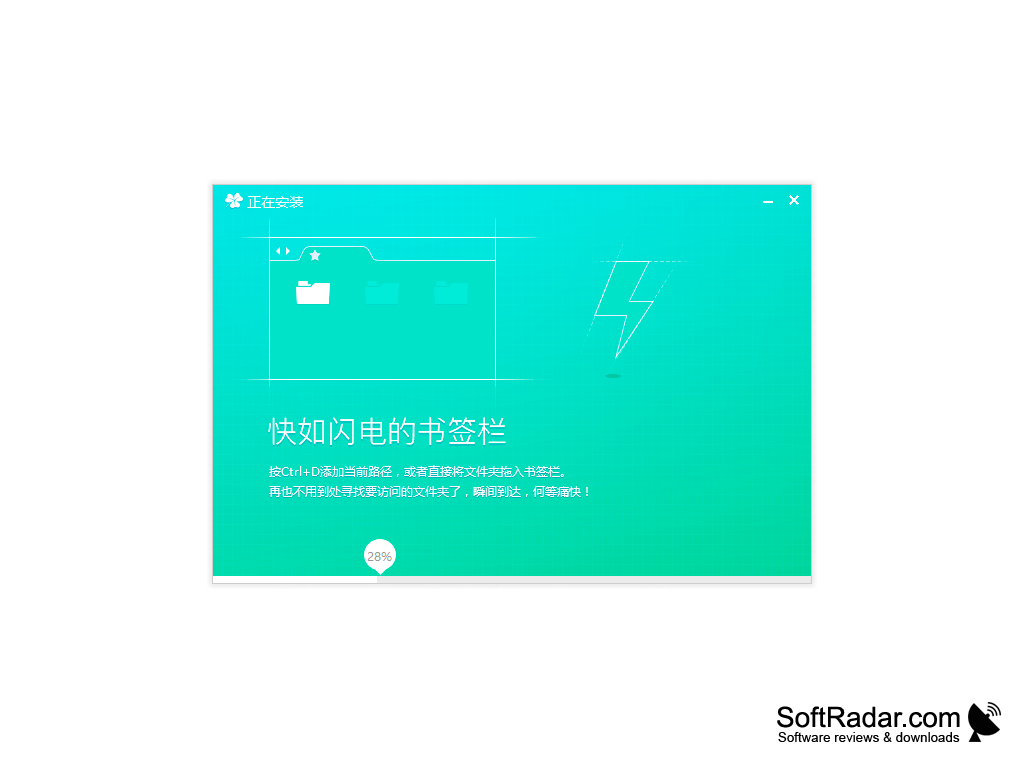
- The interface of the program is very similar to that of the Google Chrome browser;
- significantly increases the convenience of working with windows;
- supports bookmark panels and allows quick access to a folder;
- High speed of the application.
PROS
Provides user-friendly, tabbed interface for better organization.
Integrated with Windows, enhancing productivity and experience.
CONS
User interface could be more intuitive.
Limited customization options available.