
Connectivity Fixer
A network analyzer which helps to resolve issues with connectivity
Operating system: Windows
Publisher: Badosoft
Release : Connectivity Fixer 2.0
Antivirus check: VirusTotal report
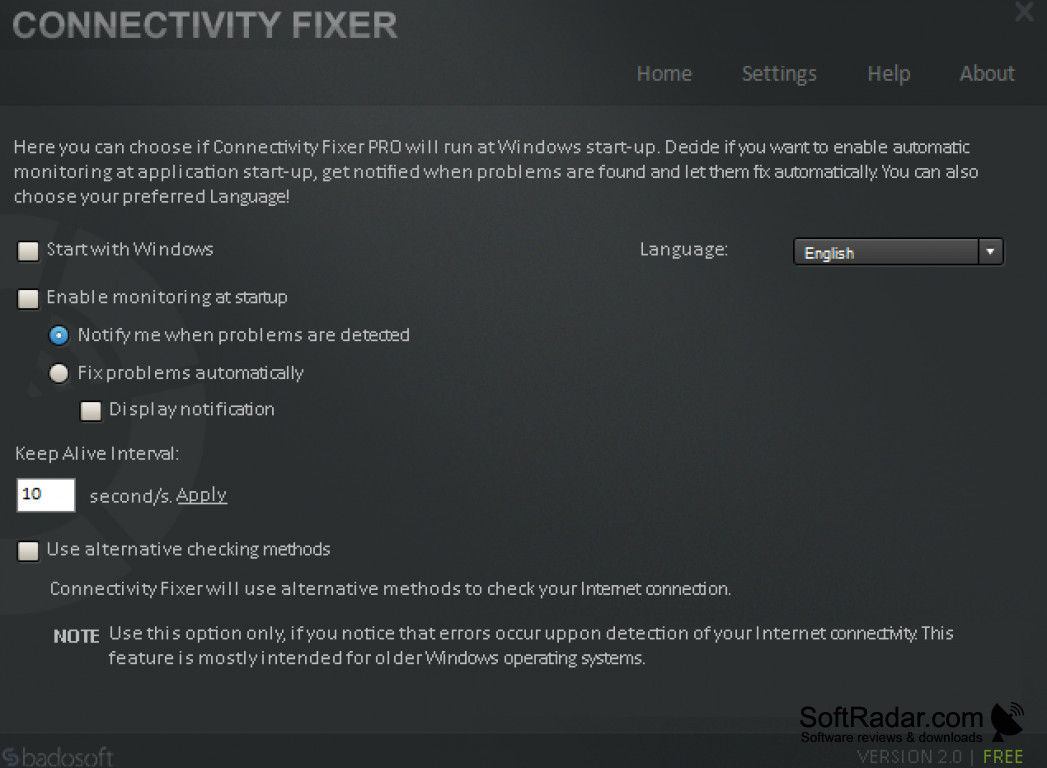
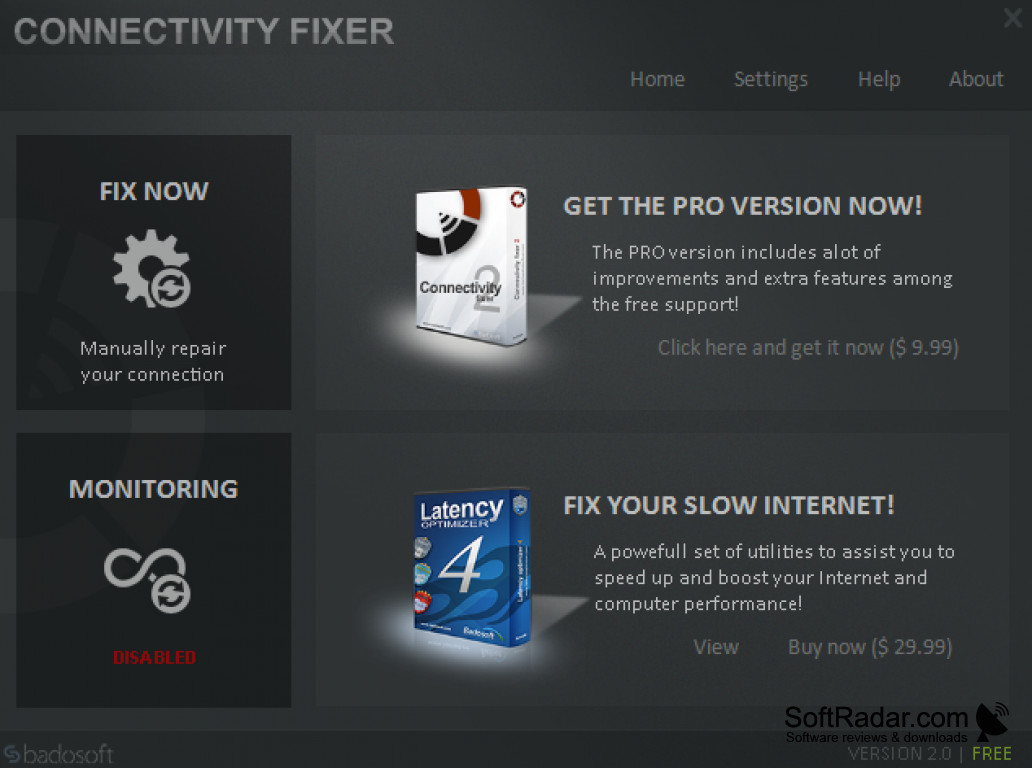
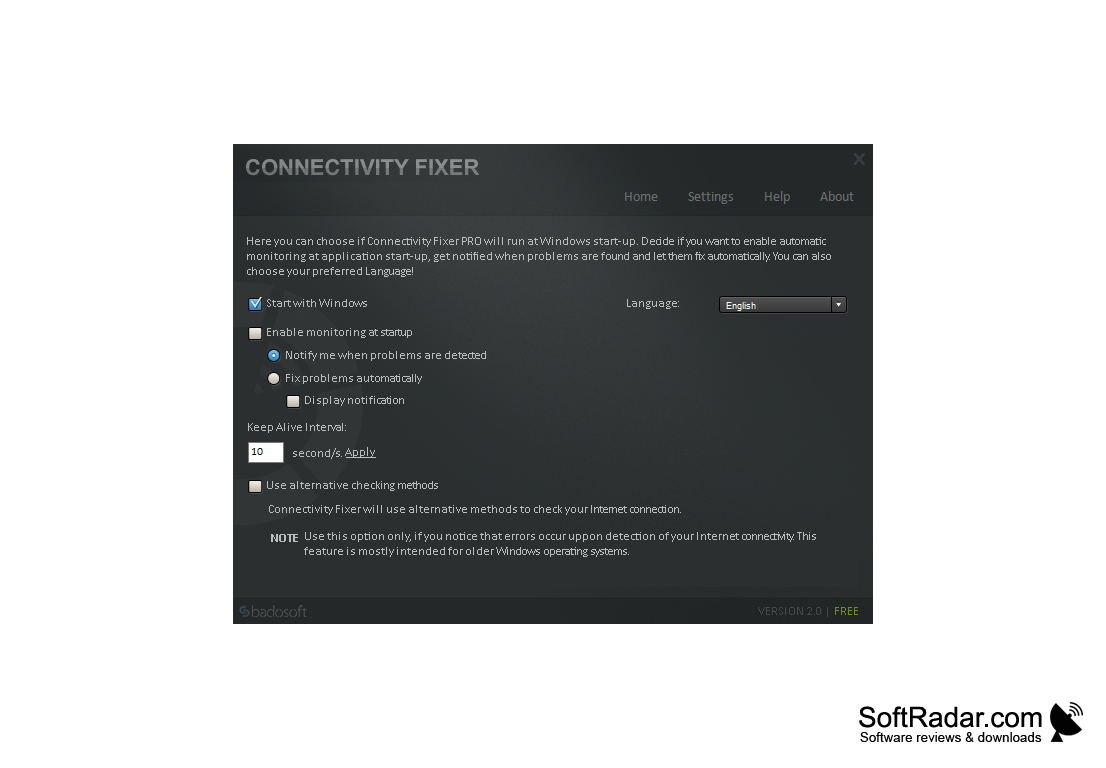
Connectivity Fixer allows users to perform a wide variety of functions associated with their device connection, such as monitoring of the network connection when connected to the internet, as well as acting as a monitor to check for both speed and any potential delays which could be caused by potential issues. It also scans thoroughly checking the different network and device components, which could potentially be causing any sort of delays and also offers a way to optimize speed and keep things running smoothly. It automatically finds the problem at hand and then resolves the problem without issue.
Connectivity Fixer allows users to keep moving through the internet and keeps daily issues from occurring. It works with locating and detecting viruses, worms, malware, adware, spyware, and trojans in order to precisely locate and identify what could potentially be causing any sort of network delays or issues. It also allows users to solve other connectivity issues, which may be related to the network, router, or network connection so that nothing is causing any sort of delays to signals from the network. Furthermore, it also works as the perfect tool for users looking for Antivirus, Spyware, Adware, Malware, Trojan, and Worm scanners in order to optimize device and network performance and speed. It also works to resolve Winsock's relates problems as well as IP issues.
I would highly recommend that users check this program out to better get a precise picture of how their network is doing in terms of speed and performance, along with if there are any issues which could potentially be delaying or causing issues with network speed and connectivity so that a reasonable solution may be proposed to promptly resolve any issues which could be leading to a slower signal and function.
Works in conjunction with security scanners to easily find and resolve any issues and boost performance
Features:
- Network and device analyzer
- Scans for any existing network issues
- Finds and resolves issues with viruses, trojans, worms, malware, spyware, adware, and others
- Resolves IP related issues
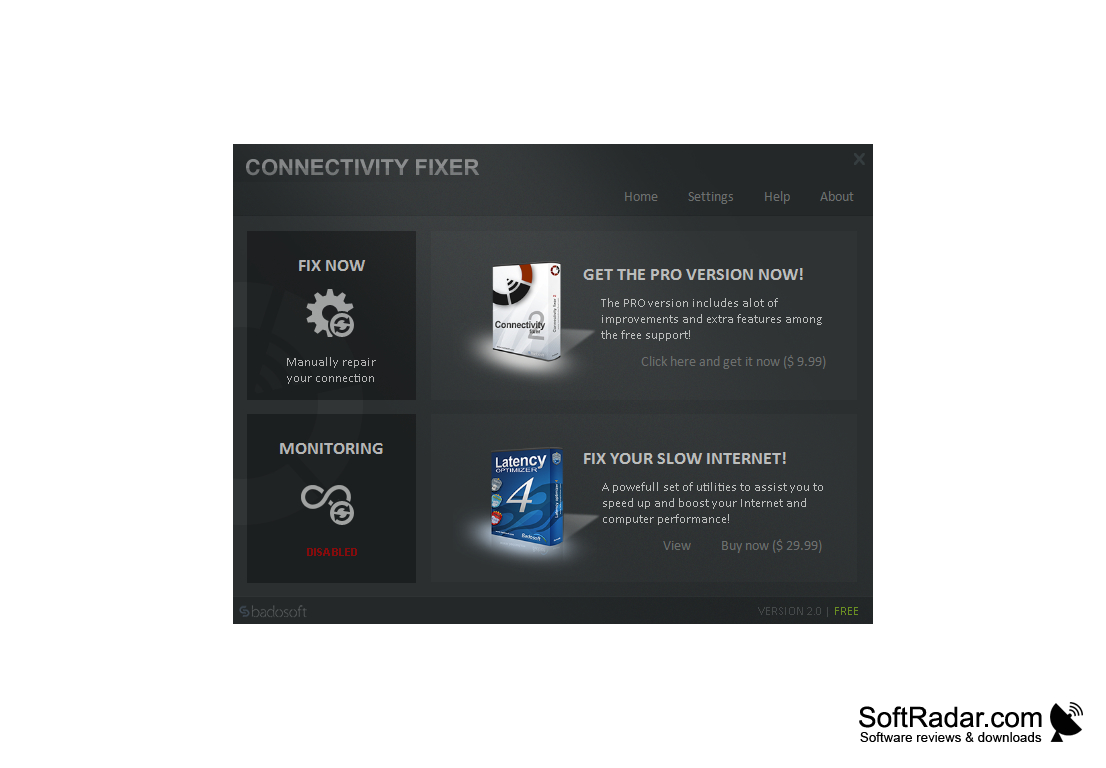
- Simple and easy to use
Need at least 1GB of RAM.
Requires minimum 100MB of hard disk space.
Internet connection is required.
PROS
Efficiently solves most internet connectivity issues.
Offers automatic and manual repair options.
CONS
Difficult interface for non-tech savvy users.
Potential incompatibility with some operating systems.


