
Cricut Design Space
Cricut Design Space is a Windows editor for creating projects to cut with Cricut machines. It lets crafters arrange artwork for cards, clothing, decals and other items.
Operating system: Windows
Publisher: Cricut, Inc.
Release: Cricut Design Space 9.56.87
Antivirus check: VirusTotal report
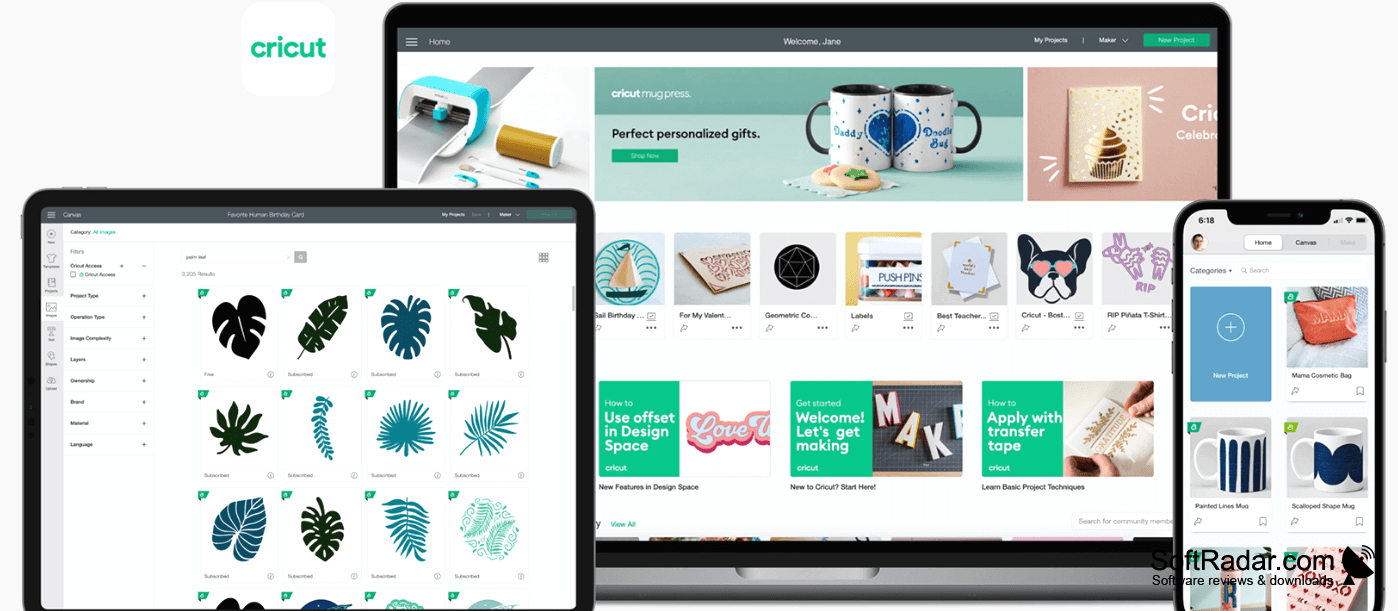
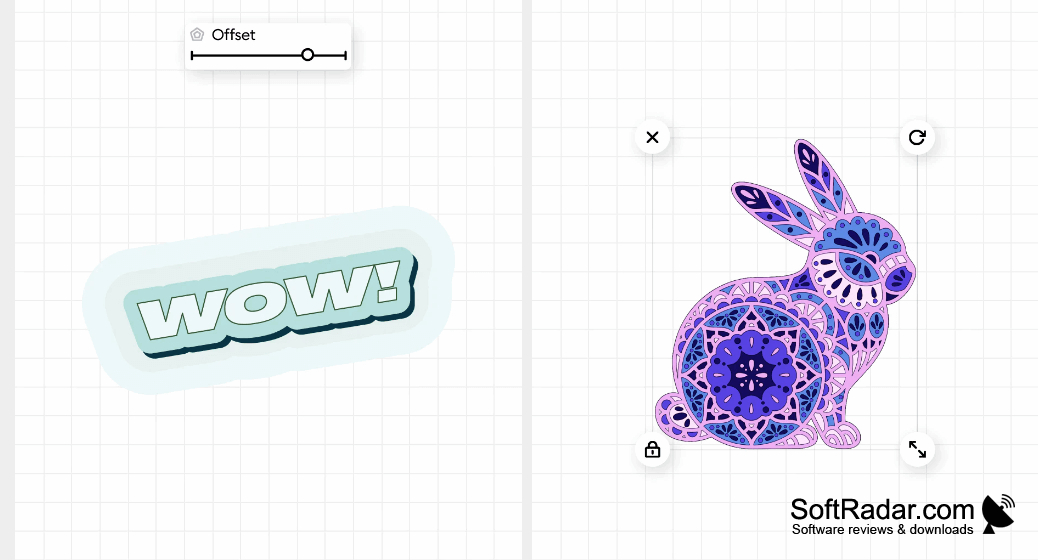
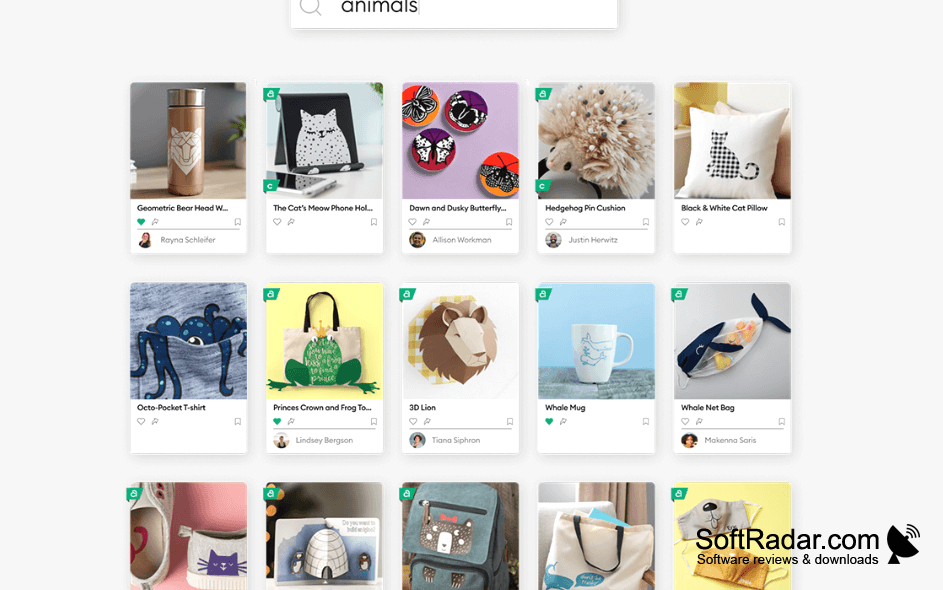
Cricut Design Space helps people prepare artwork for projects made with Cricut cutting machines. You can build a layout from your own images or available designs, then adapt it for items such as greeting cards, clothing graphics, labels and decorations. The desktop app provides a place to create new projects, revisit saved work and set up a Cricut device.
Design and preview cutting projects on a canvas before sending them to a compatible Cricut machine.
The editor includes a canvas for arranging elements and checking a design before cutting. You can browse fonts, images and project ideas, or import artwork to use in a layout. It works with Cricut Joy, Explore and Maker machines, and supports wireless cutting with compatible devices. Offline editing is available, but projects must be saved manually because the app does not save changes automatically.
Features:
- Arrange imported artwork on a project canvas
- Browse fonts, images and project templates
- Preview layouts before sending them to cut
- Connect to compatible machines for wireless cutting
- Edit designs without an internet connection
- Set up supported Cricut cutting machines
At least 4GB of RAM
At least 2GB of free disk space
Minimum 1024 x 768 display resolution
Intel dual-core or equivalent AMD processor
PROS
Uploads personal SVG files for customized cuts.
Cutting previews help position designs on materials.
CONS
Editing tools lack advanced vector controls.
Many library designs require an Access subscription.


