CrococryptFile
A file encryption tool that creates encrypted folders and files
Operating system: Windows
Publisher: Hissen IT
Release: CrococryptFile 1.6
Antivirus check: VirusTotal report
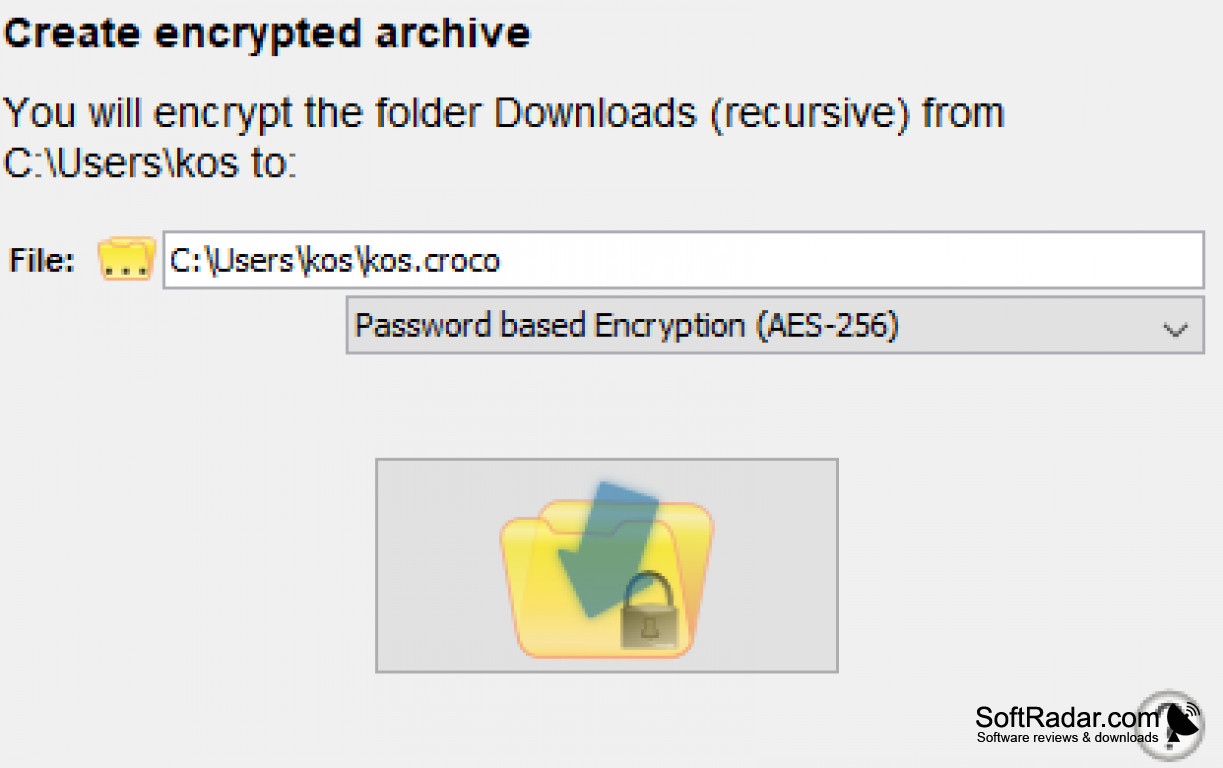
If you take your privacy seriously, then CrococryptFile for Windows is the way to go. This tool has many interesting features that will come handy to protect your files. I used WinZip before stumbling upon this software and I can say this option is much more secure. I do like WinZip but CococryptFile goes deeper and allows you to encrypt all file and folder information such as the size of the file, the name of the file and the time and date the file was made. I work with information that is sensitive and that might be considered confidential so having an extra layer of protection is great, it will make the difference especially with all the hackers out there.
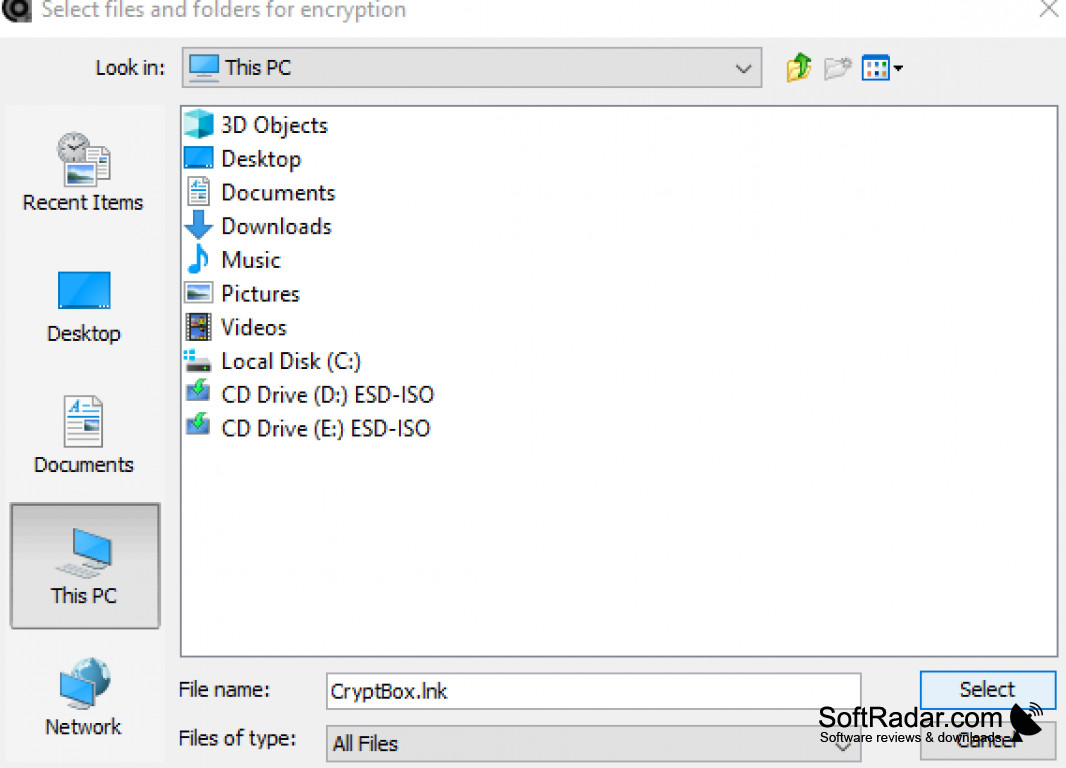
CrococryptFile for Windows allows you to encrypt files with a password with AES-256, Serpent, and other security measures that are really hard to break. I feel like my files are completely secure when I use this tool. This tool will disguise the whole content of the archive, and best of all, it's easy to use. When I first installed this software, I was worried it would be complicated to encrypt certain files or that it would take a long time to do so. To my surprise, it was speedy and practical. You can encrypt and decrypt files just by using the right click of your mouse on the selected file, and the chose the option that says either encrypt or decrypt, then you will have to choose the desired output of the file, add the password if you wish to add a password and that’s it.
This software allows you to encrypt multiple files at the same time. This is really handy for when you have to manage large volumes of data, this is my case, so I consider this feature one of the best features the product has to offer. The progress bar is lovely and has a modern look, and this is another plus. I would rate this software with 4.5 stars out of 5 because many tools in the market also offer these features but aren’t as good as CrococryptFile. I recommend this software for anyone who wants to keep a file private or for anyone that just wants an excellent file encrypter and decrypter.
The main benefit of using CrococryptFile is its ability to encrypt files with a high level of security, while being user-friendly and efficient.
Features:
- Password encryption feature
- Cloaked mode
- Creates backups
- Encrypts folders
- Encrypts files
Supports AES-256, Serpent encryption
Requires mouse for encrypt/decrypt features
Capable of handling multiple file encryption
PROS
Provides password-based and keyfile-based encryption.
Intuitive and user-friendly interface suitable for non-tech savvy users.
CONS
Complex interface not user-friendly for beginners.
No multi-platform support, incompatible with Mac OS.


