
Kruptos 2 Professional
by Steve Beckett
A document and file encryption program
Operating system: Windows
Publisher: Steve Beckett
Release: Kruptos 2 Professional 6.2.0.3
Antivirus check: VirusTotal report

Features:
- Uses strong 256-bit encryption, which is "military" grade. It is considered the gold standard in encryption security.
- Easy to use and understand
- Includes password generator and analyzer which can create passcodes that are strong and makes suggestions as to how to improve security
- Has a file shredder feature included. This feature allows the user to select various speeds and strengths of shredding to be selected
- A global leader in cross-platform protection. Used by governments, businesses, and individuals.
- Allows for cascading levels of passwords/access under a "master" password.
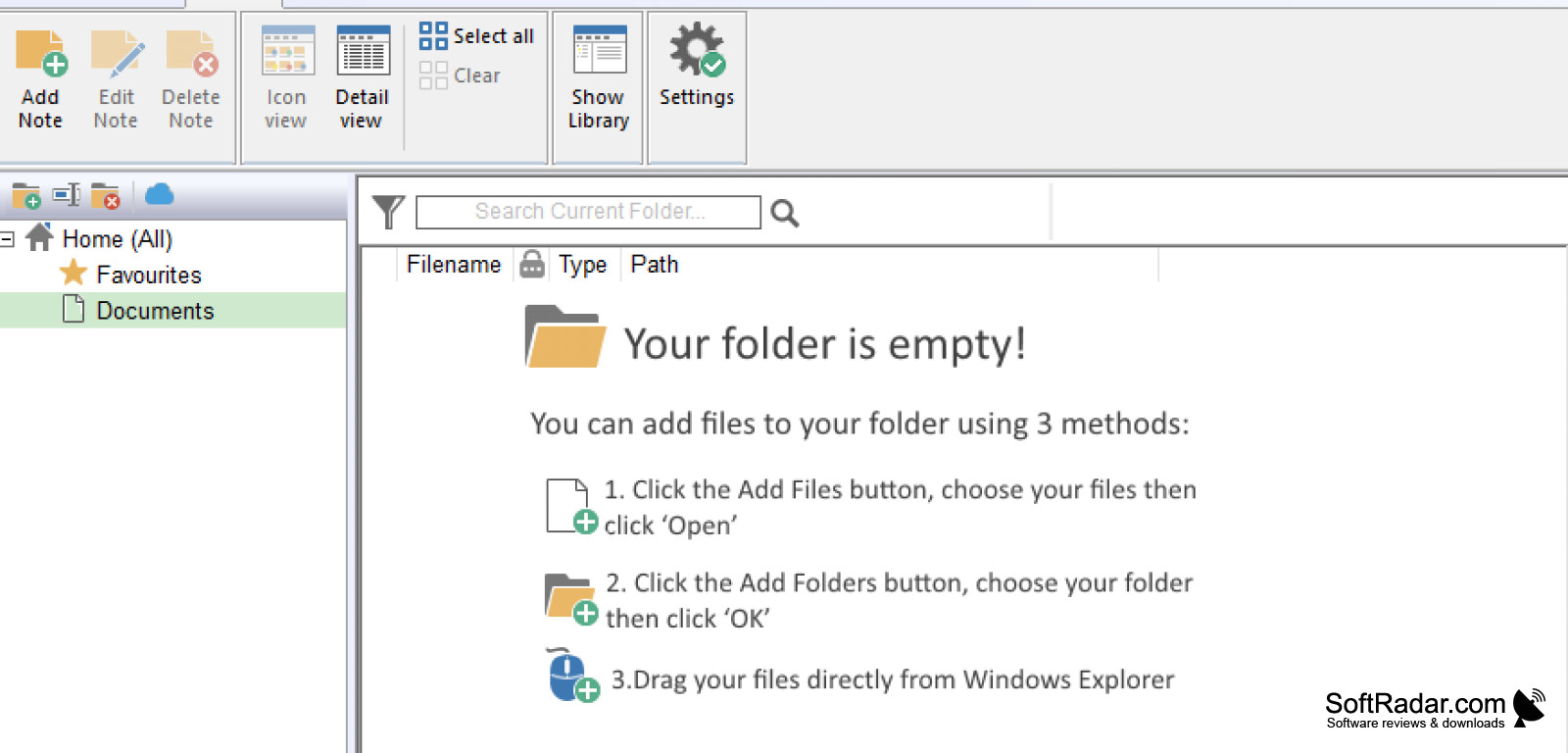
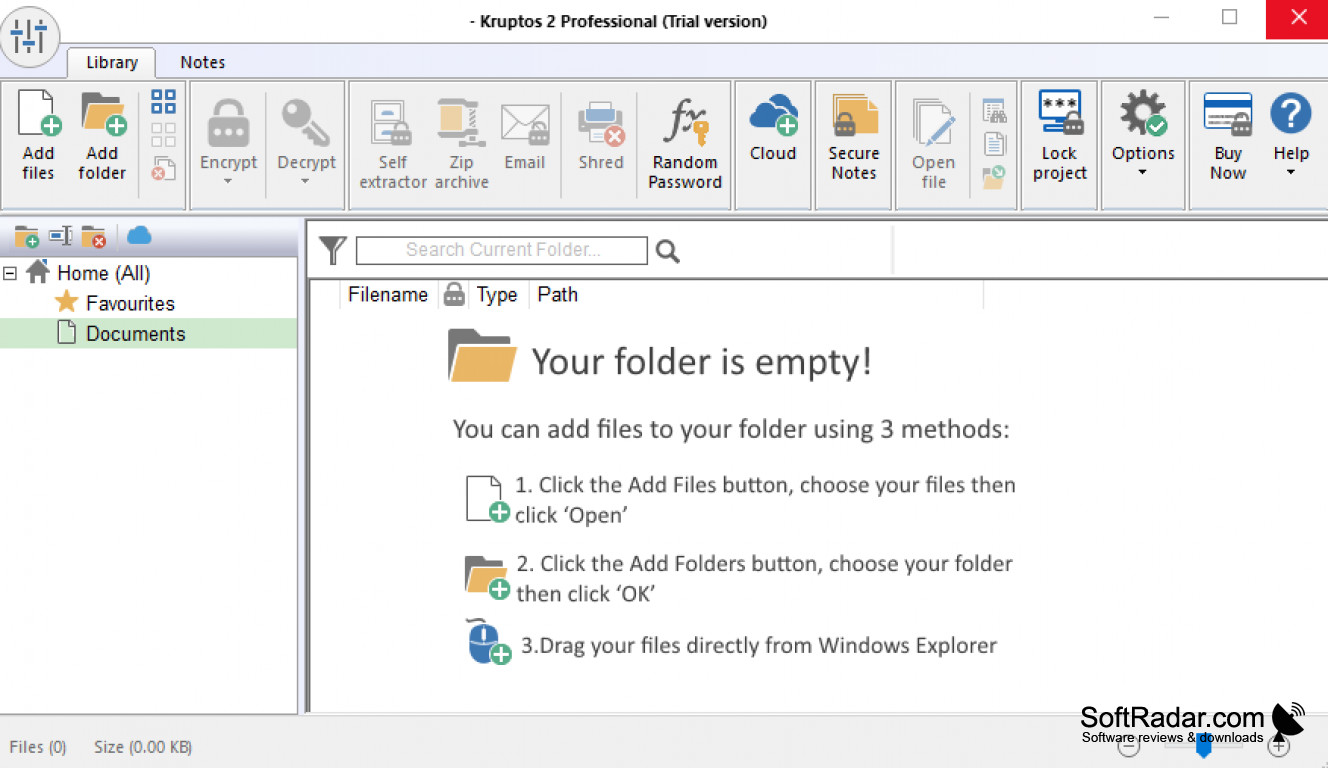
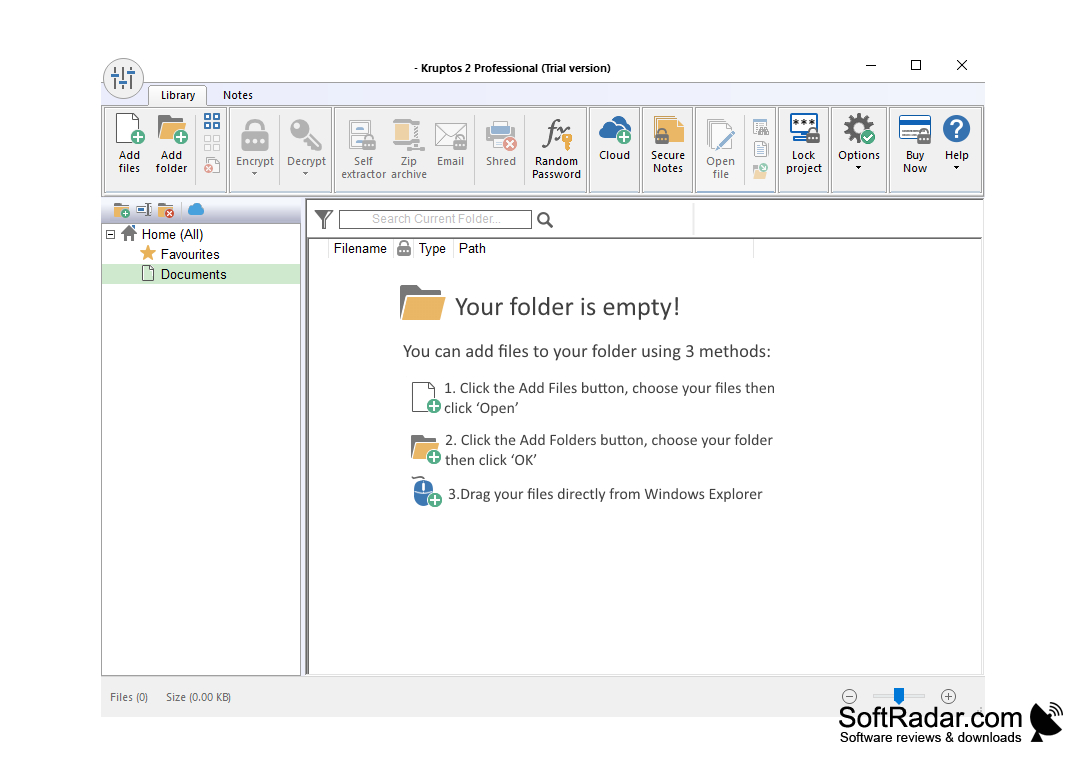
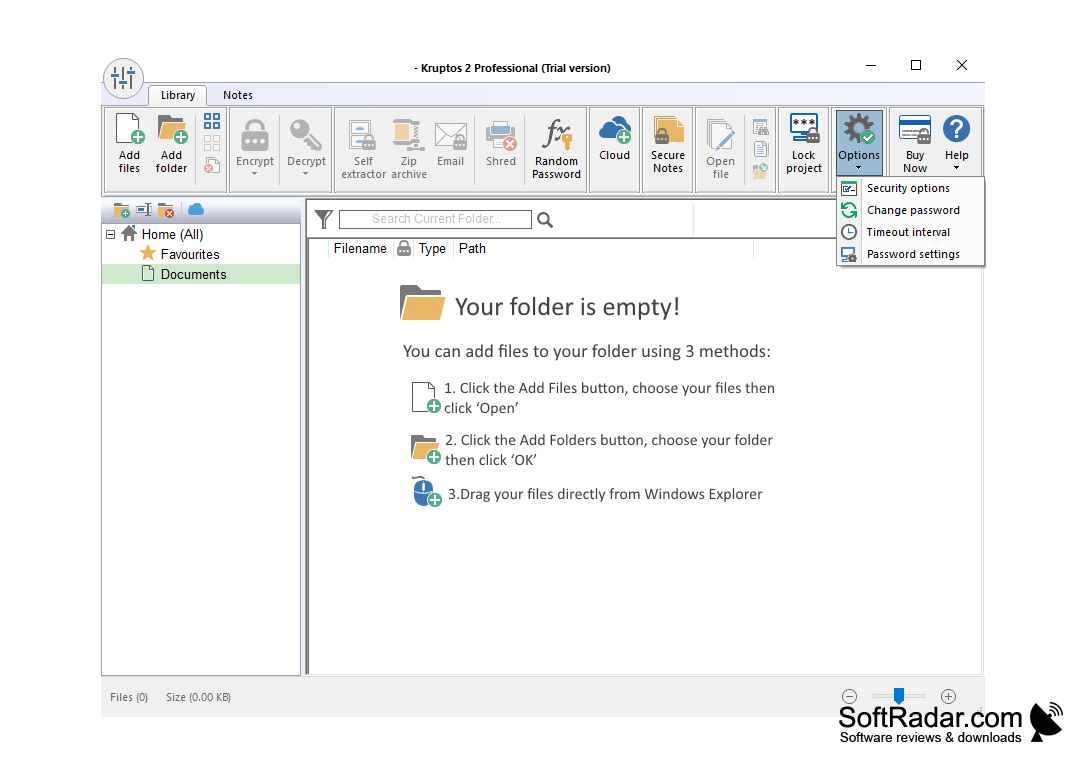
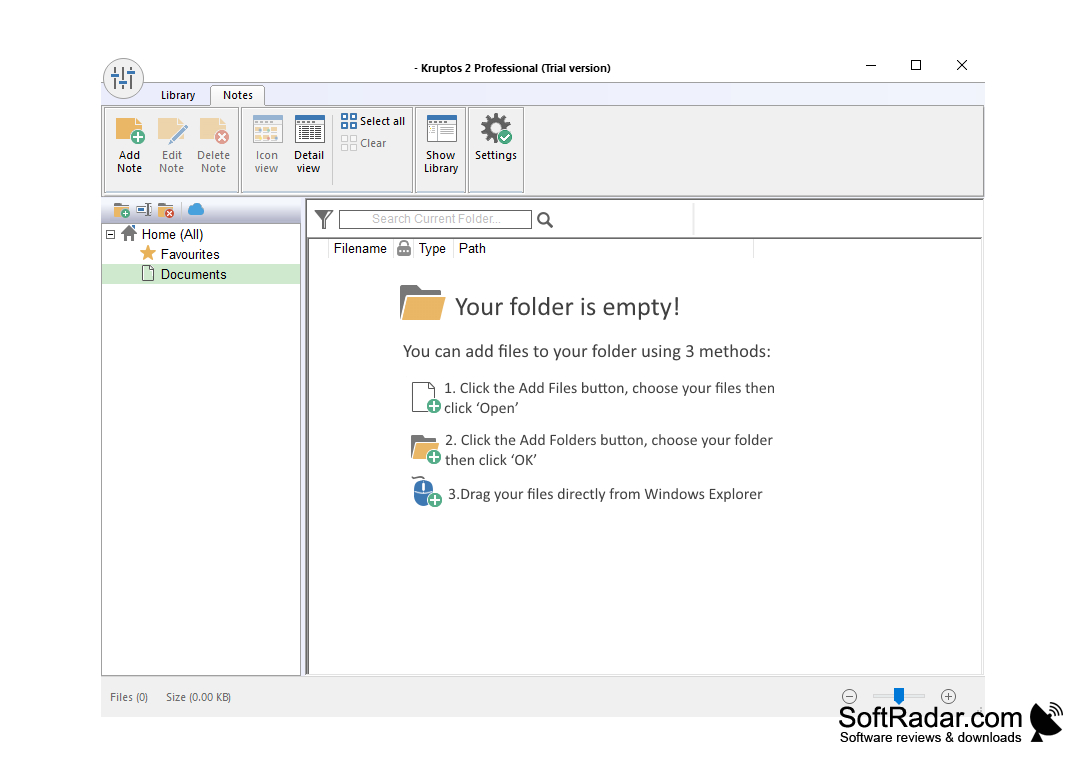
- Easy to navigate and easy to learn program. Utilizes an office style Ribbon toolbar, start button, etc.
- Supports drag and drop files and folders into the Kruptos interface.
- If decrypting a file for editing, the file will automatically re-encrypt when the file is closed.
- Encrypt and decrypts files in a few clicks with extensions and plugins in browser toolbars. It also supports the ability to encrypt an entire USB flash drive.
- Low cost compared to many other products on the market. There are, depending on the time and website used, times where sales to the product may also be available.
- Allows files of any size and any type to be encrypted
- Encrypts files on Dropbox, Google Drive, OneDrive, and of course, on your own personal machine.
- Can encrypt file names if you wish
- It has a free option which can give you a start and allow you to test the product before you buy it. This, however, has limited functionality.
- Very well regarded and reviewed product from many technology blogs and security websites.
- Constantly being updated as threats and things change out there.
- Software bugs and problems are addressed, and updates made quickly and continually.
- Works very well in cross-platform work. Is compatible with various platforms using the encryption tool
Prevents private files and documents from being modified, read or accessed without proper password!
Windows 7/8/10 operating system
Minimum 1GB RAM for smooth operation
Internet connection for updates and purchases
At least 50MB available hard disk space
Minimum 1GB RAM for smooth operation
Internet connection for updates and purchases
At least 50MB available hard disk space
PROS
User-friendly interface for easy navigation.
Strong encryption for secure file protection.
Offers file shredding feature to erase sensitive data permanently.
Strong encryption for secure file protection.
Offers file shredding feature to erase sensitive data permanently.
CONS
Limited compatibility, only supports Windows OS.
Lacks two-factor authentication feature.
No password sharing functionality.
Lacks two-factor authentication feature.
No password sharing functionality.
Kruptos 2 Professional 6.1.0.2
(10.43 MB)
Kruptos 2 Professional 6.1.2
(10.43 MB)
Kruptos 2 Professional 6.2.0.3
(10.43 MB)


