Deep Freeze Standard

by Faronics Corporation

A software application that protects small workspaces

Operating system: Windows

Publisher: Faronics Corporation

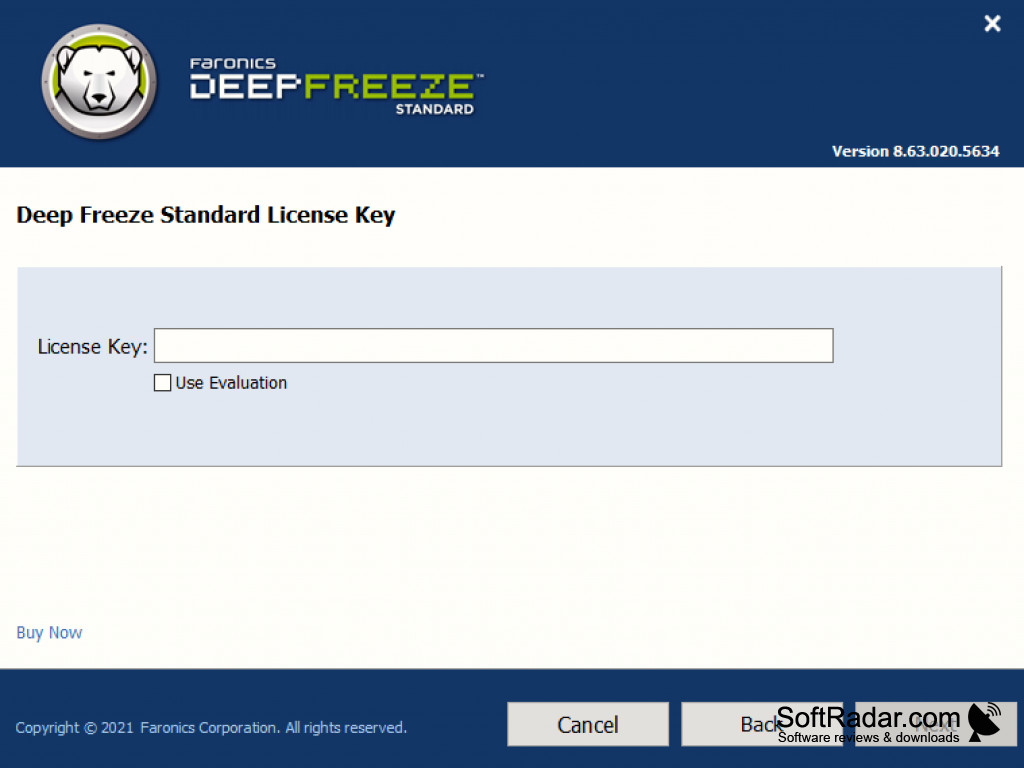
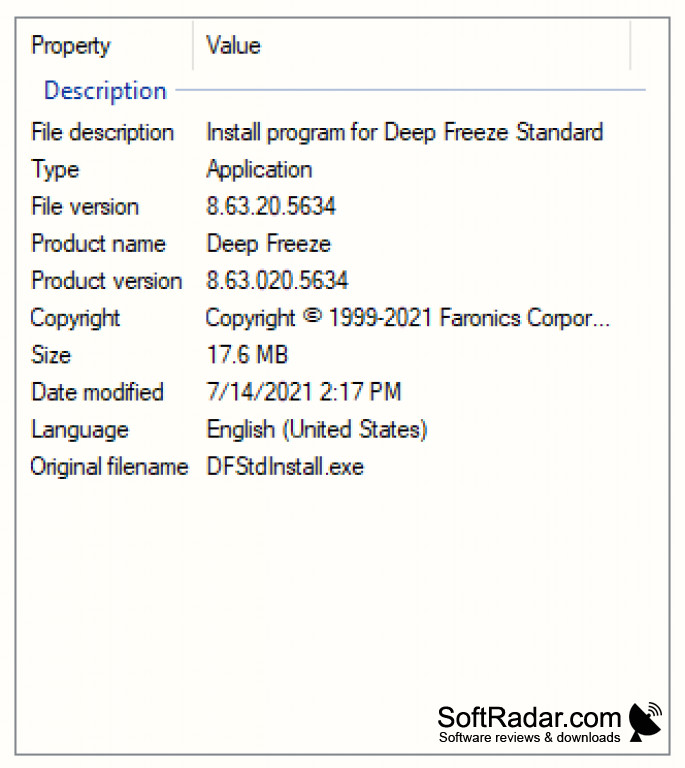
Release : Deep Freeze Standard 8.63.020.5634

Antivirus check: passed
Report a Problem

Long gone are the days of unintended changes to a computers' configuration thanks to Faronics. Deep Freeze makes sure your PC remains configured as you left it by restoring to the desired configured every time it reboots. Users are still able to work freely without any restrictions, so you can be at ease that your workspace will be free of phishing and malicious changes. Because it uses a limited amount of system resources, Deep Freeze doesn't decrease computer performance significantly. It takes away the need for central control, and troubleshooting issues are eliminated, allowing the workplace to save time and focus on tasks.

Reboot-to-restore guarantees that your computer configuration remains unchanged
Features:

  • License compliance: only approved software remains on your PC
  • 100% computer recovery on every reboot, guaranteed
  • Supports computers of every setting: on-field, classroom & lab, hospital, & point of sale 
  • Requires 10% free hard drive space
Requires 10% free hard drive space
Compatible with most computer settings
Limited system resources usage
License compliance for approved software

PROS
Ensures 100% workstation recovery upon restart.
Protects computer from potential threats.
Reduces IT helpdesk tickets significantly.

CONS
Difficult to remove once installed without the appropriate admin password.
May inadvertently delete important files during freeze or thaw processes.
Doesn't provide real-time protection against malicious software or viruses.

Rory
Sat, Dec 23, 2023

Deep Freeze Standard is an application that protects small workspaces. It is designed to protect computer systems by restoring the system to a previous state after any changes are made. The app will protect your computer from malicious software, viruses, and other unwanted changes. Additionally, you get detailed logging and reports, which are very useful. The app has a user-friendly interface and is easy to install. However, once installed, it is difficult to remove it without the appropriate admin password. It also requires 10% free hard drive space.
Deep Freeze Standard is recommended to anyone looking for a reliable system protection solution and the ability to use their computer without any stress.
image/svg+xmlBotttsPablo Stanleyhttps://bottts.com/Florian Körner Ollie
If you want a reliable way to "freeze" the configuration of your workstation, then check out Deep Freeze Standard for Windows. This tool gives you peace of mind since it offers total security and ensures the protection of your passwords. Not only does it provide protection across multiple hard drives, but it also helps to ensure compliance of all software programs installed as well.
image/svg+xmlBotttsPablo Stanleyhttps://bottts.com/Florian Körner Harris I.
Deep Freeze Standard is a software program designed to protect computer systems by restoring the system to a previous state after any changes are made. It does this by freezing the operating system and all associated configurations, making any changes that are made to the system temporary. Deep Freeze Standard provides a layer of protection by restoring the system to its original state upon restart, eliminating the need to manually undo unwanted system changes. Additionally, the software also prevents users from downloading malicious software, viruses, and other threats from the internet.
image/svg+xmlBotttsPablo Stanleyhttps://bottts.com/Florian Körner Josh Kinghorn
Deep Freeze Standard is an effective software for protecting a computer from malicious software, viruses, and other unwanted changes. It allows users to revert to an earlier stable state in case of any system corruption. I have used it on multiple computers and it is easy to use. It's also very fast to install, taking only a few minutes. I found the interface to be intuitive and the menus very straightforward. The software also provides detailed logging and reports which are very useful. It is also very secure, with multiple layers of protection. Overall, I'm very pleased with Deep Freeze Standard and would recommend it to anyone looking for a reliable system protection solution.
image/svg+xmlBotttsPablo Stanleyhttps://bottts.com/Florian Körner Robert D.
Deep Freeze Standard has been an invaluable tool to help us maintain our workststations in a stable state, especially when our users tend to download and install random programs that wreak havoc with their enviroment.
Visual C++ Redistributable Packages for Visual Studio 2013
Visual C Redistributable Packages for Visual Studio installs components to run applications
Free Any Data Recovery
Provides free data recovery to PC hard drive and removable storage devices
Reiboot
Iphone recovery tool featuring IOS system recovery
Samurize
A free utility setup to customize your desktop based on your wants and needs
Baidu PC Faster
A new system optimisation tool for Windows