
Donglify
Donglify gives Windows users network access to USB license dongles connected to another computer, including when they work through remote desktops or virtual machines.
Operating system: Windows
Publisher: Electronic Team, Inc.
Release: Donglify 2.0.15620
Antivirus check: VirusTotal report
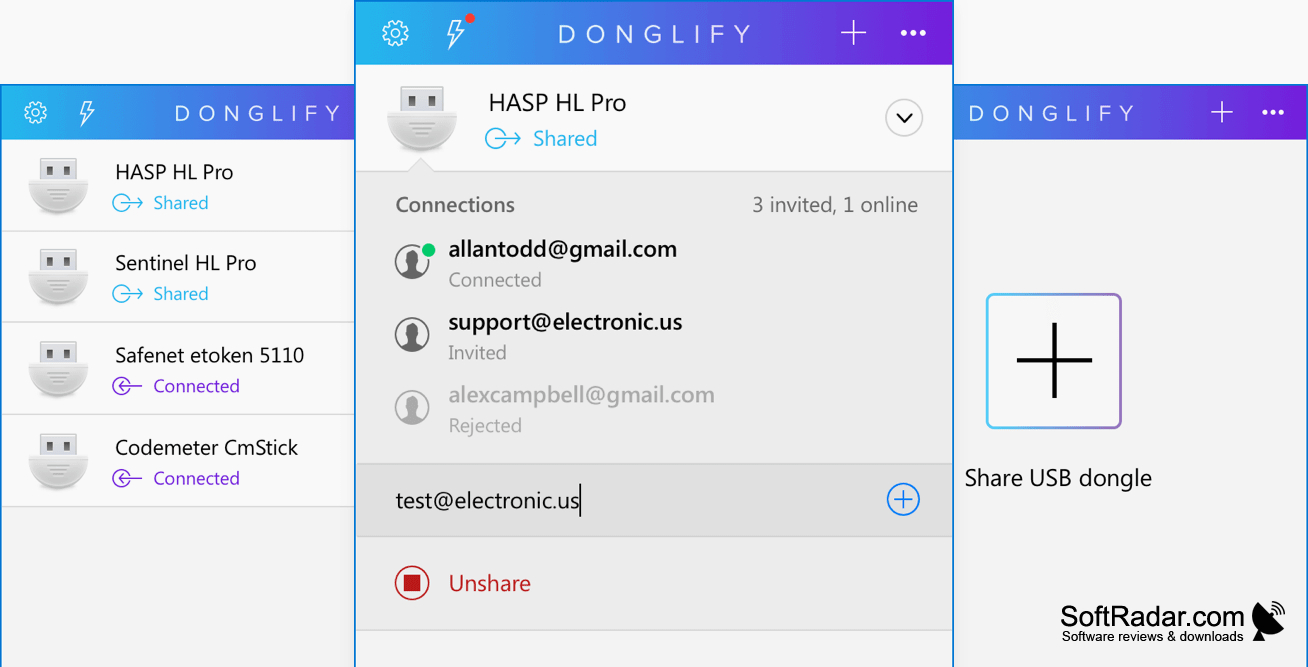
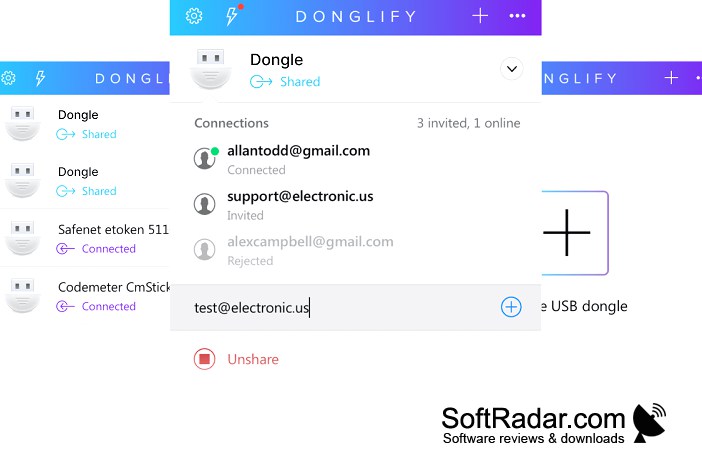
Donglify lets Windows users access USB license keys attached to another computer over a network. It is useful when licensed software runs on a remote workstation, during a remote desktop session, or inside a virtual machine that cannot access a local USB key directly. The key stays plugged into one computer while a user connects to it from elsewhere.
Use a USB license key from another computer without moving the physical device between systems.
Install the program on the computer holding the dongle and on the system that needs it, then make the device available through the app. The receiving system treats the shared key as a local USB device. Users can issue tokens for account sign-in without passing along their credentials. Compatible dongles can accept connections from multiple remote computers at once.
Features:
- Share USB license dongles across a network
- Connect remote computers to a shared dongle
- Redirect dongles into virtual machines
- Use dongles during remote desktop sessions
- Issue tokens for account sign-in
- Allow concurrent connections with compatible dongles
PROS
Connects hardware keys to Windows virtual machines.
CONS
Not every dongle supports simultaneous connections.


