Driver Updater Pro
Driver Updater Pro keeps your system always up to date, guaranteeing the best performance and reliability to your Windows XP or Vista PC
WARNING: The development of the program is discontinued and its operation is not guaranteed. The latest version is available on our website.
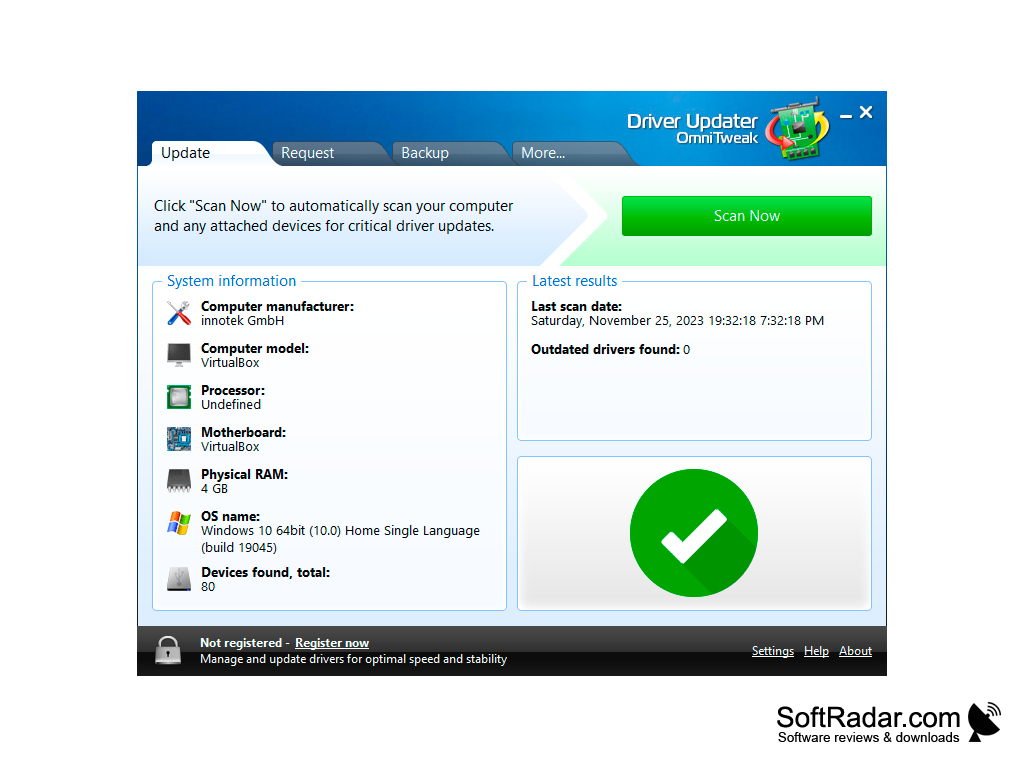
Driver Updater Pro is a program that automatically optimizes your system. It does this by searching, downloading and installing the latest drivers and software for installed hardware and peripherals. The process of "manual" search for updates is extremely tedious, so users often resort to such programs.
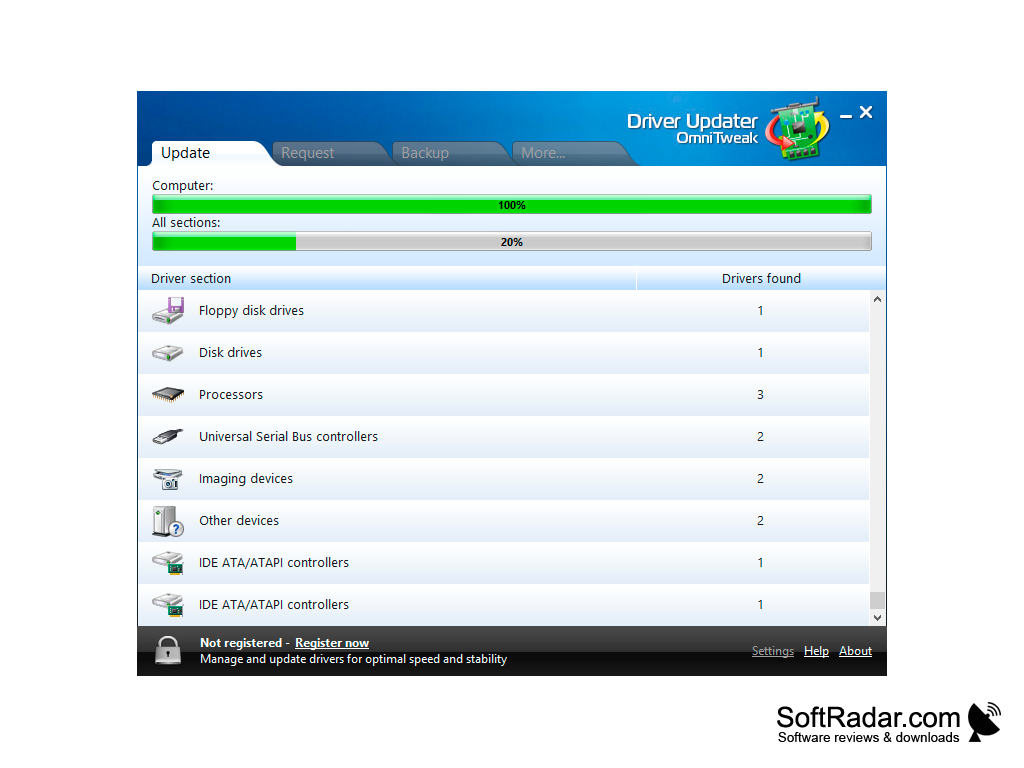
The first thing Driver Updater Pro will do is to analyze your system for missing and outdated drivers. In addition, incorrectly installed software is detected and it is proposed to reinstall it "from scratch". Once the analysis is complete, the program will create a tree list of components that require your attention. If you do not agree with Driver Updater Pro and do not want to update individual drivers, uncheck the boxes next to them.
Driver Updater Pro automatically optimizes your system by efficiently updating outdated and missing drivers.
Unfortunately, the demo version is limited to the analysis function, and the launch of automatic driver installation and update requires the purchase of a license. For those who don't want to spend their blood money on software, there are free alternatives. We personally recommend DriverPack Solution and Snappy Driver Installer.
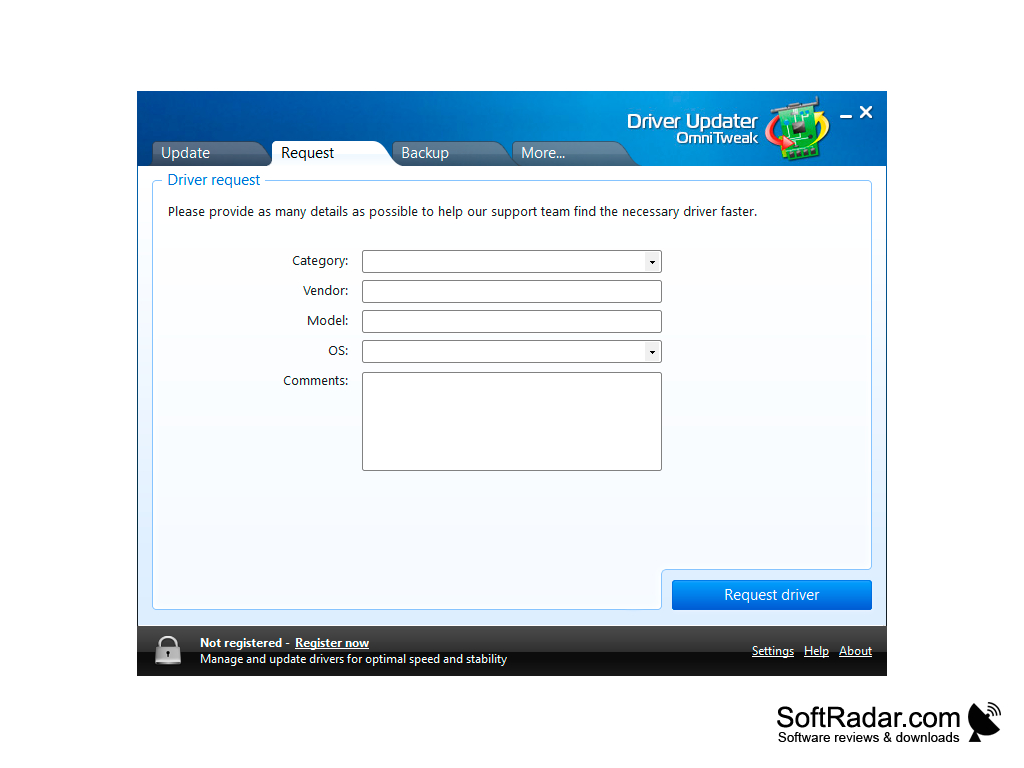
For those who are ready to accept the need to purchase a license, we note the most important advantages of Driver Updater Pro. These include a proprietary driver base (for more than five million devices), a nice interface and support for relatively older versions of Windows. The disappointing thing is that there is no backup function for the existing software. Usually, developers of driver managers (especially paid ones) provide their programs with backup tools.
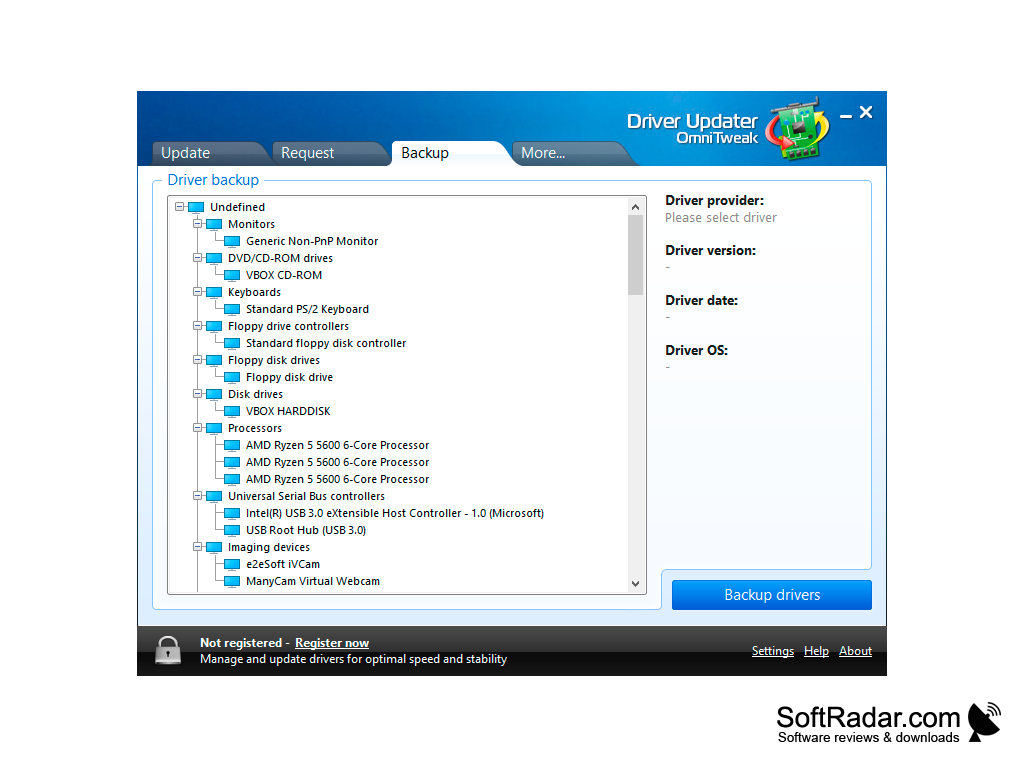
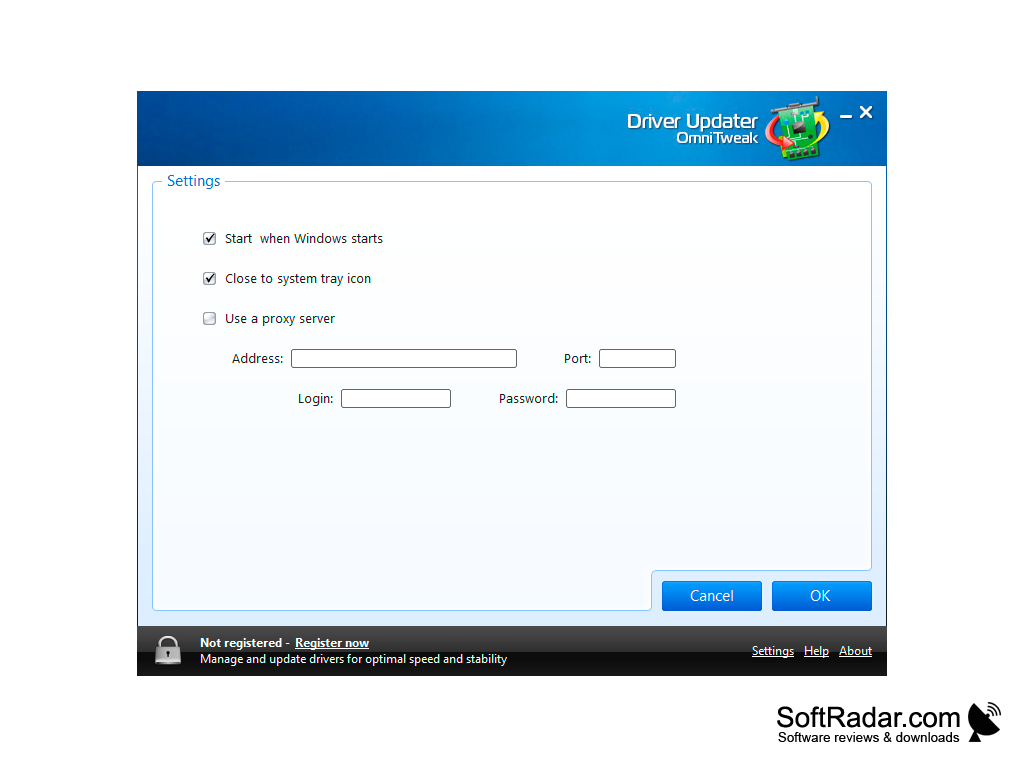
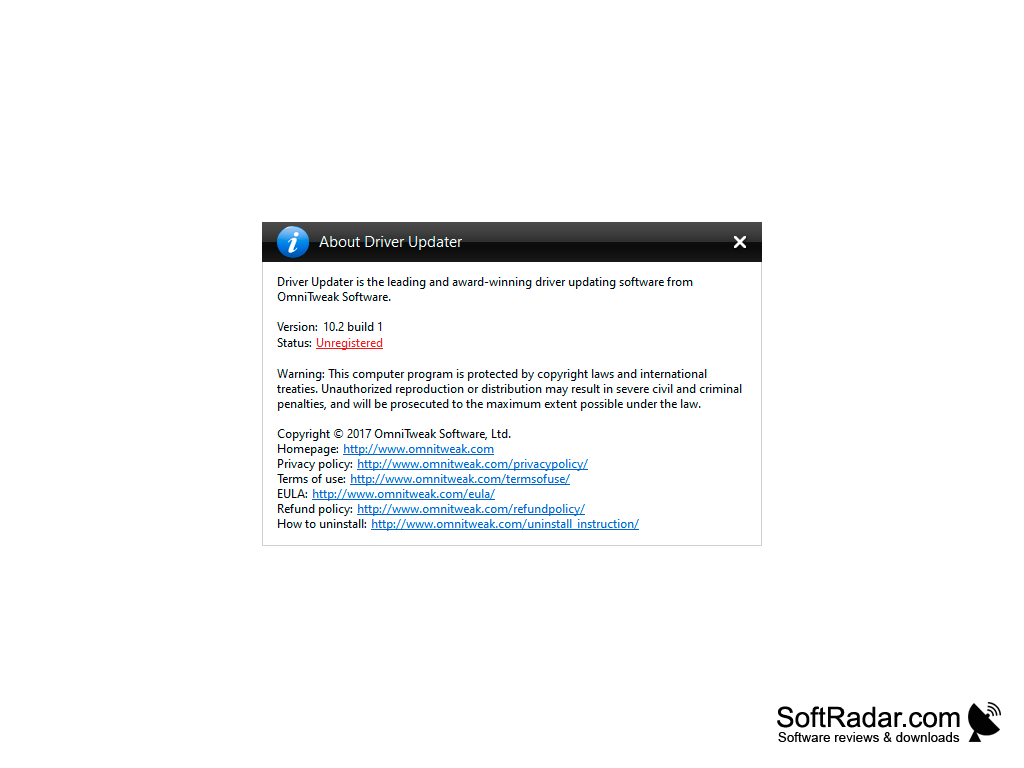
- comprehensive analysis of the system and identification of outdated drivers;
- Creation of a tree-like list with "iron" and "peripherals" requiring installation or software updates;
- download and install drivers automatically;
- its own base of more than five million devices;
- A powerful analytical engine that allows you to complete scans in less than a minute;
- support for old hardware and operating systems;
- a nice interface.
PROS
Easy to use with simple and intuitive interface.
Enhances PC performance by eliminating driver-related system errors.
CONS
Limited driver downloads per day.
Occasional false positive outdated driver alerts.