
Enscape
Enscape helps architects, engineers, and designers turn building models into interactive visualizations for design reviews and presentations.
Operating system: Windows
Publisher: Chaos Software
Release: Enscape 4.2.0
Antivirus check: VirusTotal report
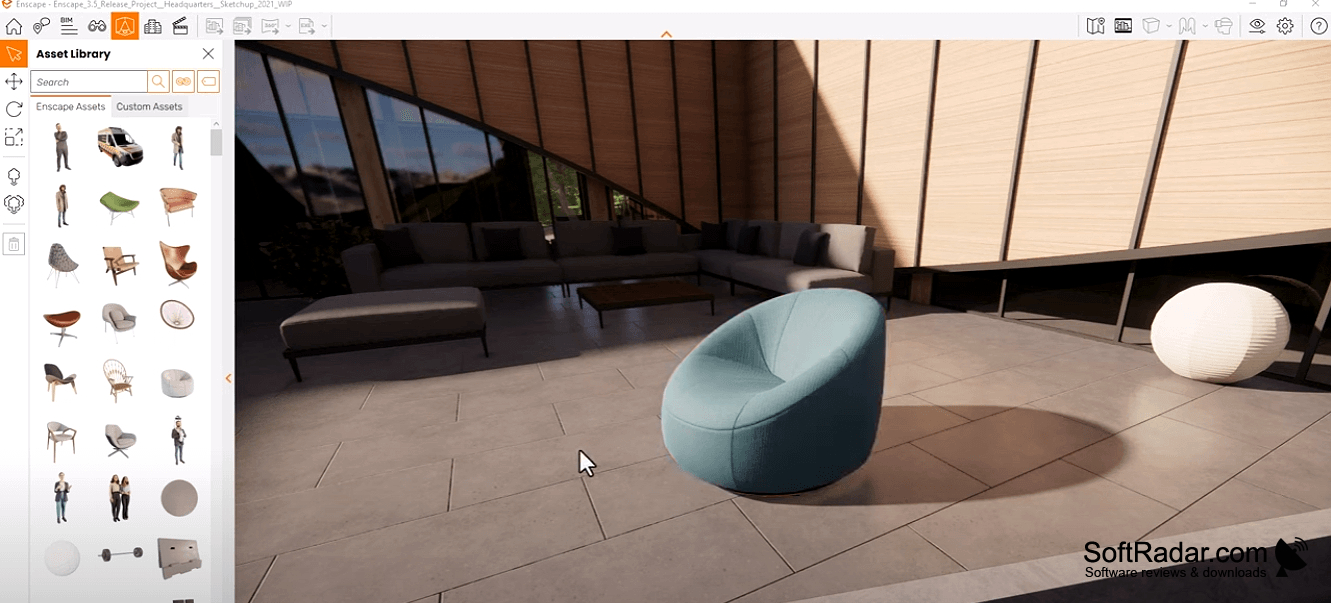
Enscape is a visualization tool for architects, engineers, and designers working with building models. It lets teams inspect proposed spaces from different viewpoints rather than relying only on static drawings. During design reviews, users can move through a model, examine how rooms and surfaces look, and prepare visual material to discuss a project with colleagues or clients.
Changes to a building model appear in the visual preview as you work, making design reviews easier to follow.
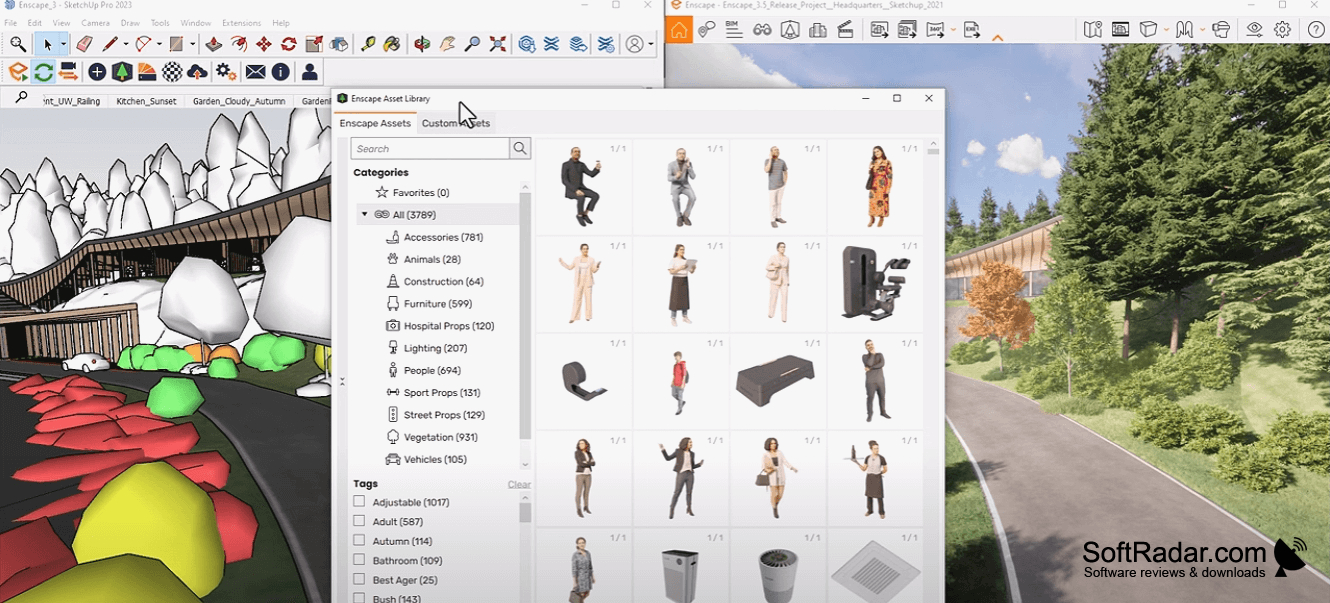
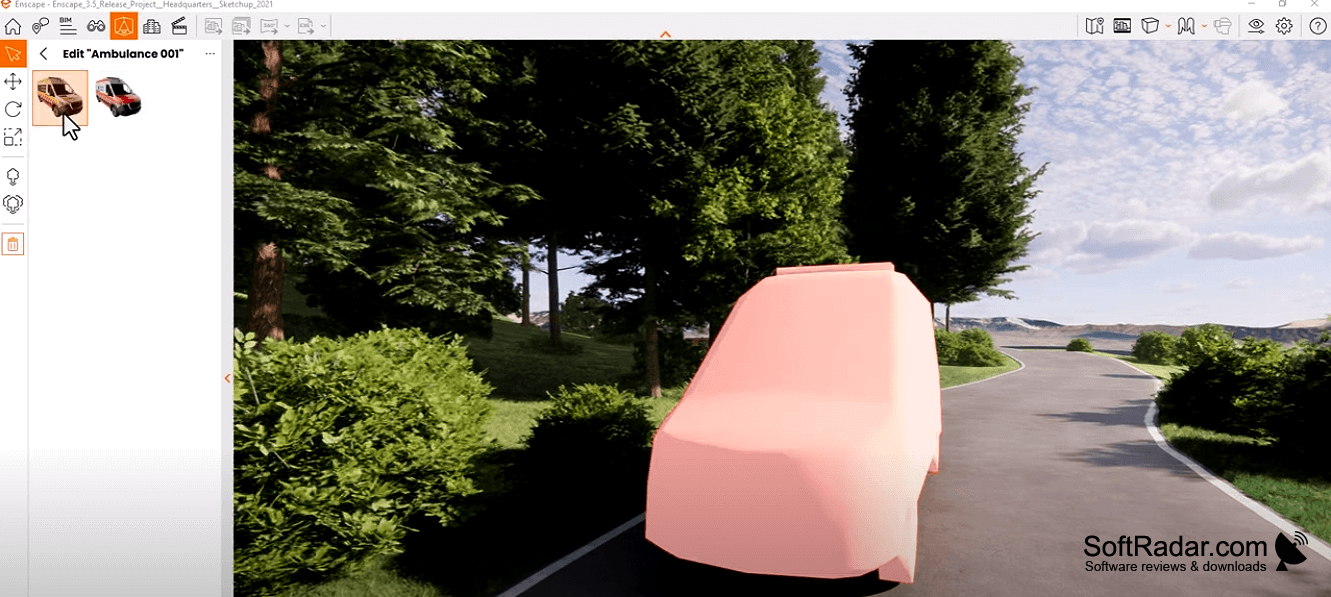
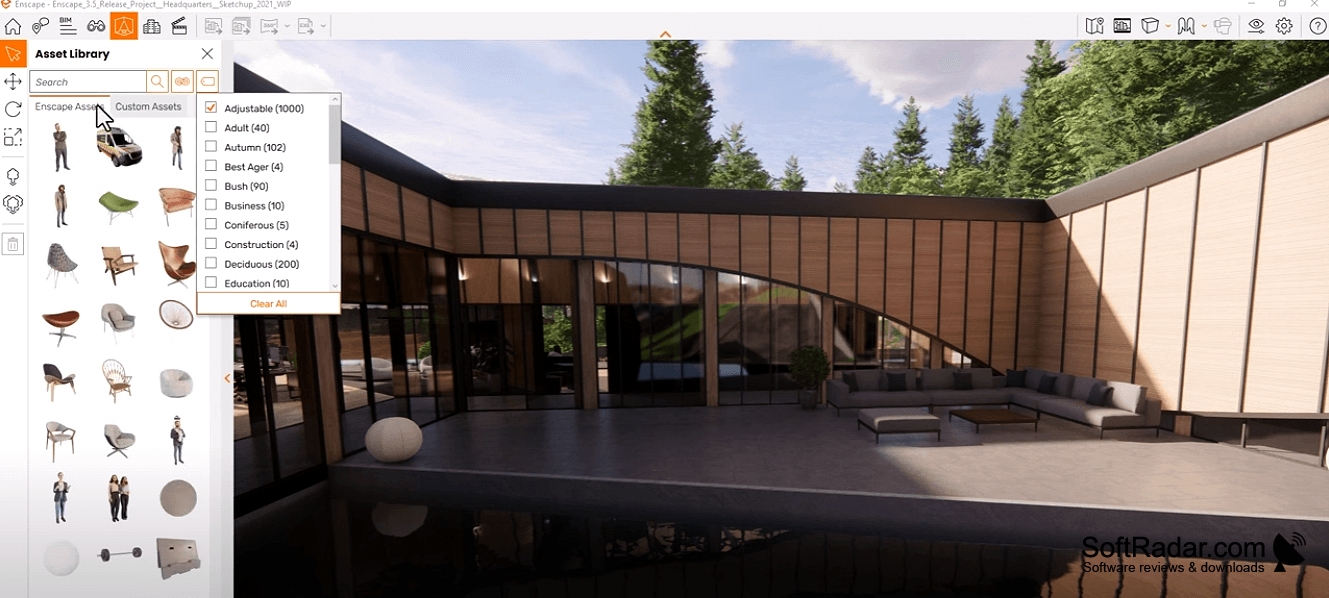
The program connects to design applications including Revit, SketchUp, Rhino, and ArchiCAD, updating the visual scene when the source model changes. Users can adjust surface finishes and lighting, add objects from a built-in library, and produce still images or panoramic views. Projects can also be explored with supported VR headsets or shared as browser-based and standalone walkthroughs.
Features:
- Preview model edits in the visualization
- Navigate building designs from different viewpoints
- Adjust materials and lighting in scenes
- Add objects from the built-in library
- Export panoramic images and still renders
- Present models through supported VR headsets
Graphics card with at least 4GB VRAM
Graphics card supporting Vulkan 1.1
Requires compatible CAD/BIM host software
PROS
Produces convincing architectural visuals with minimal setup.
Simplifies client reviews with interactive VR walkthroughs.
CONS
Material and lighting controls lack fine-grained flexibility.


