
Epubor eBook Manager
Epubor eBook Manager organizes, edits and converts digital book collections for Windows users who keep titles across different devices and file formats.
Operating system: Windows
Publisher: Epubor Team
Release: Epubor eBook Manager 2.0.13.102
Antivirus check: VirusTotal report
Epubor eBook Manager helps Windows users keep digital books from several services and devices in one library. It can find titles stored on connected readers and in desktop collections, then arrange them for browsing by author, language, publisher or file type. Readers with mixed-format collections can use it to update book details and prepare files for a supported e-reader without maintaining separate lists.
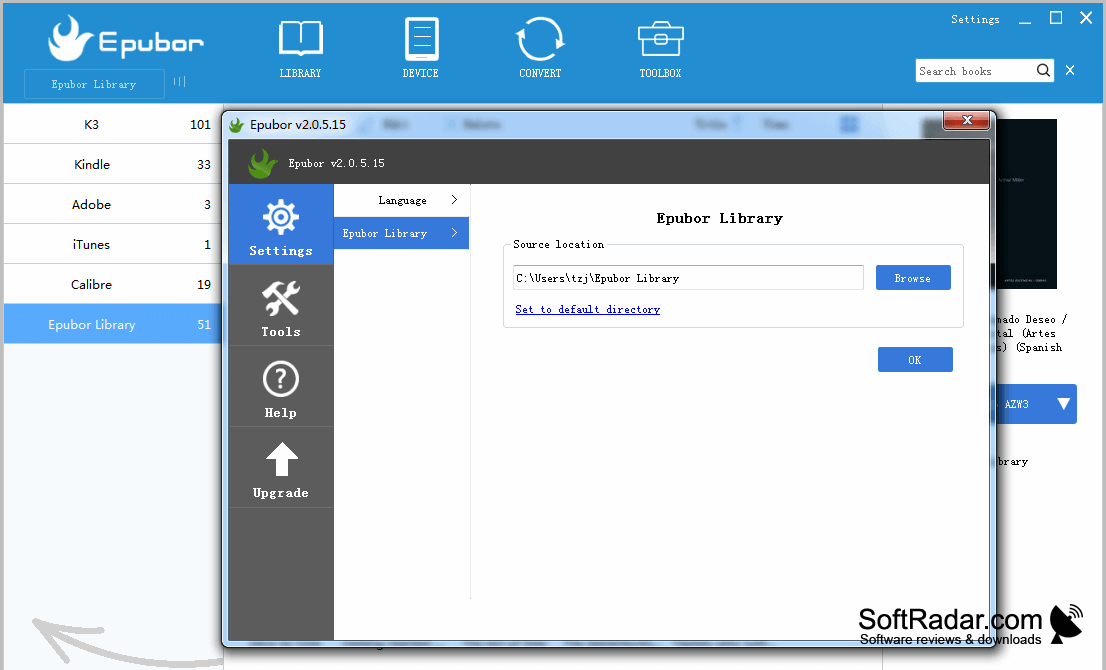
Bring books from multiple sources into one catalogue where you can sort them and correct their details.
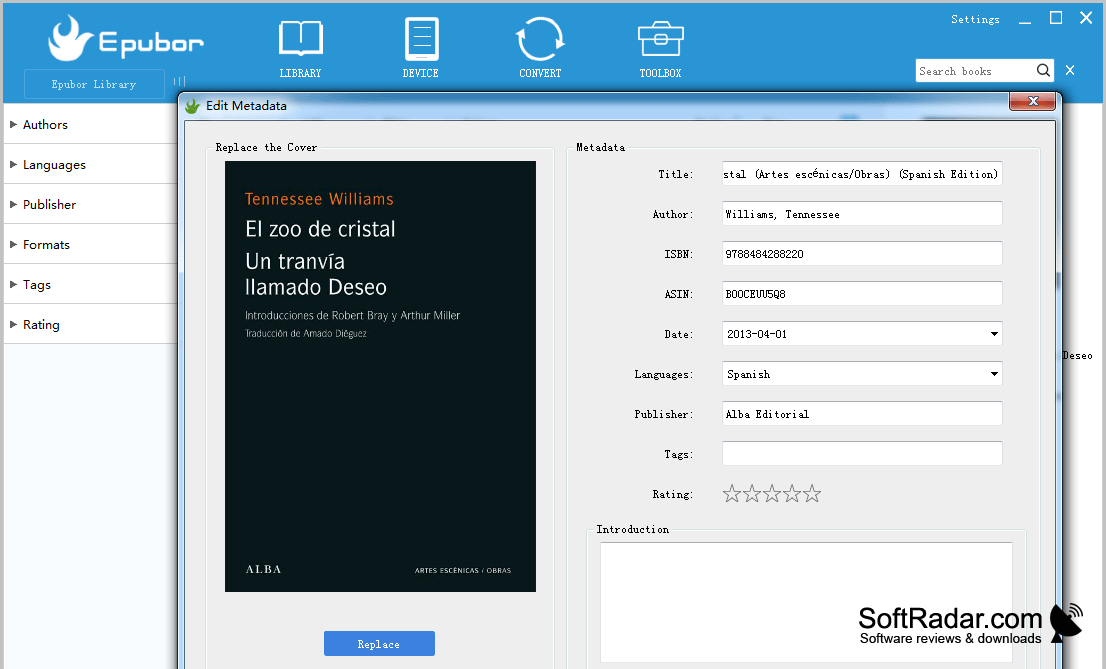
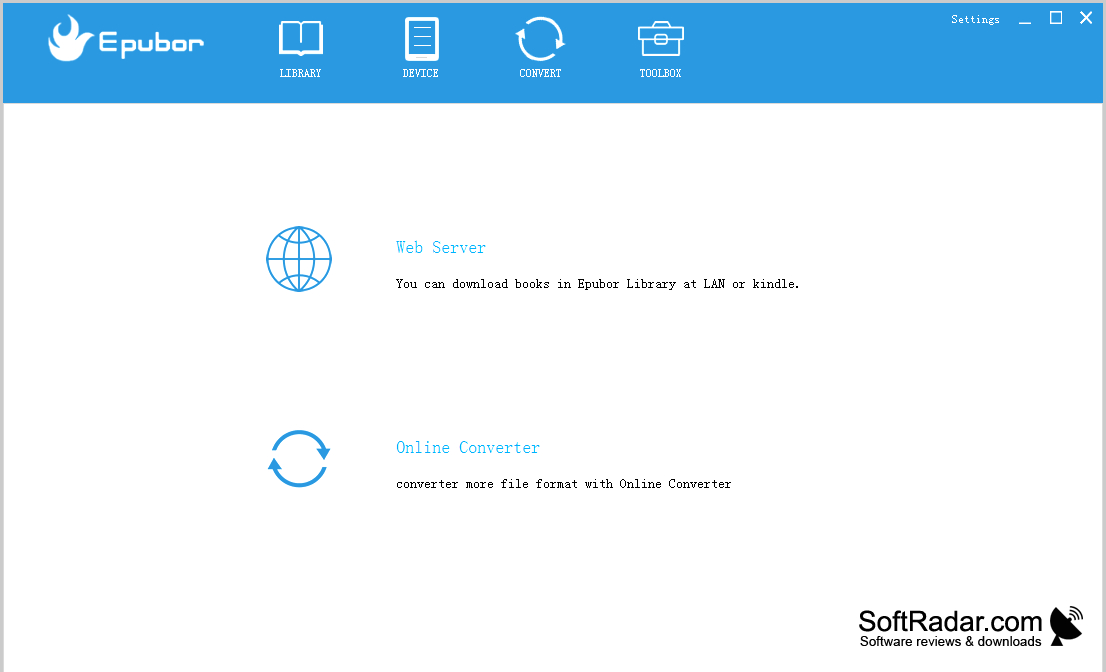
After importing books, you can assign tags and ratings or change details such as titles, covers and ISBNs. The program handles EPUB, PDF, MOBI and several other input types, with batch conversion to EPUB, MOBI, AZW3 or PDF. It also transfers books to Kindle and Kobo readers. A built-in web server provides IP-based access to the library, while an online conversion tool is available from the toolbox.
Features:
- Scan connected devices and desktop book libraries
- Group titles by author, language and format
- Edit book covers, tags and publication details
- Convert multiple books to EPUB, MOBI, AZW3 or PDF
- Transfer books to Kindle and Kobo readers
- Access library titles through a built-in web server
PROS
Edits book covers, tags, and detailed metadata.
Batch converts books into common reading formats.
CONS
Output format choices are narrower than input support.

