Excel to PDF Converter
A app to turn word or picture documents into a downloadable file
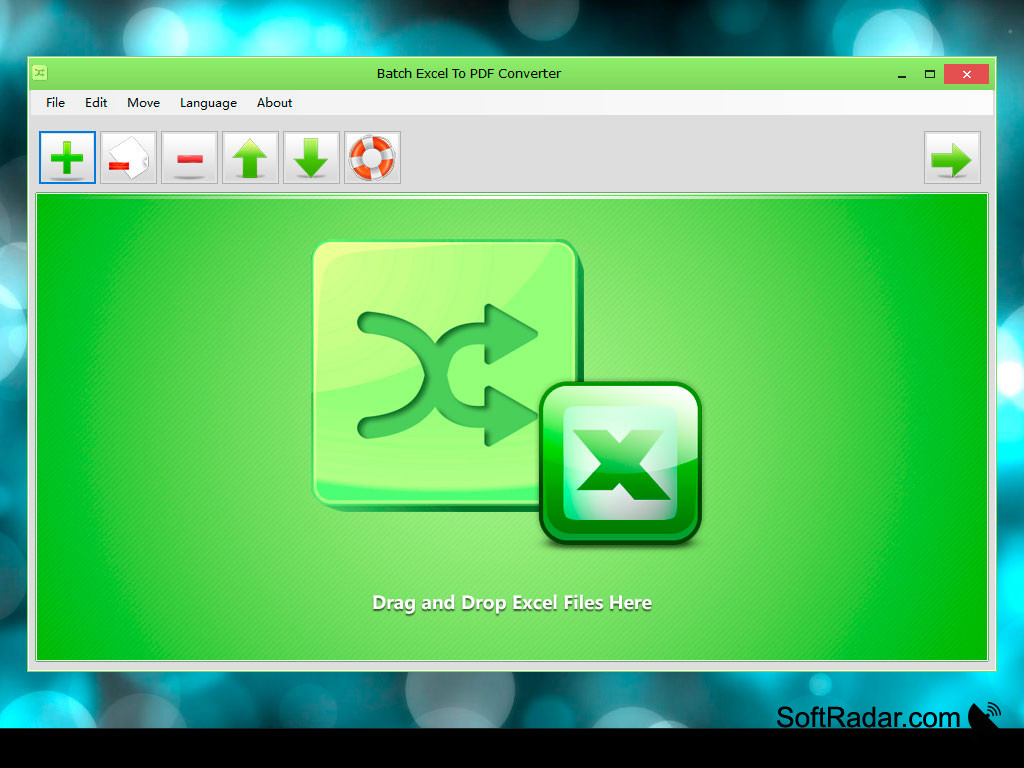
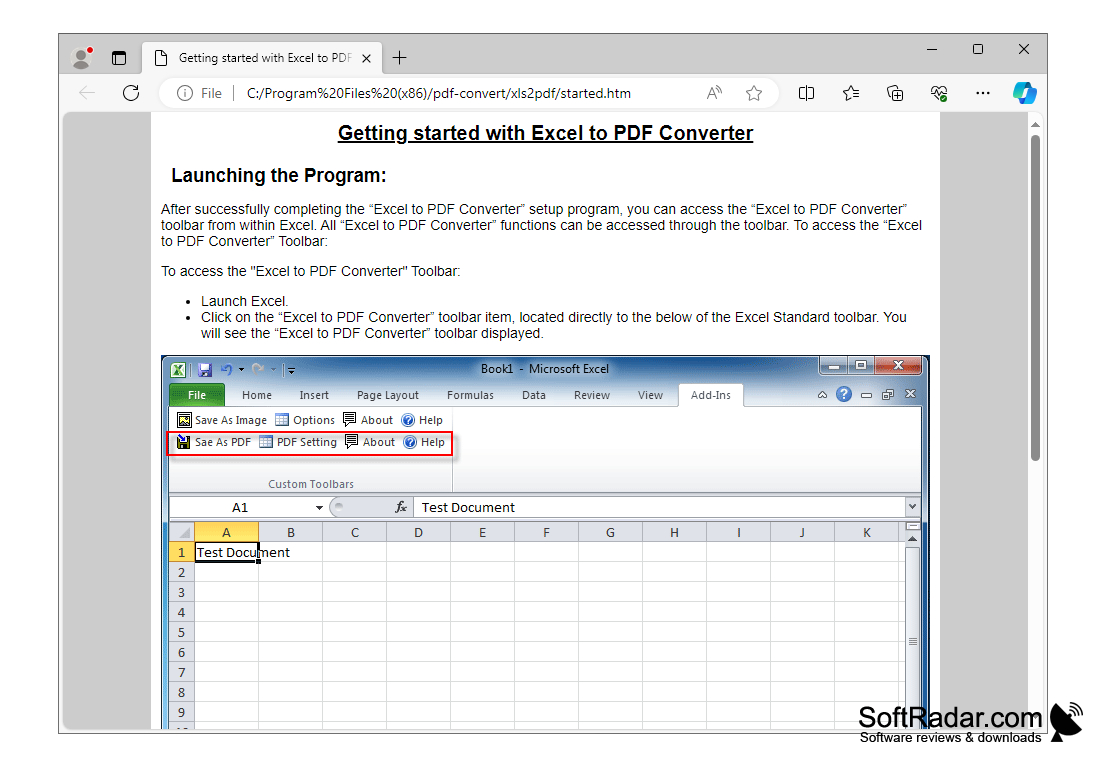
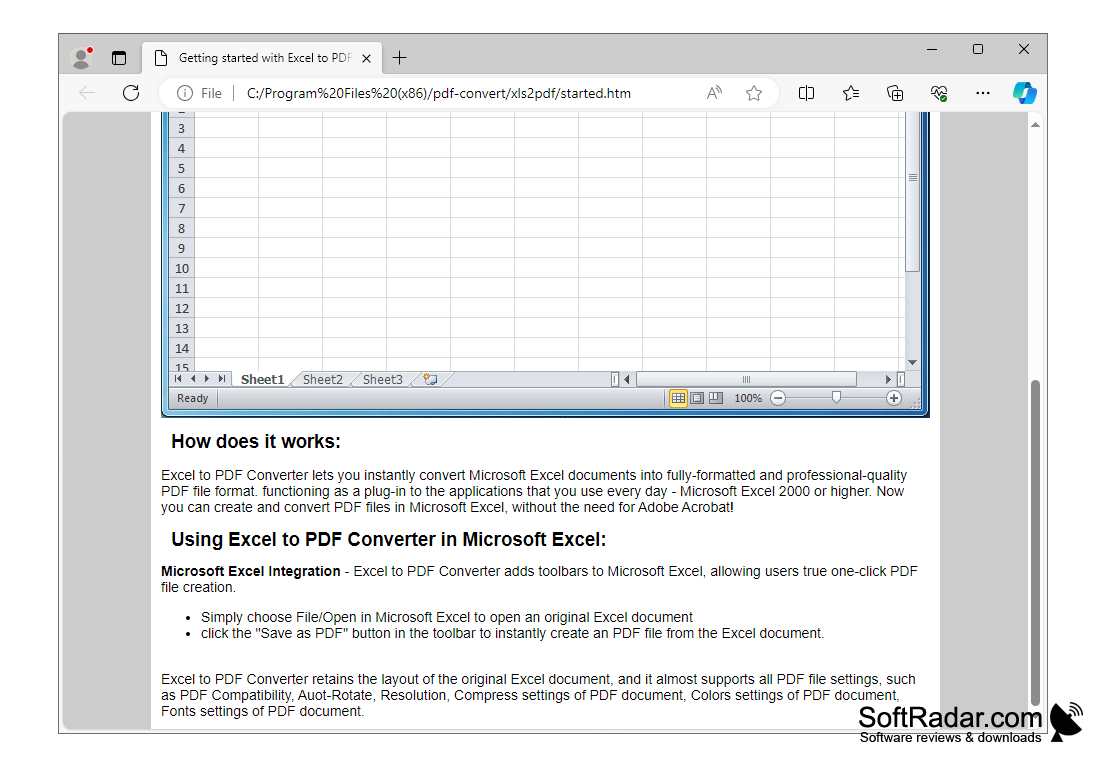
Excel to PDF Converter is a program that allows you to save Excel spreadsheets in PDF format with just one click. After installing this application, a number of additional buttons appear on the Excel toolbar to export the document as a PDF file and to configure the export settings. To save the table to PDF, simply open it in Excel and click "Save as PDF" (Save as PDF). When converting, the original table layout is fully preserved, and the export process takes very little time. Excel to PDF Converter is a fully stand-alone solution and does not require third-party software (like Adobe Acrobat). The program has many settings and allows you to specify the desired version of PDF, the resolution of the document, use automatic page rotation and compression of images (their resolution can be adjusted), as well as set passwords and rights to copy, edit and print the saved PDF document.
Excel to PDF Converter allows quick and effortless conversion of Excel spreadsheets into PDFs, preserving original layout.
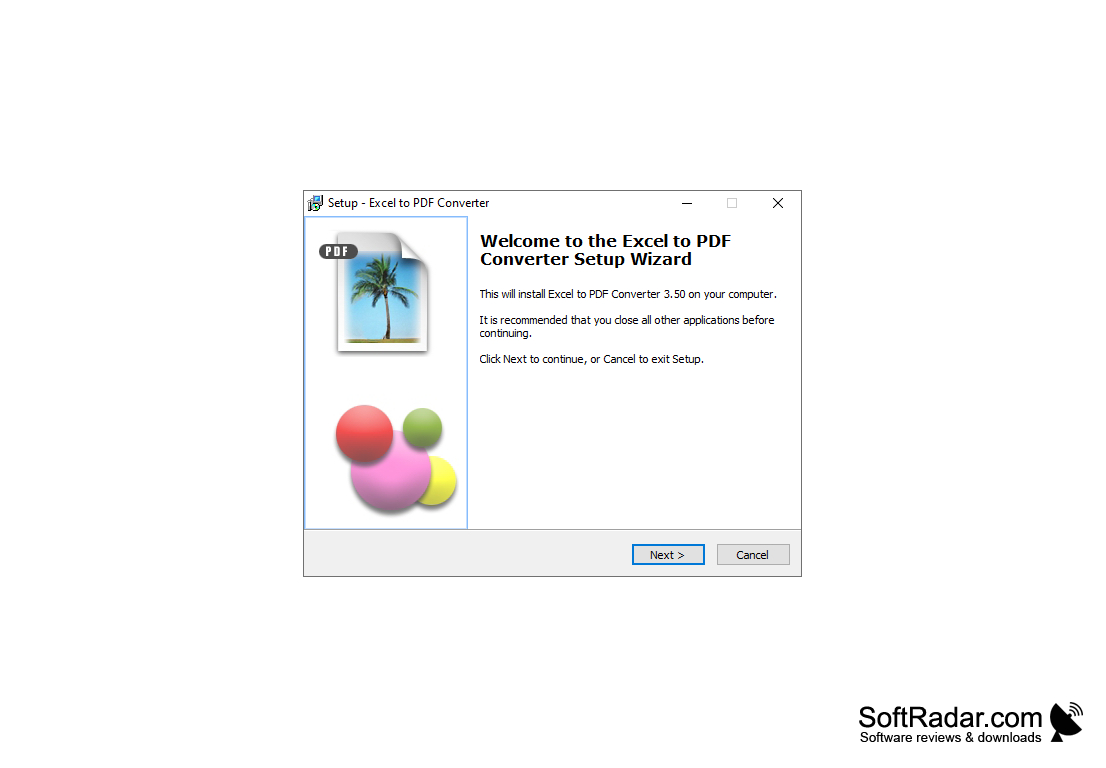
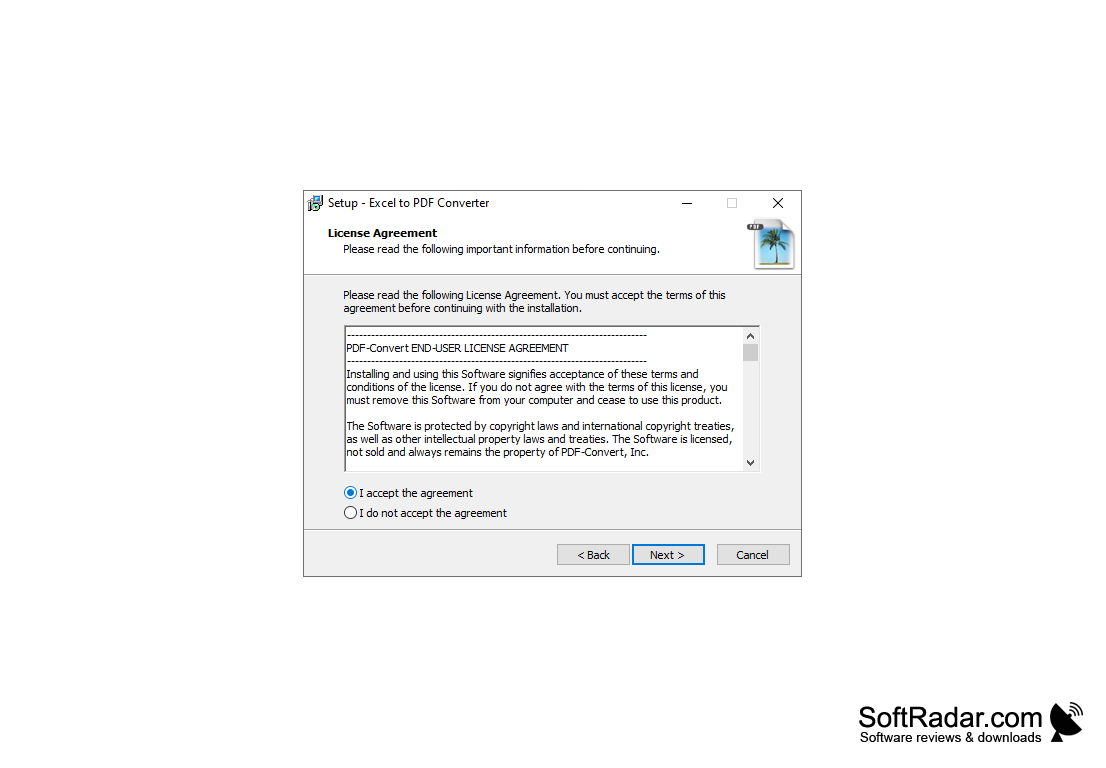
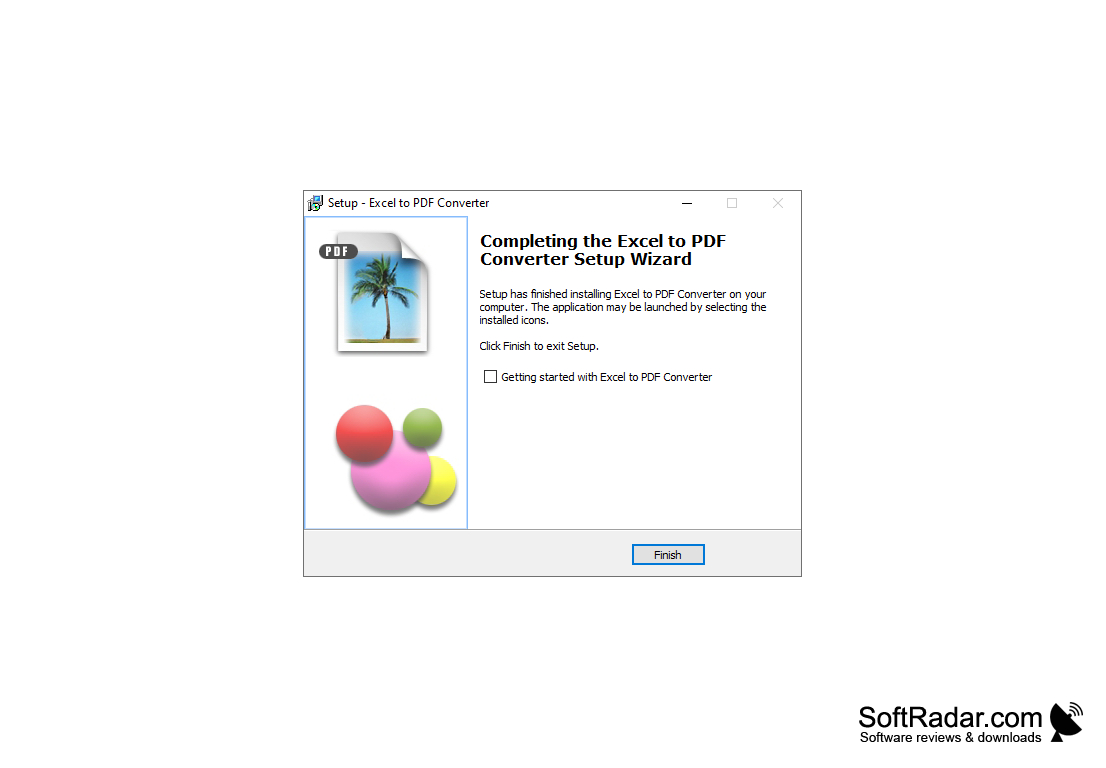
- Convert Excel to PDF;
- wide range of options for configuring PDF export settings.
PROS
Secure; prevents unauthorized editing of information.
Easy to share and accessible on multiple platforms.
CONS
Some interactive elements may not function in the PDF.
Potential quality loss in images and graphics.


