
F-Secure KEY
An antivirus security program for users with Windows devices
Operating system: Windows
Publisher: F-Secure Corporation
Release: F-Secure KEY 4.9.269
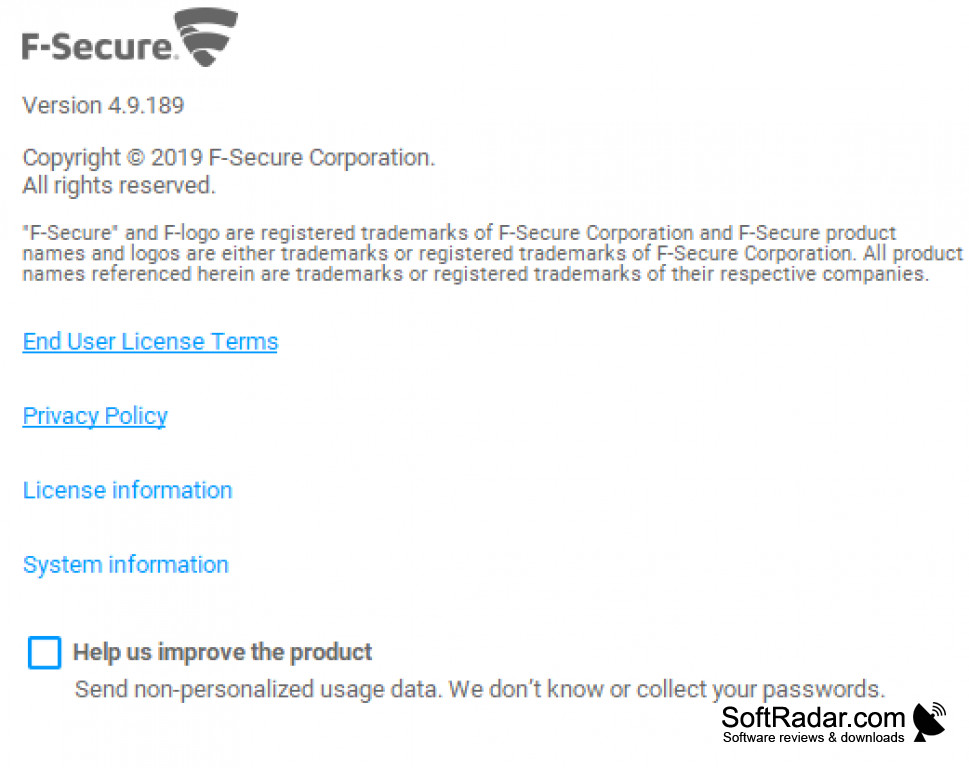
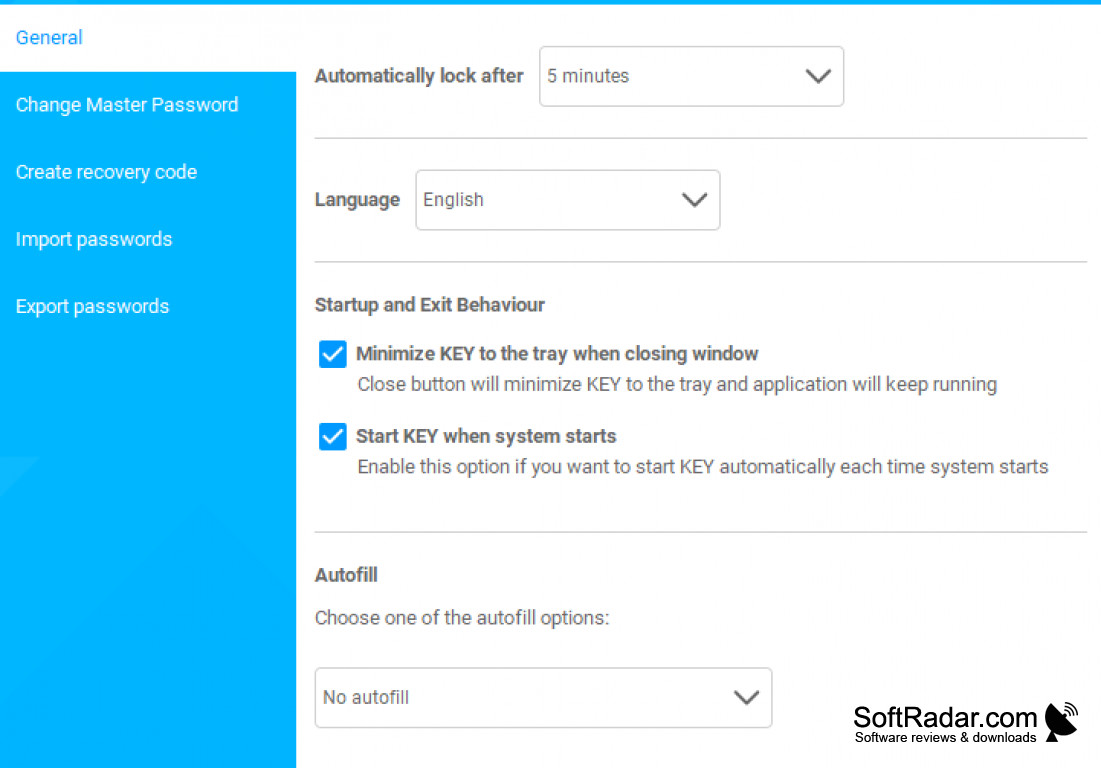
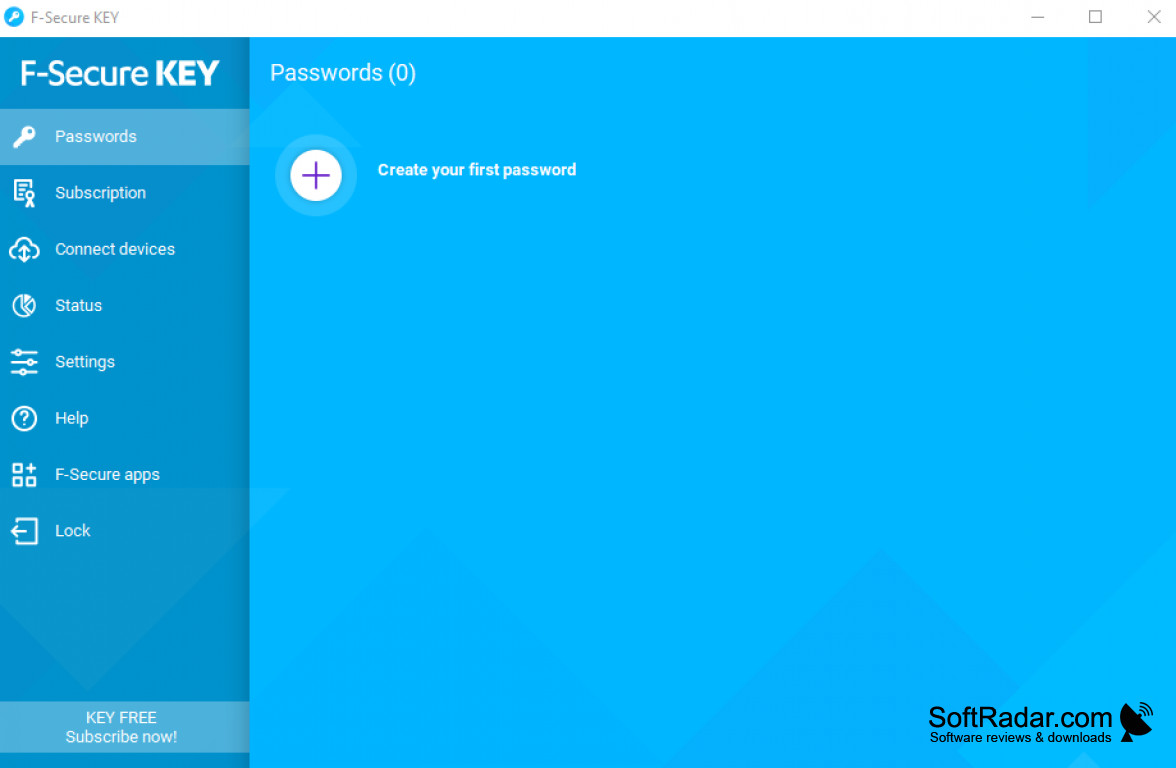
The F-Secure KEY is a free software program that allows users to keep track of their device security by acting and serving as reliable and efficient antivirus software. It is light and does not take up CPU, storage, or cache. It regularly checks the device at specified intervals so that threats such as malware, viruses, and trojans are detected and eliminated. It scans thoroughly for these threats and also has several other features within it. These include having a low price, having additional security options, password protection, and management as well as highly aesthetic design and layout. It is very much recommended to all users looking to ensure that their devices are kept safe and without hassle. By using and downloading this step, you are taking major action to ensure that not only your device but your data as well is kept safe and secure. You can utilize it to its full extent and ensure that data and privacy are kept safe so that you are not letting others access your sensitive data and privacy. It also comes with a low price compared to alternatives. It is reliable and does not lack much in terms of functionality, giving users the basic sense of having an antivirus security element. It is very well designed and appealing to users who would like this to be a great security feature for their device, files, and data. I would take the first step in getting a new device by first ensuring that my device has an antivirus application installed, and this program meets the mold for best programs.
Features:
- Antivirus software
- Simple and user-friendly
- Password protection
- Data manager
- Low-cost pricing
Scans and locates potential threats, manages passwords and data
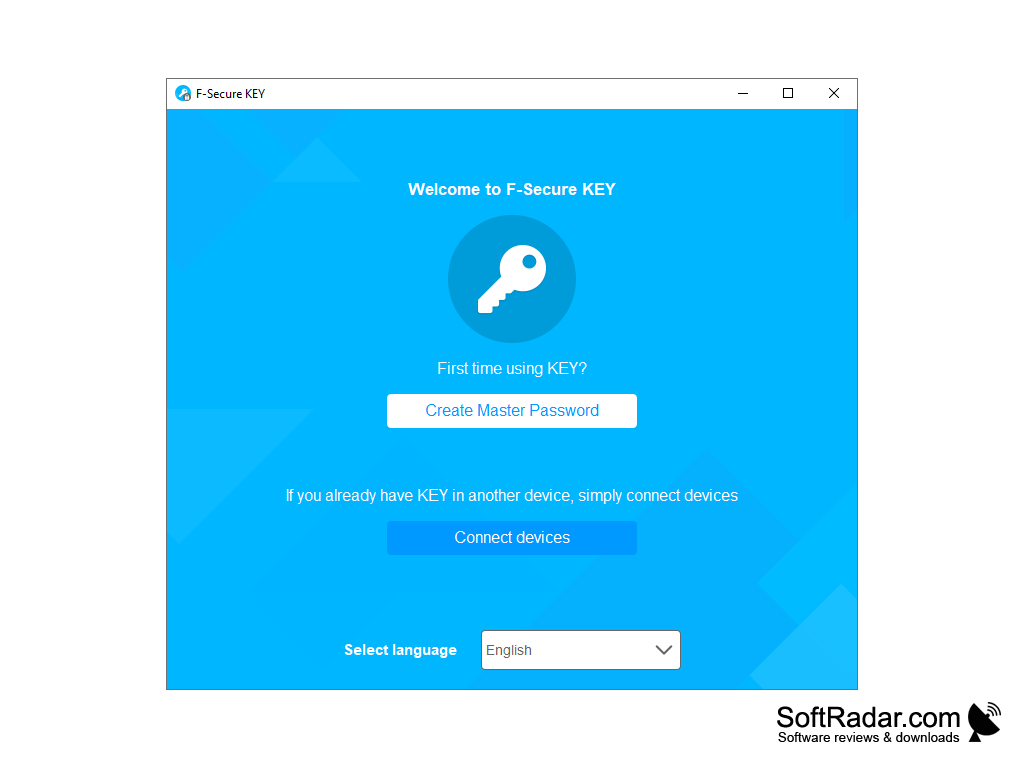
At least 100 MB of hard disk space
Requires internet connection for updates and cloud sync
Minimum 1 GB RAM recommended
PROS
Generates strong, unique passwords.
Cross-platform synchronization for multiple devices.
CONS
No two-factor authentication feature available.
Lacks secure file storage function.


