
Feed Demon
FeedDemon is a RSS feed reader for Windows.
Operating system: Windows
Publisher: NewsGator Technologies
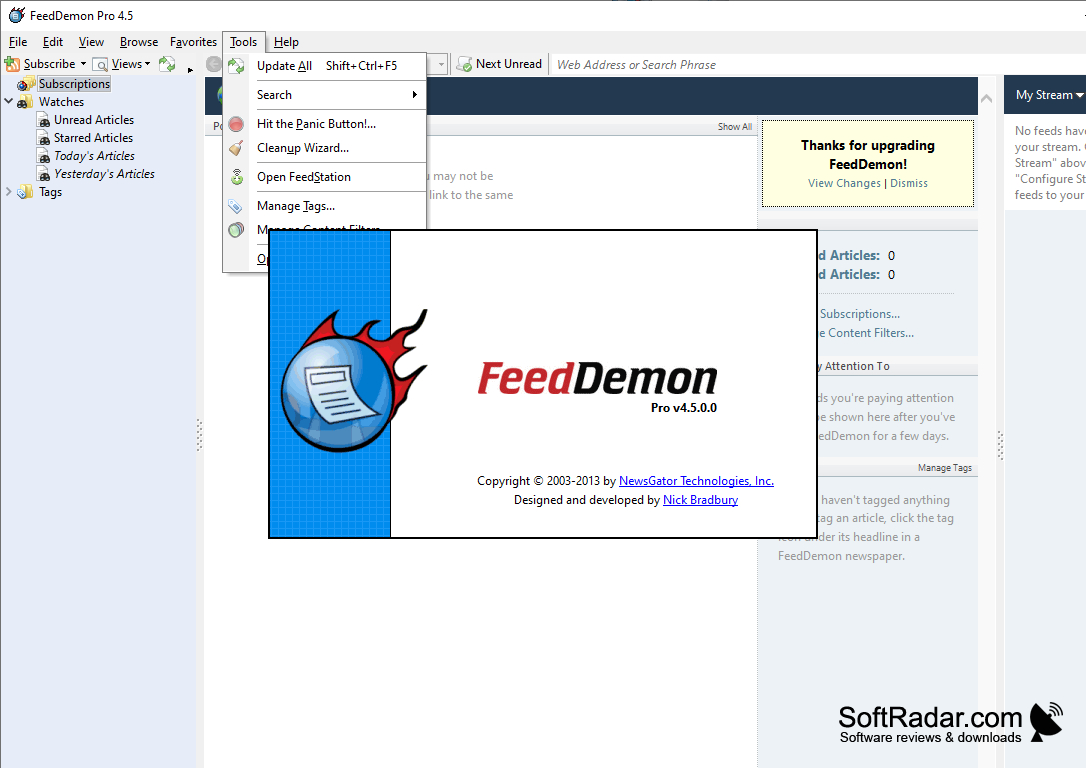
Release: Feed Demon 4.5.0.0
Antivirus check: VirusTotal report
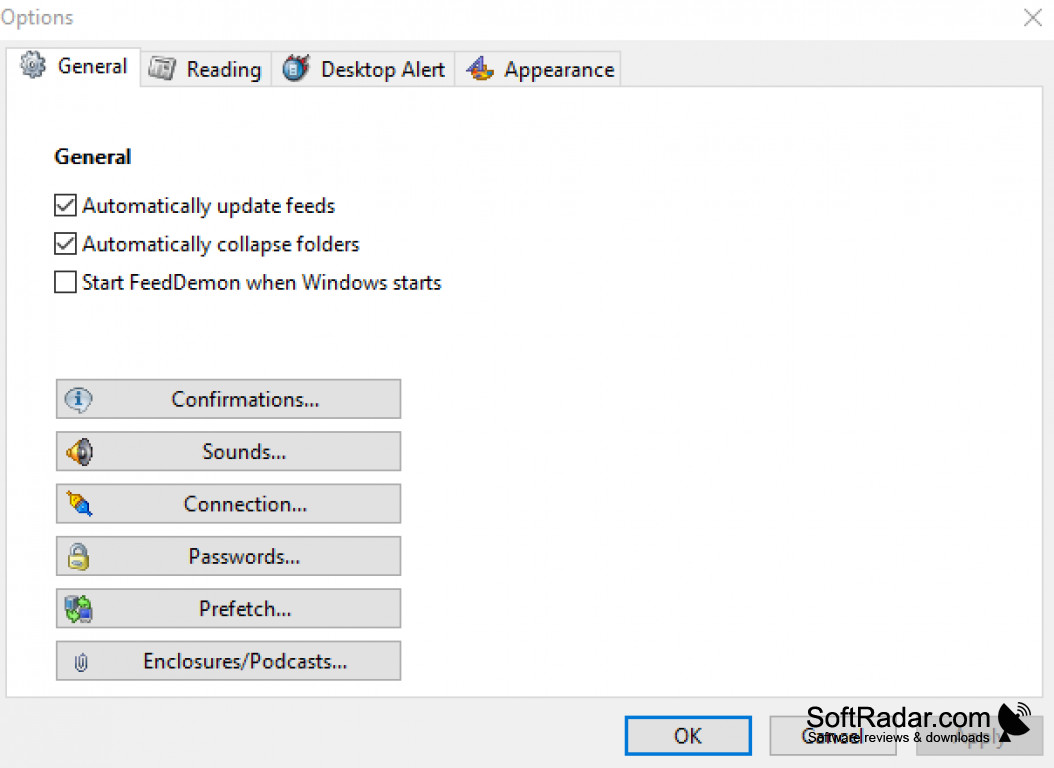
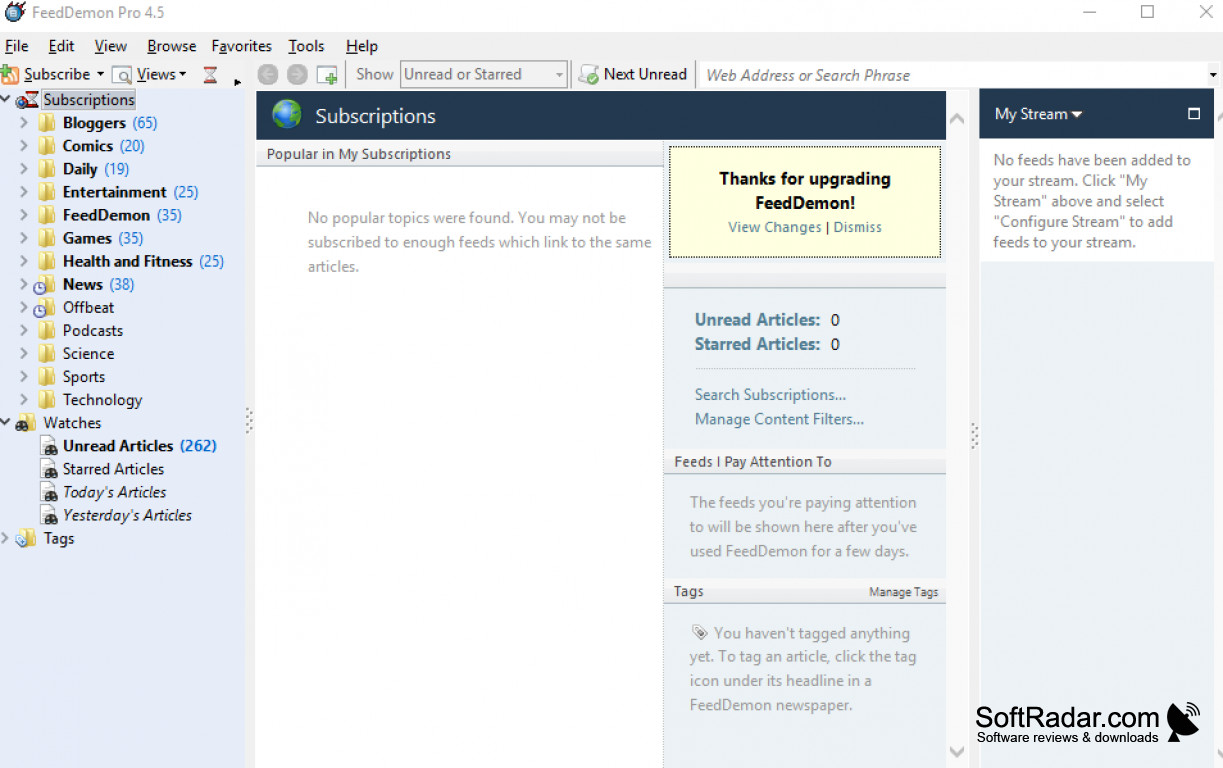
FeedDemon is the most popular RSS feed program on the internet to date. The RSS program allows it's users to keep up to date on news and information regarding there favorite websites. No matter how many sites you like to plug into, FeedDemon helps you consume that information easier than ever. I personally like to use this on the stock market to stay as up to date as possible. FeedDemon is for anyone that has to keep up with certain information that they deem vital. Whether you're keeping up with international news or wondering what your favorite celebrities are doing, you can do it with FeedDemon.
Features:
- Dozens of pre-configured news feeds
- Download podcasts and audio files on your mobiles devices
- Free to use
- Synchs with News Gator Online
- Completely customize your news feeds
Stay up to date with the latest news and information automatically.
What I like most about FeedDemon is that it comes with a bunch of pre-configured news feeds that most people would be interested in. I've even discovered new feeds that piqued my interest while browsing the program. Out of all the available options, I discovered six new feeds that I like to keep up with. I mentioned earlier that I like using FeedDemon with popular stock market news. If you're into stock investments, you'll notice the earning potentials when using this program. When it comes to things like stocks, every second count, and I've missed out on a lot of opportunities refreshing my page. FeedDemon has actually helped me put more money in my pocket by providing me with up to date information every minute.
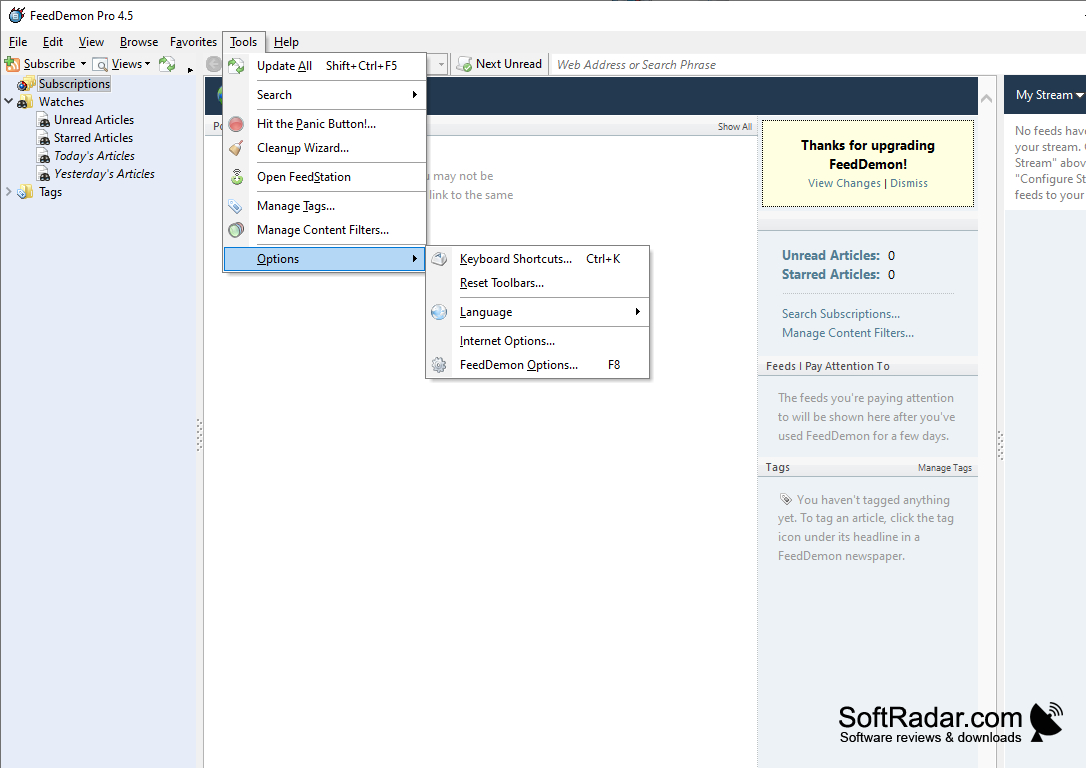
Another cool feature - FeedDemon has the ability to download the audio to your mobile devices. I mainly use this feature on YouTube when my favorite content creators release new material. I don't have to do anything special, I just set the option and forget it. When I have time to relax, I can reach for my phone or tablet and listen to my favorite programs with no hassles. Since the program is free to use, I don't see any downsides to FeedDemon at all. There aren't any annoying bugs or features that I can really point to. The program is incredibly easy to use, the interface is intuitive, and it gets updated regularly to keep up with the technology. You can pay for a license for about ten dollars to get rid of the advertisement in the corner of the screen, but in all honesty, it's so small you won't notice it. It's still nice to support the creator, though.
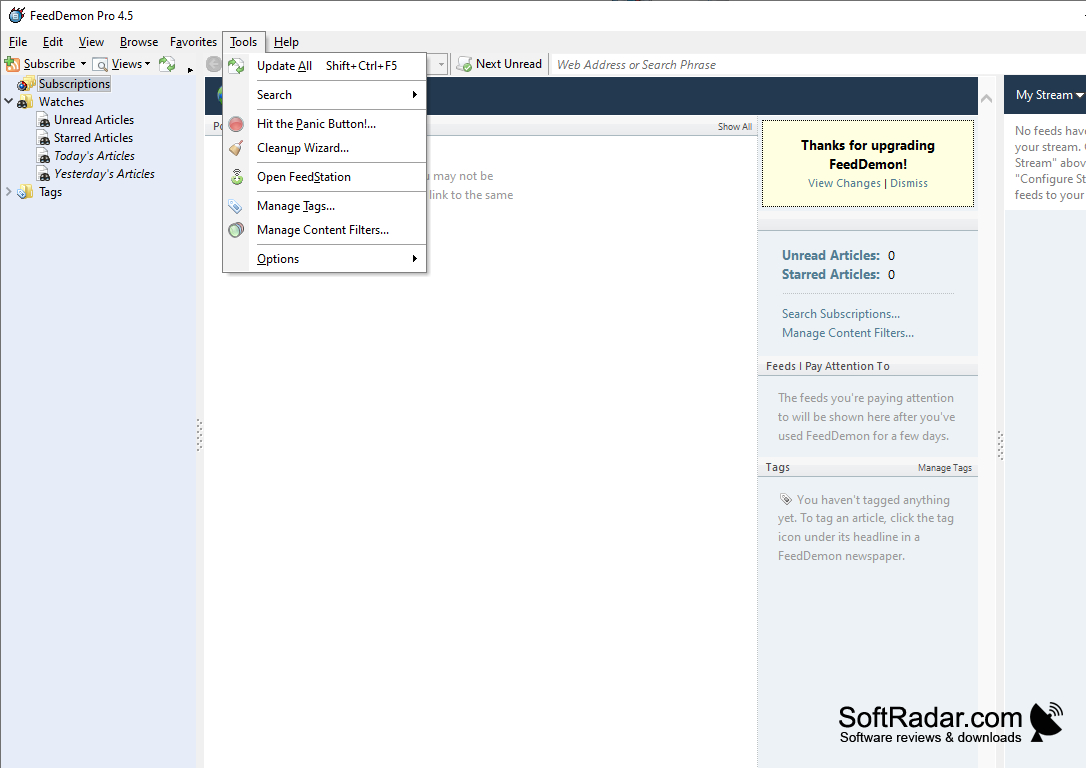
- Windows XP/Vista/7/10
PROS
Supports offline reading, saving your favorite articles for later.
Offers feed synchronization across multiple devices.
CONS
Interface can be overwhelming for beginners.
Occasional issues with syncing feeds.


