
GitHub Desktop
Focus on what matters instead of fighting with Git
Operating system: Windows
Publisher: GitHub Inc
Release : GitHub Desktop 3.6.6
Antivirus check: VirusTotal report
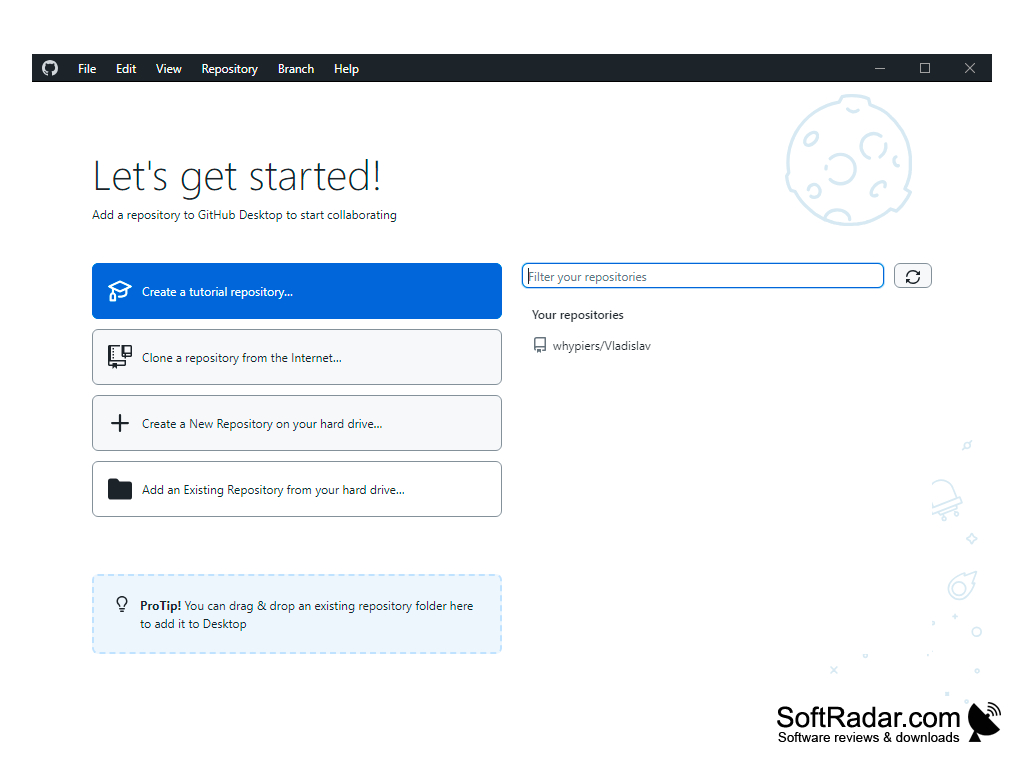
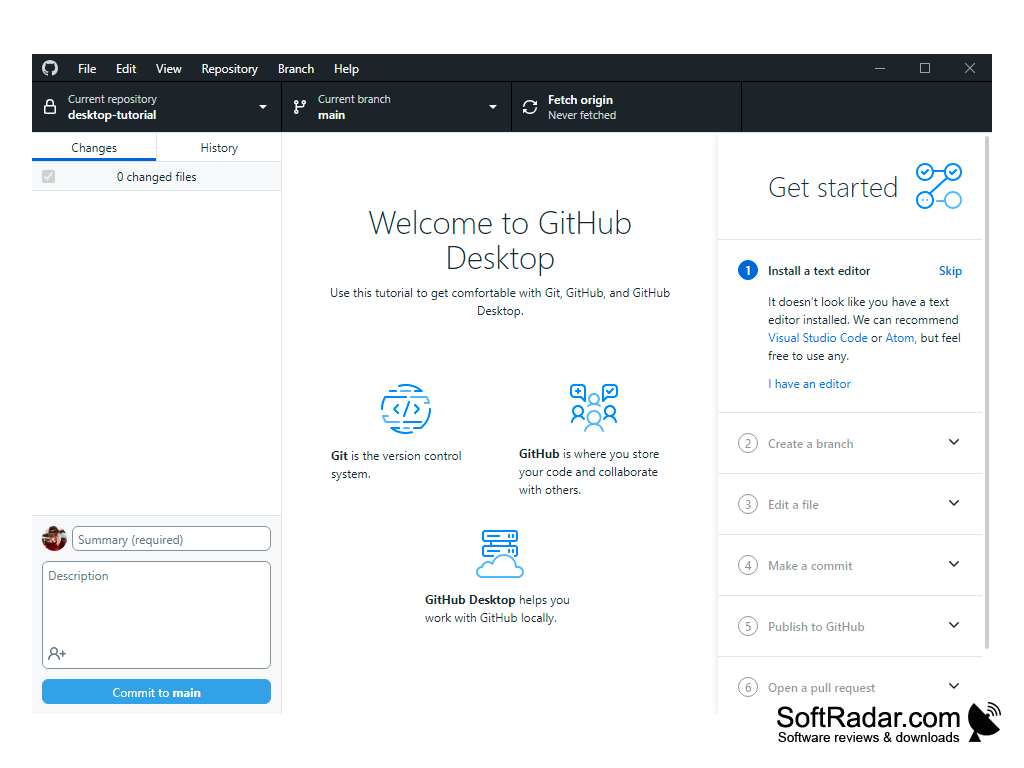
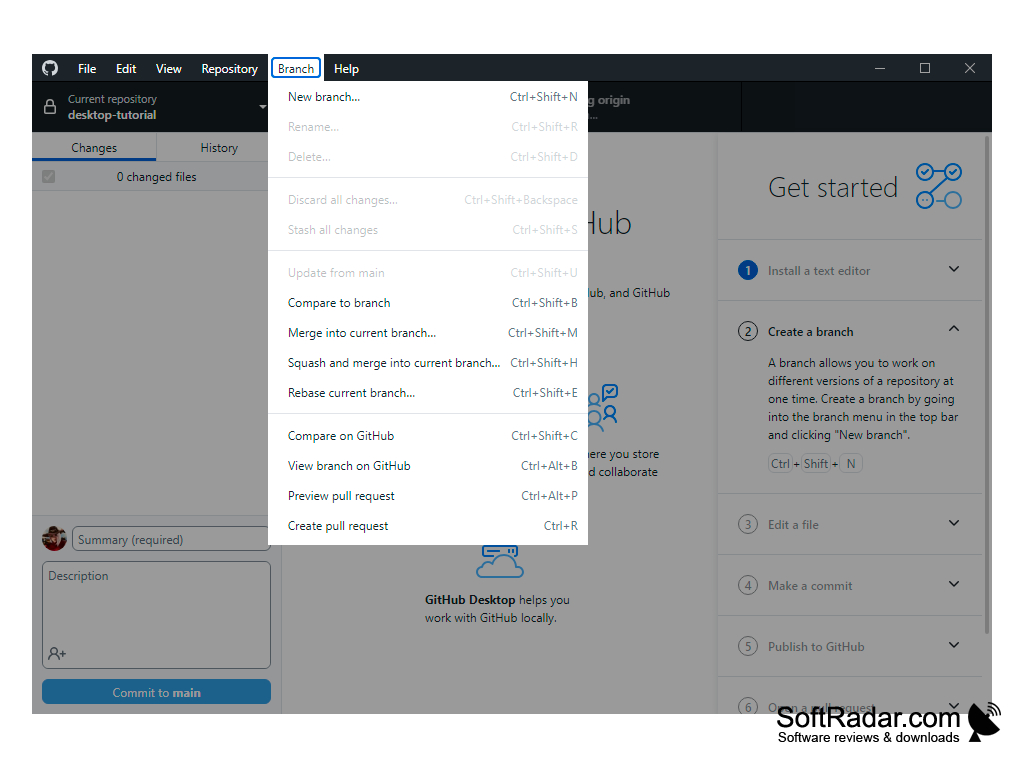
GitHub Desktop is a program for convenient work with projects placed on the same service. It can be used to add any repositories directly to your hard drive, by dragging and dropping, or through the conductor. If the drag-and-drop folder is a Git repository, GitHub imports the entire history and connects it to the user's profile. Another way to add repositories is to clone it from GitHub.com. It can be performed directly from the interface of the program, using the viewing of your personal profile or organization to which you belong. Also, cloning is performed by pressing the corresponding button "Clone in Windows" on the page GitHub.com.
The application is a full-featured version of msysGit - no additional installation is required. PowerShell is also supported. The program includes special utilities to make it easier to work with the command line. When cloning repositories, HTTPS protocol is used and credentials are cached, which eliminates the need for constant use of SSH keys each time a remote action is performed.
"GitHub Desktop simplifies the process of adding repositories and managing projects, reducing the need for command line operations and repetitive usage of SSH keys."

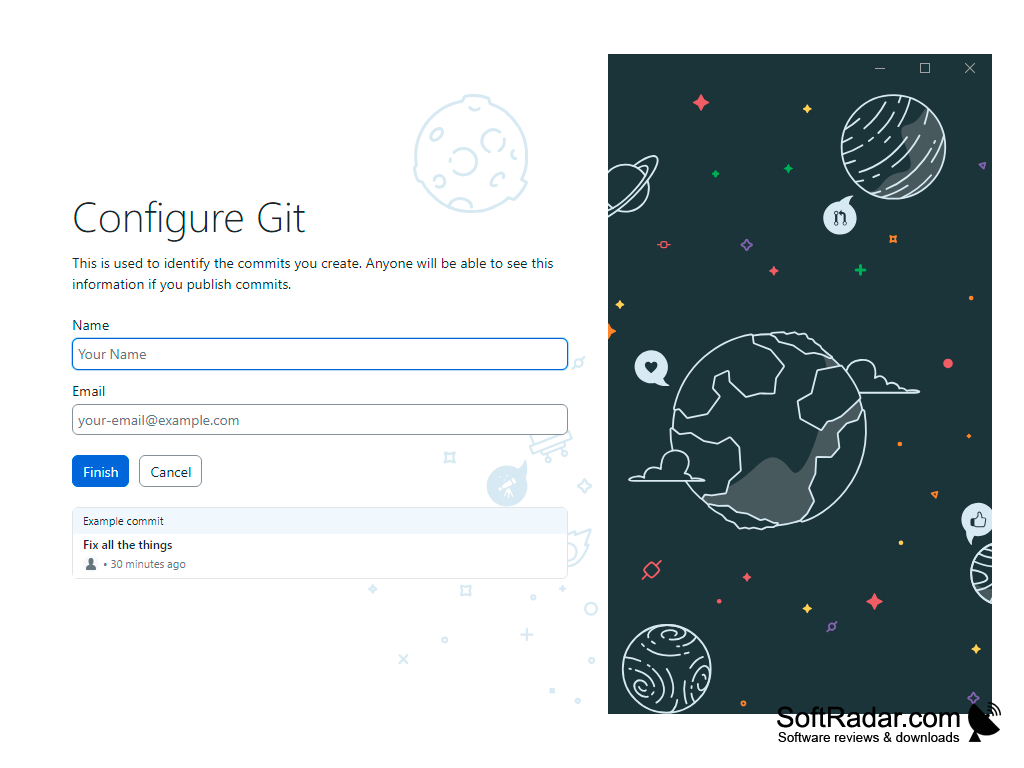
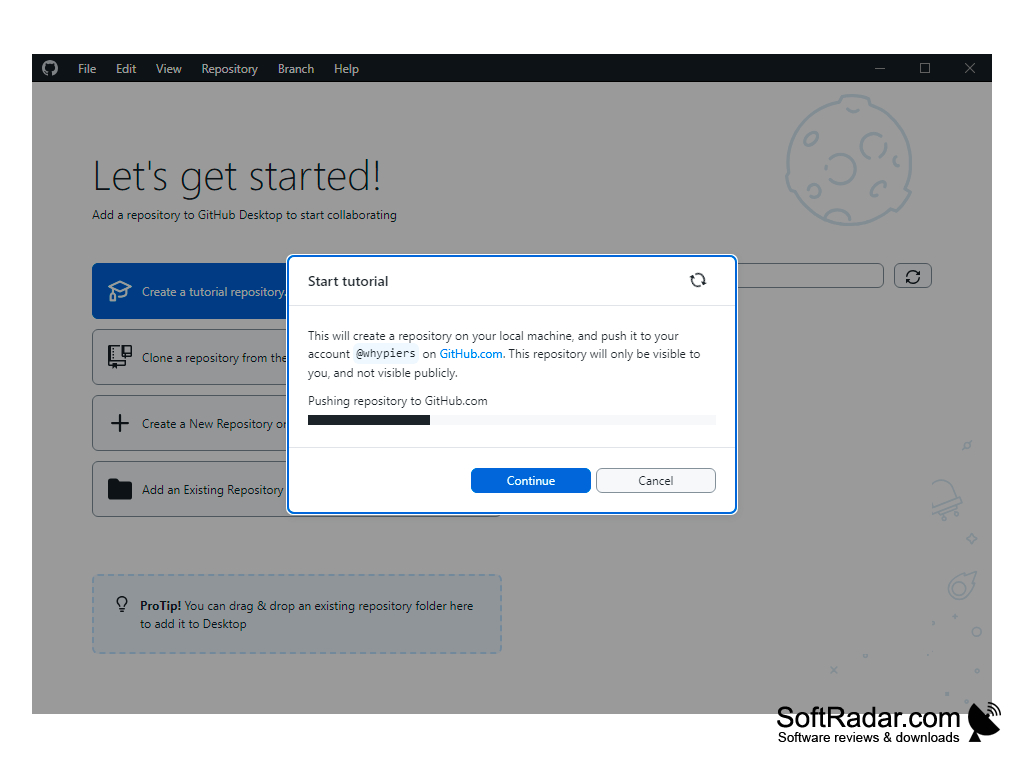
- convenient work with repositories;
- command line support;
- easy-to-use interface;
- secure cloning of repositories.
PROS
Seamlessly integrates with GitHub's online platform.
Supports handling merge conflicts visually.
CONS
No easy rollback option for mistakes.
Limited to GitHub-hosted repositories.