
HamSphere
A Ham Radio simulator over the internet, with a classic design to mimic an actual device and reaches a lot of locations worldwide
Operating system: Windows
Publisher: HamSphere
Release: HamSphere 3.0.3.2
Antivirus check: VirusTotal report
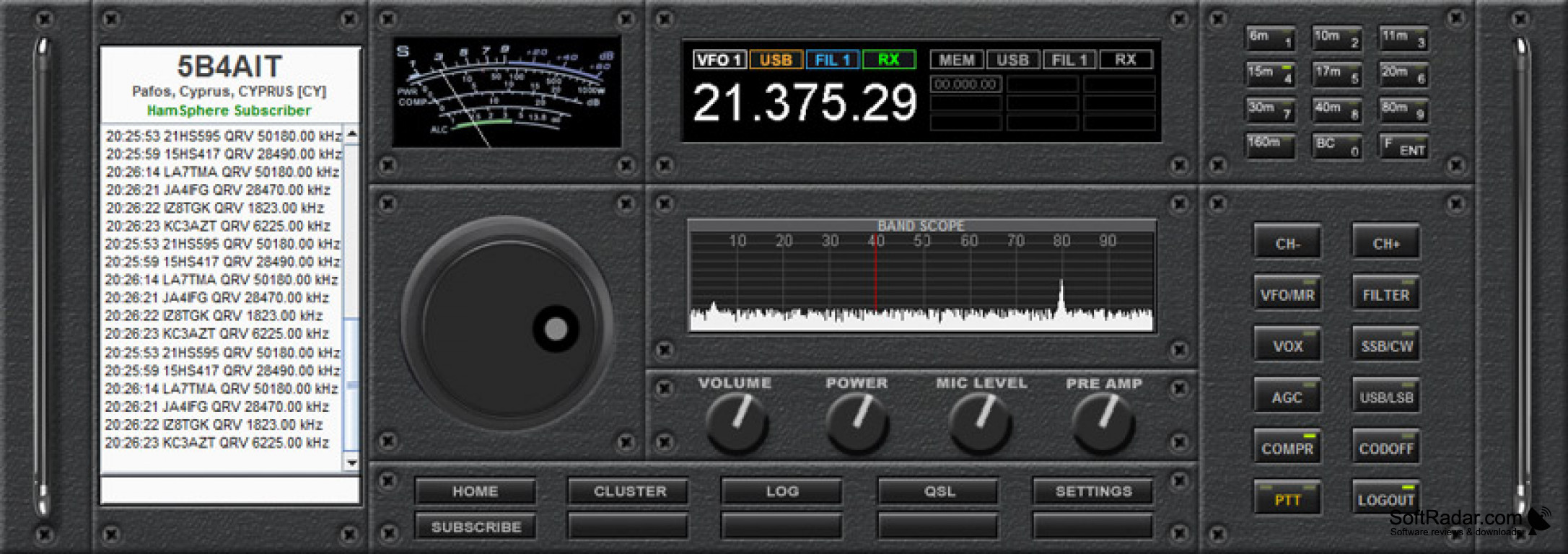
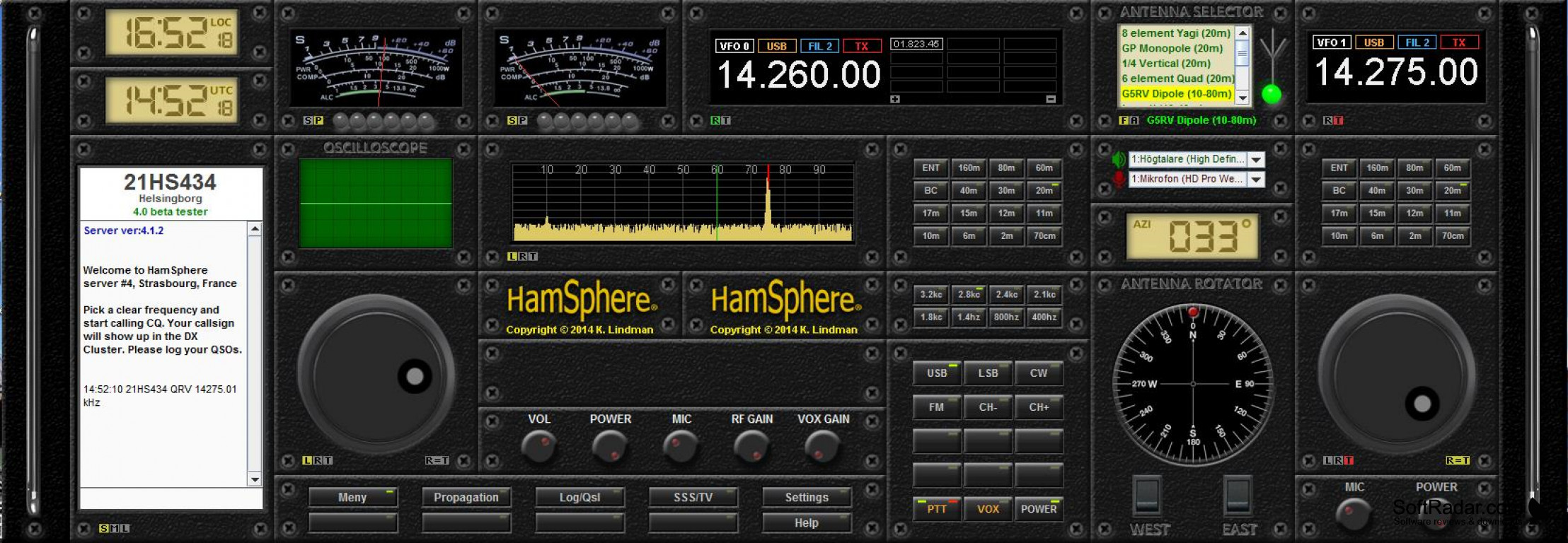
This is meant for people who want to relive those old days of using Ham Radio to communicate and have random talks with the world, well or anyone who is curious and wants to try it. If you loved or lived using the actual device back in the day, then this is a great tool or software for you. It combines a nice classic touch that represents the device, with all the buttons and controls to manipulate the would-be device, and it has digitized screens to better optimize and visualize the audio reception. All done over the Internet, which you obviously need for this software to operate.
There is no need to have a big device in your home, just with your computer or, if preferred, your smartphone device on iOS and Android. It also allows you to connect to other actual physical Ham Radios all over the world! - The trial software has everything you need to get yourself testing the software with most of it features. It has basic "digital antennas" that let you reach quite a wide range of devices or other users all over the world, at an additional cost is possible to reach even more user/radios by acquiring better digital antennas.
It let you play around with it for some time before actually subscribing
Features:
- You can reach over 200 countries.
- Try the software for 30 days before purchasing it.
- Any futures software updates are for free, assuming you stay subscribed.
- You can use it on the phone at no additional cost.
- A growing number of users to talk to.
There is a lot of fun that could potentially be had by discovering and chatting with random people all over the world. You get to have some of your memories back if you tried this device back in the pre-internet days.
Compatible with iOS and Android smartphones
Supports PC usage
Features basic digital antennas
PROS
Provides a realistic ham radio simulation experience.
Supports a global community of users.
CONS
Periodic subscription fee for advanced features.
Limited functionality in the free version.