HDTach

A physical performance hard drive test delivering maximum accuracy
Operating system: Windows

Antivirus check: passed

Report a Problem

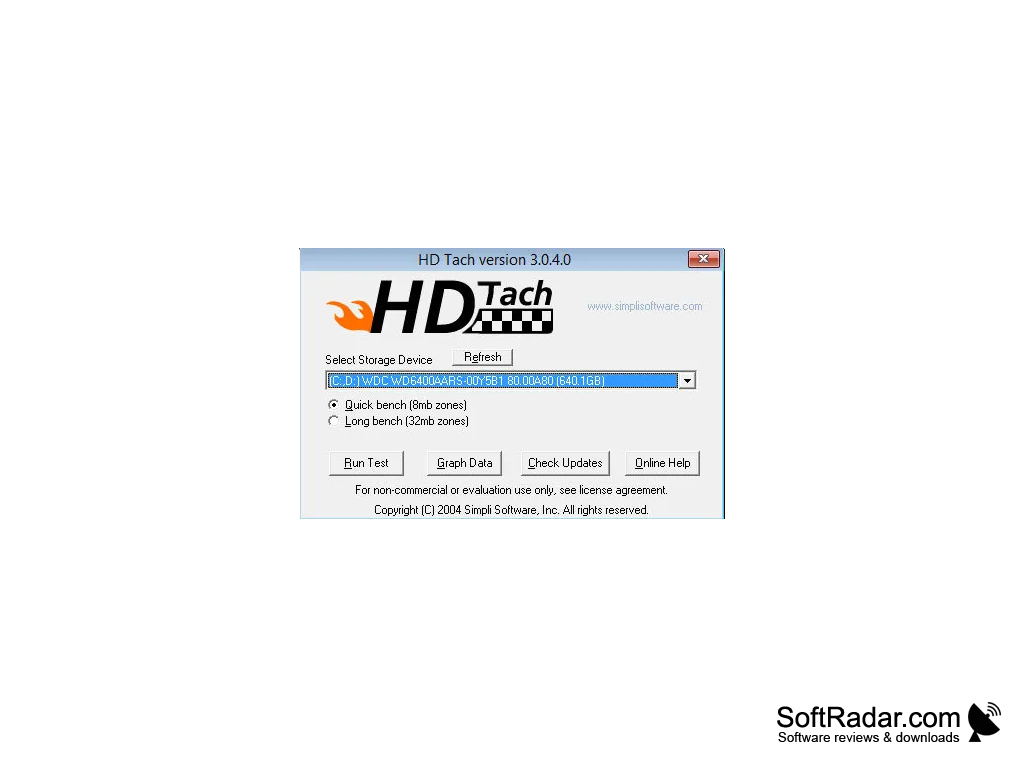
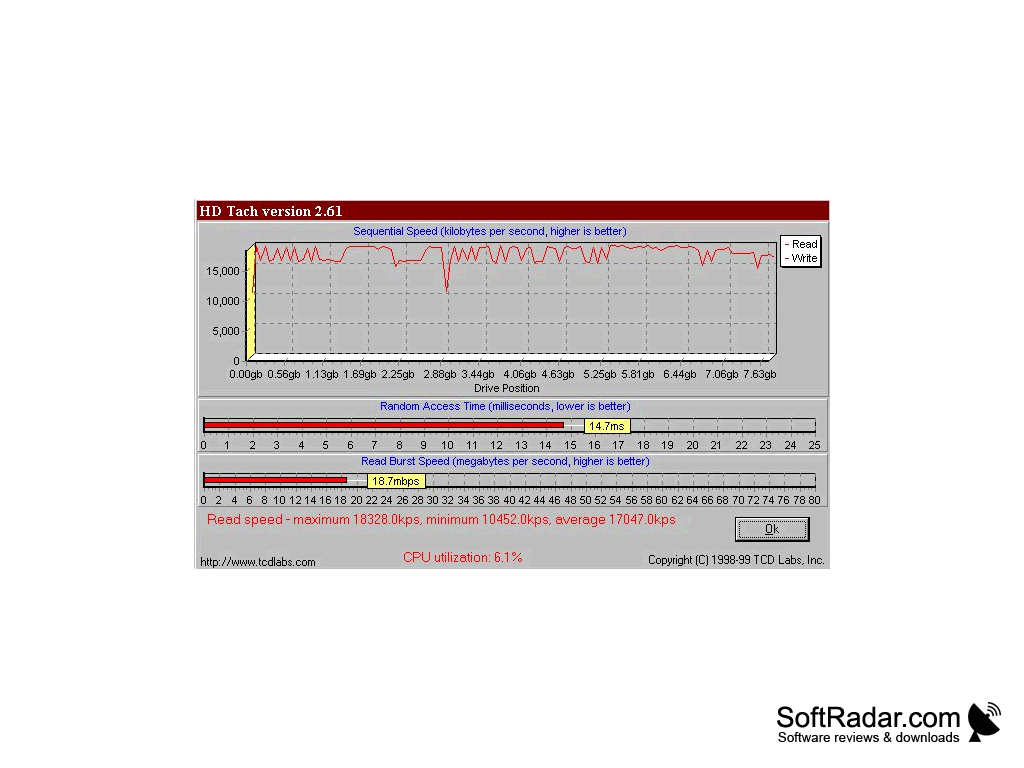
The HD Tach is a benchmark utility application was originally designed for Windows 2000 or XP operating systems. While an older software program, it is a reliable tool to measure HDD or SSD speed on a variety of modern devices. It has the ability to measure the sequential read speed, the random access speed, interface burst speed, and the CPU utilization on the drive. With this tool, you have unlimited access to any data at whatever speed on your drive.

Features:

  • library of drive benchmarks
  • compatible with Windows 7 & 10.
  • good processing speed
  • long and short block tests

HD Tach is a low-level hardware benchmark program for random access read or write storage devices such as hard drives, removable drives, ZIP files, flash drives, and RAID arrays. The program rides on random access memory in a way that encrypts the information and there is no option for modification without administrative rights. The results from the HD Tach tests are displayed in a pop up that only takes about two minutes to run.

Allows you to create a file inside or outside of the hard drive.

A graph and a chart of the results specifically show each category's data results and allows you to use that information for your needs. You can use these charts and graphs to compare to other hard drives or devices to see if your system is running efficiently. You can also load your results into a spreadsheet for up-to-date visual comparison if you run the program more than once on a device.

It is easy to use, easy to understand utility program application that offers accuracy and fast results. This application is available for a trial download with some restrictions from the complete version. However, if you want to keep your device in optimal functioning capacity, it is a utility that you cannot afford to pass up.
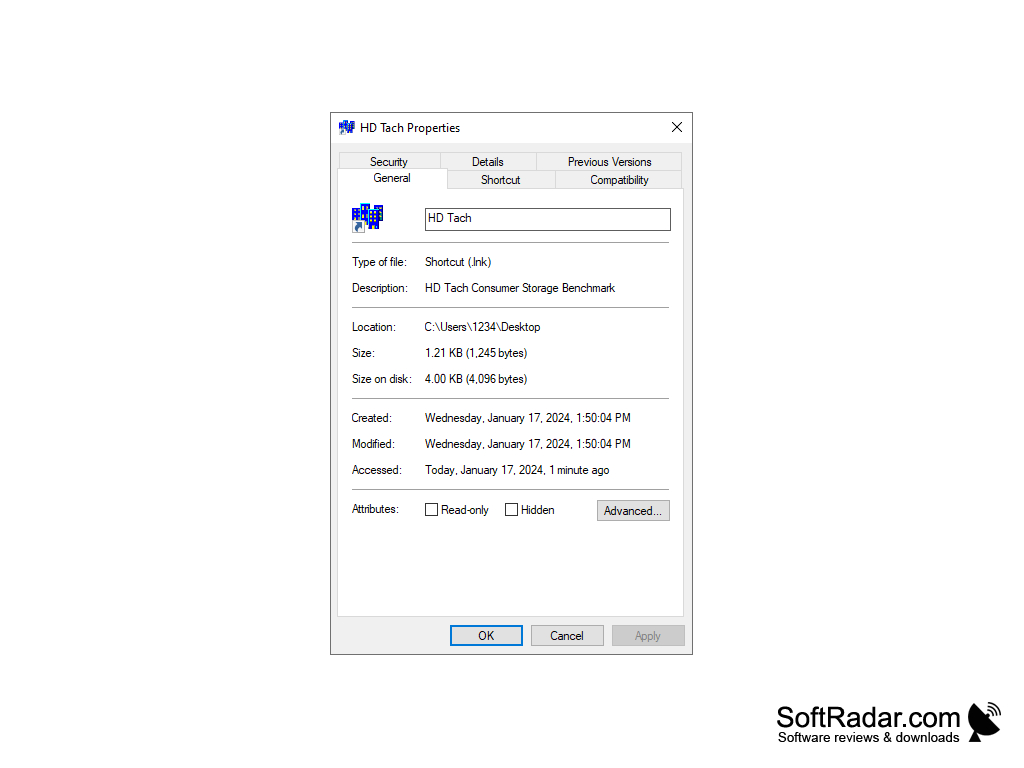
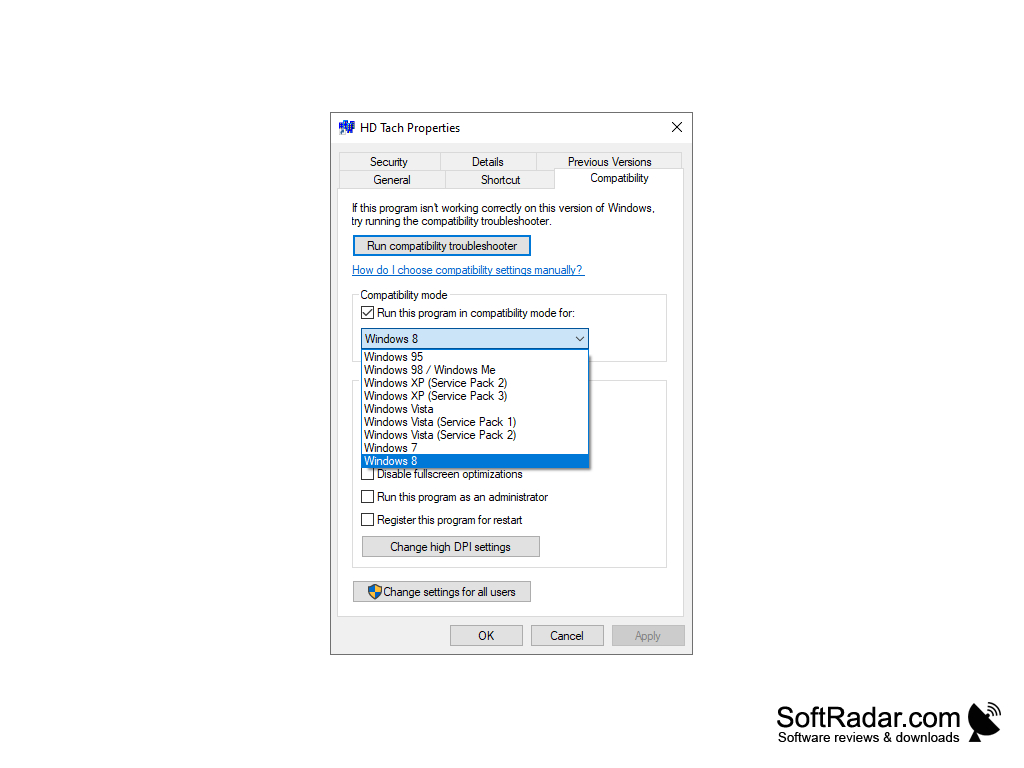
--offered as a trial version with the option to purchase the full version.

--Windows 7  


PROS
Quick, detailed analysis of hard drive performances.
User-friendly interface with easy navigation.
Supports both read and write benchmark tests.

CONS
Does not support some of the latest SSDs and storage technologies.
Lacks detailed analysis and diagnostic features for in-depth drive health checks.
Outdated user interface, not updated for modern aesthetics or usability.
image/svg+xmlBotttsPablo Stanleyhttps://bottts.com/Florian Körner Arlo
Hd Tach for windows is a physical hard drive performance test that tells how much speed and other functions the flash drives, hard drives and other removable devices for windows 2000 or XP HAVE IN THEIR PERFORMANCE ON YOUR COMPUTER.
image/svg+xmlBotttsPablo Stanleyhttps://bottts.com/Florian Körner Luke
HDTach is a free software product for download for Windows. It is older, originating in 2004 for Windows 2000 and XP. It uses a special kernel mode VXD to test physical performance of hard drives. It tests and graphs interface speed bursts, sequential read and random access of storage devices attached such as flash drives. Many drive technologies are supported, including SATA, USB, RAID, etc.
image/svg+xmlBotttsPablo Stanleyhttps://bottts.com/Florian Körner Archie
HDTach is used that the graphs arrange correctly in microsoft windows and it is main function to that graphs and web designing works.
image/svg+xmlBotttsPablo Stanleyhttps://bottts.com/Florian Körner Rhys
HDTach consecutive read test is somewhat not quite the same as different benchmarks. Most benchmarks make a document on a hard drive and test inside that record. The issue is that cutting-edge hard drives utilize a zone digit recording procedure that permits different read speeds relying upon where information is found. Information outwardly of drive is a lot quicker than information recorded within.
image/svg+xmlBotttsPablo Stanleyhttps://bottts.com/Florian Körner Harry S.
HDTach is a hard drive benchmarking program designed to measure the performance of a hard drive. It tests read and write speeds and provides a graphical representation of the results. It is useful for diagnosing potential hardware issues, as well as for evaluating the performance of a particular hard drive.
RT Seven Lite
An utility for Windows 7 that allows users to customize or disable features
MSI Kombustor
A standalone graphics benchmark testing tool for your computer.
Toolwiz Care
A free maintenance utility for optimizing your Windows computer.
AndroMouse Server
Pair your Android device with your PC
ASUS Fan Xpert
Provides fan control for the CPU and case housing