
Immunity Debugger
by Immunity, Inc.
Immunity Debugger is a powerful Windows-based debugger for the analysis and debugging of binary applications and malware.
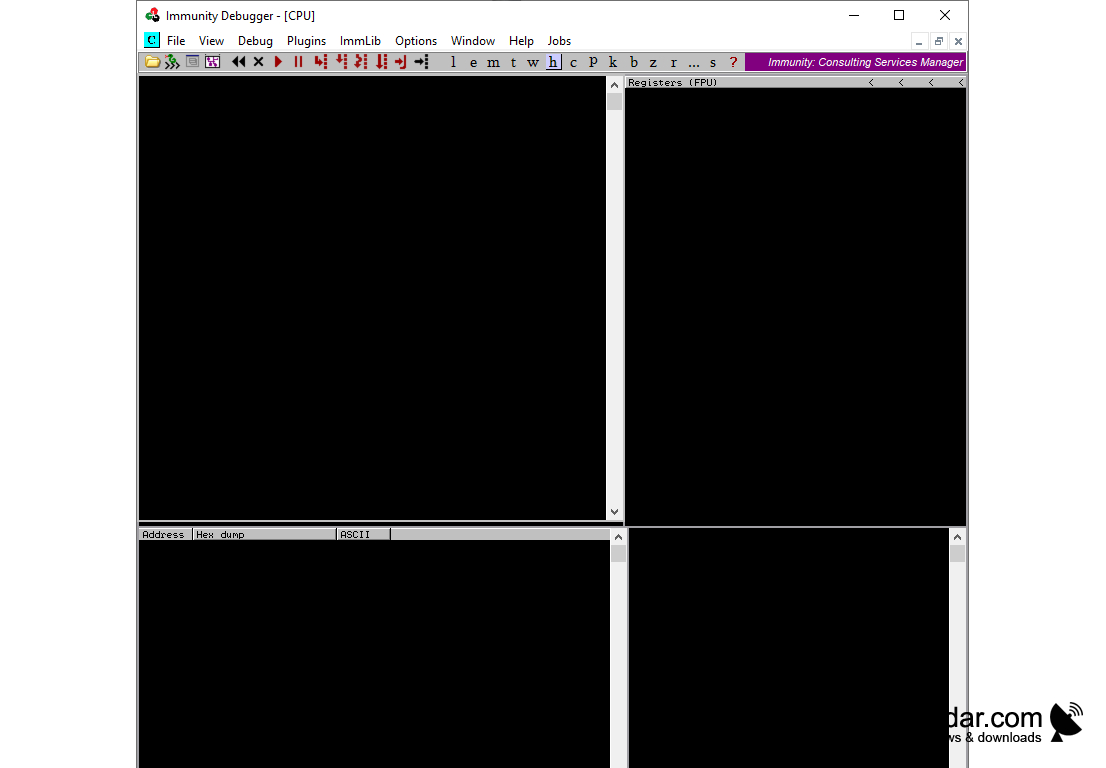
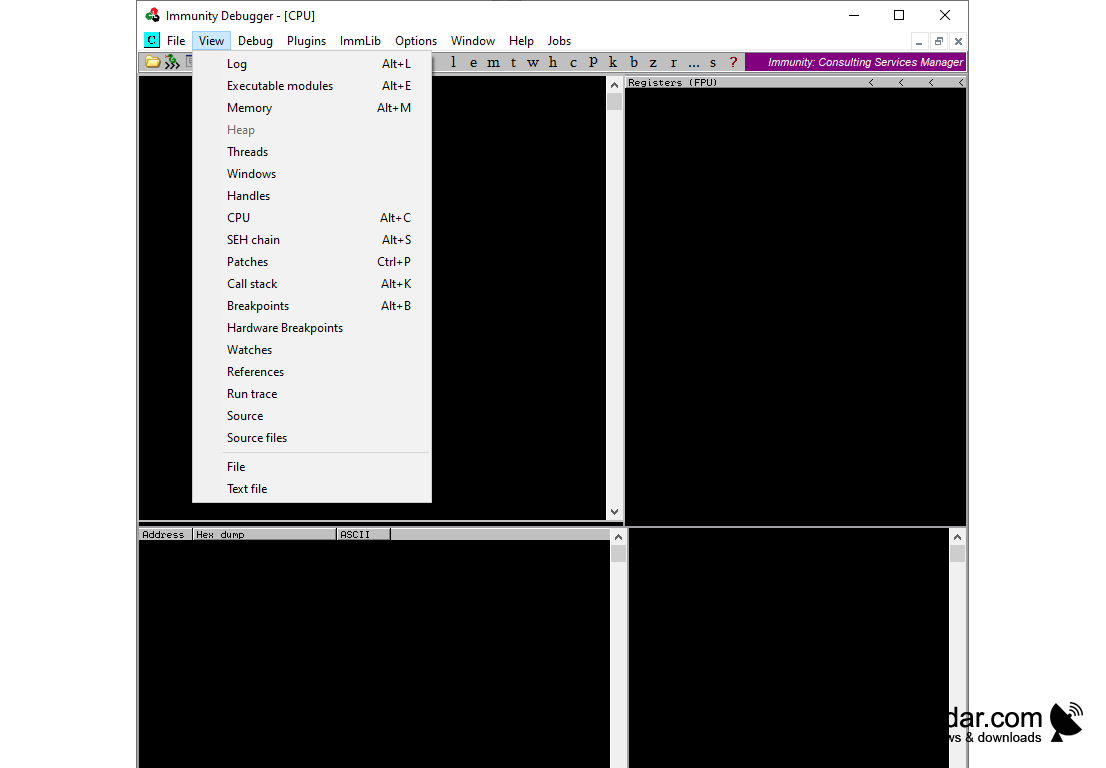
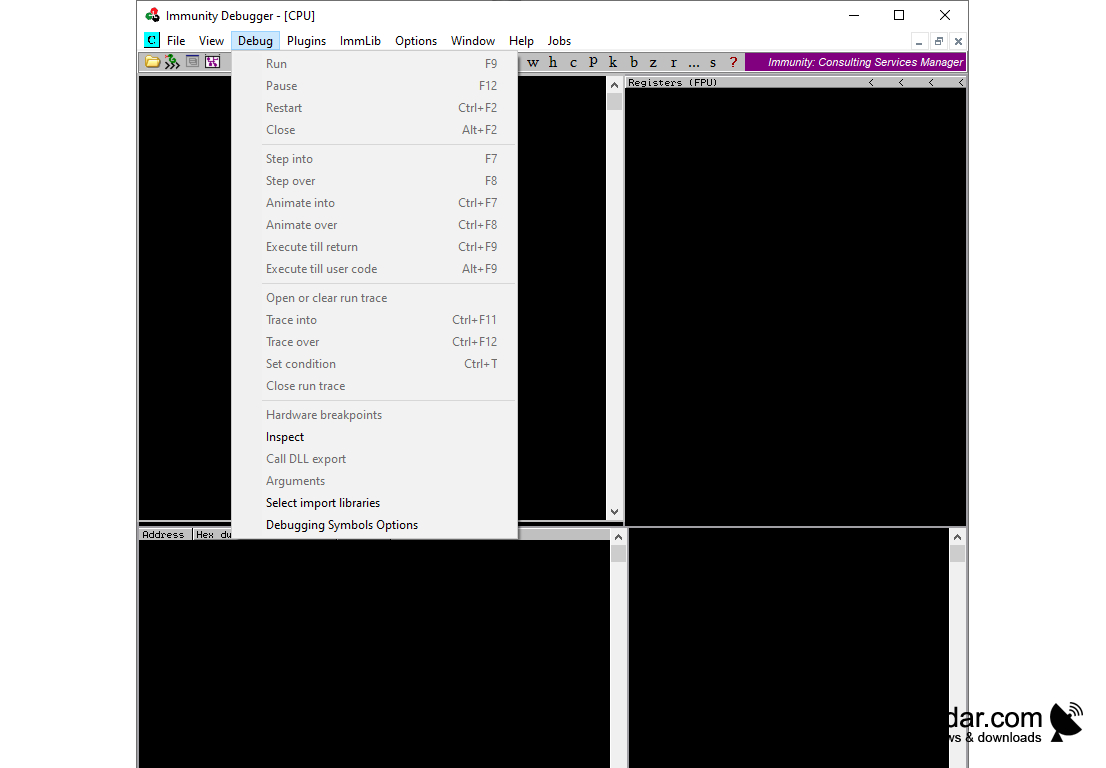
Immunity Debugger
Immunity Debugger is an advanced type of debugger that is used to debug and analyze software, memory and other binary files. It is an open source multi-platform debugger that is designed to be used in reverse engineering, malware analysis and vulnerability research. Immunity Debugger is an essential tool for the security researcher, security analyst and the vulnerability researcher.
Immunity Debugger comes with a wide range of features that allow users to debug, analyze and reverse engineer software, memory and other binary files.
1. Multi-Platform Support: Immunity Debugger is available for Windows, Linux and Mac OS X. It supports 32 and 64 bit architectures.
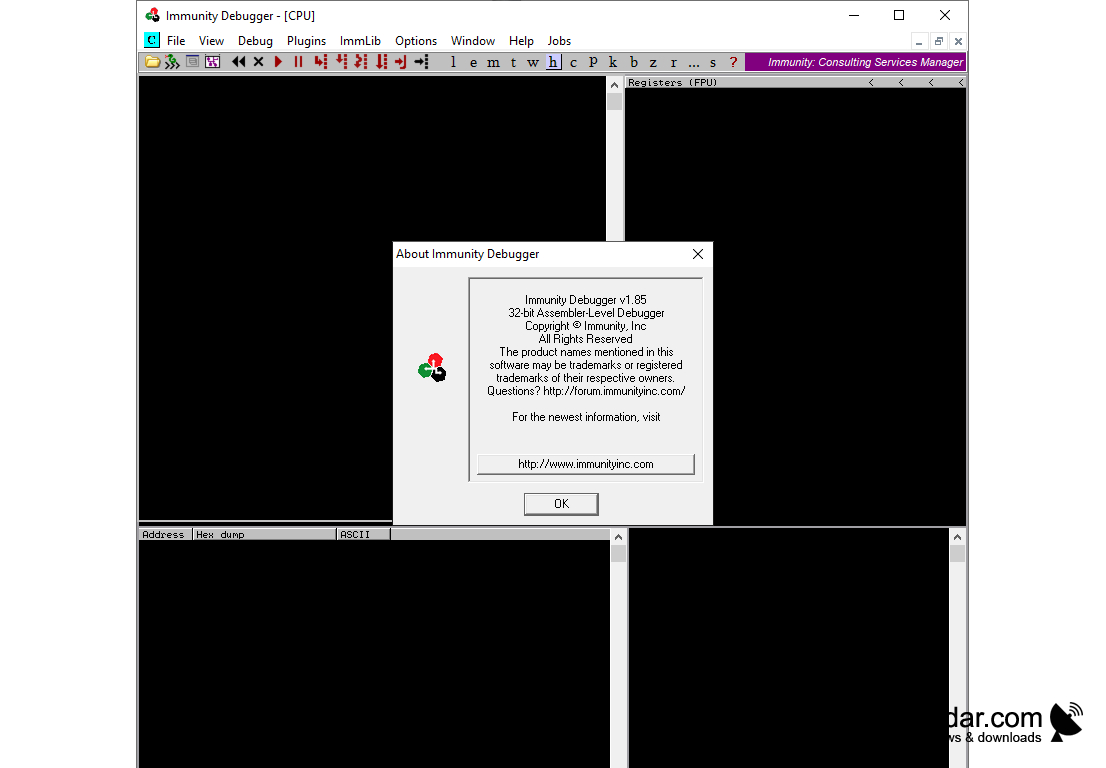
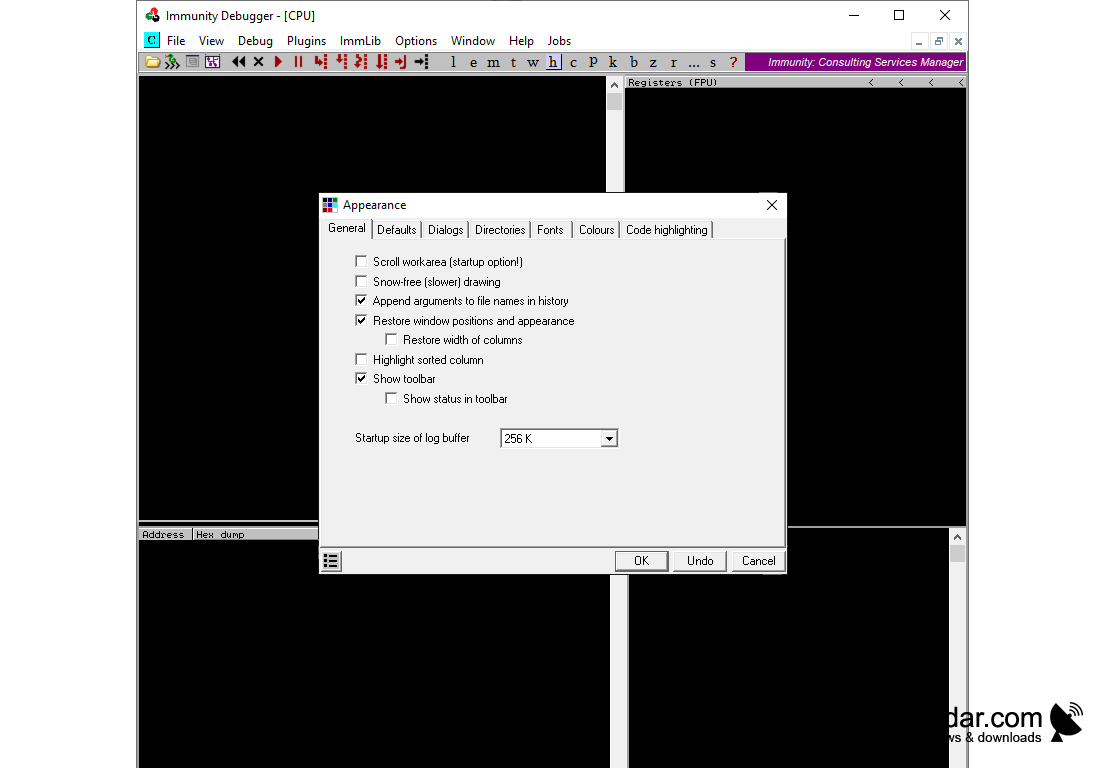
2. Graphical User Interface: Immunity Debugger has a graphical user interface that makes it easy to use and navigate.
3. Scripting: Immunity Debugger comes with an integrated Python scripting engine. This makes it easy to automate tasks and extend the functionality of the debugger.
4. Breakpoints: Immunity Debugger supports both hardware and software breakpoints. It also supports conditional breakpoints.
5. Symbols: Immunity Debugger allows users to load symbols from both the executable file and the symbol server.
6. Memory Analysis: Immunity Debugger supports memory analysis, which allows users to view and analyze process memory.
7. Debugging Tools: Immunity Debugger comes with a wide range of debugging tools including a disassembler, assembler, memory viewer, and register viewer.
8. Plugin Support: Immunity Debugger supports plugins, which allows users to extend the functionality of the debugger.
9. Network Analysis: Immunity Debugger supports network analysis, which allows users to analyze network traffic and view the internal structure of packets.
10. Graphical Representation: Immunity Debugger supports graphical representations of data, which makes it easy to visualize and analyze data.
Conclusion
Immunity Debugger is an advanced type of debugger that is used to debug and analyze software, memory and other binary files. It is an open source multi-platform debugger that is designed to be used in reverse engineering, malware analysis and vulnerability research. Immunity Debugger comes with a wide range of features that make it a powerful and essential tool for the security researcher, security analyst and the vulnerability researcher.
Immunity Debugger is an advanced type of debugger that is used to debug and analyze software, memory and other binary files. It is an open source multi-platform debugger that is designed to be used in reverse engineering, malware analysis and vulnerability research. Immunity Debugger is an essential tool for the security researcher, security analyst and the vulnerability researcher.
Immunity Debugger allows users to analyze and debug applications in a more efficient and comprehensive way.Features:
Immunity Debugger comes with a wide range of features that allow users to debug, analyze and reverse engineer software, memory and other binary files.
1. Multi-Platform Support: Immunity Debugger is available for Windows, Linux and Mac OS X. It supports 32 and 64 bit architectures.
2. Graphical User Interface: Immunity Debugger has a graphical user interface that makes it easy to use and navigate.
3. Scripting: Immunity Debugger comes with an integrated Python scripting engine. This makes it easy to automate tasks and extend the functionality of the debugger.
4. Breakpoints: Immunity Debugger supports both hardware and software breakpoints. It also supports conditional breakpoints.
5. Symbols: Immunity Debugger allows users to load symbols from both the executable file and the symbol server.
6. Memory Analysis: Immunity Debugger supports memory analysis, which allows users to view and analyze process memory.
7. Debugging Tools: Immunity Debugger comes with a wide range of debugging tools including a disassembler, assembler, memory viewer, and register viewer.
8. Plugin Support: Immunity Debugger supports plugins, which allows users to extend the functionality of the debugger.
9. Network Analysis: Immunity Debugger supports network analysis, which allows users to analyze network traffic and view the internal structure of packets.
10. Graphical Representation: Immunity Debugger supports graphical representations of data, which makes it easy to visualize and analyze data.
Conclusion
Immunity Debugger is an advanced type of debugger that is used to debug and analyze software, memory and other binary files. It is an open source multi-platform debugger that is designed to be used in reverse engineering, malware analysis and vulnerability research. Immunity Debugger comes with a wide range of features that make it a powerful and essential tool for the security researcher, security analyst and the vulnerability researcher.
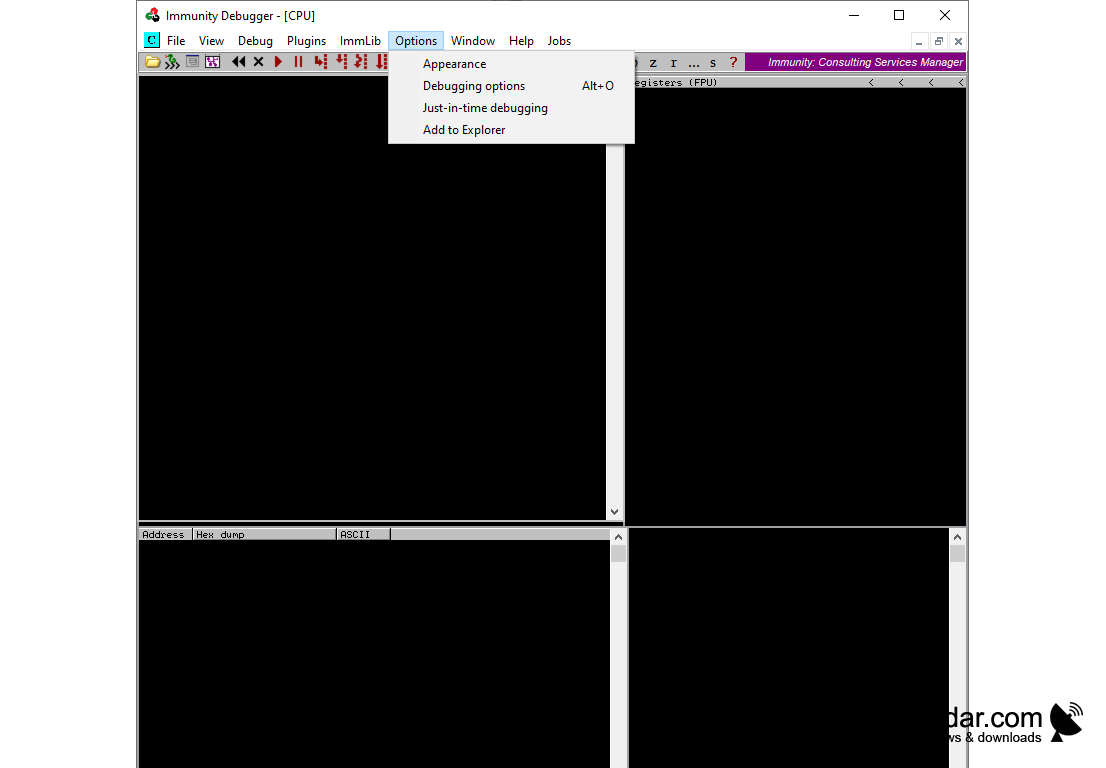
System Requirements:
• Windows XP SP3 or later
• .NET Framework 4.0 or later
• 1GB RAM
• 200MB hard drive space
• Visual Studio 2010 SP1 or later
• Windows SDK 7.1 or later
• Windows XP SP3 or later
• .NET Framework 4.0 or later
• 1GB RAM
• 200MB hard drive space
• Visual Studio 2010 SP1 or later
• Windows SDK 7.1 or later
PROS
Offers advanced features for software debugging and vulnerability analysis.
Highly user-friendly interface facilitates easier navigation.
Free to use, making it accessible for most individuals.
Highly user-friendly interface facilitates easier navigation.
Free to use, making it accessible for most individuals.
CONS
Lacks advanced features found in other debugging tools.
Difficult learning curve for beginners.
Limited support and updates from developers.
Difficult learning curve for beginners.
Limited support and updates from developers.


