
Internet Spider
Downloads entire websites and files in just minutes!
Operating system: Windows
Publisher: Tensons
Release: Internet Spider 2.3
Antivirus check: VirusTotal report
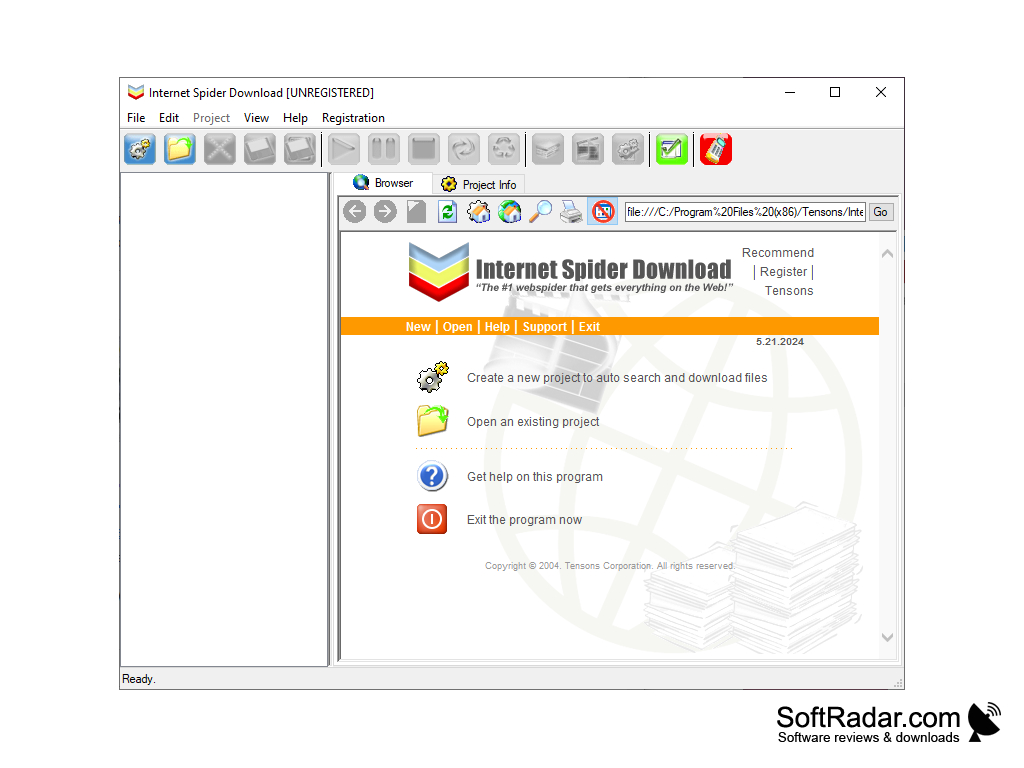
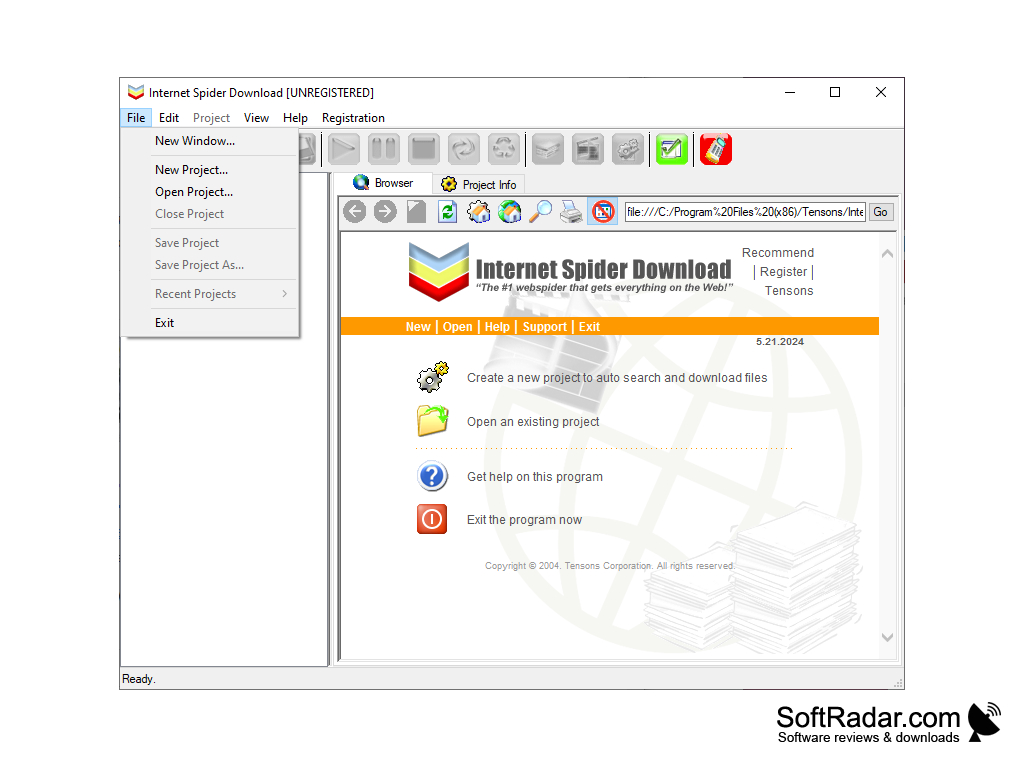
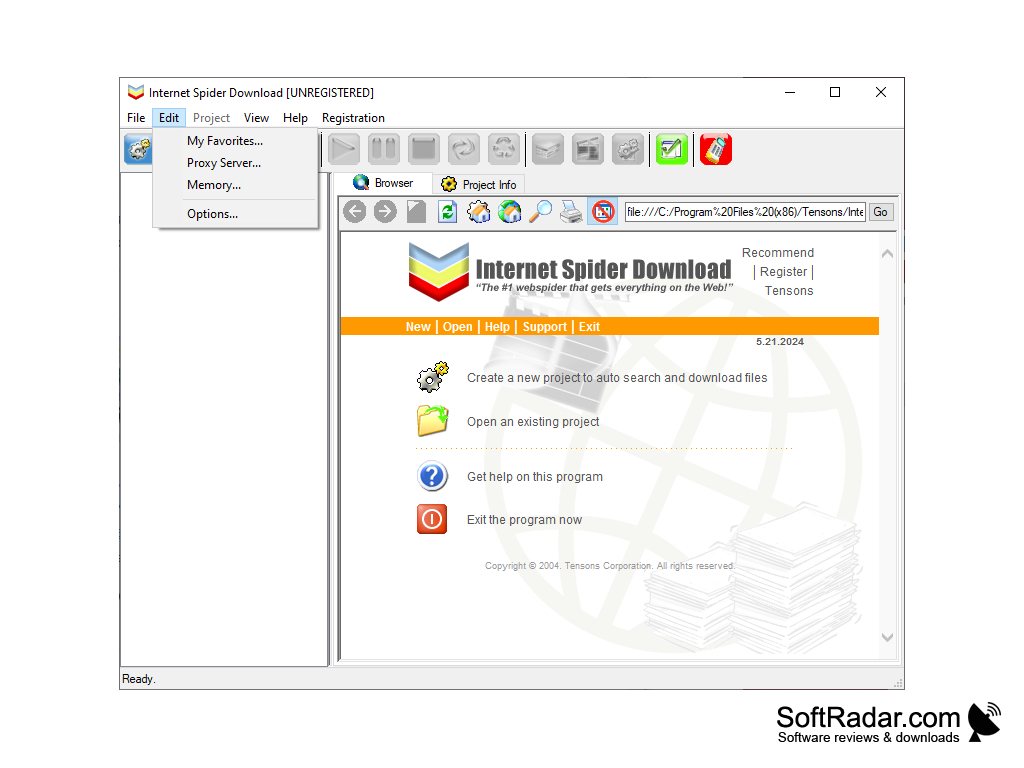
Internet Spider is a great way for you to archive an entire website so you can view it and its data while you're offline. Using this makes sure that you won't miss a website if it ever goes down for any reason.
If you enjoy playing games online this is a great program to use since it will let you download that game and play it on your local system. This way you don't have to rely on a poor internet connection or worry about any random disconnections. To download it all you have to do is enter the URL into Internet Spider and click download. Internet Spider will take care of the rest for you! It takes just a minute or two for you to set it up and then you'll have hours of fun.
Internet Spider works on things other than games. It will also download videos or audio files from a website. It's great to use on a website that contains a large number of different files. Instead of having to copy the URL for each one individually you just enter the website's URL and it will find each of them for you. If you want to organize it a bit more you can select different directories for each file to be saved.
Internet Spider can also dig a bit deeper for example if there's a directory online but you're not sure of all of the files in it Internet Spider will search it for you and tell you everything that's available. It just takes Internet Spider seconds to do something that would take most users a significant amount of time to do manually.
Overall Internet Spider is a very efficient and simple to use tool for a more advanced Internet user. It lets the user customize their internet experience and save things they find interesting to their local computer quickly and easily. You won't have to spend time trying to find a website again rather you'll have everything saved on your computer. It's also great that you won't have to rely on the website staying up forever or a connection that can drop!
Searches the entire page to download everything available
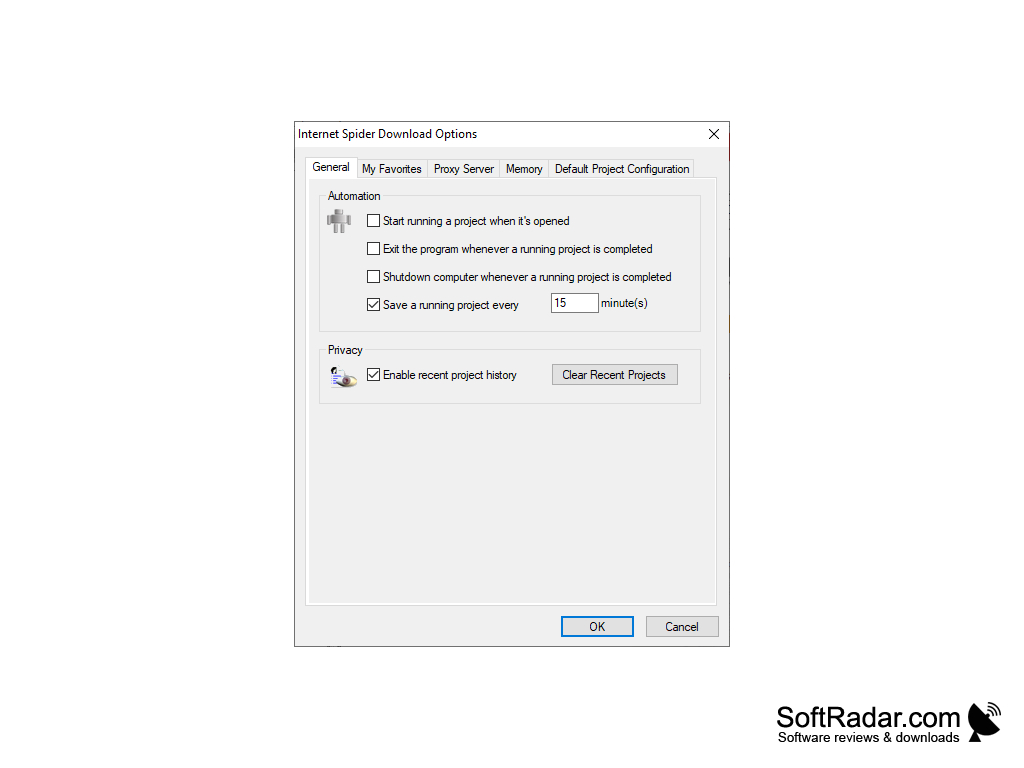

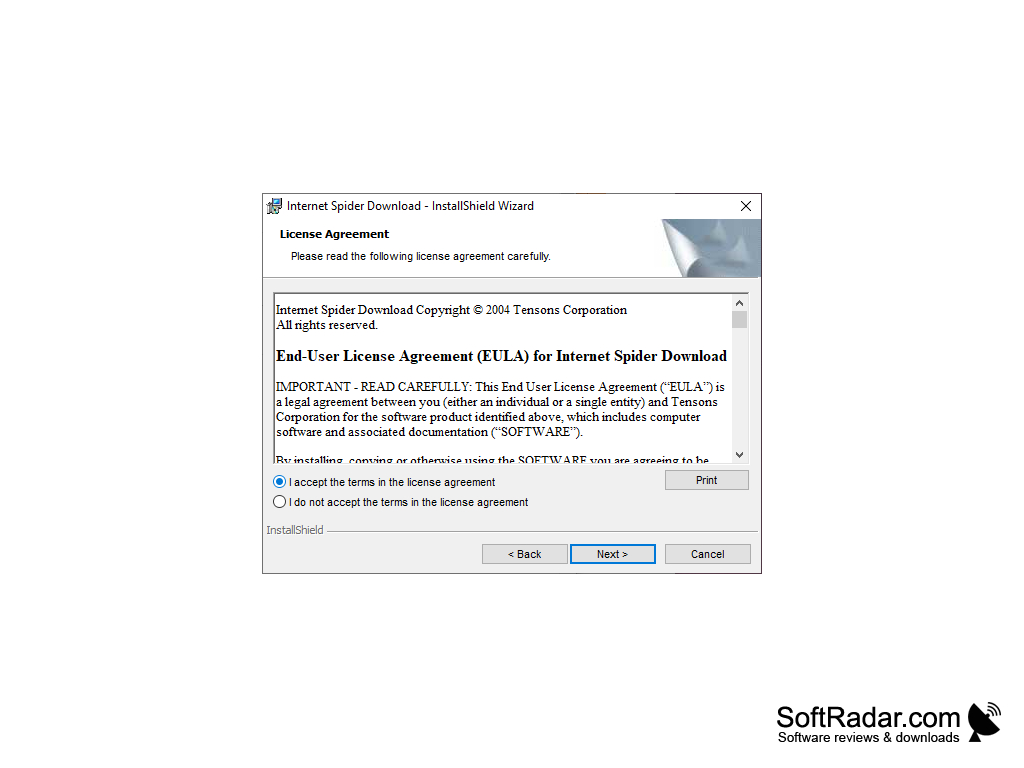
2. Internet connection for initial website scraping.
3. Minimum 2GB RAM for efficient operation.
4. Enough disk space to store downloaded data.
PROS
Highly customizable to cater to specific data extraction needs.
Helps in automating and speeding up data collection process.
CONS
Potential for violating website's terms of service.
Risk of excessive bandwidth usage.


