Iso2Usb
Iso2Usb is a free, open source Windows utility for creating bootable USB drives from Windows and Linux ISO images.
Iso2Usb is a free, open source utility that allows you to create bootable USB drives from ISO images. It was written by Kaustubh Patange and inspired by Rufus; the Windows version is written in C#, and a separate Linux version exists.
Features
• Create bootable USB drives from ISO images: Iso2Usb creates bootable USB drives from ISO images of Windows, Ubuntu and other Linux distributions, allowing you to install or boot an operating system from a flash drive.
Iso2Usb allows users to easily create bootable USB drives from ISO images.
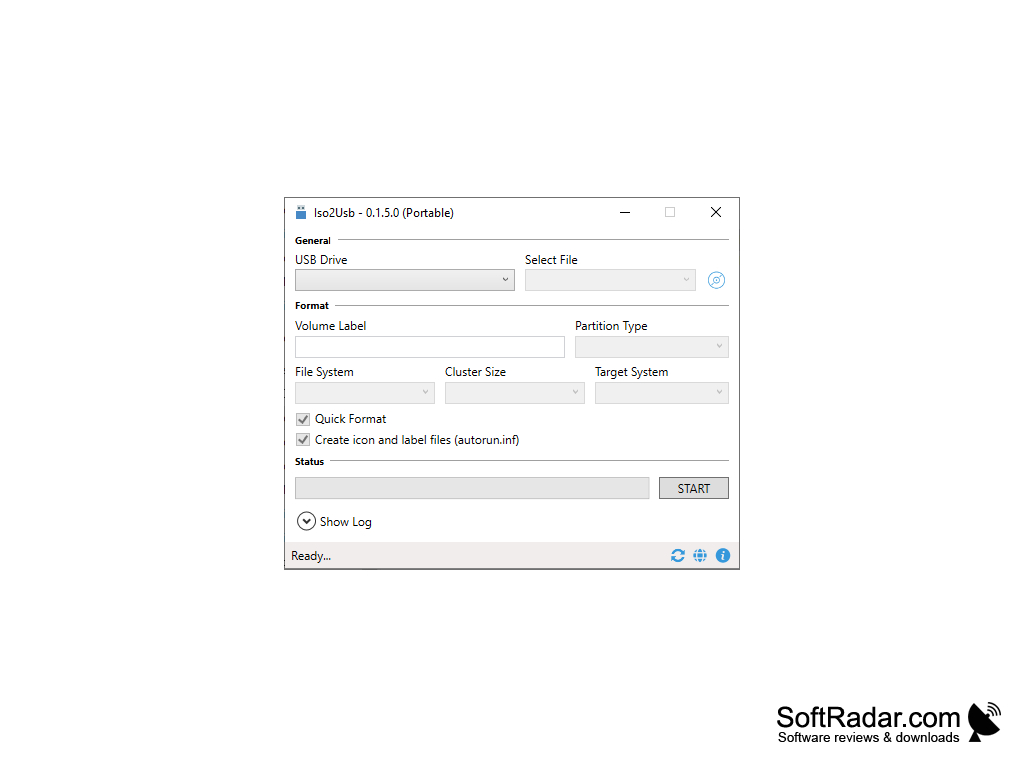
• Quickly and easily create bootable USB drives: select the USB drive, choose the ISO image with the browse button and click START. You can change the format settings before starting, but the defaults are recommended.
• Partition scheme and target system: Iso2Usb supports MBR and GPT partition schemes and lets you choose the target system in the Format section.
• Supports multiple file systems: on Windows, Iso2Usb formats drives with FAT32 or NTFS; EXT4 is available in the Linux version.
• Automatically detects the USB drive: Iso2Usb lists inserted drives in the USB Drive box and selects a suitable cluster size automatically. You can also set a volume label and use Quick Format.
• Checksums: Iso2Usb can calculate MD5 and SHA1 checksums of the image from the status bar, so you can verify a download before writing it.
• Easy to use: all options are placed in one window, and the Show Log panel displays what the program is doing during the process.
• Free to use: Iso2Usb is free and open source software licensed under the GNU GPL v3, and its source code is on GitHub.
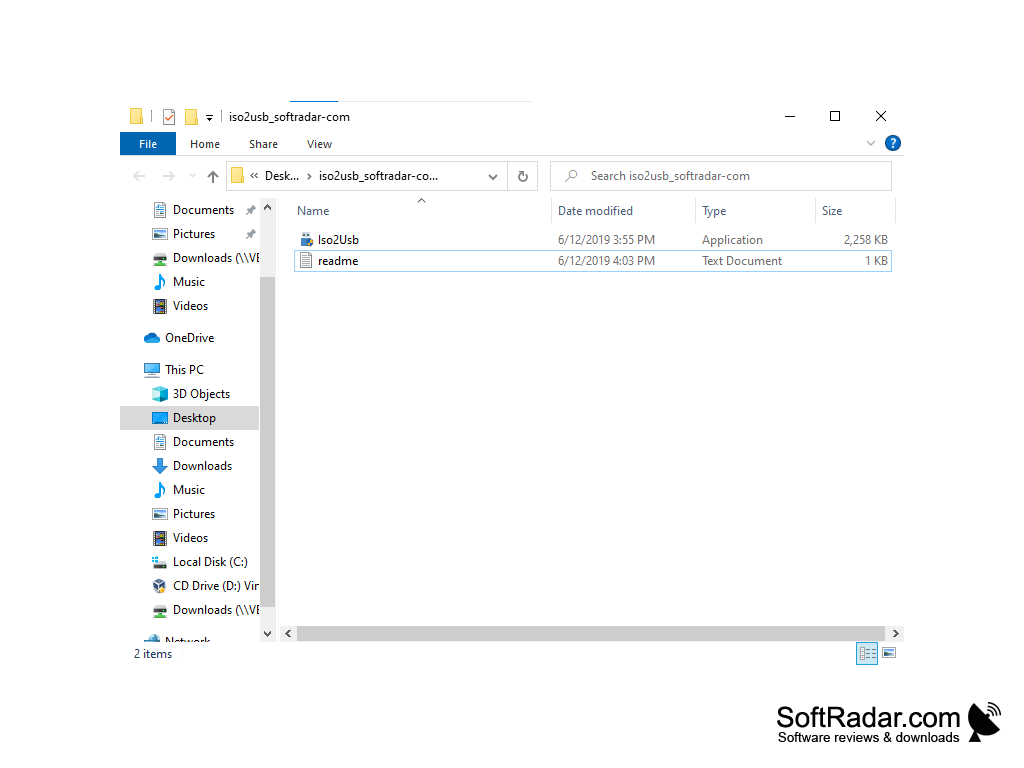
• Portable: the Windows version needs no installation - unzip the archive and run Iso2Usb.exe. It can also create a virtual hard disk (VHD) from a USB drive.
• Status: the only release, version 0.1.5.0, dates from June 2019, and the project has not been updated since then.
.NET Framework 4.5 or later
USB flash drive
PROS
Supports multiple file systems.
Offers options for partitioning the USB.
CONS
Interface can be confusing.
No longer updated by its developer.


