
JDownloader Portable
A free, open-source Java download manager that grabs, queues and resumes downloads from file hosting services and video sites.
Operating system: Windows
Publisher: Appwork GmbH
Release: JDownloader Portable 0.9421
Antivirus check: VirusTotal report
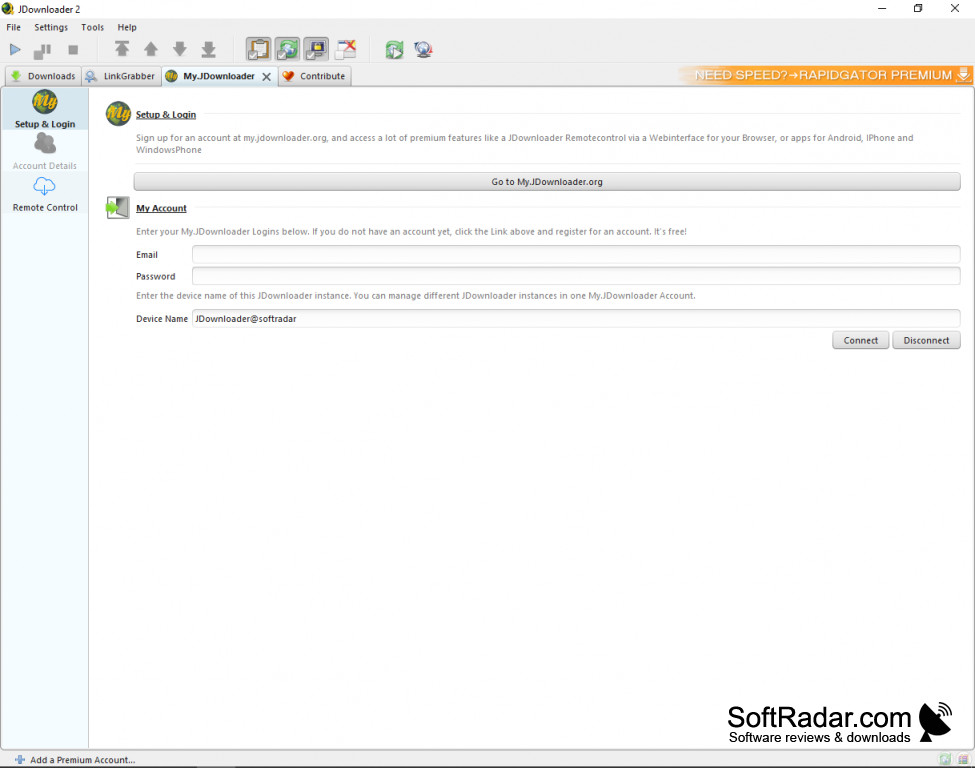
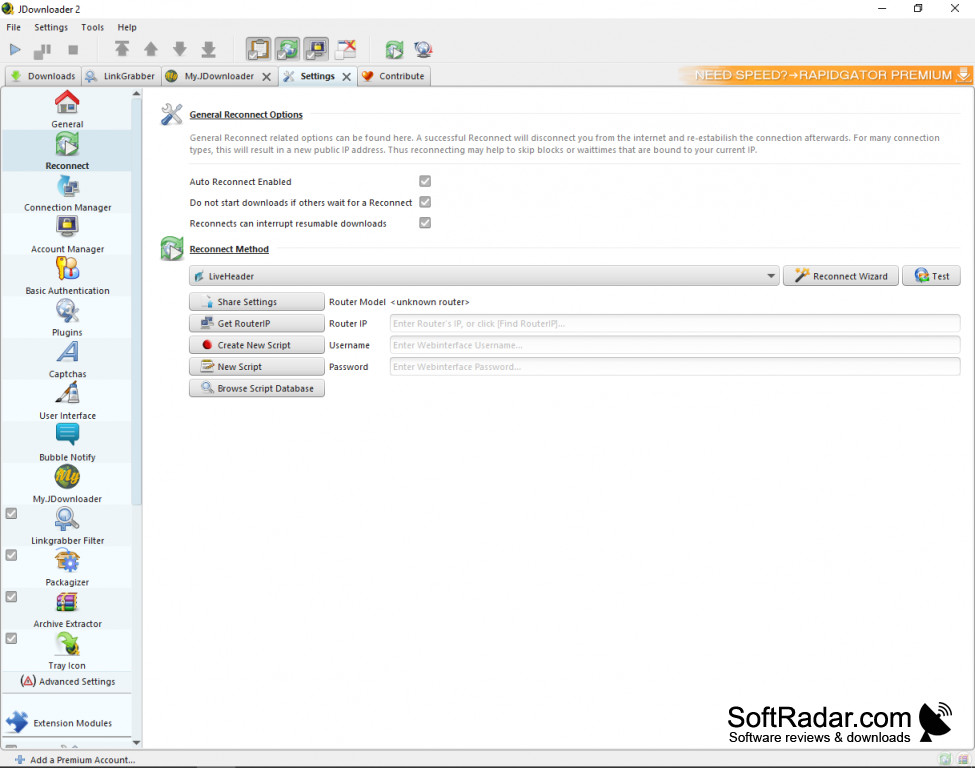
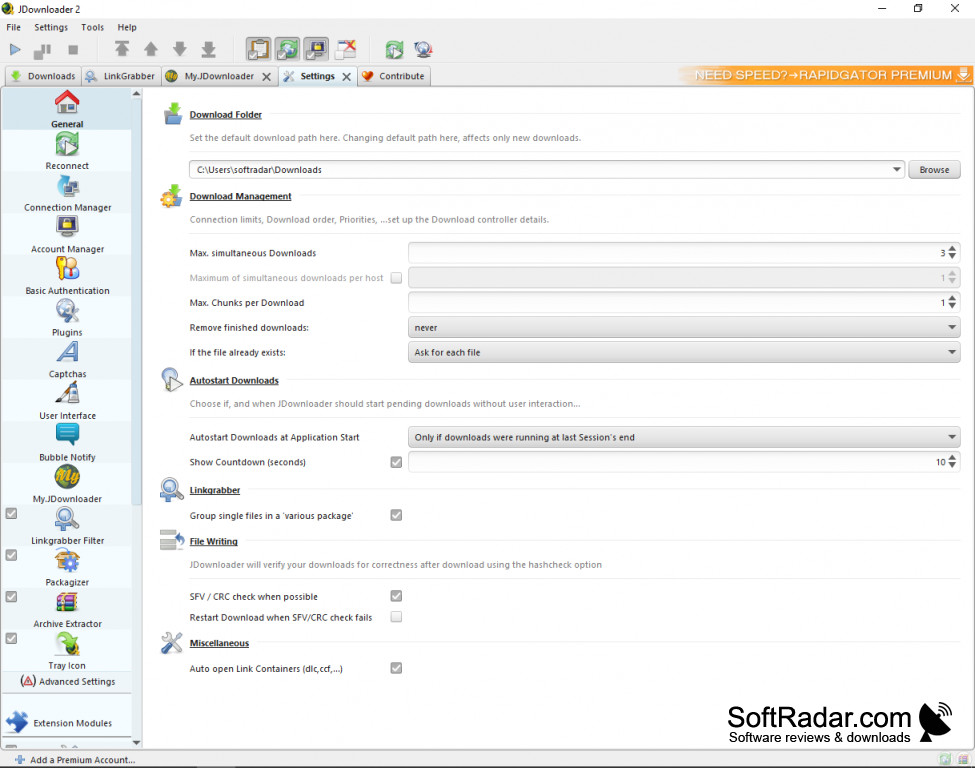
jDownloader is a free, open-source download management tool that gives users maximum flexibility and opportunity to manage and organize downloads from file hosting services. If you download a lot of files on a regular basis, you will find that jDownloader saves you time and minimizes any frustrations you might have while trying to download large amounts of data. Plugins for hundreds of file hosts and video sites take care of wait times, captchas and split archives, which allows for faster, smoother downloads.
Features:
- Allows you to create lists of downloads and sorts them into packages
- Allows to download files in sequence or simultaneously, depending on your needs
- Simultaneously download from different hosts
- Allows you to pause downloads and then resume them as needed
jDownloader is free and easy to use: paste links and it sorts, downloads and extracts the files for you, with no technical expertise needed.
jDownloader has many flexible options and can be customized depending on your unique downloading needs. You can set it up to download your files consecutively if you choose, or you can have them downloaded simultaneously if this works better for you. Bandwidth limits and the number of parallel downloads and chunks per file can also be set.
Another useful feature of jDownloader is automatic reconnect. Many free hosting services limit downloads per IP address; if your internet provider gives you a dynamic IP, jDownloader can reconnect your router to get a new IP address so that you can resume downloading. For anyone trying to download a lot of files, this can significantly reduce waiting times.
Using jDownloader is very simple for users at all experience levels. All you have to do is copy the URL of the page where the file is. You can copy multiple URLs into the program, and jDownloader will recognize and sort them appropriately and begin your downloads once you push the "play" button. Downloaded archives can be extracted automatically, and the free My.JDownloader service lets you control the program remotely from a browser or a phone app.
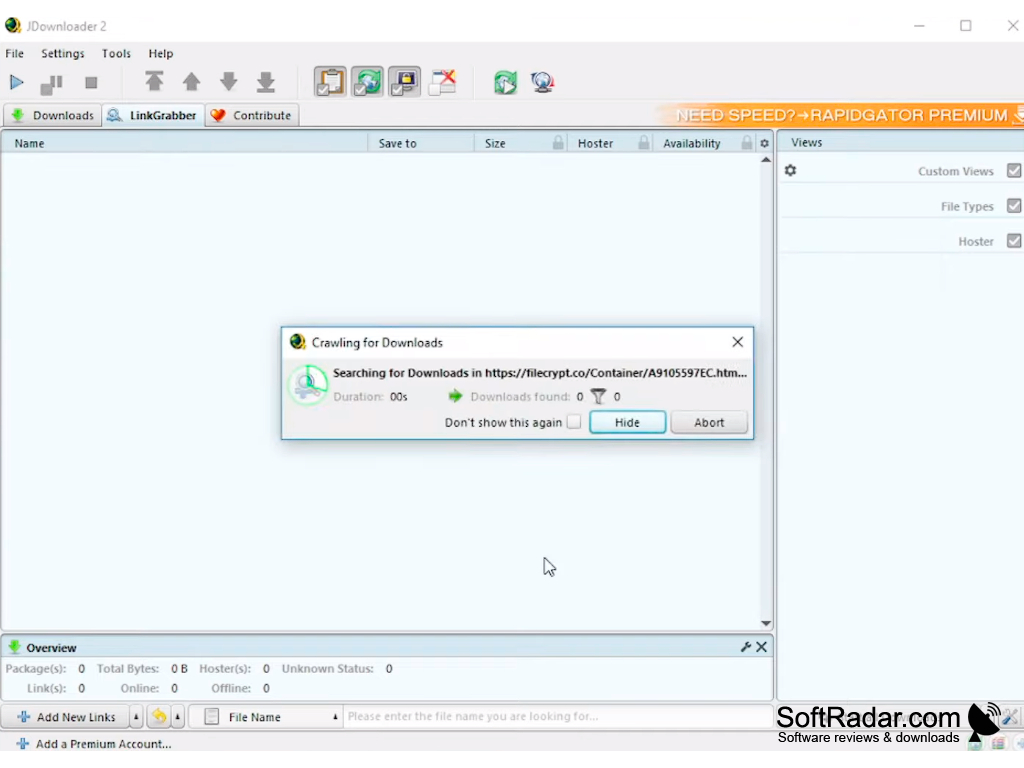
Java 1.8 or later (bundled with the installers)
PROS
Supports multiple downloads simultaneously.
Automatically extracts and merges multi-part files.
CONS
Limited support for some file-sharing sites.
In-app advertisements can be annoying.


