JMRI
JMRI is a free, open-source software suite for model railroad computer control and automation.
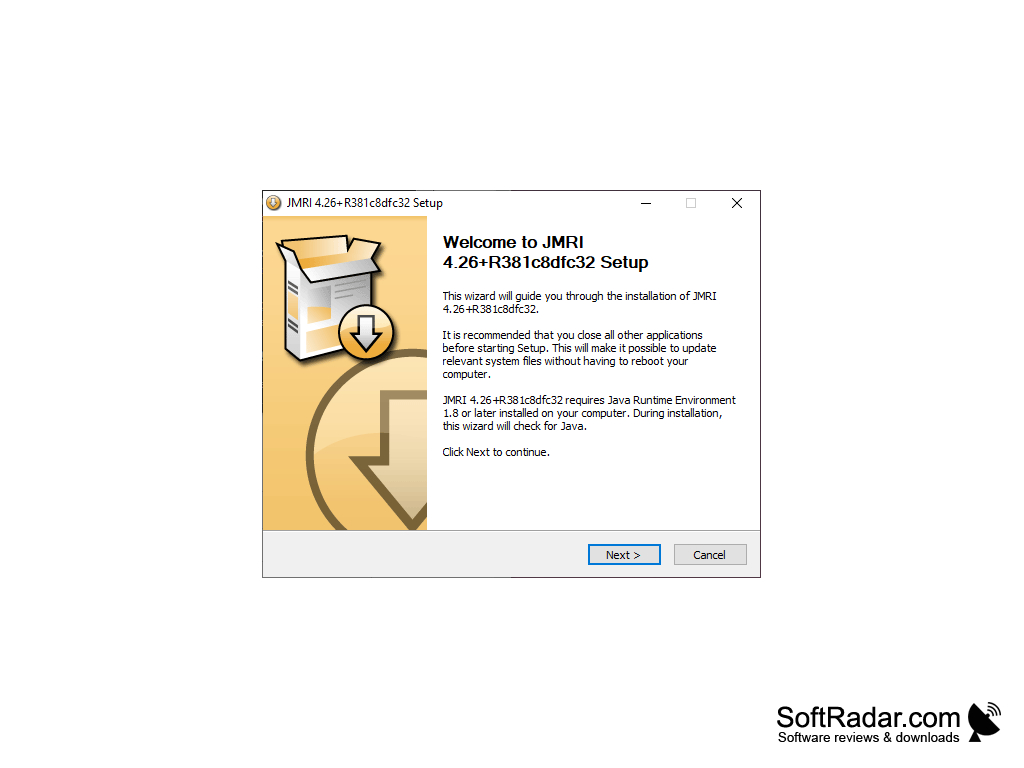
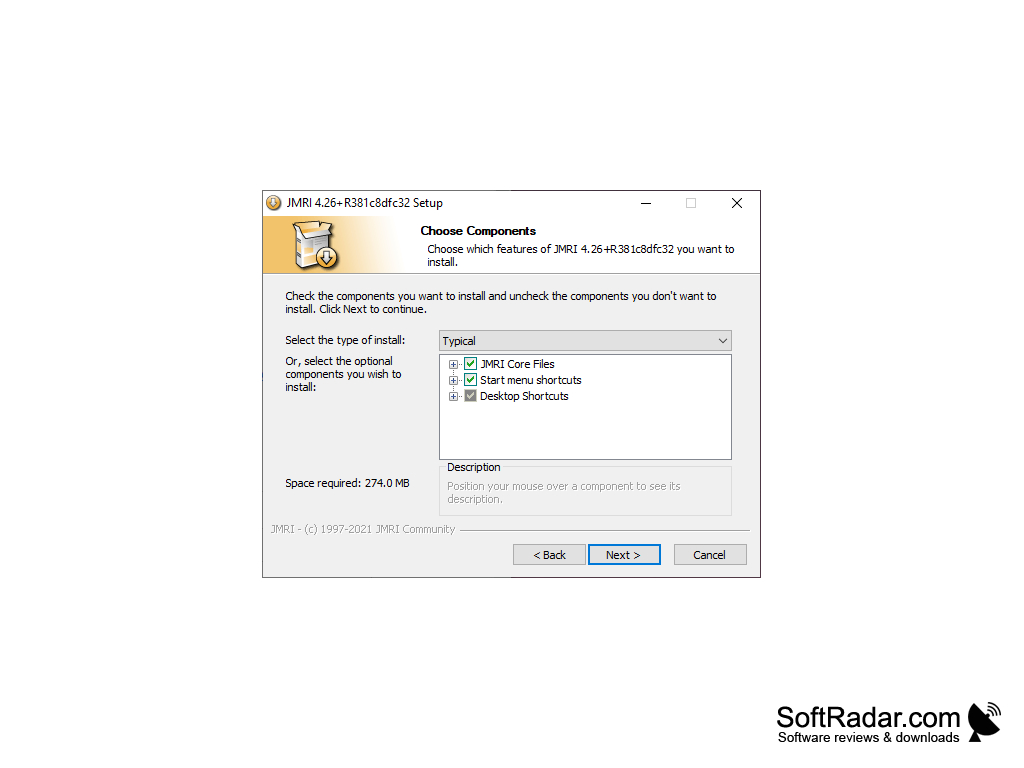
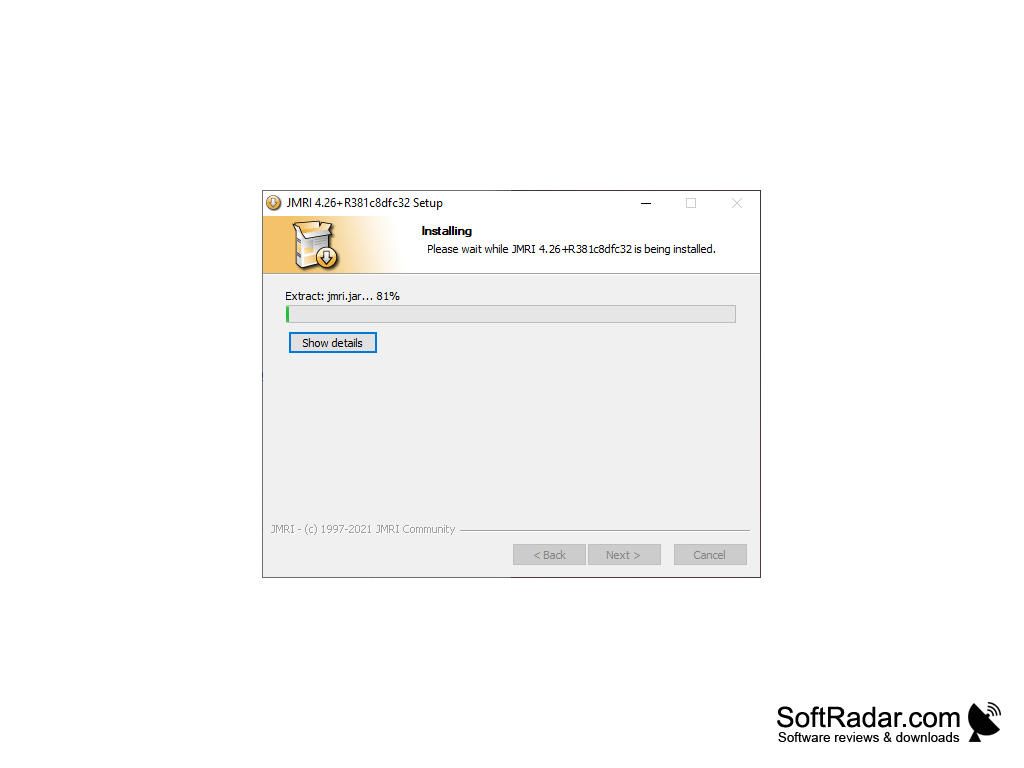
JMRI (Java Model Railroad Interface) is a powerful and flexible software package for controlling model trains and other interactive model railroad systems. It provides a variety of features and capabilities, making it an excellent choice for both model railroaders and computer hobbyists.
JMRI is free, open-source software developed by the JMRI Community and released under the GNU General Public License version 2. It is distributed as one package that contains several applications, including DecoderPro, PanelPro, OperationsPro and DispatcherPro. The suite is written in Java, runs on Windows, macOS and Linux, and current releases require Java 11 or later. JMRI also supports a variety of hardware, including Arduino, Raspberry Pi, and many other popular model railroad systems.
JMRI provides users with several features and capabilities, including:
JMRI allows users to control model railroad equipment from a computer.
• Control of model trains and other interactive model railroad systems
• Support for a variety of hardware, including Arduino, Raspberry Pi, and many other popular model railroad systems
• Graphical user interface for easy setup and control
• Automated control of model trains and other interactive model railroad systems
• Ability to create custom scripts for controlling model railroad systems
• Ability to connect to and communicate with model railroad systems
• Support for a variety of model railroad accessories, including sensors, switches, and lights
• Support for several configuration profiles and for more than one command station connection at a time
• Support for a variety of model railroad control systems, including DCC, Märklin, and other popular systems
• Ability to save and load model railroad layout panels and configuration files
• Printing of train manifests and switch lists in OperationsPro
• Signal logic with signal heads, signal masts and Signal Mast Logic
• Block occupancy detection and train tracking with sensors
• Built-in web server for viewing panels and running trains from a web browser
• Logix and LogixNG for building conditional automation without programming
• Roster of locomotives with decoder settings, pictures and function labels
• Support for simulation of model railroad systems through simulated connections
• Scripting in Jython for custom automation and new tools
• Support for WiThrottle and Engine Driver throttle apps on iPhone, iPad and Android devices
• Layout Editor for drawing track diagrams and control panels
• Support for a variety of model railroad data formats, including .csv and .xml
• Car and locomotive management with locations, routes and automatic train building in OperationsPro
• Support for a variety of model railroad control modes, including automated and manual control
• Support for a variety of model railroad system components, including track, power, and sensors
• Remote control and monitoring of the layout over a local network through the JMRI web server
• Connections over USB, serial ports and Ethernet or Wi-Fi networks, depending on the command station
• MQTT connection for integrating home-built and network-connected layout devices
• Speed profiling of locomotives for accurate stopping during automatic running
• Fast clock and timetable tools for realistic operating sessions
• Support for a variety of model railroad hardware, including locomotives, switches, and sensors
• Audio tables and the Virtual Sound Decoder for playing layout and locomotive sounds
• Support for scripting and extensions in Java and Python
• DecoderPro for reading, editing and writing the configuration variables (CVs) of DCC decoders
DCC command station or layout interface for control
PROS
Open-source, adaptable to user's specific needs.
Cross-platform compatibility with Windows, Mac, and Linux.
CONS
Documentation can be confusing and insufficient for troubleshooting.
Occasional bugs and glitches can disrupt operations.