
Liquid Story Binder XE
A word processing tool for writing stories and texts
Operating system: Windows
Publisher: BLACK OBELISK SOFTWARE
Antivirus check: passed
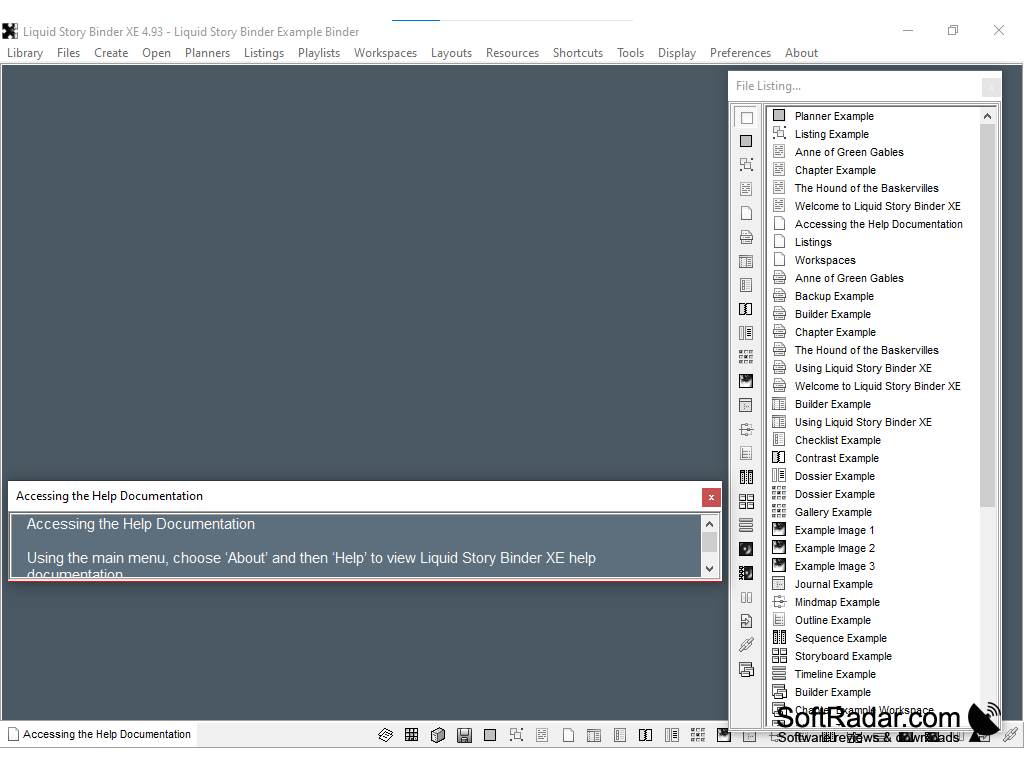
Liquid Story Binder XE is a word processing tool that is specialized for authors composing fiction writing. It contains a suite of tools that allow the user to better organize their literature, as well as their ideas and brainstorming. The User-friendly interface includes a plethora of extras sure to create a pleasurable experience.
Features:
- MindMapping feature allows for drawing parallel to different ideas and concepts not necessarily in the text
- Media Organizing feature to group pictures and graphics to their designated spot.
- Text Outlining for saving essential parts that need to be revisited
- Typewriter feature that doesn't allow editing.
- Universal search function, in case you forget where you put a sentence or phrase.
- Cascading windows, to allow a broader view of the project being worked on
- Portable design that allows for writing on the go
- Full-screen editing mode
Liquid Story Binder XE is a shareware app that lets authors and publishers alike to create and edit writing pieces with ease, by offering a wide range of tools to the user. It was designed for the messy process of writing, by streamlining all of your ideas in one place without the feeling of being cluttered. Multitasking windows helps you work on multiple parts at one time, or facilitates referring back to the text when needed. Besides, the software has extended capabilities that assist in the process of creating stories as a whole, offering brainstorming tools that can be linked to certain parts of the text.
Organize pictures with story text and chapters.
The app also includes quality of life aspects, such as integrating your musical playlist to the software. This way, you can set the mood for writing without even leaving your story. Using this feature in addition to the full-screen editing mood creates an immersive experience that assists in bringing out the best quality of work you desire to achieve.
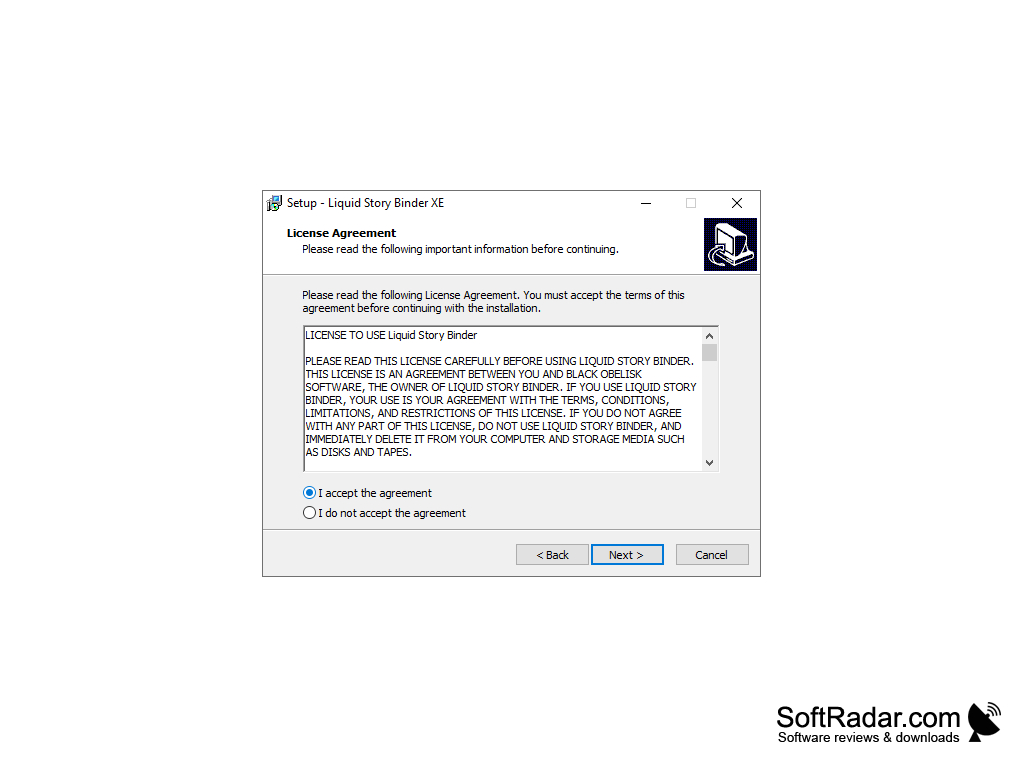
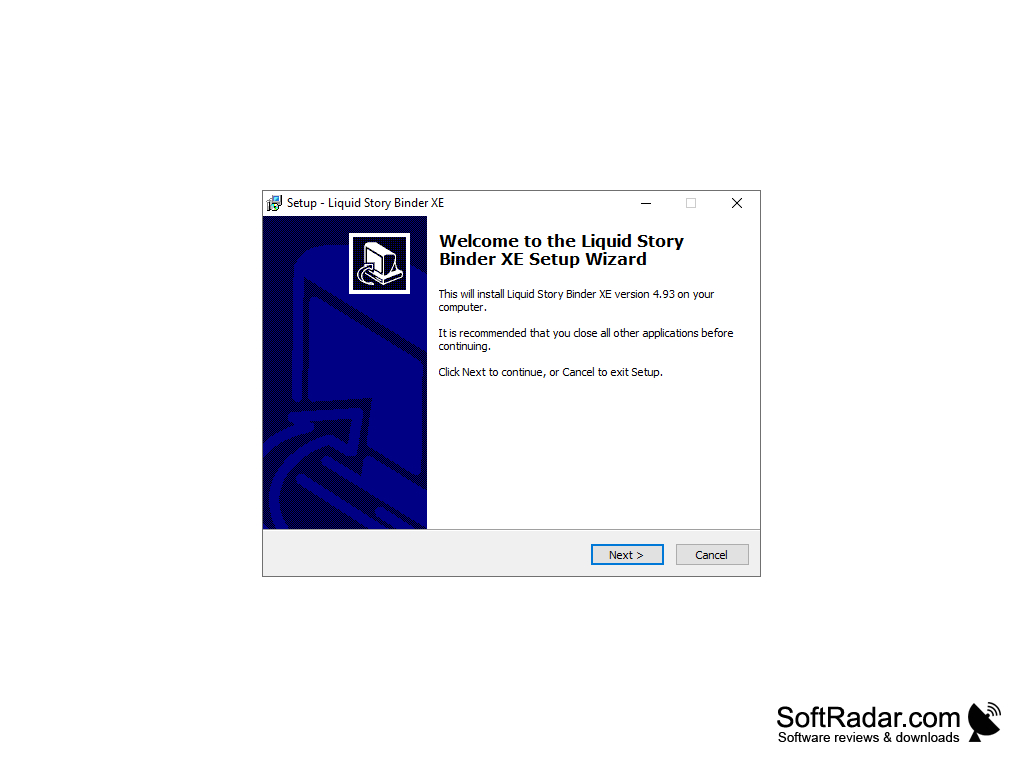
Available on Windows 7, 8, and Windows 10. Free of charge for all users.
PROS
Provides timeline and planning features for structured storytelling.
Supports multimedia notes and voice-driven writing assistance.
CONS
Lacks a spell-checker tool.
Outdated interface with no recent updates.


