
Livestream Procaster
Record and stream live high definition videos
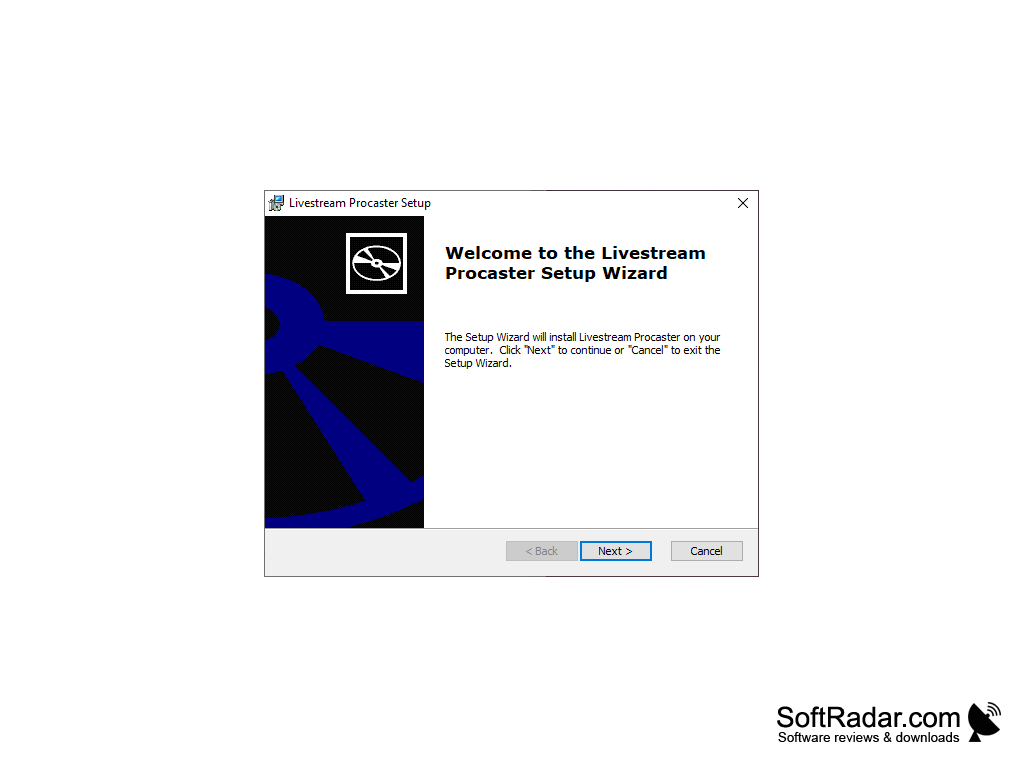
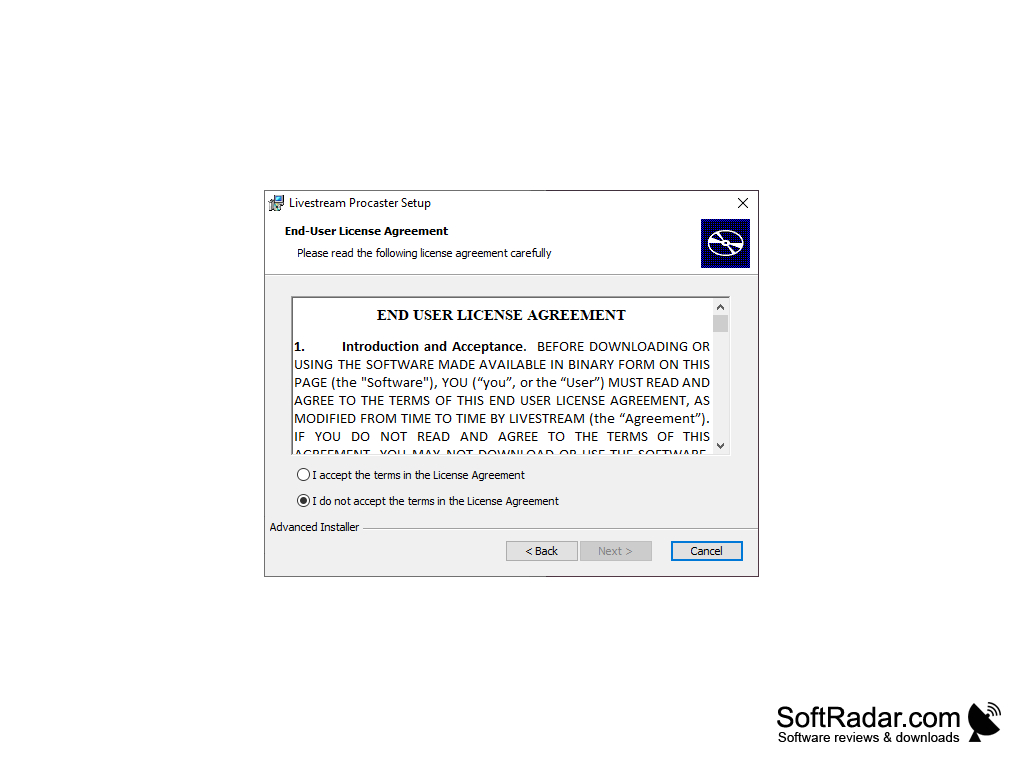
Livestream Procaster is an easy to use video streaming studio for beginners, amateurs, and hobbyist. The simple, intuitive interface will make diving into the streaming world a lot easier. It can be adapted for use in live video tutorial sessions, conference meetings, gaming, and chat hosting.
Features:
- The intuitive graphical user interface (GUI)
- Action Zones (broadcast, promote, chat)
- One-click broadcasting
- Auto-piloted on-demand recordings of live streams
- Automatically add recordings to on-demand libraries
- Video output control: audio, bit rate, FPS, and more.
- Programmable hotkey functions
- Runs on Windows XP / Windows Vista / Windows 7 / Windows 8 / Windows 10
- Works with 32-bit and 64-bit systems
Procaster is one of the best free video streaming encoders out there for beginners and intermediate broadcasters. The feature set and easy-to-use GUI makes creating, broadcasting and archiving video streams a breeze. It’s great for hosting video tutorials like tutoring sessions, step-by-step craft projects, and any other type of question-and-answer interaction you might want to have with a group of people in far off places. Small businesses will also find the software useful for that occasional video conference. Gamers can also use it to chat and stream a multi-player session of gameplay.
LiveStream’s Livestream Procaster lets you easily stream videos from your DV camera, webcam or even your computer screen (screencasting).
Once installed, simply log into your Livestream account, select an input (camera, computer screen) and click “Go Live” to start broadcasting to your Livestream audience. While steaming, you can also configure Procaster to automatically save (auto-pilot) the stream for later on-demand viewing.
Procaster is also backed by one of the biggest companies in the streaming business, Livestream’s experience, social media support, channel page hosting, embeddable players and encoding options make Procaster a complete broadcasting package. Livestream’s channel pages are configurable, have monetization options, distribution and chat controls, and a large audience base. From promotion, to capture, to stream, to archive, Livestream has you covered.
32 or 64-bit system
Internet connection for streaming and saving
Webcam or camera connected to computer for input
PROS
Supports multiple platforms simultaneously.
Includes chat overlay and moderation tools.
CONS
Occasional latency and buffering problems.
Limited customization and personalization options.


