
VCD Cutter
VCD Cutter is a free Windows tool for cutting clips out of VCD (DAT) videos and saving them to common video formats.
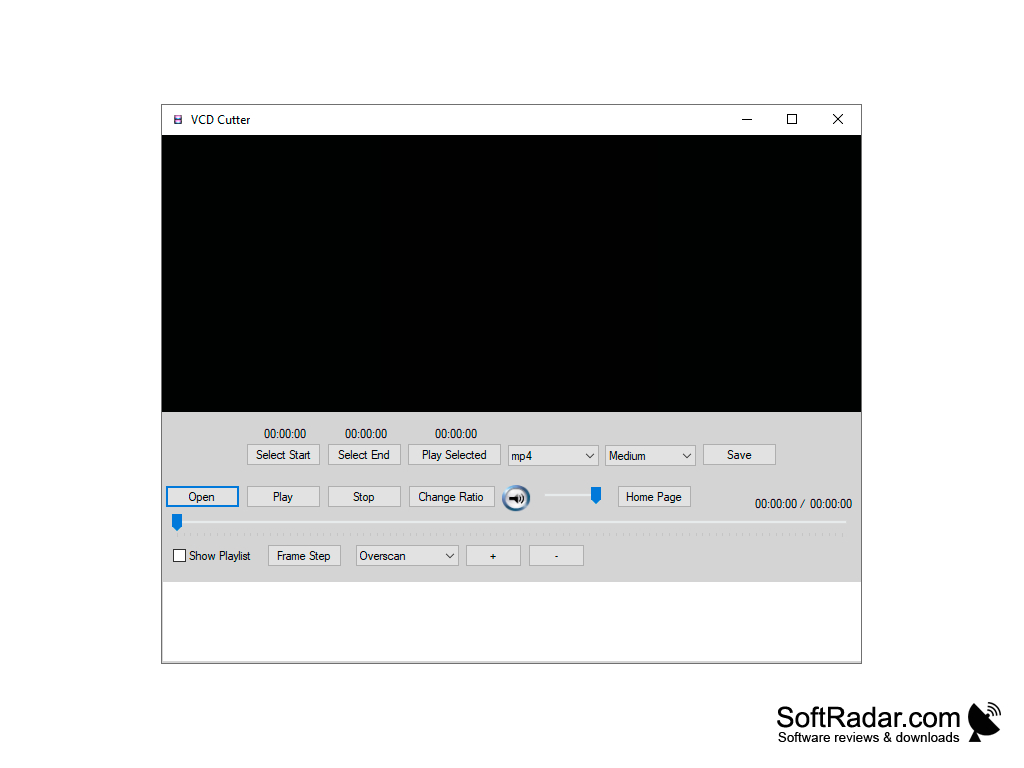
VCD Cutter is a free and easy to use video cutting tool for Windows. It was made to cut clips from Video CDs (the DAT files on a VCD) in a few simple steps while keeping the original VCD quality, so the final clip has no quality loss. The program is a graphical front end for the FFmpeg and MPlayer tools, which it needs for playback and saving; after the first start it explains how to get them.
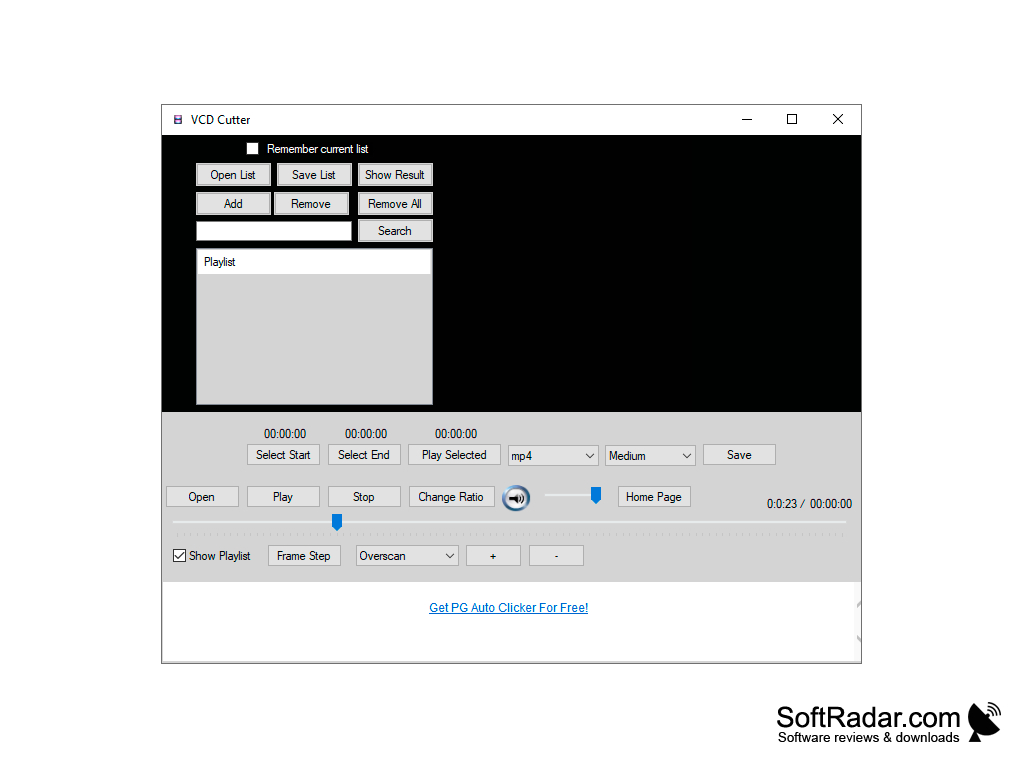
Cutting a clip takes three steps: open the VCD (DAT) file, mark the start and end points of the clip with the Select Start and Select End buttons, and click Save to choose the output file name. The Play Selected button lets you check the marked part before saving it.
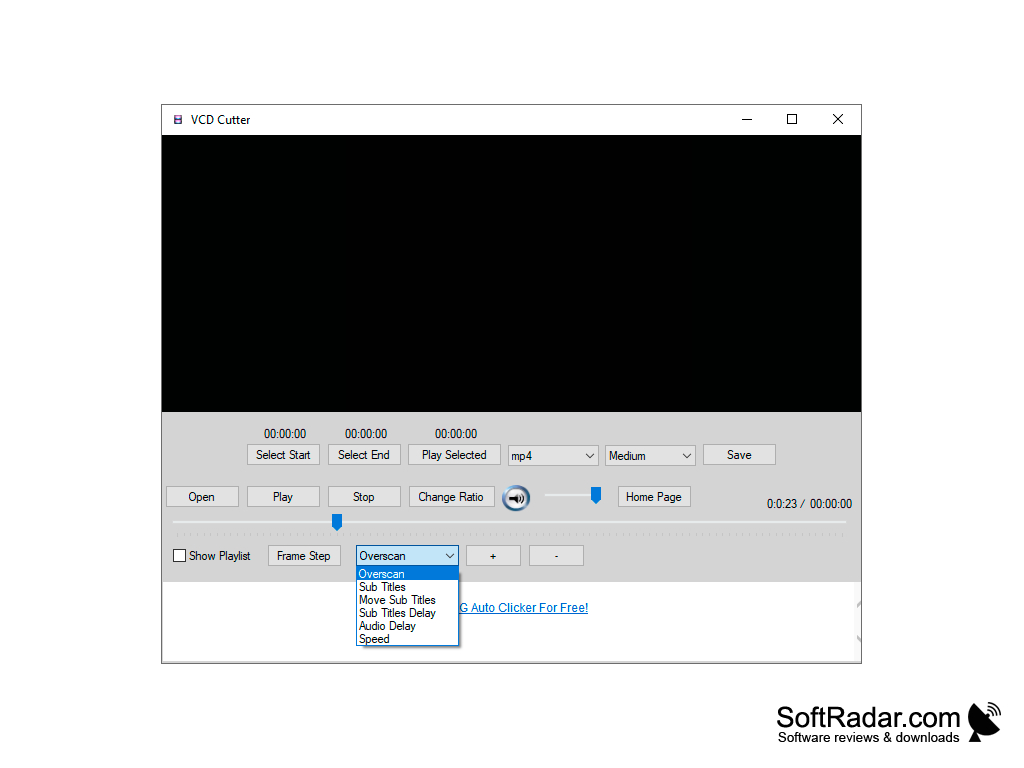
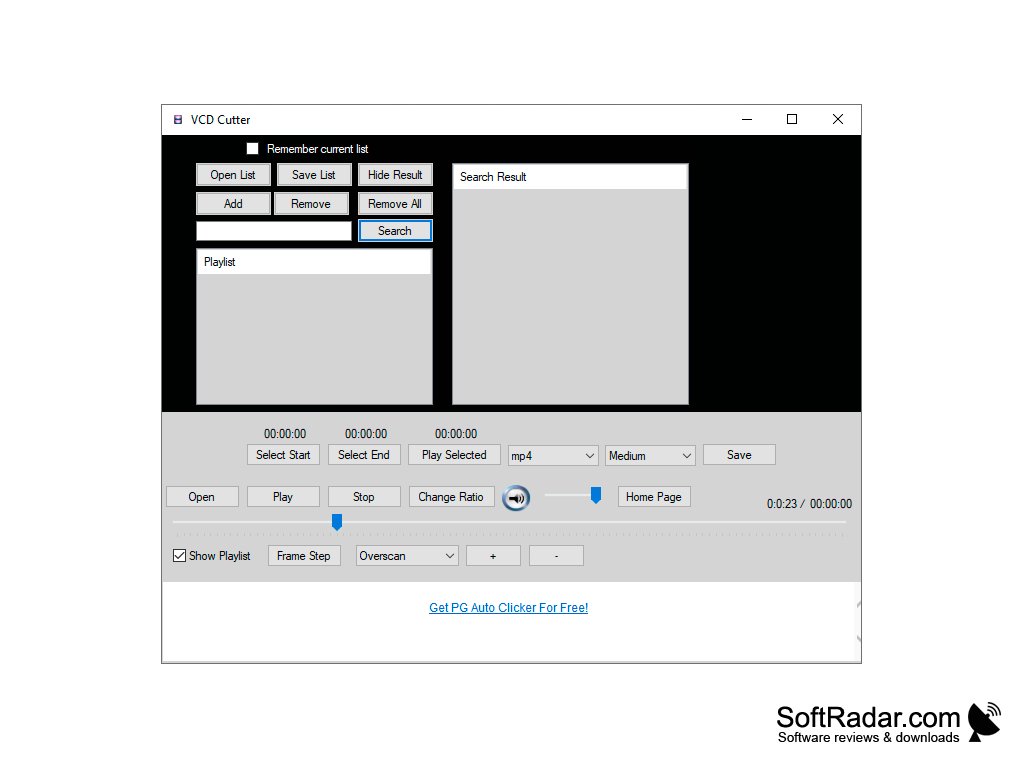
The built-in player has Play, Stop and Frame Step buttons for finding the exact cut point, a volume control and a Change Ratio button for the aspect ratio. A drop-down list gives access to overscan, subtitle, subtitle delay, audio delay and playback speed settings. A playlist panel can hold several files, save and open lists and search through them.
This tool allows you to cut video clips without losing the quality of the video.
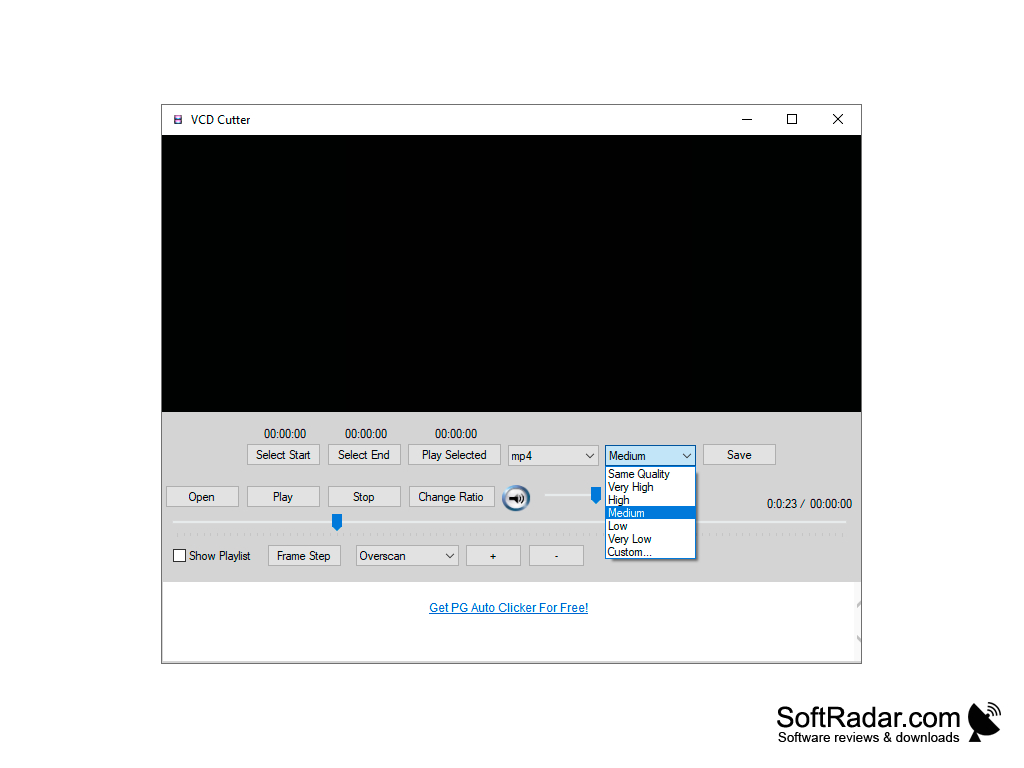
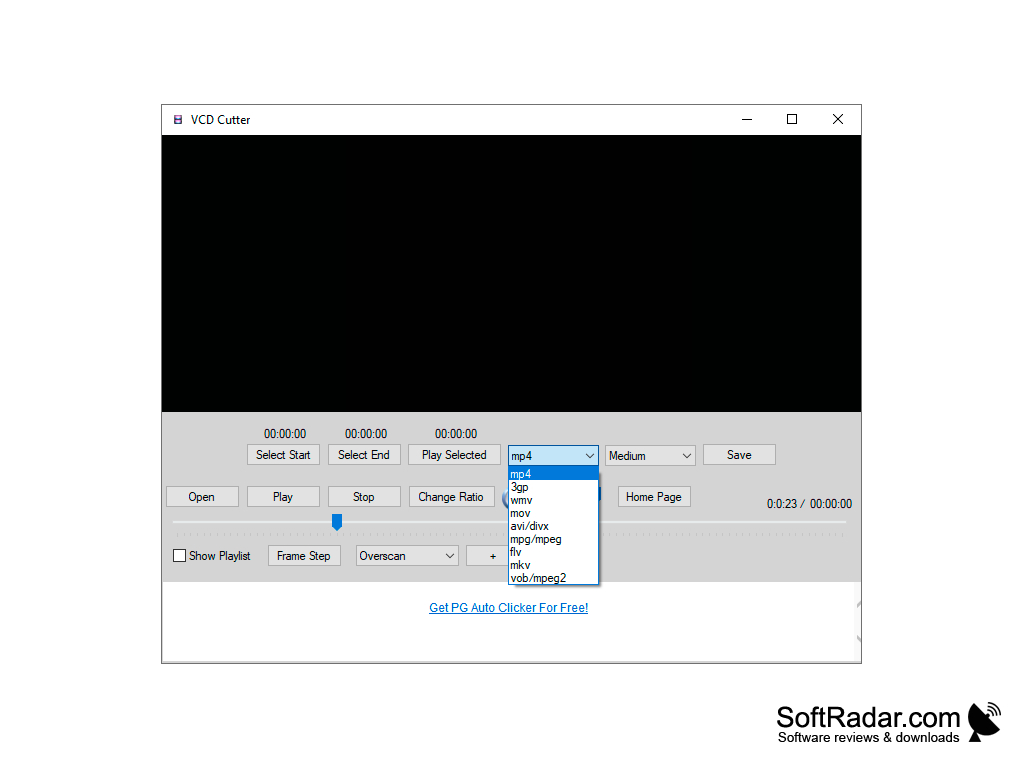
The output format is chosen from a list that includes MP4, 3GP, WMV, MOV, AVI/DivX, MPG/MPEG, FLV, MKV and VOB/MPEG-2, and the quality can be set from Same Quality and Very High down to Very Low, or to a custom value. The Same Quality option keeps the quality of the source video, which is the main purpose of the program. VCD Cutter is freeware from vcd-cutter.com, has a small download of well under 1 MB and runs on all Windows versions. It is a simple single-purpose tool: it cuts clips out of a video but does not offer timeline editing, transitions or effects, so it suits users who only need to trim a video or save a favorite scene as a separate file.
FFmpeg and MPlayer
PROS
Supports multiple video formats.
User-friendly interface for easy navigation.
CONS
The interface looks dated compared to modern editors.
Lacks advanced video editing features.


