
Magic Camera
Webcam software to enhance your webcam with over 1,000 webcam effects
Operating system: Windows
Publisher: ShiningMorning Software Inc
Release : Magic Camera 8.5
Antivirus check: passed
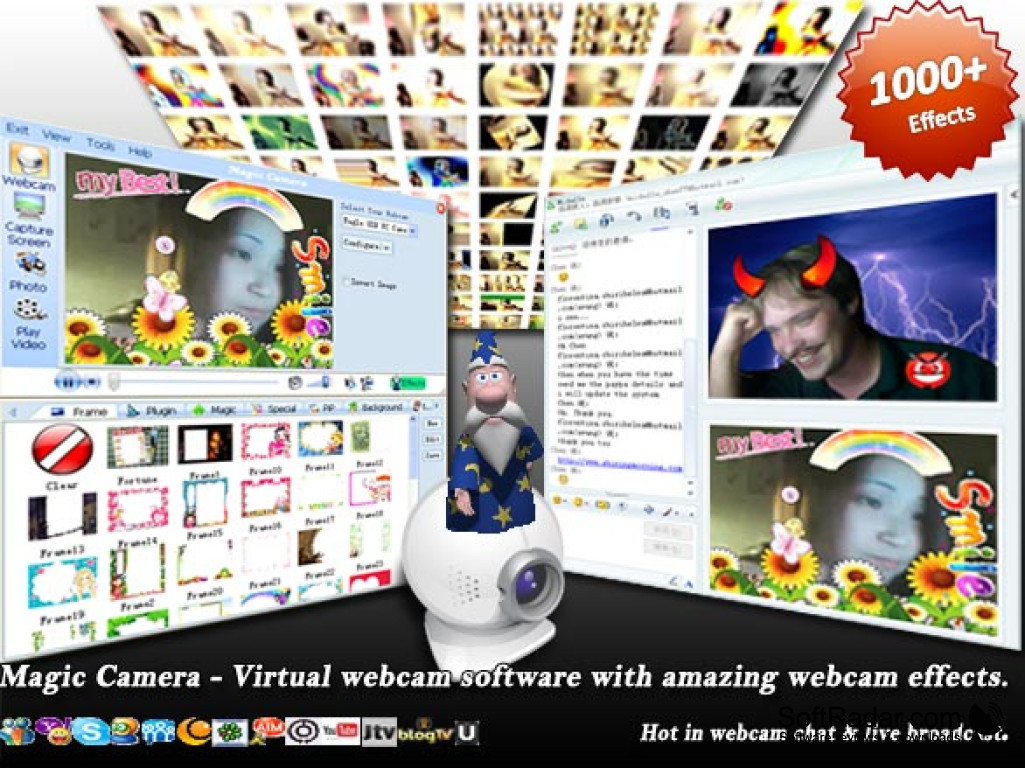
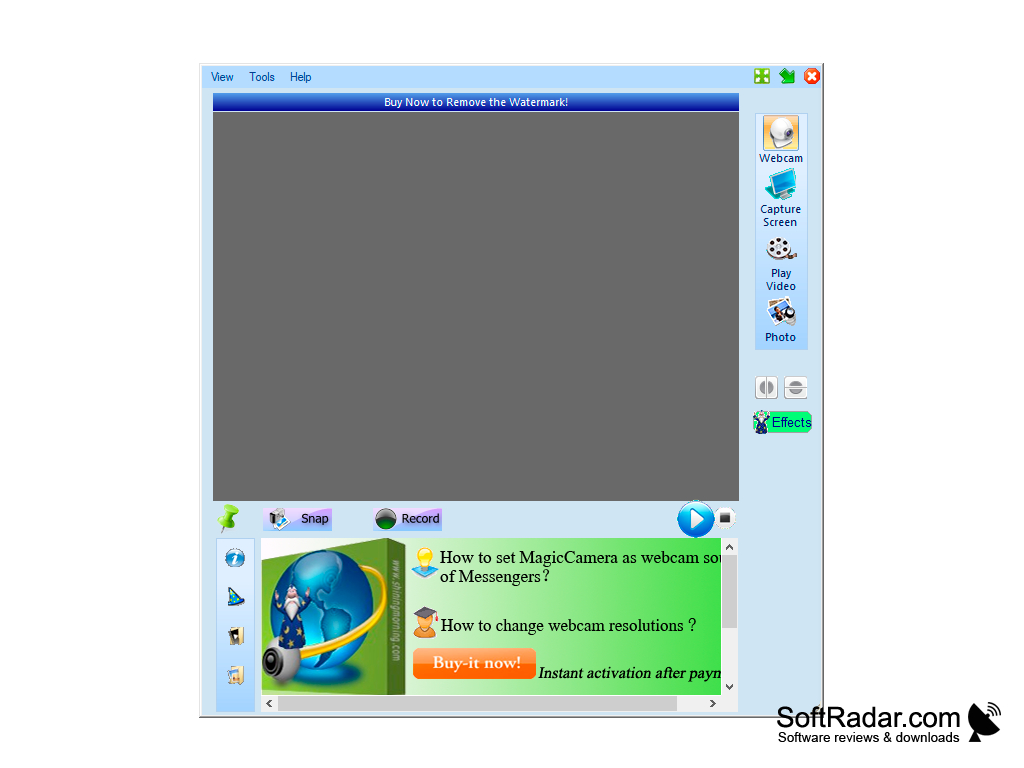
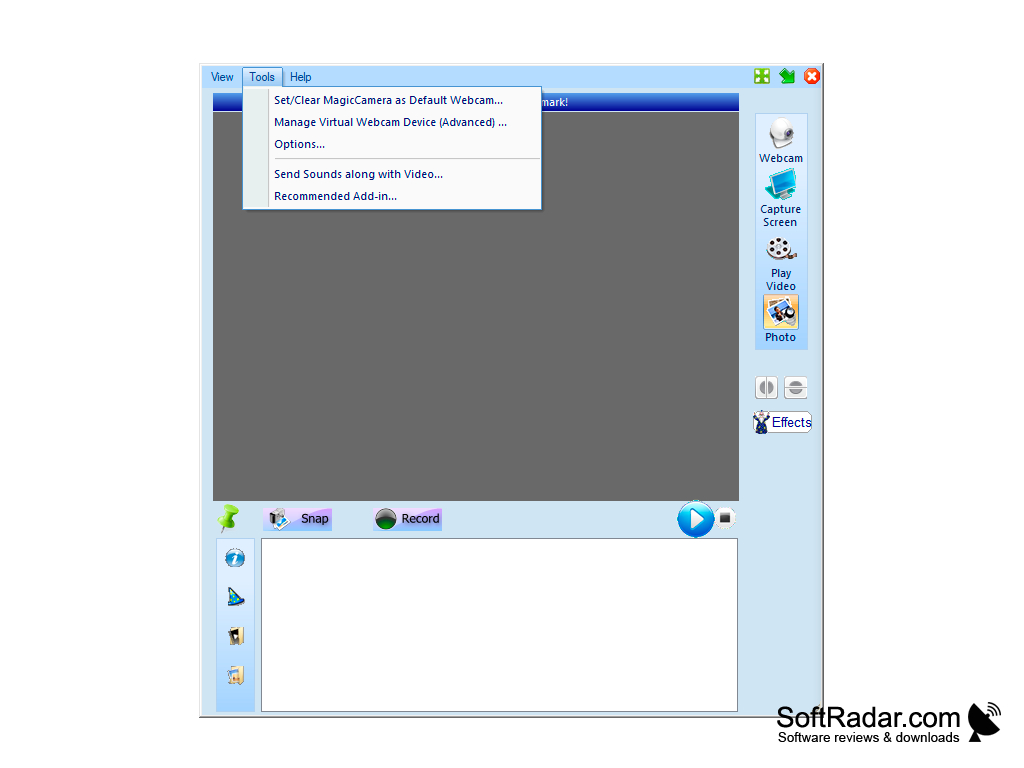
Magic Camera is an interesting program that creates a virtual webcam on your computer. It is used to add a variety of graphical effects to the transmitted video stream. In addition, you can create a full-fledged video clip with all the necessary "jewelry" and save it to your hard drive. The program works correctly with most of the communication services, including Yahoo Messenger, MSN Messenger, AOL Instant Messenger, Camfrog Video Chat, ICQ, Skype and so on.
There's also a huge library of the same effects to praise. All of them are categorized and tagged, so you can easily find the jewelry you need. Immediately after installing Magic Camera, you will be shown a system message asking you to install drivers for the new device. Be sure to accept it, otherwise the program will not work.
The main benefit of using Magic Camera is its ability to enhance video streams with diverse graphical effects, transforming them into captivating clips.
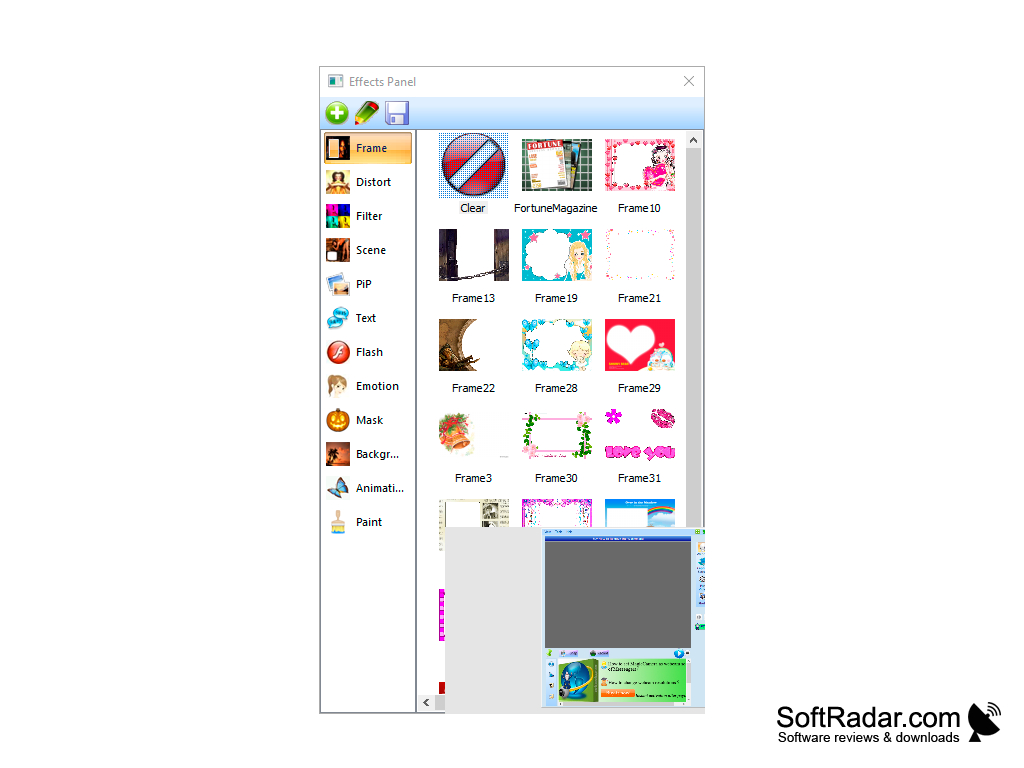
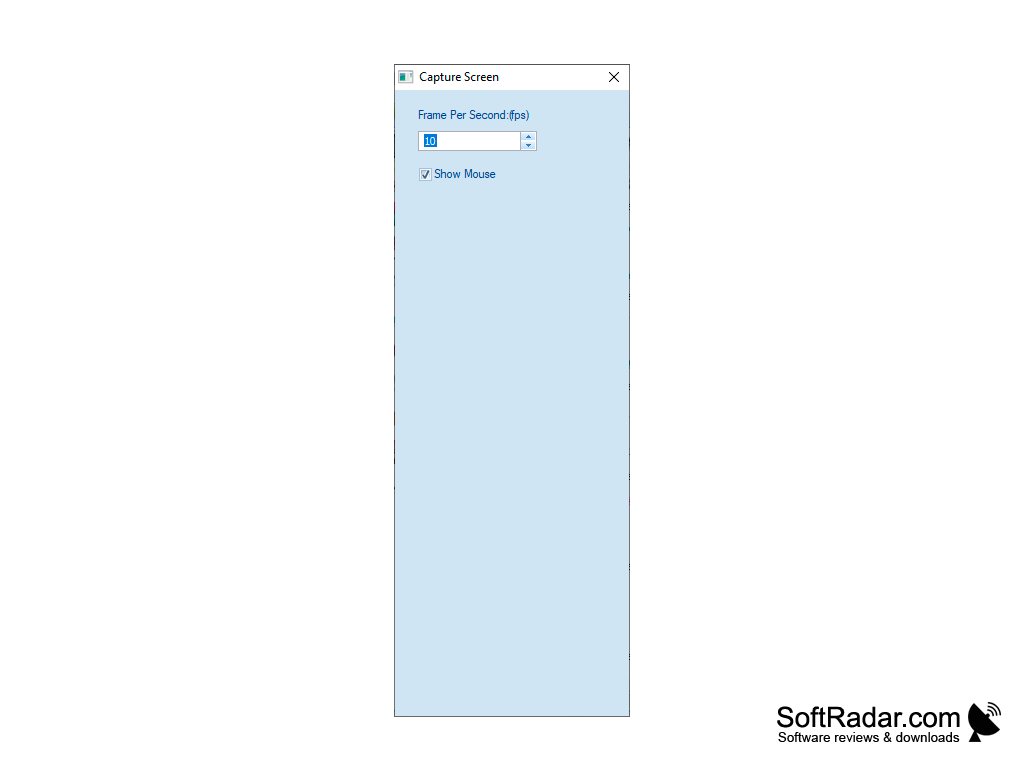
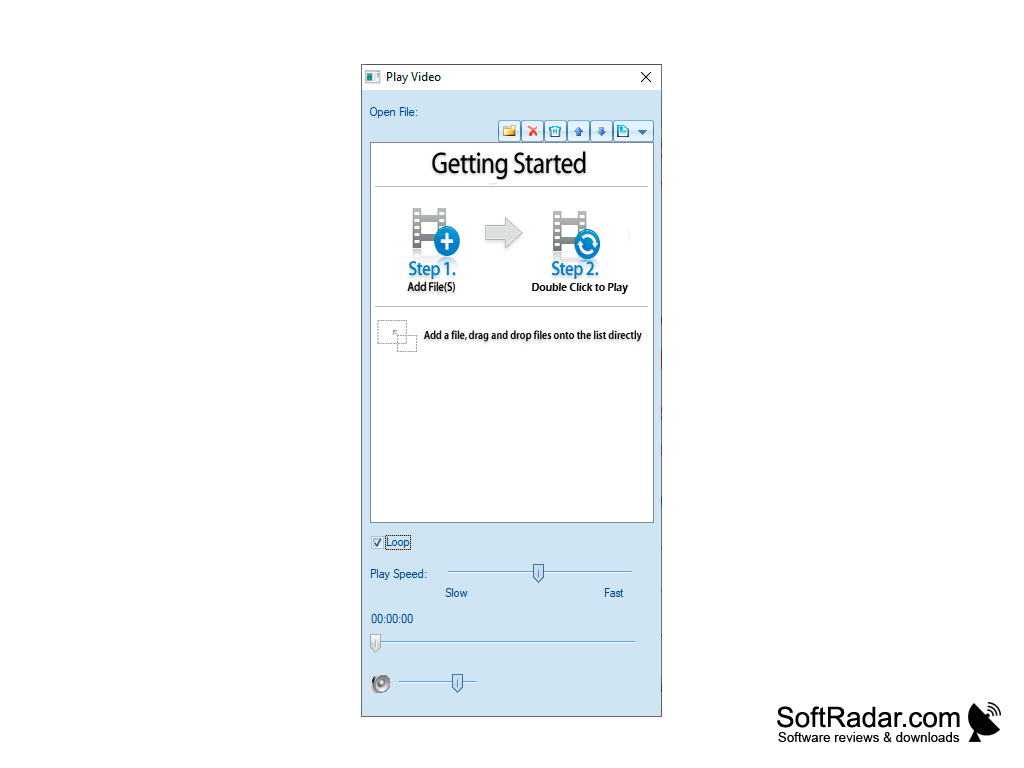
- the ability to add a variety of effects to your video;
- to support one picture in another;
- a large selection of beautiful frames;
- you can change the background;
- includes animated effects.
PROS
Includes a wide array of special effects and filters.
Supports many popular video chat and video recording applications.
CONS
Occasionally experiences stability and crashing issues.
User interface is not particularly intuitive or user-friendly.


