
MoneyFox
A financial advisor software for Windows
Operating system: Windows
Publisher: Abelssoft
Release: MoneyFox 6.1
Antivirus check: VirusTotal report
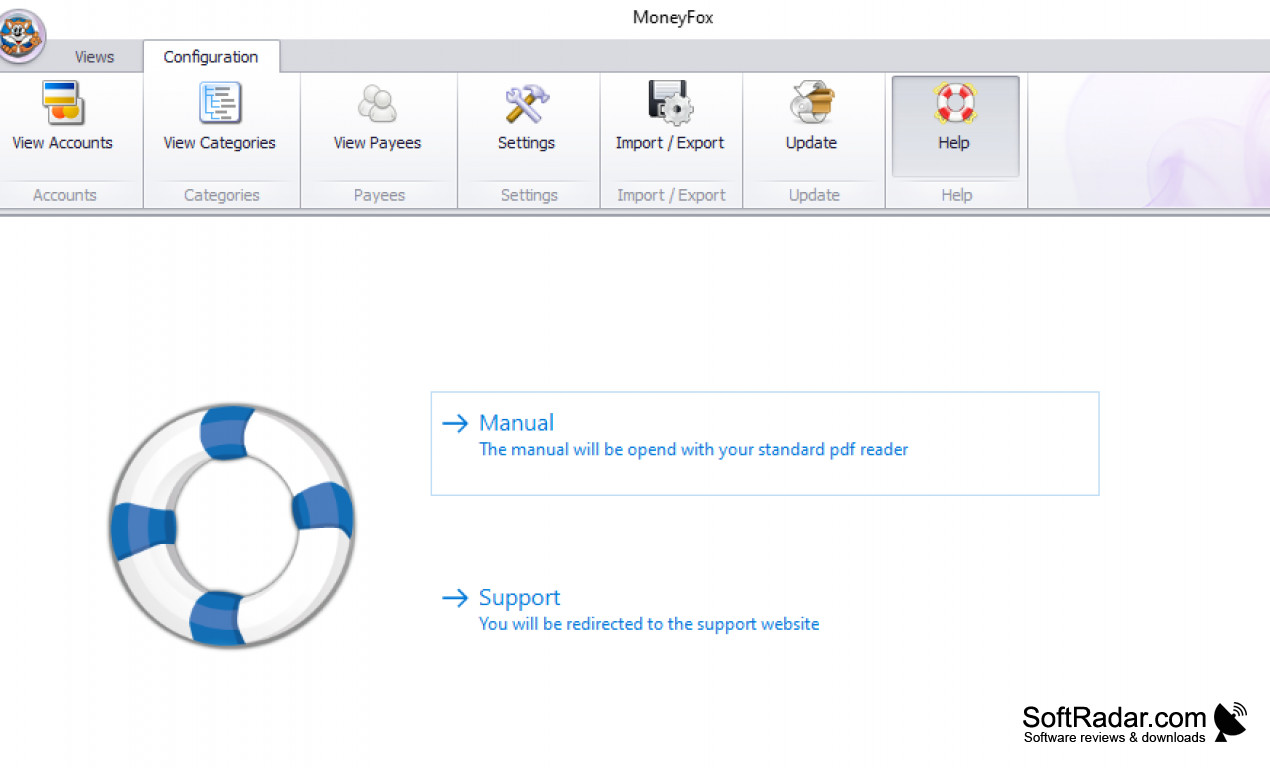
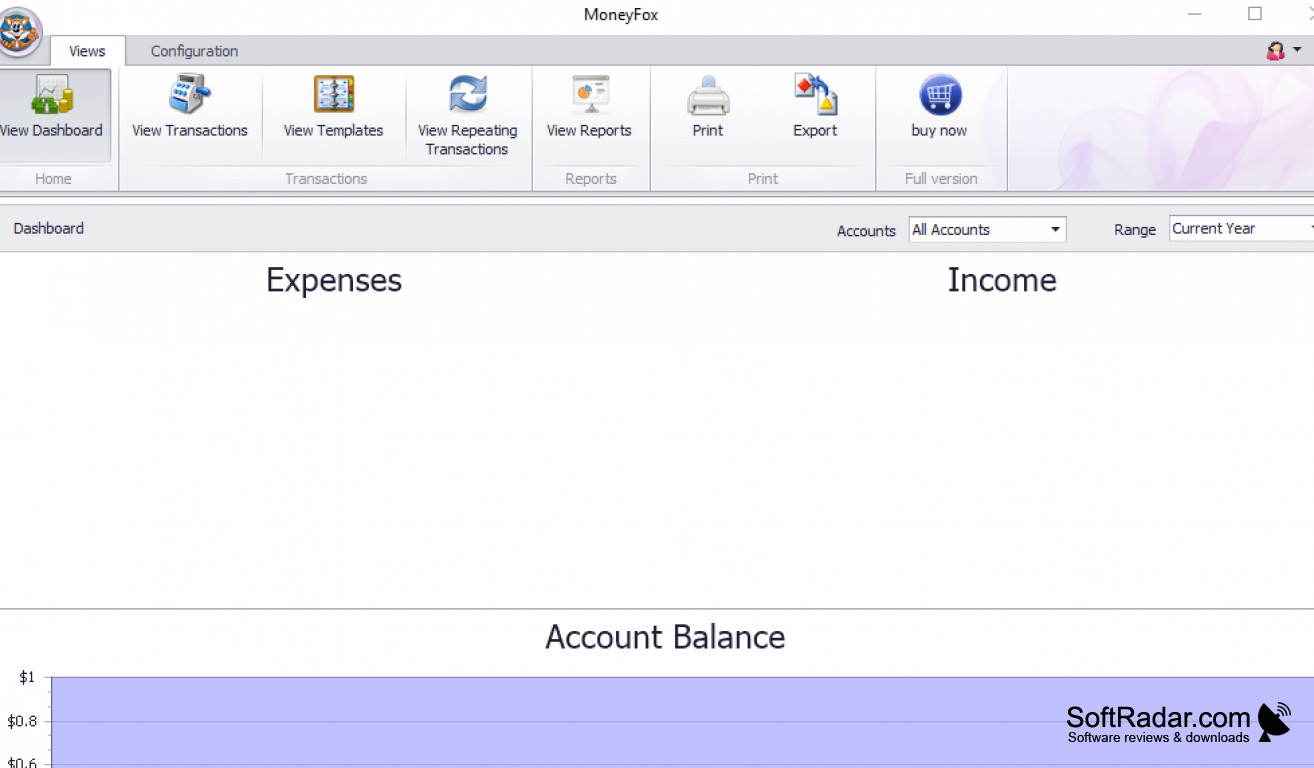
MoneyFox is an awesome financial advisor software for Windows. The program is a dedicated software solution that eases the burden of keeping up with financial records. MoneyFox can process and manage your expenses, budget, and income at the push of a button. People that would find this software useful probably have good financial sense. They want to know where their money is going and how much is coming in. MoneyFox has loads of features and benefits, but my personal favorites are the following.
Features:
- Monitor and manage your finances from a single interface
- Import online banking data
- Synchronize data on multiple computers
- View reports, transactions, balances, and expenses from the dashboard
- Free to try
Keep your finances in order without the hassles.
As I get older, my financial responsibilities grow, and keeping them all tracked has proven to be a hassle. Aside from multiple bank account, income streams, and credit cards, I have recently added the stock market to my financial plate. It gets very difficult to keep track of everything during tax time. When I discovered MoneyFox, I was intrigued by all the options that it offered. I was able to view and manage all of my financial records on one screen, which is incredible. For me, that means no more logging into several different accounts, writing down information, and trying to keep it safe in some notebook that goes missing two times a day. I love the fact that I can import any of my banking data regardless of which bank I have an account with. Surprisingly I am also able to tie my brokerage accounts into MoneyFox without hassles either. I can just open up MoneyFox, check my daily gains, and go about my day with no issue. Lastly, I love the synchronization. I'm multiple device users. I'll often go from my computer to phone and table multiple times a day, and MoneyFox can keep up with me. I can switch between devices and stay up to date on my finances. I love this program and will be using it for a long time.
Ability to import online banking data
Capability to synchronize data on multiple devices
Requires internet connection for full functionality
PROS
Supports multiple currencies for international use.
Offers detailed expense tracking and categorizing.
CONS
Limited reporting features for financial analysis.
No multi-currency support for international users.