
NetVideoHunter
Download video clips found on video sharing websites
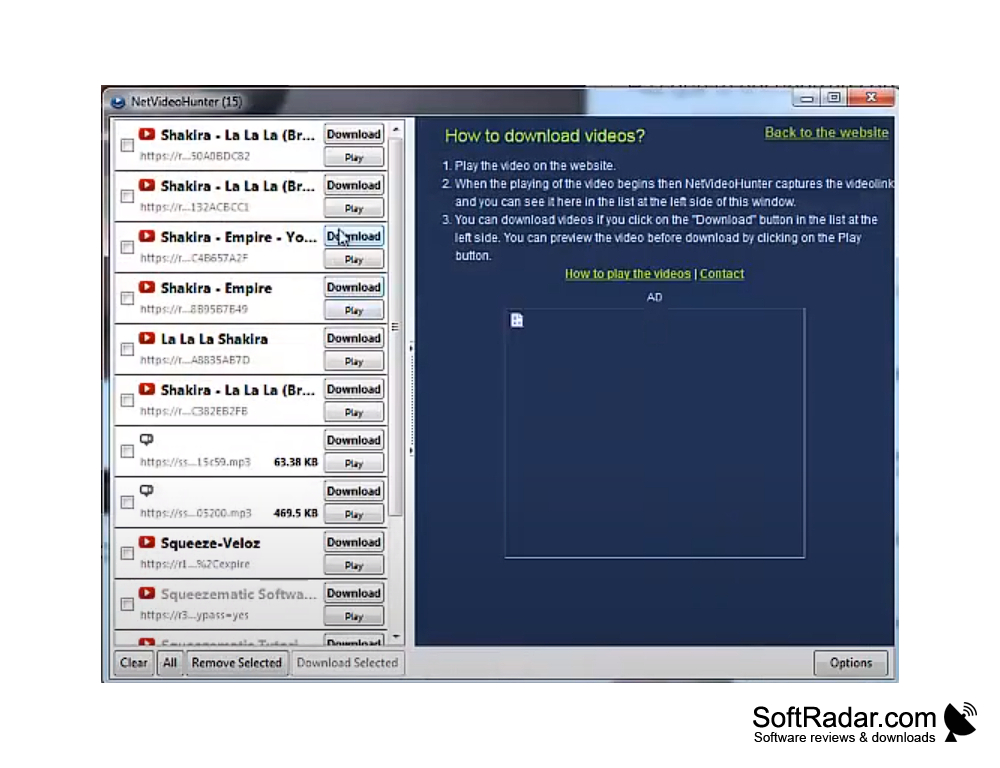
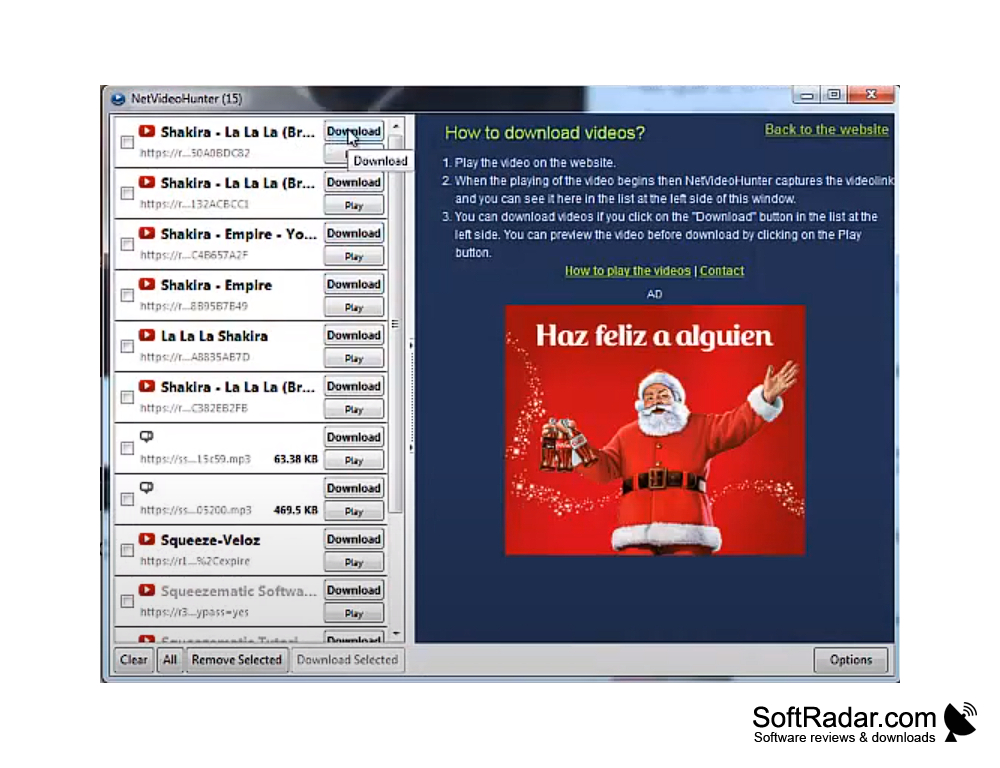
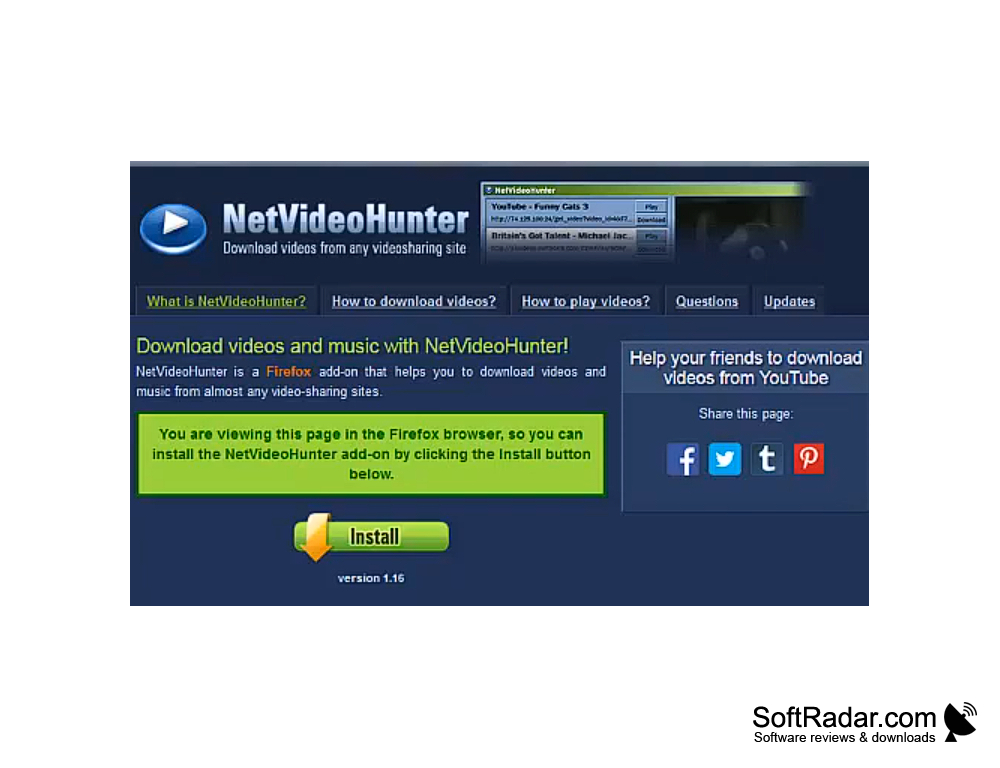
Not all software can enable you to download your favorite videos from popular video-sharing websites such as Dailymotion, MySpace, Facebook, Grooveshark, and YouTube straight to the hard drive of your PC due to the nature of these websites. This is where NetVideoHunter (for Windows) comes in. It comes as an extension that can be added to Firefox which can automatically detect all the videos on a webpage, displays the total number of videos found on the bottom right hand corner of the web page and gives you the alternative to either play the video using the in-built player or download them to your hard drive in FLV format.
To open NetVideoHunter (for Windows), simply click the blue icon on the toolbar and select all the videos you want to download.
NetVideoHunter (for Windows) is an easy to use download software.
Features:
- It is very easy to use by just about anybody.
- It has an in-built player to play the video directly if you decide not to download it or if you feel like viewing it first before making up your mind to download it.
- It works with all popular video sharing sites.
- And the best part of all this...it is FREE!!!
However, please note that it only saves videos in FLV format and does not come with a converter. Some people might find this discouraging but this is absolutely not much of a problem since there are tons of free apps online that can be used to either convert, play or convert and play videos in FLV format. A simple search on Google will give you more than enough of such free apps.
There is also the option of disabling NetVideoHunter (for Windows) on all websites. In addition, there is an option for you to select the quality of video you want to download (this is applicable to only YouTube).
Must have Firefox installed
Requires internet connection for video download
PROS
Features a user-friendly interface.
Compatible with numerous video sharing websites.
CONS
Only accessible through Firefox browser.
Limited functionality with no conversion or editing options.


