

NVIDIA Inspector
Graphics filer for graphics code on Windows
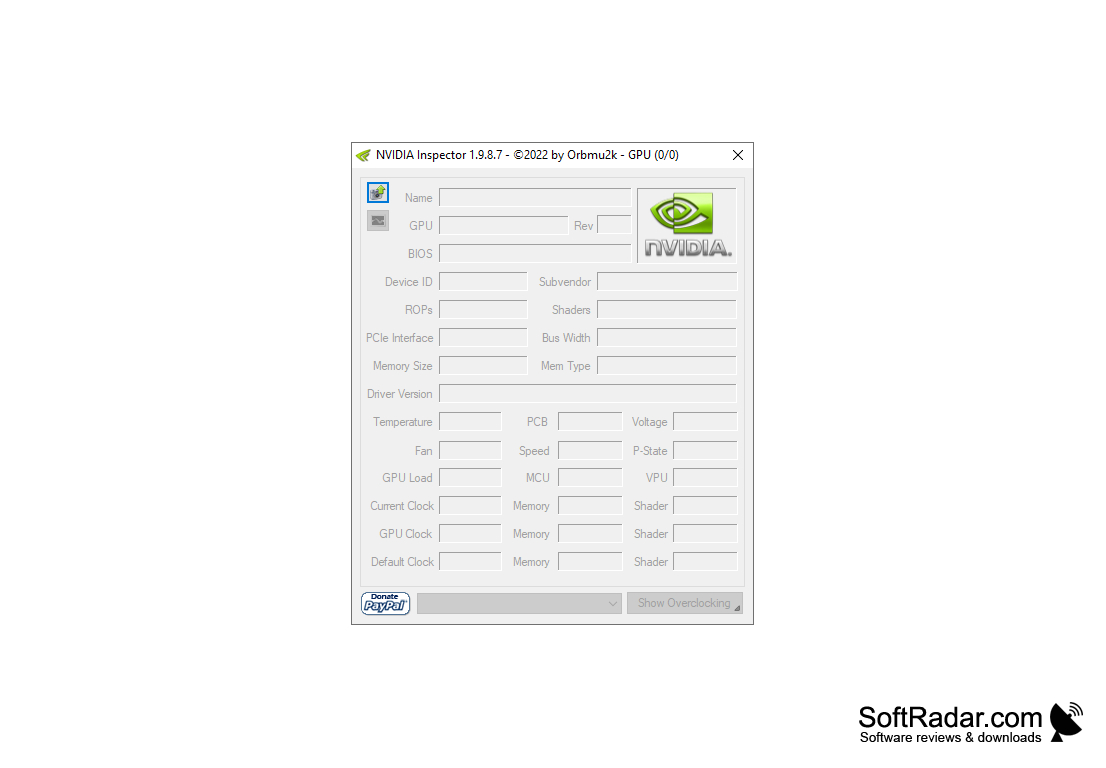
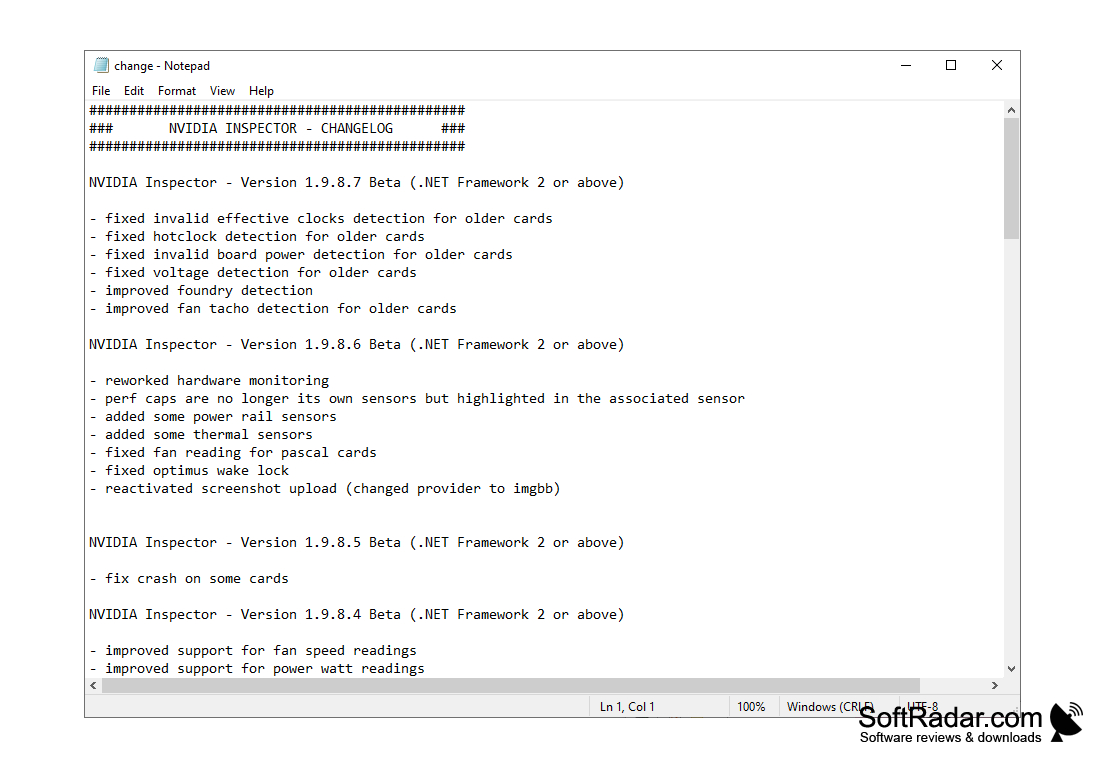
NVIDIA Inspector is a small utility designed to collect information about NVIDIA graphics cards. This software solution allows you to find out the size and type of video memory installed, bus frequency, card temperature, PCI version, supported shader versions, ROP data, current voltage, load level, and so on. All of the above information will be collected for you in seconds. There is no need to install the program. Just unpack the downloaded archive and click on the executable file.
The second important feature of NVIDIA Inspector is the built-in tool for accelerating the graphics core. It can help you achieve more performance in 3D games and applications by manually increasing the frequency and voltage of your games and applications, as well as increasing the power of your coolers. Please note that overlocking can lead to unstable operation and even damage to the graphics card.
NVIDIA Inspector also allows you to save the profiles of the created settings and switch between them with the help of hotkeys. In general, we have before us a certain analogue of GPU-Z, "tailored" to work exclusively with graphics cards from NVIDIA.
NVIDIA Inspector provides detailed insights into NVIDIA graphics cards and allows users to optimize performance through manual adjustments and profile settings.
- allows you to get detailed technical information about the graphics kernel;
- allows you to manage your settings profiles and create shortcuts for them;
- includes overlocking tools;
- is able to display detailed graphics with data about the operation of the graphics card;
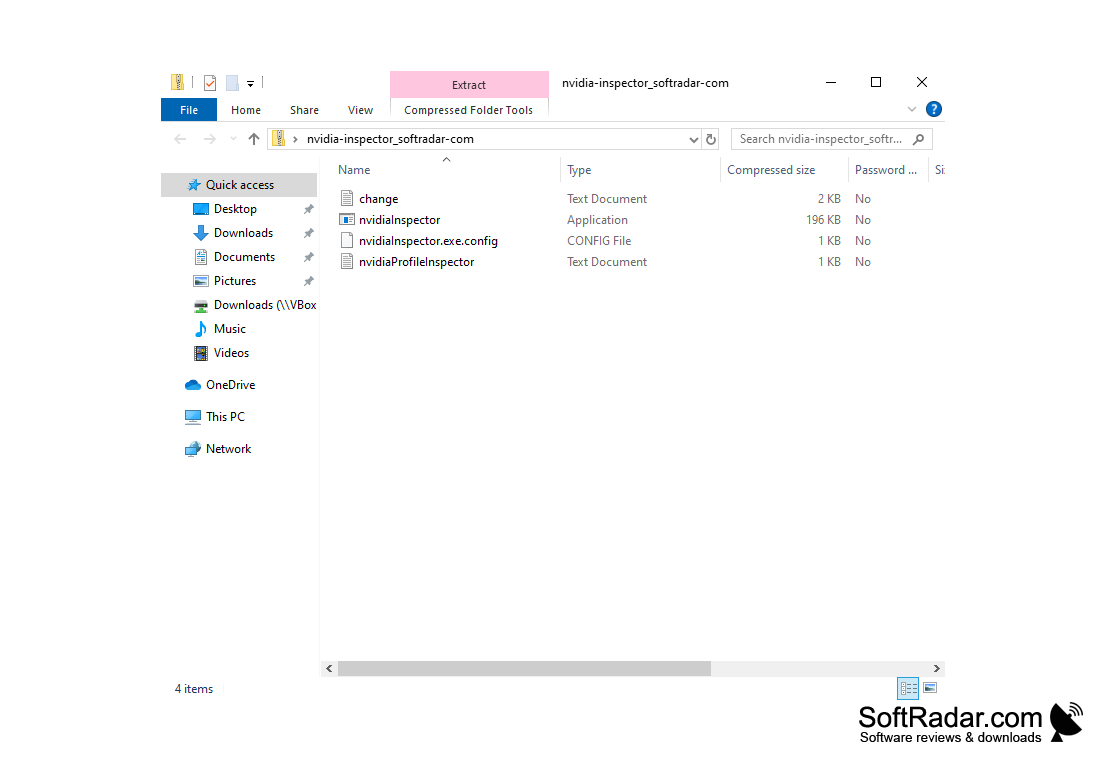
- works without being installed on a hard drive.
PROS
Offers detailed information about hardware.
Completely free and easy to use.
CONS
Some options might destabilize video performance.
No official support from NVIDIA.