
Oracle SQL Developer
Access your Oracle/SQL database easily
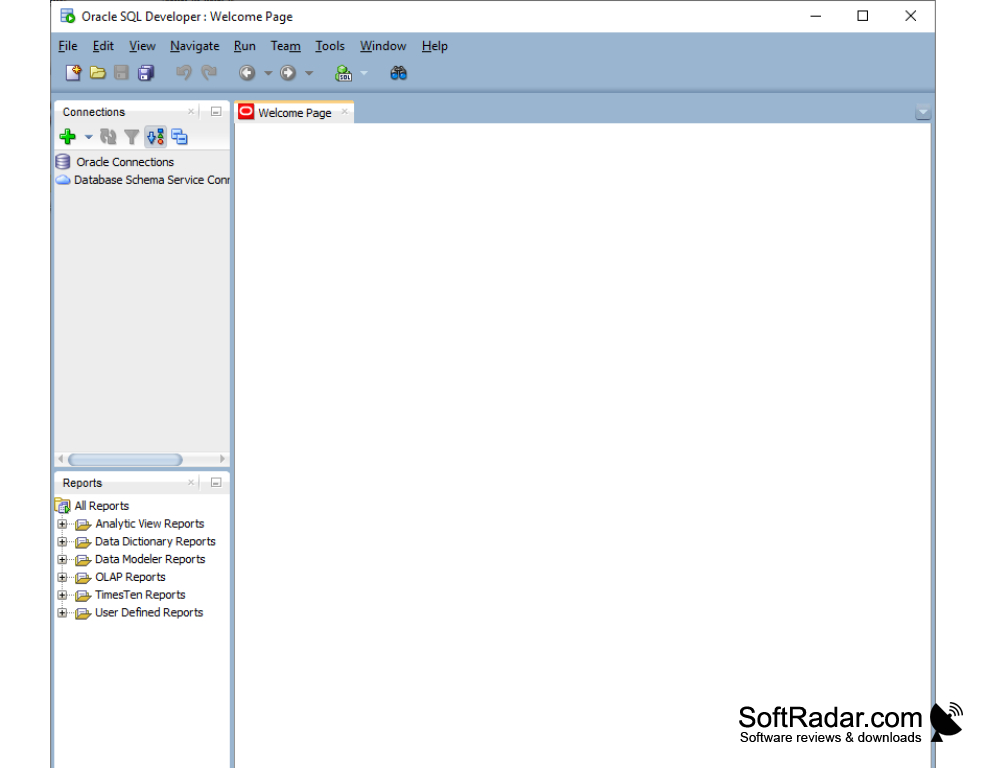
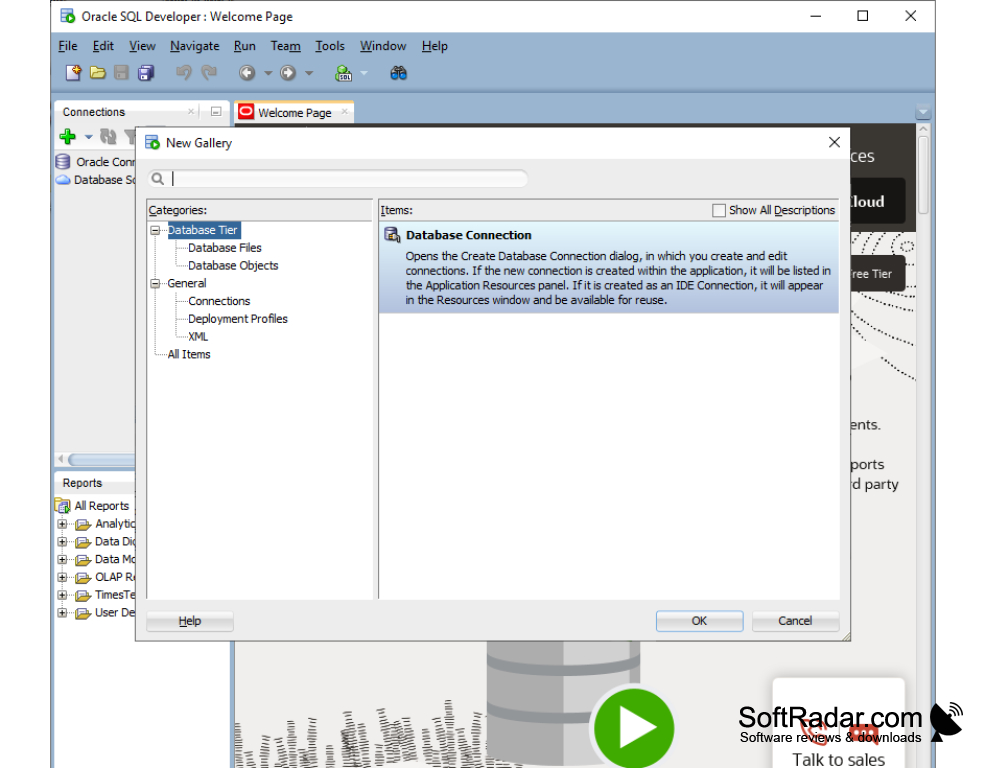
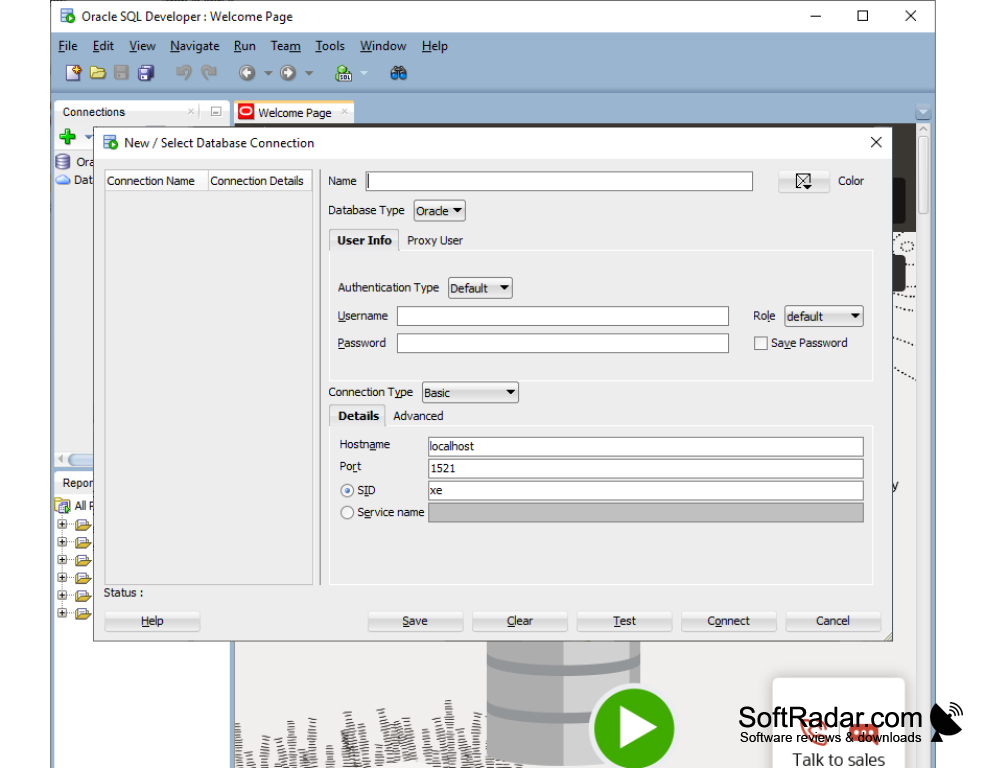
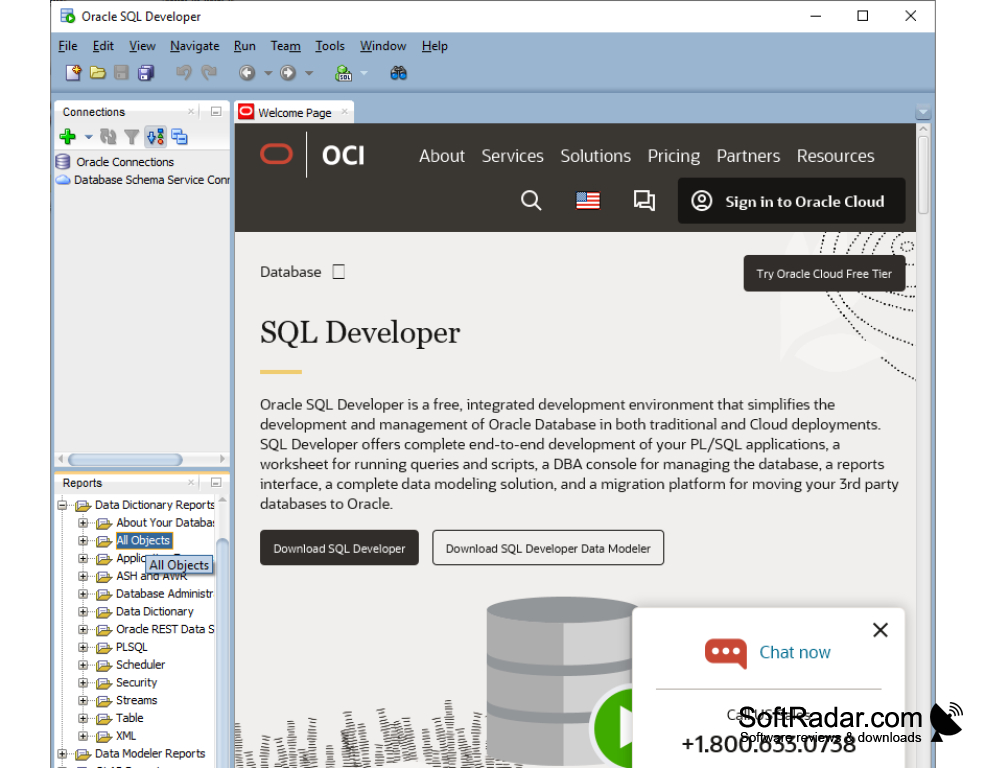
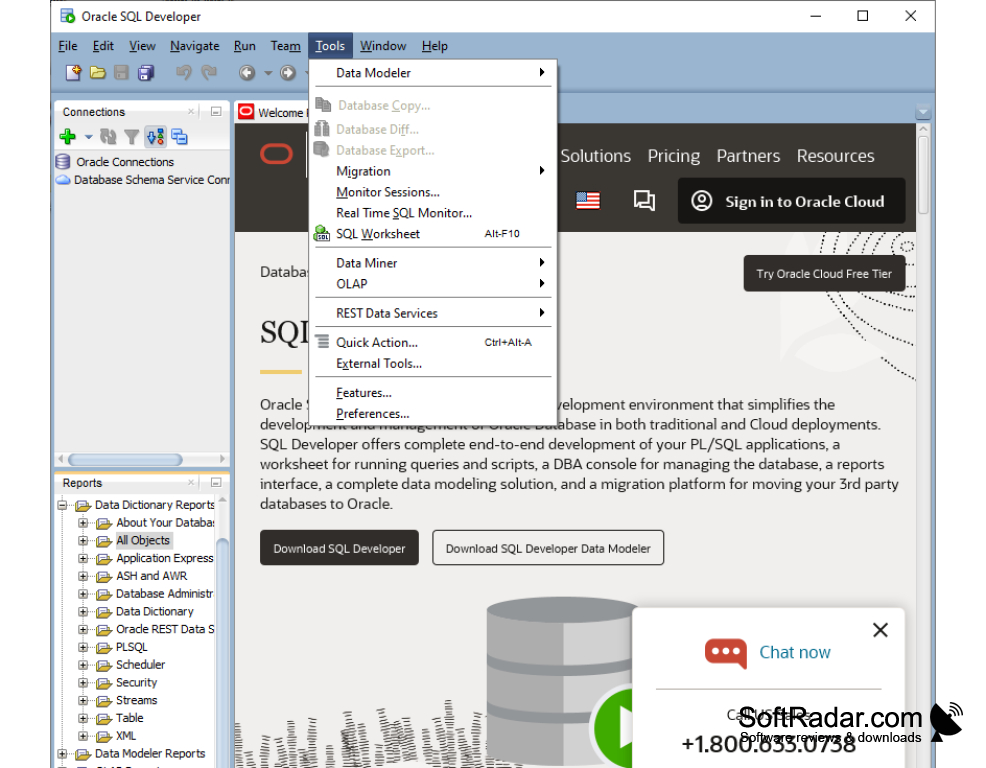
The Oracle SQL Developer for the Windows operating system is a no-cost but very useful application for database management and development for the Oracle system and but not limited to. It is made to be robust and easy to use and will work in Windows, Linux and UNIX environments once you establish a connection to your database. This program allows for the integration with other Oracle products and database features. For example, you can open data models, review AWR and ASH reports. One of the aims of the tool is to enable the user to complete tasks with the fewest steps possible. For example, when you want to load an Excel spreadsheet to a table, you only have to follow a four-step wizard built into the program and all the data will be on your table. You can also easily export table data and query results in at least 10 different output formats. Generating data files from queries with minimum setup saves time. You can specify the output format you want (CSV, insert, Excel, JSON to name a few), run your query and create the file in that format. With its intuitive user interface, you can easily bring up your query, retrieve your data and export it to various format it supports. It also offers the ability to write your own extensions if you ever need to have additional functionality than what the Oracle SQL Developer already provides out of the box. With free and or paid third-party extensions, you can also add more functionality that you do not have to make on your own.
Features:
- Free
- You can even create database triggers and stored procedures with the right permissions and access control.
- SQL Developer allows the user to view and export database structures.
- As regards the development of SQL, it is a tool that offers the developer everything they need.
Eventhough it is free to use, it is very robust database management and development tool.
The Oracle SQL Developer is simply one of the best and free SQL developing programs.
Memory: Minimum 1GB of RAM, recommended 2GB
Disk space: Minimum 400MB of disk space
Processor: CPU with 1 GHz speed or higher
PROS
Free and straightforward download process.
Supports multiple databases for seamless management.
CONS
Can be slow and laggy, particularly with large datasets.
Steep learning curve for beginners and non-technical users.