Partition Boot Manager
by SA Development
A software helping people repair or restore missing Windows files
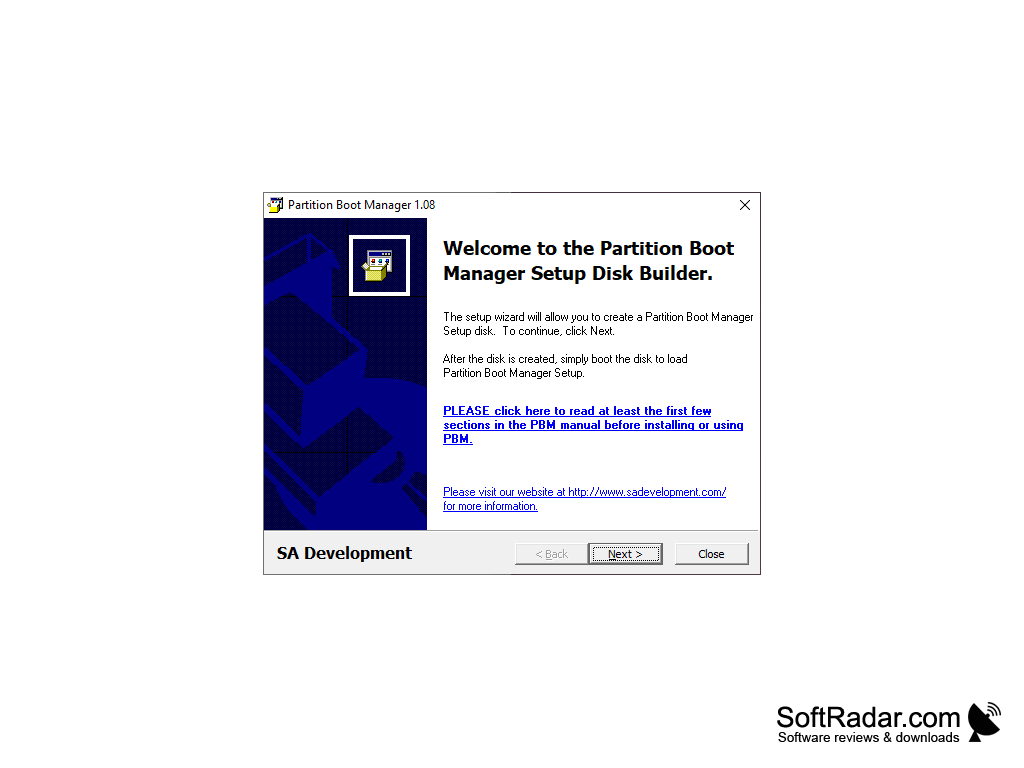
Partition Boot Manager is a program that allows you to use up to 256 independent operating systems on one computer. Partition Boot Manager provides the ability to install each operating system on its own hard drive partition with its own file system. The system of differentiation of the rights in which it is possible to specify in which users have the right to be loaded from those or other sections is supported. The program can encrypt the data and back it up (for security reasons and in case of damage). It also supports flexible setup of the operating system startup, from the user's advanced start-up menu to fully invisible mode. The application is compatible with all popular file systems.
The main benefit of using Partition Boot Manager is its ability to support up to 256 independent operating systems on one computer.
Supports all popular file systems
Allows up to 256 independent operating systems
Supports encryption and data backup
Provides flexible operating system startup setup
Allows up to 256 independent operating systems
Supports encryption and data backup
Provides flexible operating system startup setup
PROS
Allows multi-boot configuration with multiple operating systems.
Supports a wide range of OS including DOS, Windows, and Linux.
Easy to use with a simple, user-friendly interface.
Supports a wide range of OS including DOS, Windows, and Linux.
Easy to use with a simple, user-friendly interface.
CONS
May be difficult to use for those unfamiliar with booting processes.
Requires advanced technical knowledge for effective trouble-shooting.
Limited support and updates from the software creators.
Requires advanced technical knowledge for effective trouble-shooting.
Limited support and updates from the software creators.


